ACCOUNT AND ONBOARDING FLOW
Deactivate or delete account app flow
A account and onboarding flow in 6 screens, from manage account to log in to cancel. Start your app from it, and your agent draws it on your own design system.
- 6 screens
- 3 patterns
- Mobile and desktop
- Brand: Sapa (made up)
The screens, in order
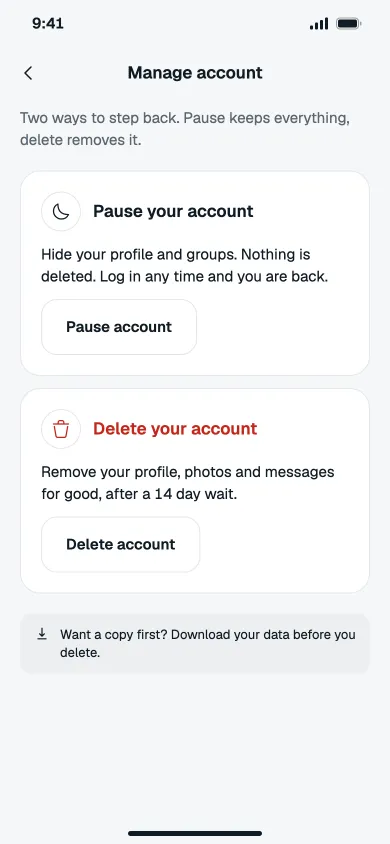
- Manage account
- What happensPro
- Why are you leavingPro
- Confirm with your passwordPro
- Scheduled for deletionPro
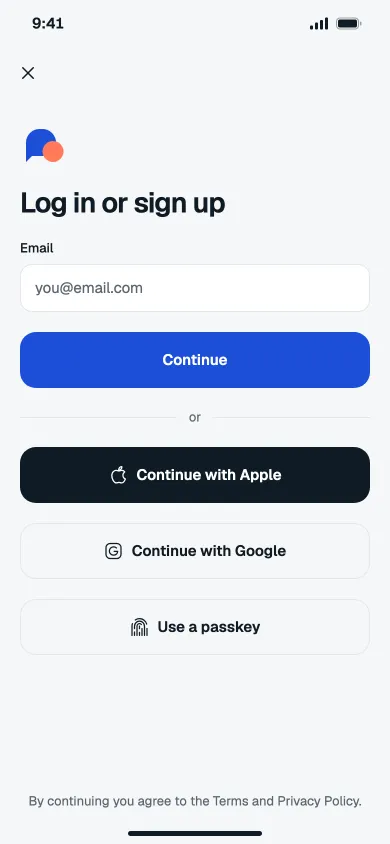
- Log in to cancelPro
See all 6 screens, at mobile and desktop.Pro opens the whole flow in your Universe, with the prompt and code for each screen.
Upgrade to ProAlready Pro? Open in UniverseWhen to use it
USE WHEN
A person wants to leave: pause the account, or delete it after a grace period, with what is lost and what stays, a reason, a password check and a way back.
AVOID WHEN
Removing one account from this device (use Account › Switch and add accounts) or leaving a workspace in a B2B product (use Platform › Account and security).
Patterns and why they work
3 decisions this flow makes, and the clarity each one buys.
Two doors, pause and delete
The page names both and says one keeps everything
What happens before the button
Lost, kept and a timeline on one screen
A grace period with a way back
The result screen names the date and the email sent
Each pattern also has its psychology, the intuition behind it and what it rules out, plus layout notes for mobile and desktop.
Open in UniverseStates to cover
The screens people forget until a user hits them.
- Two options
- What is deleted and what stays
- Hosted group moves to a co-host
- Reason picked
- Optional note
- Wrong password
- Passkey or code instead
- Scheduled for deletion on Sat 21 Nov
- Log in to cancel inside the 14 days
- Kept account restored
- Drawn: the first five and the log-in banner
- A wrong password and the restored state are only noted
Pairs with
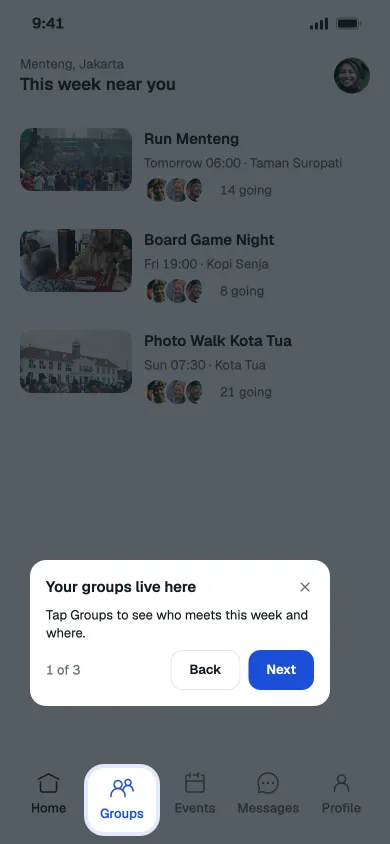
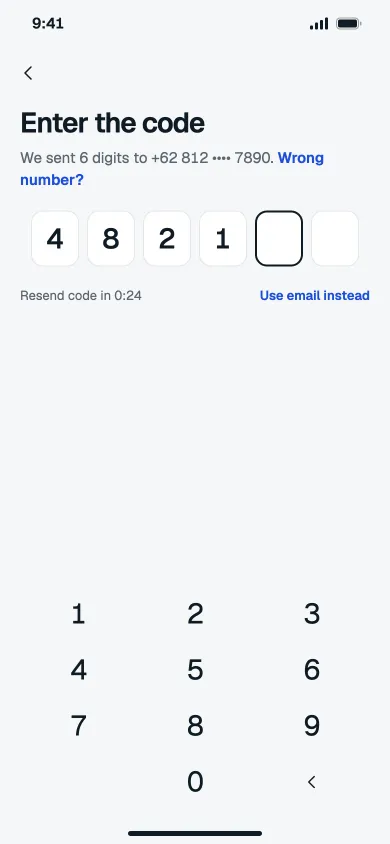
The flows this one hands off to or comes back from.
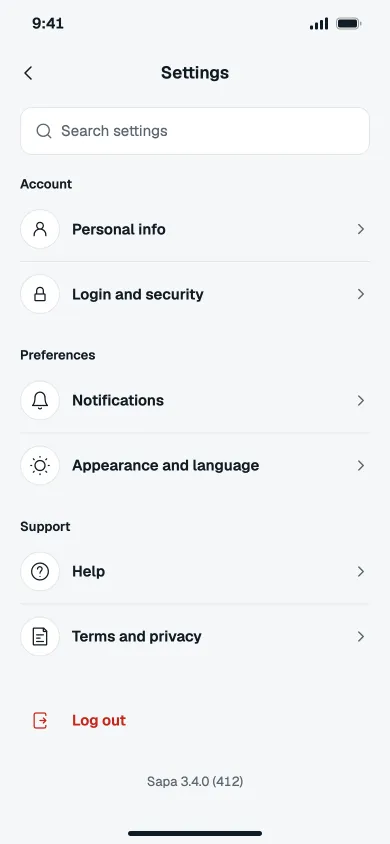
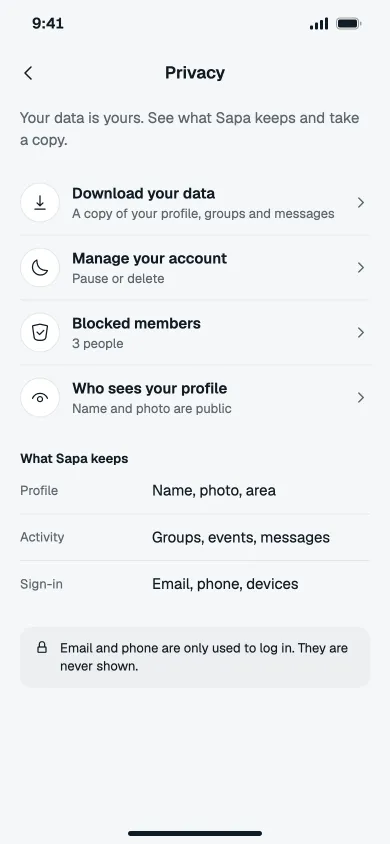
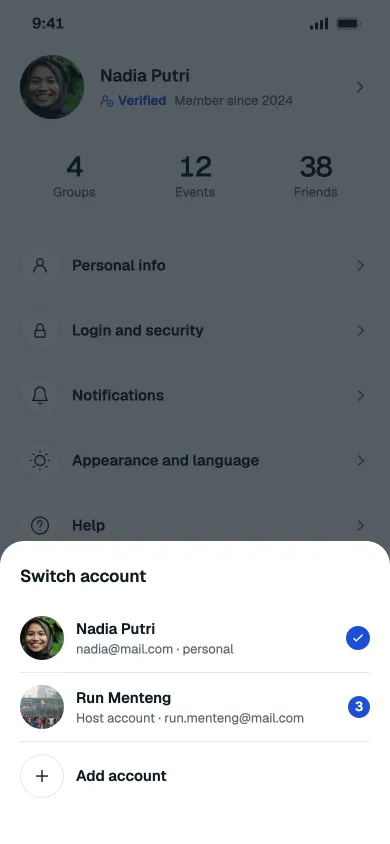
More Account and Onboarding flows
Drawn for the same brand, so they fit together.


Questions
- When should I use a deactivate or delete account flow?
- A person wants to leave: pause the account, or delete it after a grace period, with what is lost and what stays, a reason, a password check and a way back. Use another pattern for removing one account from this device (use Account › Switch and add accounts) or leaving a workspace in a B2B product (use Platform › Account and security).
- Which screens does it need?
- This pattern uses 6: Manage account, What happens, Why are you leaving, Confirm with your password, Scheduled for deletion and Log in to cancel. Plan for these states too: two options, what is deleted and what stays, hosted group moves to a co-host, reason picked.
- Is Sapa a real app?
- No. Sapa is a made-up neighbourhood groups-and-events app, so the screens show the pattern without copying anyone's brand. Your agent redraws the flow on your own tokens and components.
- How does my agent use this flow?
- Connect Claude Code, Codex or Claude Desktop to Wonderblok over MCP. The agent calls use_pattern for this flow, reads its screens, rules and states, and draws them in your file.
- Is it free?
- Browsing Universe is free. Full pattern notes and use with your agent are part of Pro, and the Free plan opens a few flows in full each month.