ACCOUNT AND ONBOARDING FLOW
Onboarding app flow
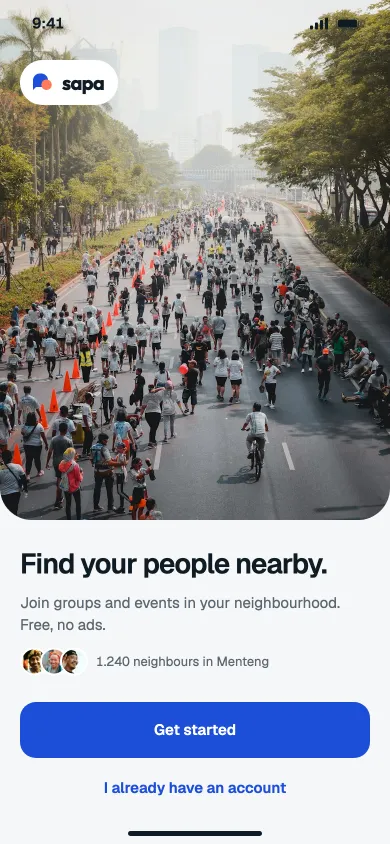
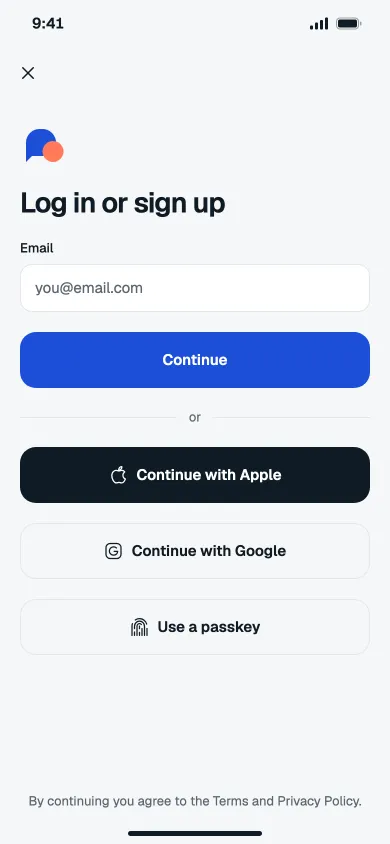
A account and onboarding flow in 7 screens, from welcome to pick up where you left off. Start your app from it, and your agent draws it on your own design system.
- 7 screens
- 8 patterns
- Mobile and desktop
- Brand: Sapa (made up)
- Welcome
- InterestsPro
- Notifications pre-permissionPro
- Save your progressPro
- ReadyPro
- Notifications blockedPro
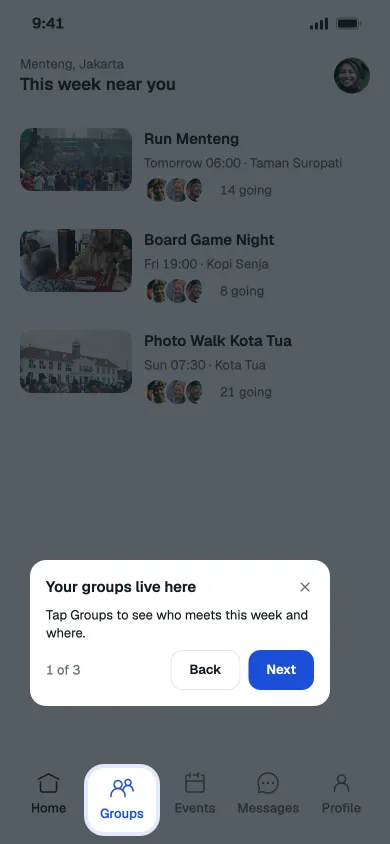
- Pick up where you left offPro
See all 7 screens, at mobile and desktop, in 3 brands.Pro opens the whole flow in your Universe, with the prompt and code for each screen.
Upgrade to ProAlready Pro? Open in UniverseWhen to use it
USE WHEN
First run of a consumer or SaaS product that benefits from tailoring or needs permissions.
AVOID WHEN
Returning users, or utility apps where one screen of value is enough (skip straight to Log in).
Patterns and why they work
8 decisions this flow makes, and the clarity each one buys.
One question per screen with progress bar
One decision at a time
Value before account
Users see what they get first
Pre-permission screen before the OS dialog
States the benefit in plain words
Option cards with icon and subtext
Each choice is self-explaining
Disabled primary until answered
Shows a step is incomplete
Personalized payoff screen
Confirms answers were used
Split marketing plus form layout on web
Benefits stay visible while typing
Sandbox landing with activation banner
Says what is still required
Each pattern also has its psychology, the intuition behind it and what it rules out, plus layout notes for mobile and desktop.
Open in UniverseStates to cover
The screens people forget until a user hits them.
- Empty (no answers yet, CTA disabled)
- Loading (saving answers, building plan)
- Error (network on submit with retry, permission denied, email already in use with Log in link)
- Success (personalized first screen)
- Resume (returning mid-onboarding)
- Added in wave 3: notifications blocked after Don't allow with the way to turn them on in system or browser settings
- Resume after quit with what is saved and what is left
Pairs with
The flows this one hands off to or comes back from.

More Account and Onboarding flows
Drawn for the same brand, so they fit together.
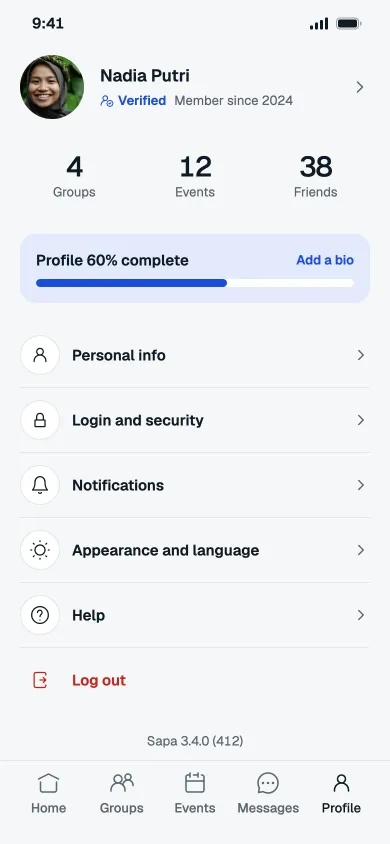
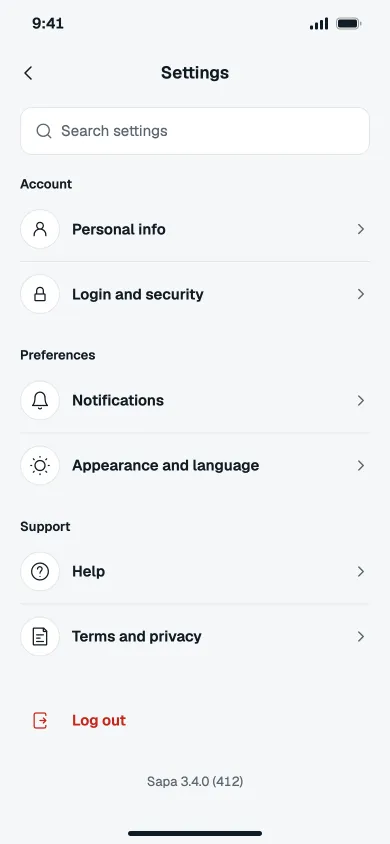
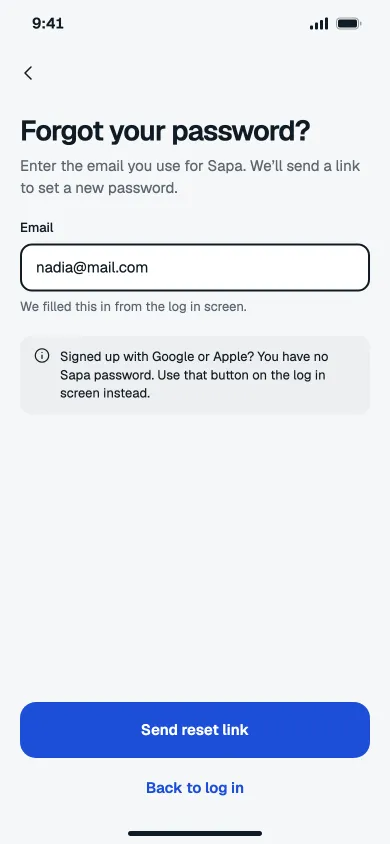
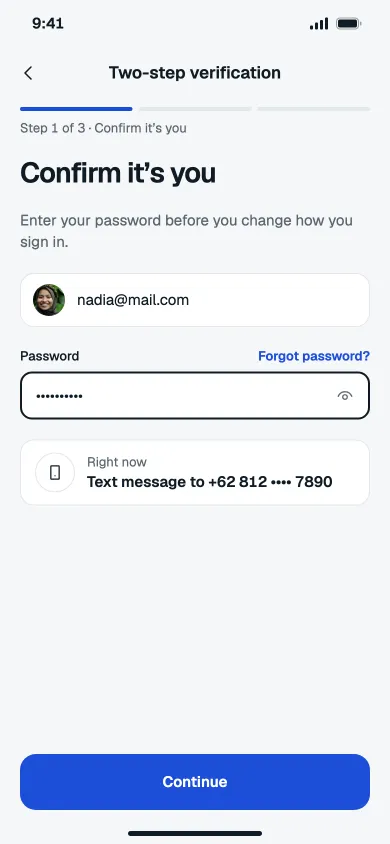
Questions
- When should I use a onboarding flow?
- First run of a consumer or SaaS product that benefits from tailoring or needs permissions. Use another pattern for returning users, or utility apps where one screen of value is enough (skip straight to Log in).
- Which screens does it need?
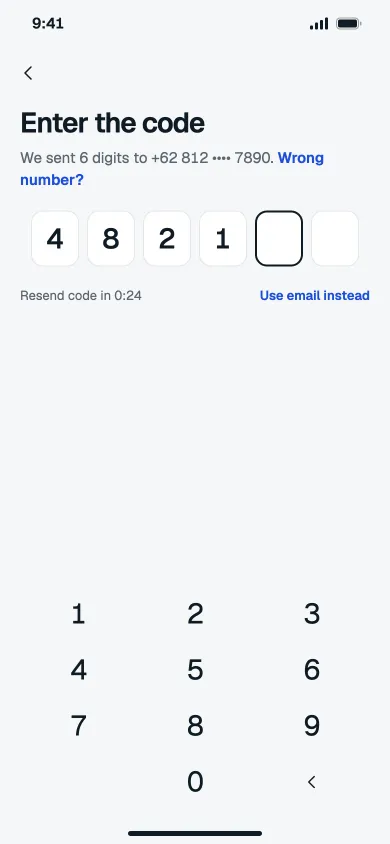
- This pattern uses 7: Welcome, Interests, Notifications pre-permission, Save your progress, Ready, Notifications blocked and Pick up where you left off. Plan for these states too: empty (no answers yet, cta disabled), loading (saving answers, building plan), error (network on submit with retry, permission denied, email already in use with log in link), success (personalized first screen).
- Is Sapa a real app?
- No. Sapa is a made-up neighbourhood groups-and-events app, so the screens show the pattern without copying anyone's brand. Your agent redraws the flow on your own tokens and components.
- How does my agent use this flow?
- Connect Claude Code, Codex or Claude Desktop to Wonderblok over MCP. The agent calls use_pattern for this flow, reads its screens, rules and states, and draws them in your file.
- Is it free?
- Browsing Universe is free. Full pattern notes and use with your agent are part of Pro, and the Free plan opens a few flows in full each month.