ACCOUNT AND ONBOARDING FLOW
Verification app flow
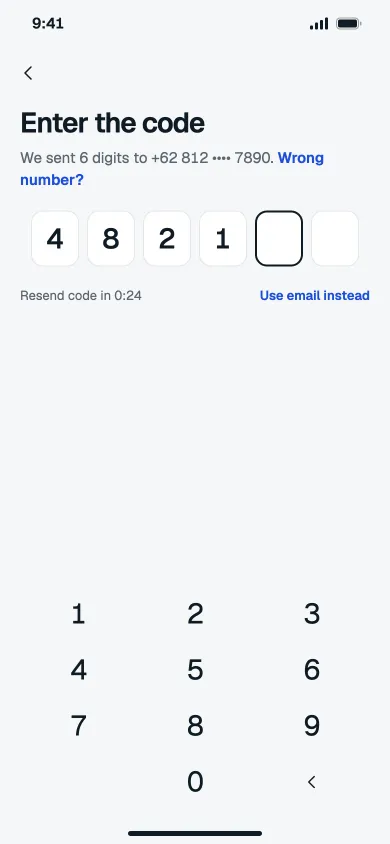
A account and onboarding flow in 6 screens, from code entry to code expired. Start your app from it, and your agent draws it on your own design system.
- 6 screens
- 8 patterns
- Mobile and desktop
- Brand: Sapa (made up)
The screens, in order
- Code entry
- Wrong codePro
- Why we verifyPro
- Scan your IDPro
- Under reviewPro
- Code expiredPro
See all 6 screens, at mobile and desktop.Pro opens the whole flow in your Universe, with the prompt and code for each screen.
Upgrade to ProAlready Pro? Open in UniverseWhen to use it
USE WHEN
Sign-up phone/email confirmation, 2FA, sensitive changes, KYC before money movement.
AVOID WHEN
Low-risk actions; do not ask for ID before the user has a reason to care.
Patterns and why they work
8 decisions this flow makes, and the clarity each one buys.
Masked destination in the heading
Confirms where the code went
Segmented code boxes with auto-advance and paste
Code length is visible
Resend with countdown, plus alternate method
Shows when resend is allowed
Purpose-first KYC intro
States why and what is needed
Camera frame with live instruction
Shows exactly what to capture
Tips sheet on demand
Concise bullet rules
Pending state with ETA on the home surface
Says it is under review and when
Step-up in a modal on web
Verification sits over the change it protects
Each pattern also has its psychology, the intuition behind it and what it rules out, plus layout notes for mobile and desktop.
Open in UniverseStates to cover
The screens people forget until a user hits them.
- Empty (boxes blank, CTA disabled)
- Typing (auto-advance)
- Loading (auto-submit spinner)
- Error (wrong code, expired, too many attempts lockout, blurry or glare photo, ID mismatch)
- Success (verified badge)
- Pending (manual review)
- Resend cooldown
- Added in wave 3: code expired after 10 minutes with a new code and email as the ways out
Pairs with
The flows this one hands off to or comes back from.
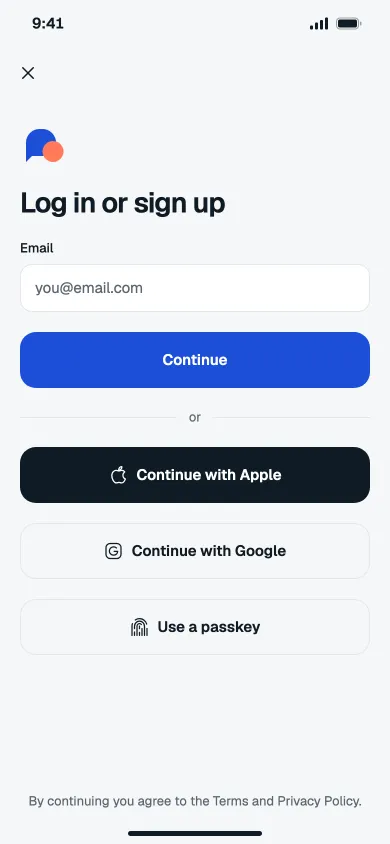
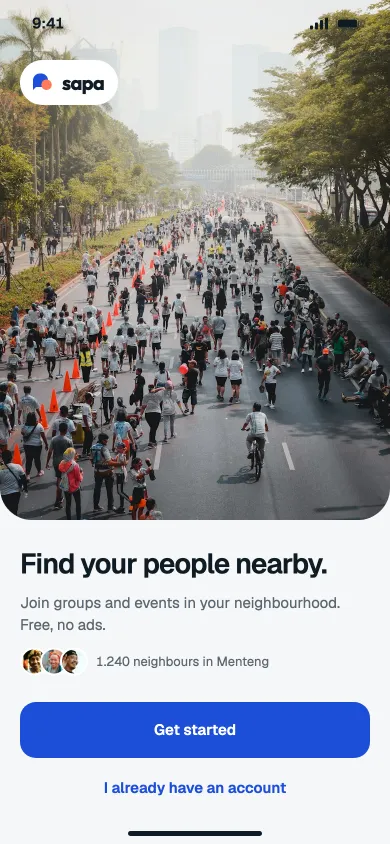
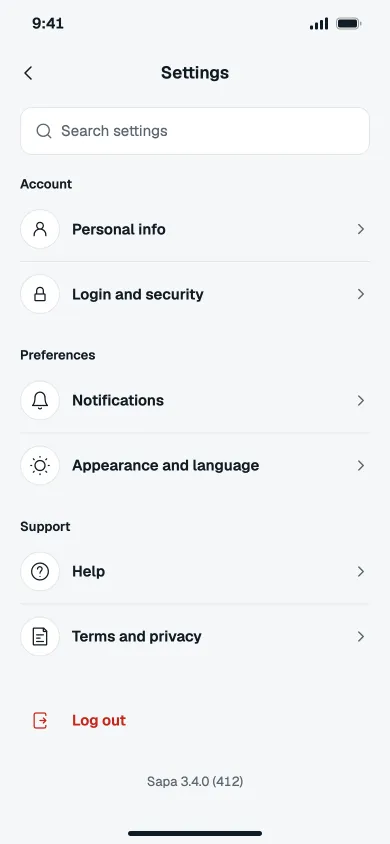
More Account and Onboarding flows
Drawn for the same brand, so they fit together.

Questions
- When should I use a verification flow?
- Sign-up phone/email confirmation, 2FA, sensitive changes, KYC before money movement. Use another pattern for low-risk actions; do not ask for ID before the user has a reason to care.
- Which screens does it need?
- This pattern uses 6: Code entry, Wrong code, Why we verify, Scan your ID, Under review and Code expired. Plan for these states too: empty (boxes blank, cta disabled), typing (auto-advance), loading (auto-submit spinner), error (wrong code, expired, too many attempts lockout, blurry or glare photo, id mismatch).
- Is Sapa a real app?
- No. Sapa is a made-up neighbourhood groups-and-events app, so the screens show the pattern without copying anyone's brand. Your agent redraws the flow on your own tokens and components.
- How does my agent use this flow?
- Connect Claude Code, Codex or Claude Desktop to Wonderblok over MCP. The agent calls use_pattern for this flow, reads its screens, rules and states, and draws them in your file.
- Is it free?
- Browsing Universe is free. Full pattern notes and use with your agent are part of Pro, and the Free plan opens a few flows in full each month.