ACCOUNT AND ONBOARDING FLOW
Log in and out app flow
A account and onboarding flow in 8 screens, from log in or sign up to no account found. Start your app from it, and your agent draws it on your own design system.
- 8 screens
- 8 patterns
- Mobile and desktop
- Brand: Sapa (made up)
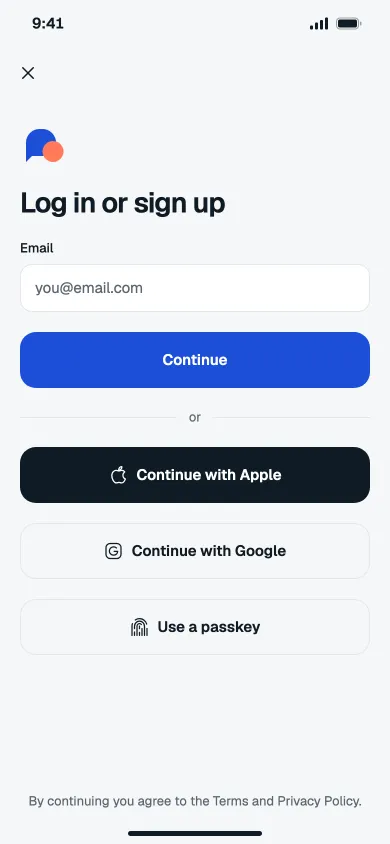
- Log in or sign up
- PasswordPro
- Wrong passwordPro
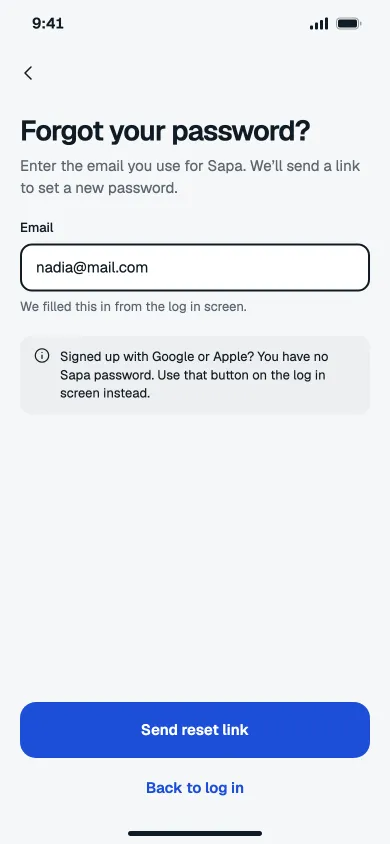
- Reset link sentPro
- Log out confirmPro
- Two-step challengePro
- Too many triesPro
- No account foundPro
See all 8 screens, at mobile and desktop, in 3 brands.Pro opens the whole flow in your Universe, with the prompt and code for each screen.
Upgrade to ProAlready Pro? Open in UniverseWhen to use it
USE WHEN
Any product with accounts; web dashboards and mobile apps alike.
AVOID WHEN
Guest checkout or read-only content that does not need identity.
Patterns and why they work
8 decisions this flow makes, and the clarity each one buys.
Identifier-first single field
One thing to type
Social and passkey options below a divider
Alternatives are grouped
Forgot password next to the password label
Help sits where the problem is
Generic inline error ("Incorrect email or password")
One red line under the field
Remember me / remembered identifier
Shows what will be kept
Sign out confirm sheet with destructive colour
Names the action in the button ("Confirm Sign Out")
Sign out placed last, separated from settings
Never mixed with ordinary rows
Anti-phishing note on web
One sentence of guidance
Each pattern also has its psychology, the intuition behind it and what it rules out, plus layout notes for mobile and desktop.
Open in UniverseStates to cover
The screens people forget until a user hits them.
- Empty (fields blank, CTA disabled)
- Loading (button spinner, SSO redirect)
- Error (wrong credentials, account not found with Sign up link, locked, network)
- Success (welcome back)
- Signed out (entry screen)
- Session expired re-login
- Added in wave 3: two-step code asked at log in with backup
- Passkey and text options
- Log in paused for 15 minutes after too many tries
- No account found with a typo suggestion
Pairs with
The flows this one hands off to or comes back from.
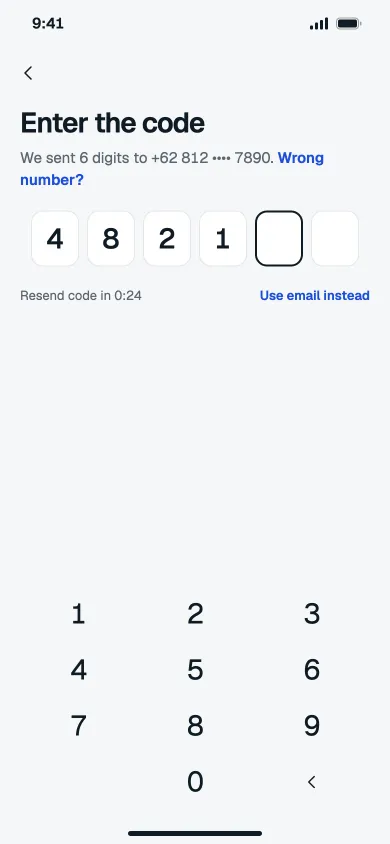
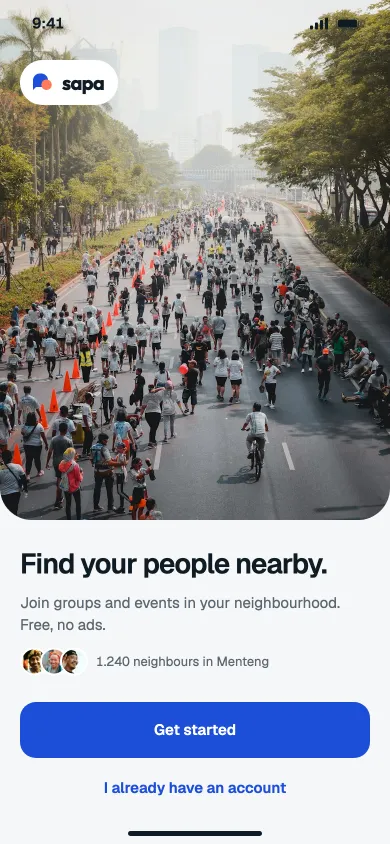
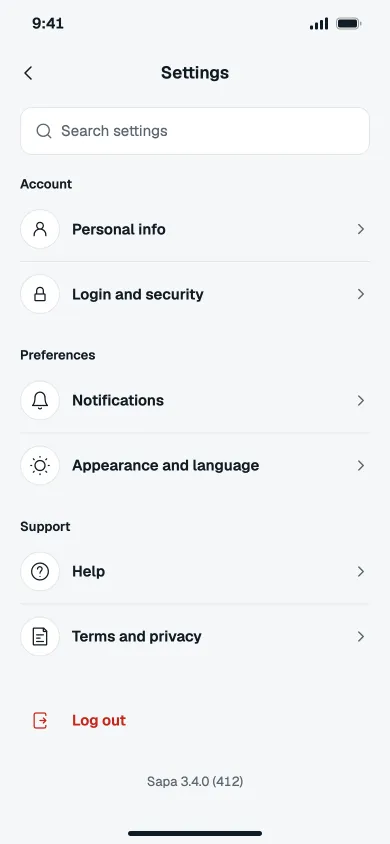
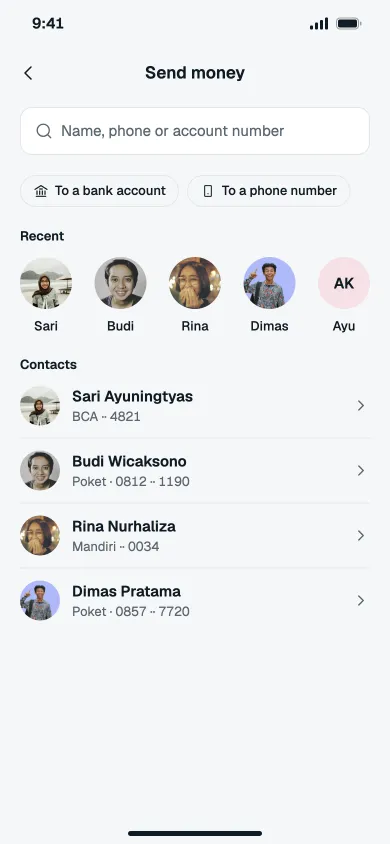
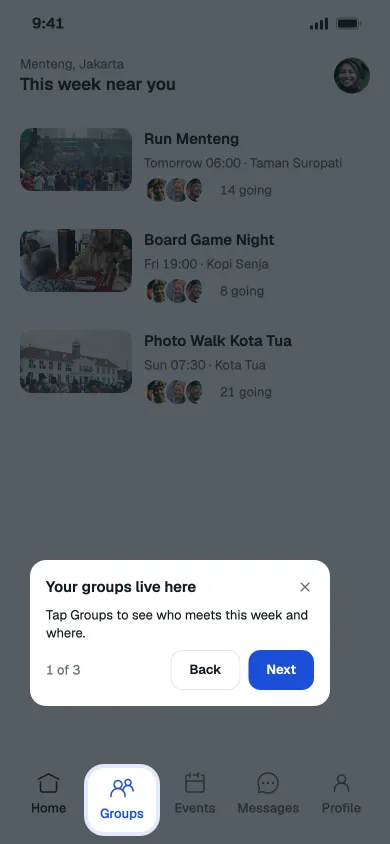
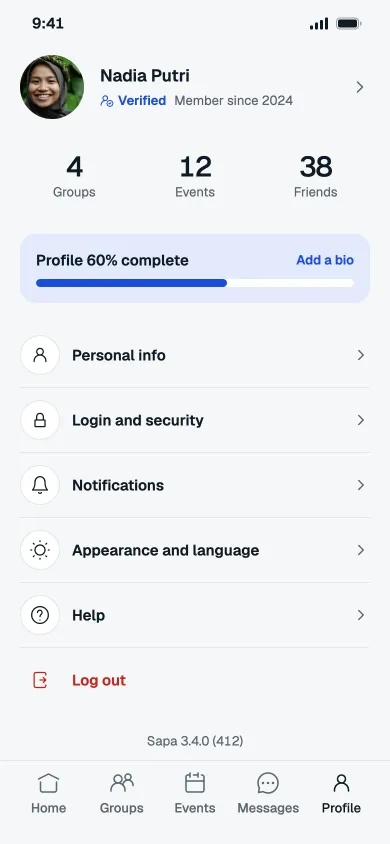
More Account and Onboarding flows
Drawn for the same brand, so they fit together.

Questions
- When should I use a log in and out flow?
- Any product with accounts; web dashboards and mobile apps alike. Use another pattern for guest checkout or read-only content that does not need identity.
- Which screens does it need?
- This pattern uses 8: Log in or sign up, Password, Wrong password, Reset link sent, Log out confirm, Two-step challenge, Too many tries and No account found. Plan for these states too: empty (fields blank, cta disabled), loading (button spinner, sso redirect), error (wrong credentials, account not found with sign up link, locked, network), success (welcome back).
- Is Sapa a real app?
- No. Sapa is a made-up neighbourhood groups-and-events app, so the screens show the pattern without copying anyone's brand. Your agent redraws the flow on your own tokens and components.
- How does my agent use this flow?
- Connect Claude Code, Codex or Claude Desktop to Wonderblok over MCP. The agent calls use_pattern for this flow, reads its screens, rules and states, and draws them in your file.
- Is it free?
- Browsing Universe is free. Full pattern notes and use with your agent are part of Pro, and the Free plan opens a few flows in full each month.