ACCOUNT AND ONBOARDING FLOW
Settings app flow
A account and onboarding flow in 7 screens, from settings home to notifications off in system settings. Start your app from it, and your agent draws it on your own design system.
- 7 screens
- 8 patterns
- Mobile and desktop
- Brand: Sapa (made up)
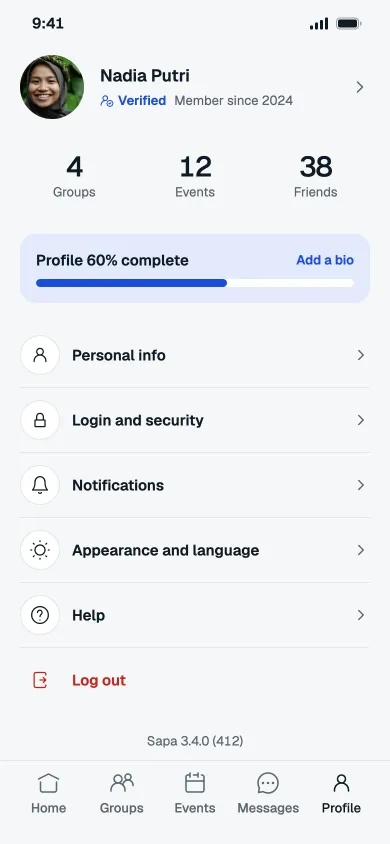
- Settings home
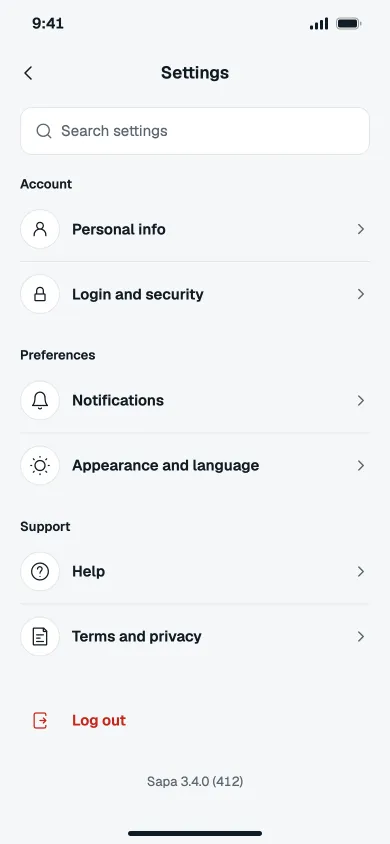
- NotificationsPro
- Login and securityPro
- Appearance and languagePro
- Delete accountPro
- Language changePro
- Notifications off in system settingsPro
See all 7 screens, at mobile and desktop, in 3 brands.Pro opens the whole flow in your Universe, with the prompt and code for each screen.
Upgrade to ProAlready Pro? Open in UniverseWhen to use it
USE WHEN
Any app with configurable behaviour; web dashboards need search and tabs.
AVOID WHEN
Burying frequently used controls (e.g. dark mode in a deep page) or mixing profile content into settings.
Patterns and why they work
8 decisions this flow makes, and the clarity each one buys.
Grouped rows with icons and chevrons
Scannable categories
Description under each toggle
Says what the switch does
Instant apply for toggles, explicit Save for forms
Matches the control type
Security labels on methods
Ranks options
Destructive actions isolated at the bottom in red
Separated from routine settings
Delete with consequences and explicit confirm
Lists what is lost
Version and legal at the footer
Support info in a predictable place
Web: breadcrumb plus tabs
Shows location
Each pattern also has its psychology, the intuition behind it and what it rules out, plus layout notes for mobile and desktop.
Open in UniverseStates to cover
The screens people forget until a user hits them.
- Default
- Toggled (instant feedback)
- Saving (inline spinner)
- Error (save failed, revert)
- Success (toast)
- Permission off at OS level (banner with Open Settings)
- Delete account (warning, re-auth, blocked, deleted confirmation and signed-out landing)
- Added in wave 3: language switch confirmed with a preview of the new date format
- Notification choices dimmed while the system blocks them
Pairs with
The flows this one hands off to or comes back from.
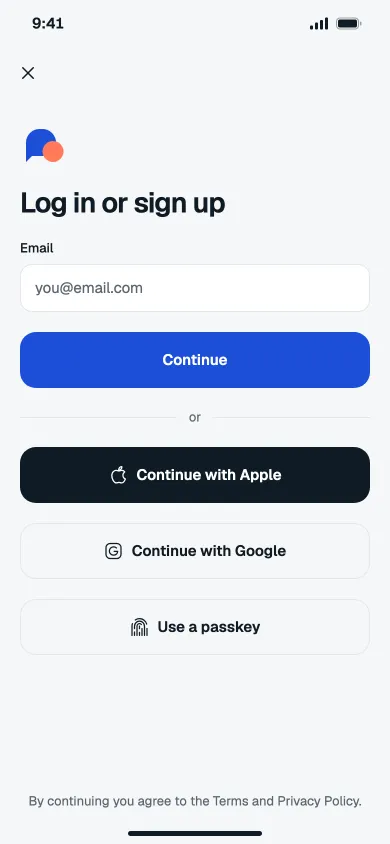
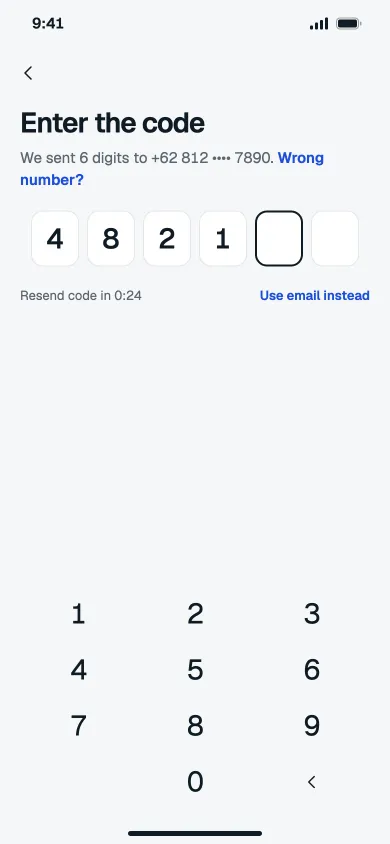
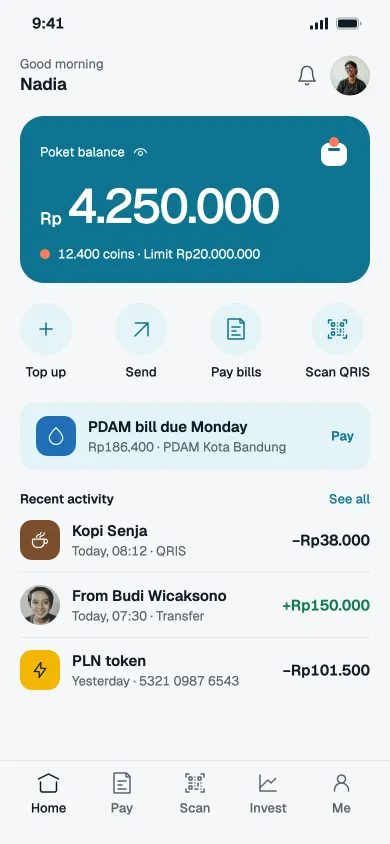
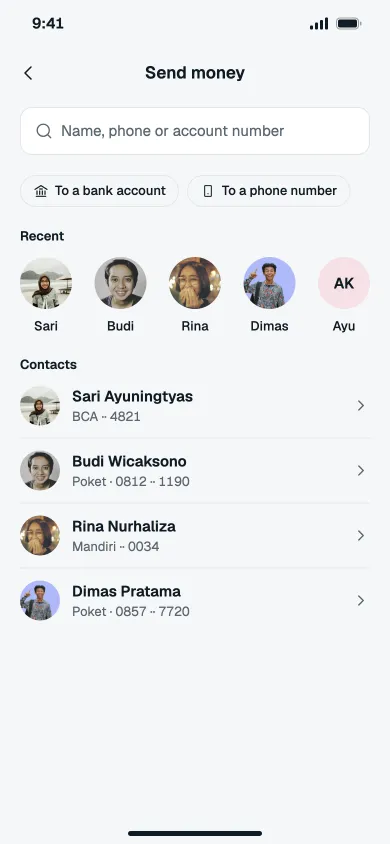
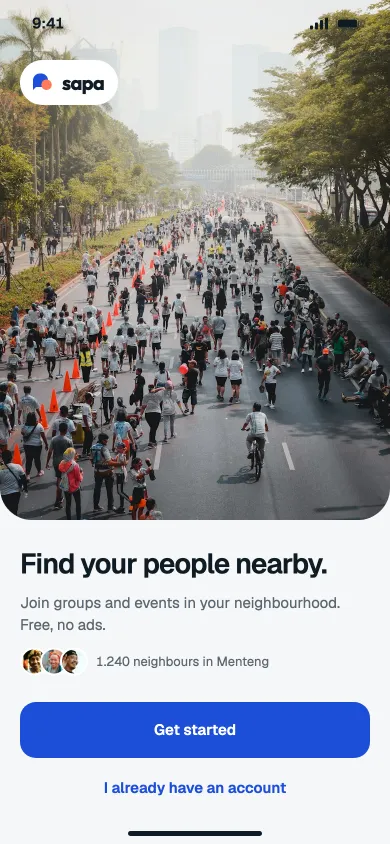
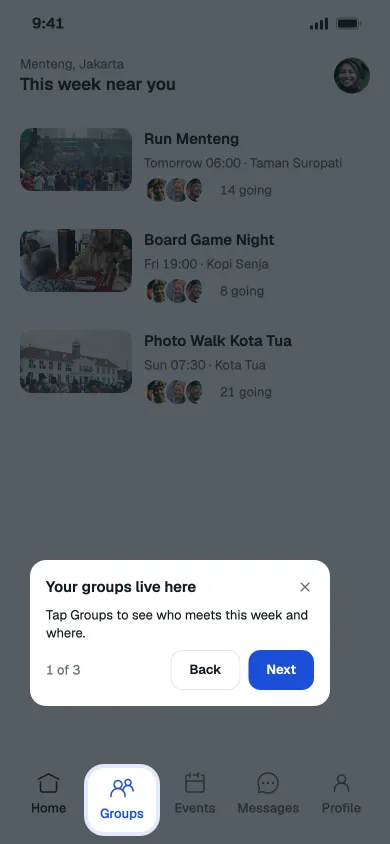
More Account and Onboarding flows
Drawn for the same brand, so they fit together.

Questions
- When should I use a settings flow?
- Any app with configurable behaviour; web dashboards need search and tabs. Use another pattern for burying frequently used controls (e.g. dark mode in a deep page) or mixing profile content into settings.
- Which screens does it need?
- This pattern uses 7: Settings home, Notifications, Login and security, Appearance and language, Delete account, Language change and Notifications off in system settings. Plan for these states too: default, toggled (instant feedback), saving (inline spinner), error (save failed, revert).
- Is Sapa a real app?
- No. Sapa is a made-up neighbourhood groups-and-events app, so the screens show the pattern without copying anyone's brand. Your agent redraws the flow on your own tokens and components.
- How does my agent use this flow?
- Connect Claude Code, Codex or Claude Desktop to Wonderblok over MCP. The agent calls use_pattern for this flow, reads its screens, rules and states, and draws them in your file.
- Is it free?
- Browsing Universe is free. Full pattern notes and use with your agent are part of Pro, and the Free plan opens a few flows in full each month.