SOCIAL FLOW
Calling app flow
A social flow in 7 screens, from calling to camera and microphone off. Start your app from it, and your agent draws it on your own design system.
- 7 screens
- 8 patterns
- Mobile and desktop
- Brand: Riuh (made up)
The screens, in order
- Calling
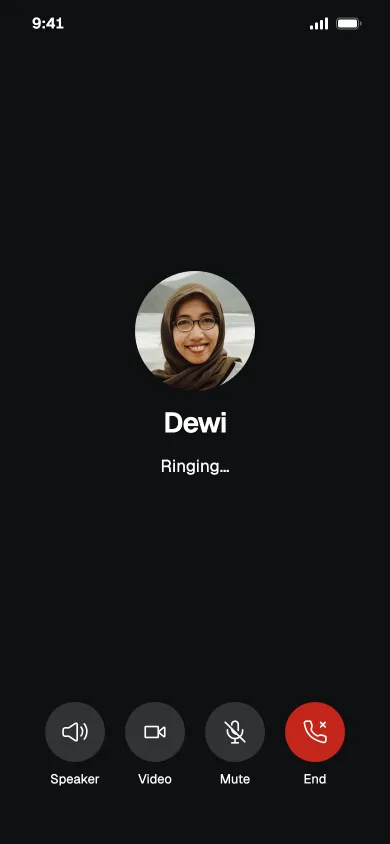
- Incoming callPro
- In a video callPro
- Poor connectionPro
- Call endedPro
- No answerPro
- Camera and microphone offPro
See all 7 screens, at mobile and desktop.Pro opens the whole flow in your Universe, with the prompt and code for each screen.
Upgrade to ProAlready Pro? Open in UniverseWhen to use it
USE WHEN
Real-time voice or video between people: friends, host and guest, buyer and seller, support, telehealth.
AVOID WHEN
Asynchronous is enough (use voice notes in chat) or numbers must stay private without masking.
Patterns and why they work
8 decisions this flow makes, and the clarity each one buys.
End call is the only red control and always in reach
One exit
Toggle state shown by fill
Mic and camera state visible at a glance
Status line under the name ("Ringing", timer when connected)
Call phase in words
Controls and text on a dark veil over video
Readable on any background
Unanswered state with next actions
Says what happened
Device warnings before failure
Problem named early
Encryption note in the header
Privacy stated
Missed calls in red in history
Urgency visible
Each pattern also has its psychology, the intuition behind it and what it rules out, plus layout notes for mobile and desktop.
Open in UniverseStates to cover
The screens people forget until a user hits them.
- Permission request and denied
- Outgoing calling
- Ringing
- Incoming
- Connecting
- Connected with timer
- Muted
- Camera off
- Speaker on
- Minimised
- Poor connection
- Reconnecting
- Ended with duration
- Declined
- Unanswered
- Missed (history and notification)
- Quality rating
- Drawn in wave 3: unanswered call with leave a message
- Camera and microphone permission denied
Pairs with
The flows this one hands off to or comes back from.
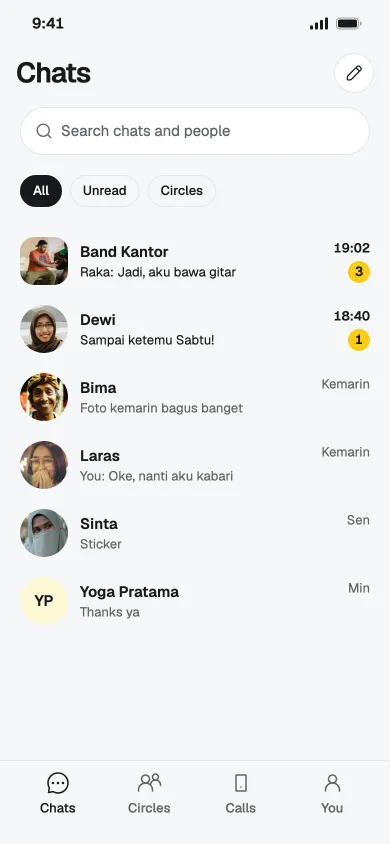
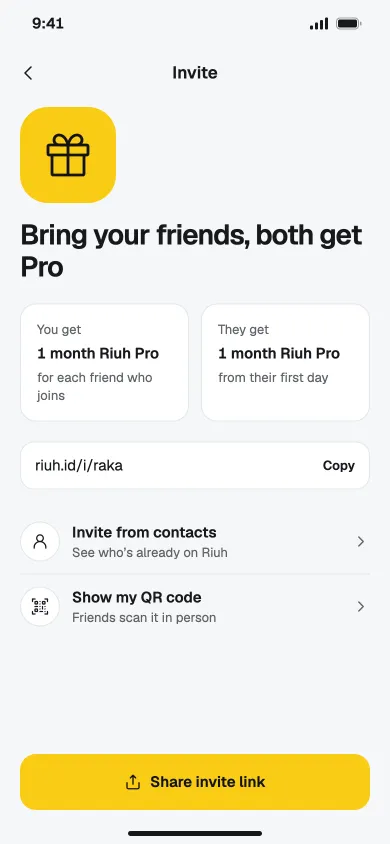
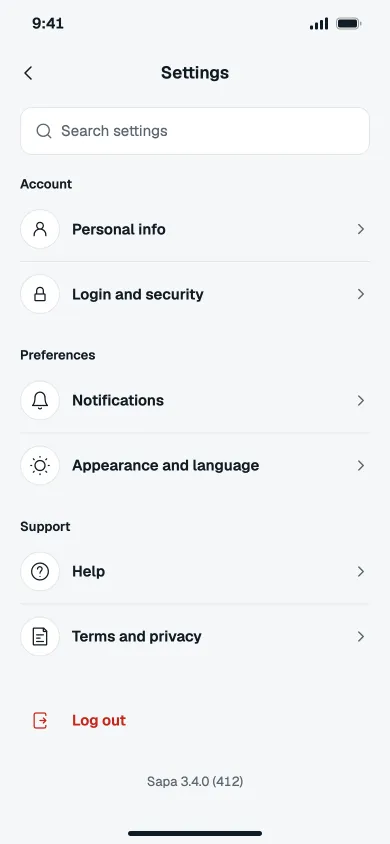
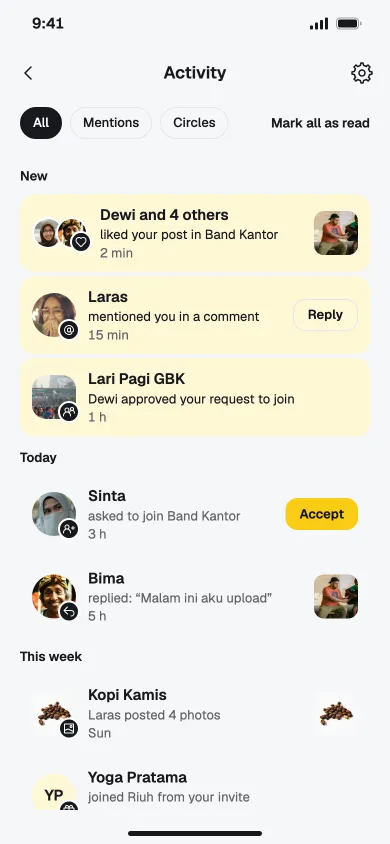
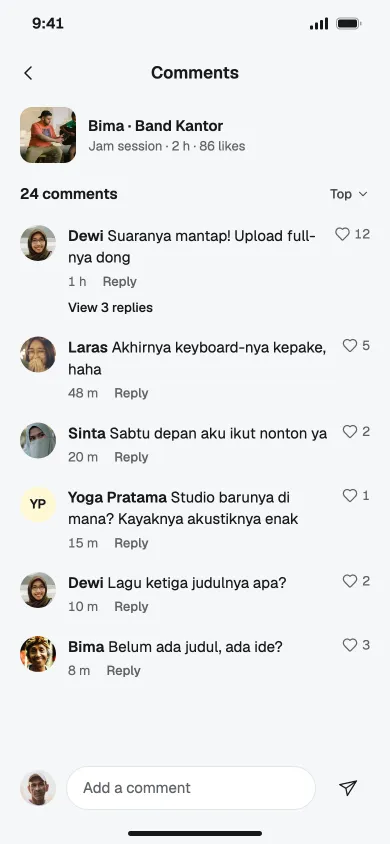
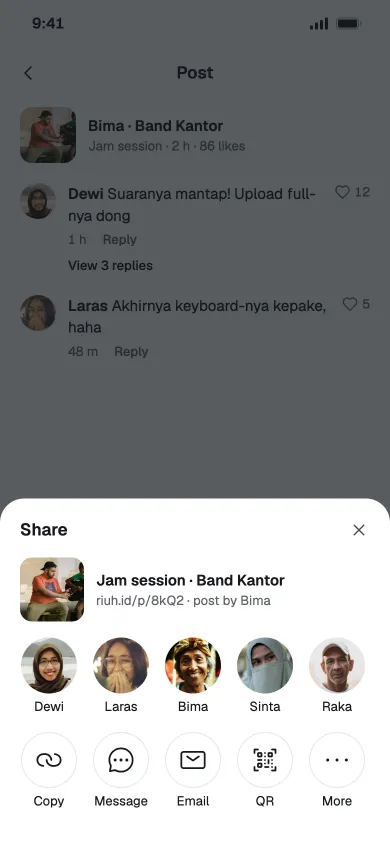
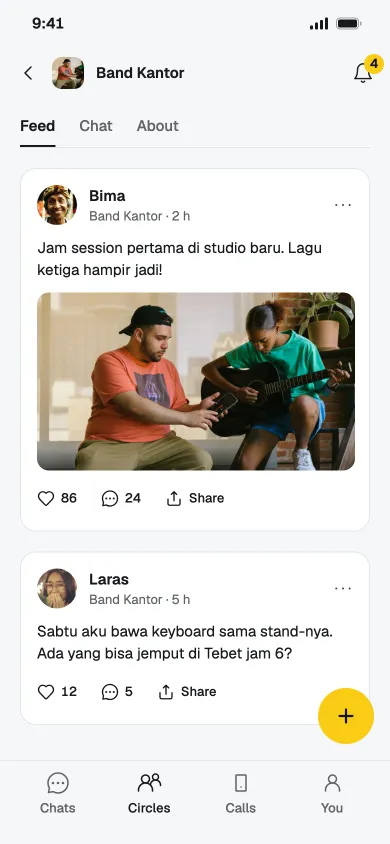
More Social flows
Drawn for the same brand, so they fit together.
Questions
- When should I use a calling flow?
- Real-time voice or video between people: friends, host and guest, buyer and seller, support, telehealth. Use another pattern for asynchronous is enough (use voice notes in chat) or numbers must stay private without masking.
- Which screens does it need?
- This pattern uses 7: Calling, Incoming call, In a video call, Poor connection, Call ended, No answer and Camera and microphone off. Plan for these states too: permission request and denied, outgoing calling, ringing, incoming.
- Is Riuh a real app?
- No. Riuh is a made-up friend-circle app: chat, comments, sharing, invites, calls, so the screens show the pattern without copying anyone's brand. Your agent redraws the flow on your own tokens and components.
- How does my agent use this flow?
- Connect Claude Code, Codex or Claude Desktop to Wonderblok over MCP. The agent calls use_pattern for this flow, reads its screens, rules and states, and draws them in your file.
- Is it free?
- Browsing Universe is free. Full pattern notes and use with your agent are part of Pro, and the Free plan opens a few flows in full each month.