SOCIAL FLOW
Invite friends app flow
A social flow in 5 screens, from invite friends to invite accepted. Start your app from it, and your agent draws it on your own design system.
- 5 screens
- 7 patterns
- Mobile and desktop
- Brand: Riuh (made up)
The screens, in order
- Invite friends
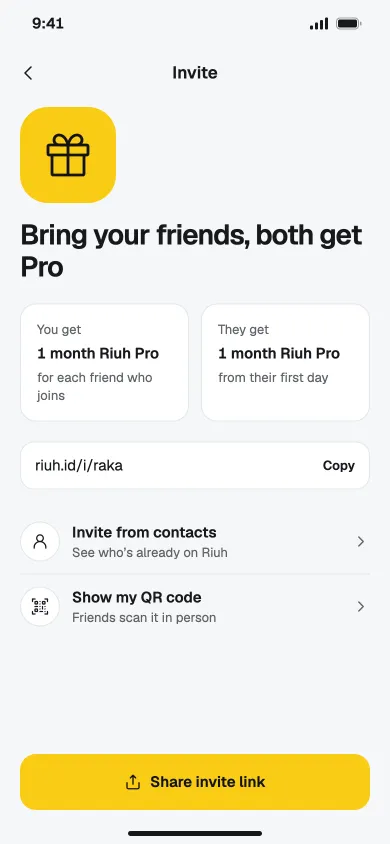
- From contactsPro
- My QR codePro
- Your invitesPro
- Invite acceptedPro
See all 5 screens, at mobile and desktop.Pro opens the whole flow in your Universe, with the prompt and code for each screen.
Upgrade to ProAlready Pro? Open in UniverseWhen to use it
USE WHEN
Growth loops, referrals, team and workspace invites, group features that need others.
AVOID WHEN
The product has no value for the invitee yet, or rewards would push spam; never auto-send to all contacts.
Patterns and why they work
7 decisions this flow makes, and the clarity each one buys.
Two-sided reward stated in parallel
Both outcomes equal weight
Link field with Copy and Share
The thing to share is visible
Per-row sent state
Who has been invited
Contacts split into "on the app" and "invite"
Add vs invite are different actions
Pending invites in the members list
Pending sits beside active
QR with own-code guard
Friendly error
Steps 1-2-3 for reward timing
When the reward lands
Each pattern also has its psychology, the intuition behind it and what it rules out, plus layout notes for mobile and desktop.
Open in UniverseStates to cover
The screens people forget until a user hits them.
- No invites yet
- Link copied
- Contacts permission prompt and denied
- Invite sent
- Pending
- Joined
- Reward pending
- Reward earned
- Invite expired
- Resend or revoke
- Code invalid or already used
- Own QR scanned
- Reward cap reached
Pairs with
The flows this one hands off to or comes back from.
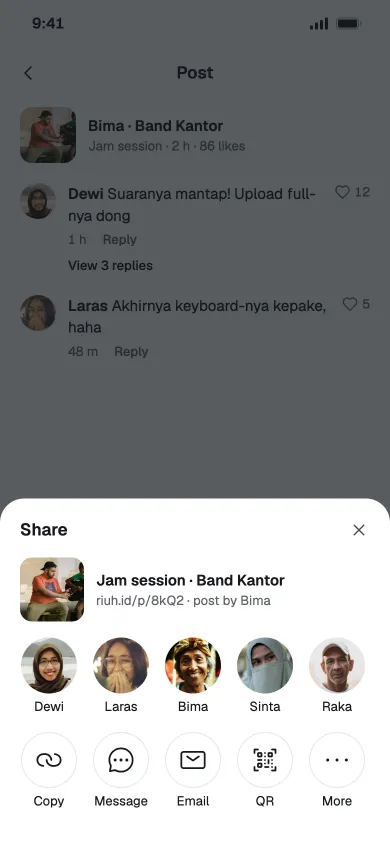
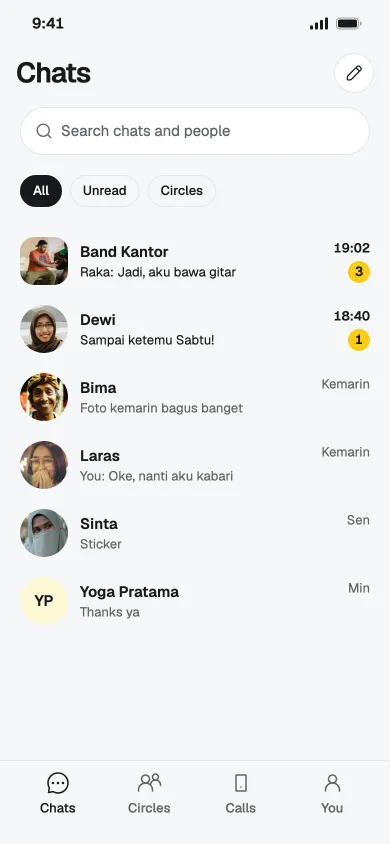
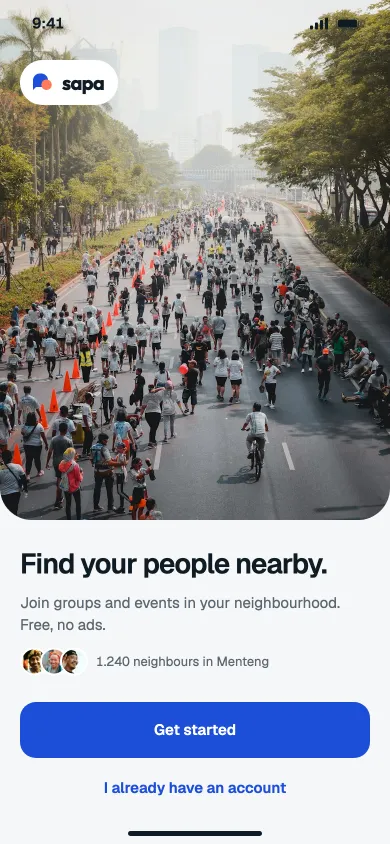
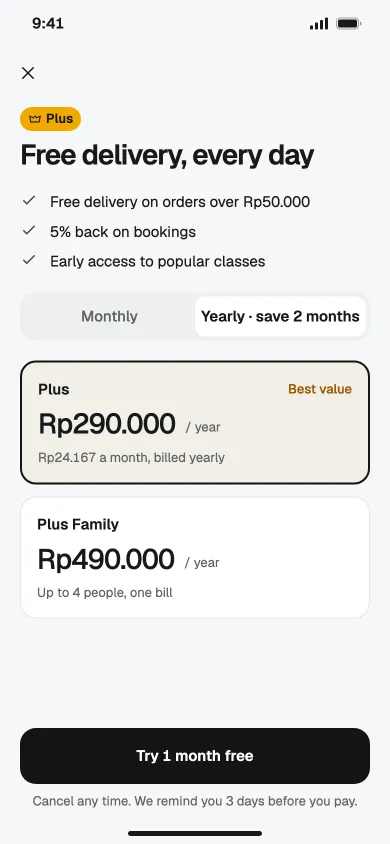
More Social flows
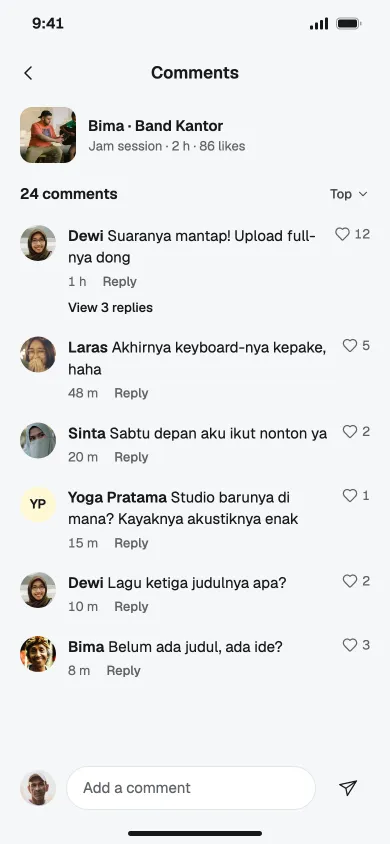
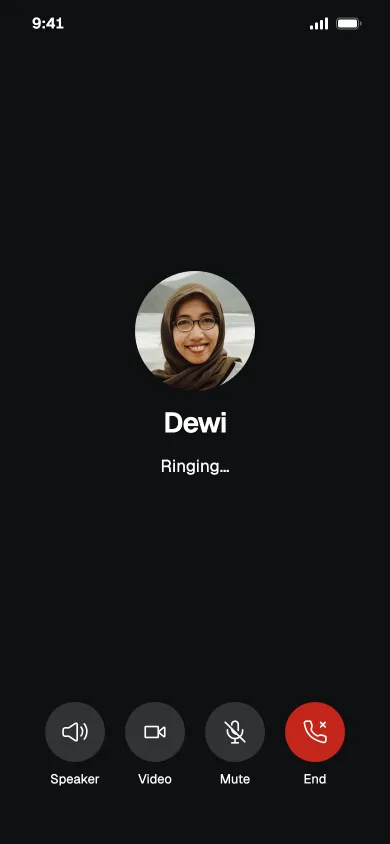
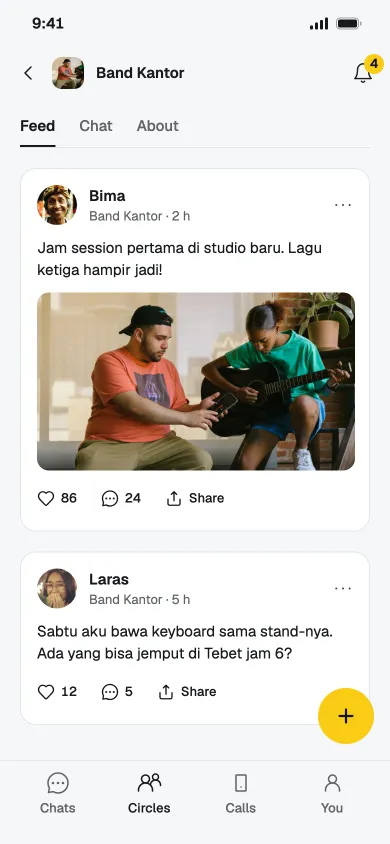
Drawn for the same brand, so they fit together.
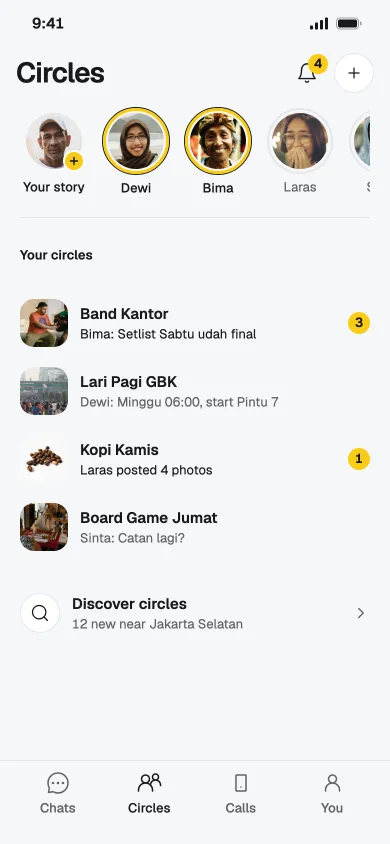
Questions
- When should I use a invite friends flow?
- Growth loops, referrals, team and workspace invites, group features that need others. Use another pattern for the product has no value for the invitee yet, or rewards would push spam; never auto-send to all contacts.
- Which screens does it need?
- This pattern uses 5: Invite friends, From contacts, My QR code, Your invites and Invite accepted. Plan for these states too: no invites yet, link copied, contacts permission prompt and denied, invite sent.
- Is Riuh a real app?
- No. Riuh is a made-up friend-circle app: chat, comments, sharing, invites, calls, so the screens show the pattern without copying anyone's brand. Your agent redraws the flow on your own tokens and components.
- How does my agent use this flow?
- Connect Claude Code, Codex or Claude Desktop to Wonderblok over MCP. The agent calls use_pattern for this flow, reads its screens, rules and states, and draws them in your file.
- Is it free?
- Browsing Universe is free. Full pattern notes and use with your agent are part of Pro, and the Free plan opens a few flows in full each month.