SOCIAL FLOW
Live streaming app flow
A social flow in 5 screens, from go live setup to live ended. Start your app from it, and your agent draws it on your own design system.
- 5 screens
- 3 patterns
- Mobile and desktop
- Brand: Riuh (made up)
The screens, in order
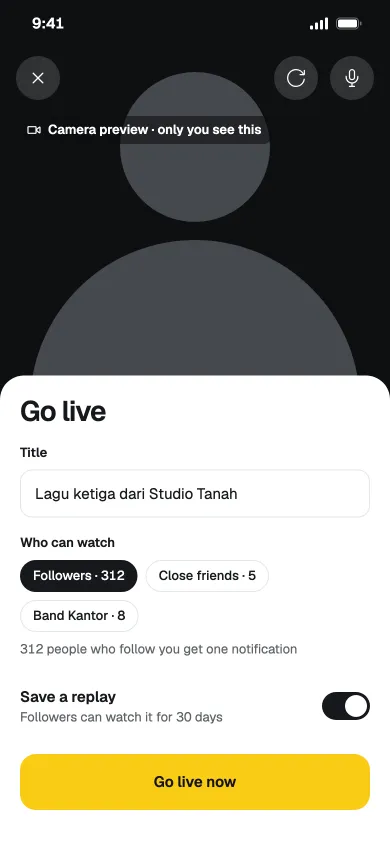
- Go live setup
- You are livePro
- Watching a livePro
- Weak connectionPro
- Live endedPro
See all 5 screens, at mobile and desktop.Pro opens the whole flow in your Universe, with the prompt and code for each screen.
Upgrade to ProAlready Pro? Open in UniverseWhen to use it
USE WHEN
A social app where someone broadcasts live video to followers or a group: set up the stream, host it with comments and reactions, watch someone else's, handle a weak connection and wrap up with a summary.
AVOID WHEN
A one-to-one or small group call (use Social › Calling) or a recorded clip people post (use Social › Feed and posting).
Patterns and why they work
3 decisions this flow makes, and the clarity each one buys.
Show the audience before the button: who can watch (followers, close friends or the band) and whether a replay is saved sit above Go live now. People share more when they know exactly who will see it
Keep the live state loud and the numbers small: a red LIVE tag, the running time and the viewer count stay in the top corner the whole time. The host never wonders whether they are still on air
Offer a way to stay on air when the network drops: Switch to audio only keeps the stream going and the panel says nobody was dropped. A fallback beats a frozen frame that viewers leave
Each pattern also has its psychology, the intuition behind it and what it rules out, plus layout notes for mobile and desktop.
Open in UniverseStates to cover
The screens people forget until a user hits them.
- Go live setup with who can watch
- You are live
- Watching someone's live
- Weak connection with a fallback
- Live ended with save or discard
- Riuh has no gifts or tips
- So viewers react and comment only
Pairs with
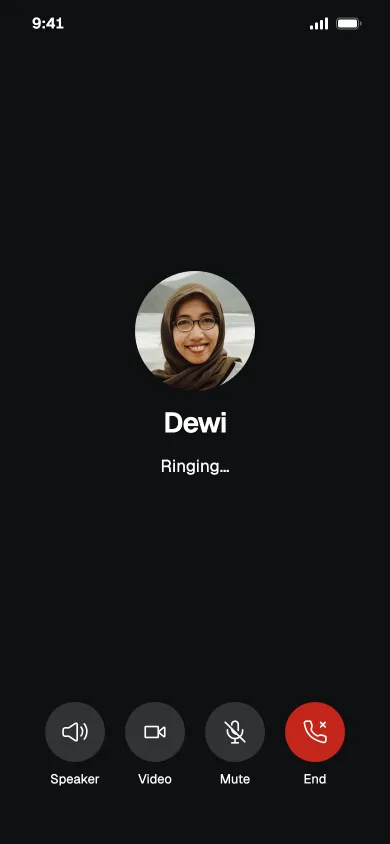
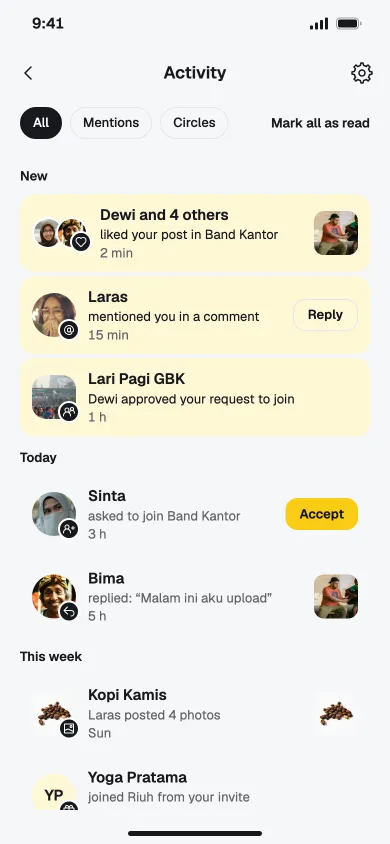
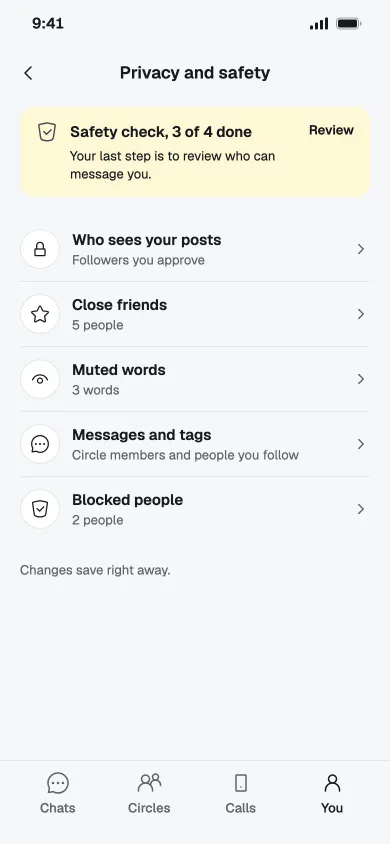
The flows this one hands off to or comes back from.
More Social flows
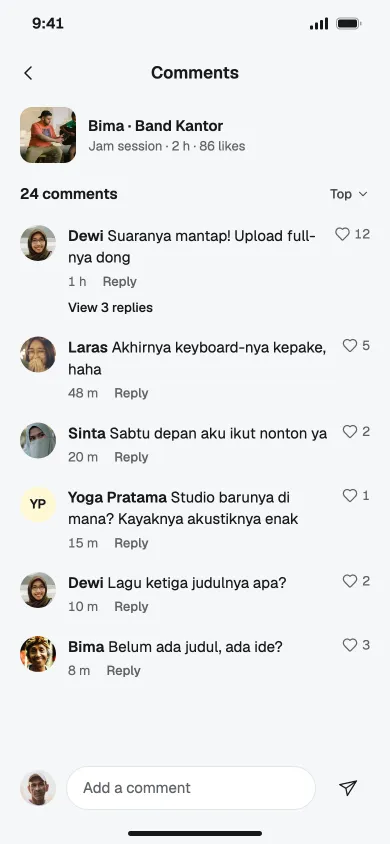
Drawn for the same brand, so they fit together.
Questions
- When should I use a live streaming flow?
- A social app where someone broadcasts live video to followers or a group: set up the stream, host it with comments and reactions, watch someone else's, handle a weak connection and wrap up with a summary. Use another pattern for a one-to-one or small group call (use Social › Calling) or a recorded clip people post (use Social › Feed and posting).
- Which screens does it need?
- This pattern uses 5: Go live setup, You are live, Watching a live, Weak connection and Live ended. Plan for these states too: go live setup with who can watch, you are live, watching someone's live, weak connection with a fallback.
- Is Riuh a real app?
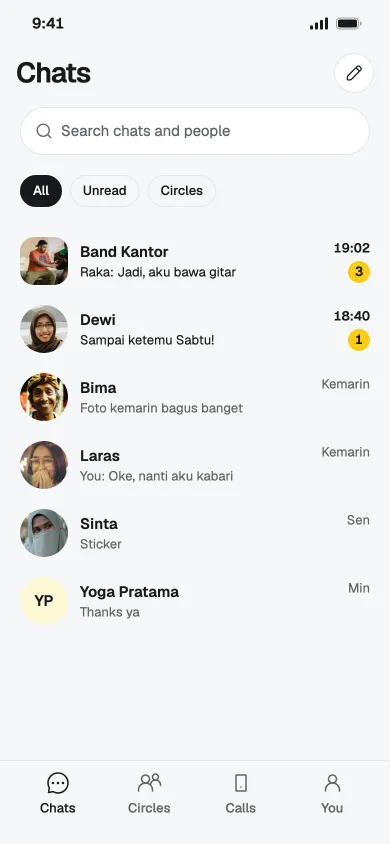
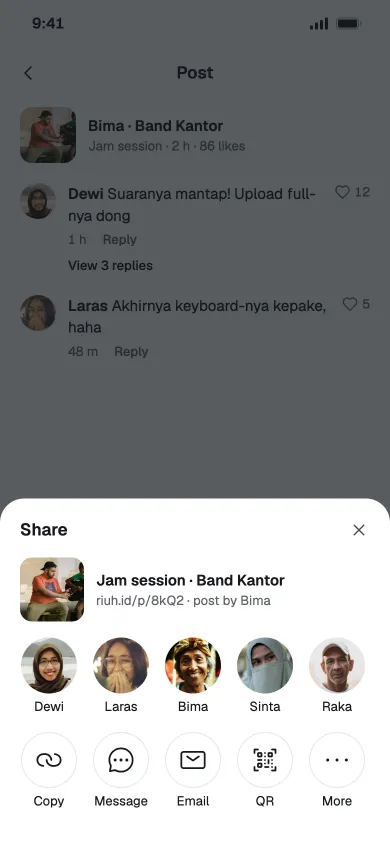
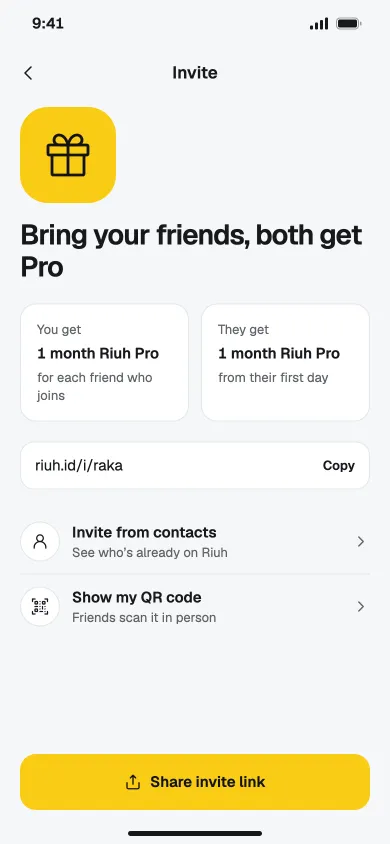
- No. Riuh is a made-up friend-circle app: chat, comments, sharing, invites, calls, so the screens show the pattern without copying anyone's brand. Your agent redraws the flow on your own tokens and components.
- How does my agent use this flow?
- Connect Claude Code, Codex or Claude Desktop to Wonderblok over MCP. The agent calls use_pattern for this flow, reads its screens, rules and states, and draws them in your file.
- Is it free?
- Browsing Universe is free. Full pattern notes and use with your agent are part of Pro, and the Free plan opens a few flows in full each month.