SOCIAL FLOW
Chatting and messages app flow
A social flow in 7 screens, from inbox to recording a voice note. Start your app from it, and your agent draws it on your own design system.
- 7 screens
- 8 patterns
- Mobile and desktop
- Brand: Riuh (made up)
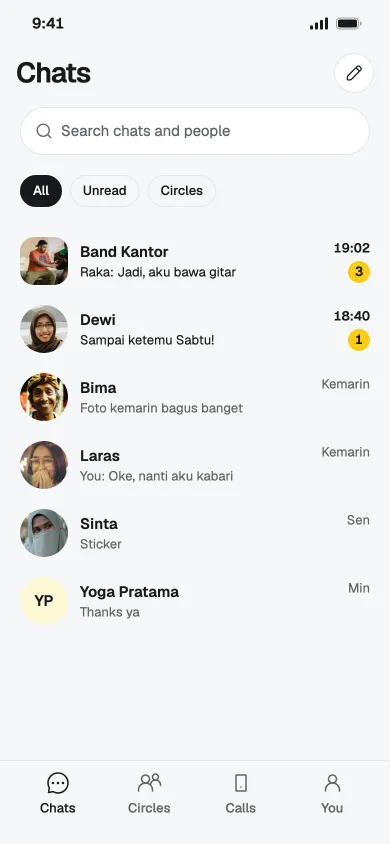
- Inbox
- ConversationPro
- Attach a photoPro
- React and replyPro
- Failed to sendPro
- Typing and deleted messagePro
- Recording a voice notePro
See all 7 screens, at mobile and desktop, in 3 brands.Pro opens the whole flow in your Universe, with the prompt and code for each screen.
Upgrade to ProAlready Pro? Open in UniverseWhen to use it
USE WHEN
One-to-one or group messaging, buyer and seller or host and guest chat, support chat with a human.
AVOID WHEN
Broadcast announcements with no replies (use a feed) or long-form threaded discussion on content (use Comment and reply).
Patterns and why they work
8 decisions this flow makes, and the clarity each one buys.
Status only on the last sent bubble
One status line answers "did they get it"
Long-press reaction row above a context menu
React and act in one gesture
Failed state on the bubble with retry
The exact message that failed is marked
Context card in the thread
Both sides know what the chat is about
Response-time promise after first send
Sets expectation
Composer that swaps mic and send
One primary action at a time
Attachment sheet with tabs and caption step
Type of attachment chosen first
Status chips in the inbox row
Conversation state at a glance
Each pattern also has its psychology, the intuition behind it and what it rules out, plus layout notes for mobile and desktop.
Open in UniverseStates to cover
The screens people forget until a user hits them.
- Empty inbox
- Empty conversation (first message prompt)
- Typing indicator
- Sending
- Sent
- Delivered
- Read
- Failed with retry
- Attachment uploading with progress
- Message edited
- Message deleted
- Reaction added
- Offline banner
- Blocked or user left
- Drawn in wave 3: typing indicator
- Deleted message placeholders
- Voice note recording
Pairs with
The flows this one hands off to or comes back from.

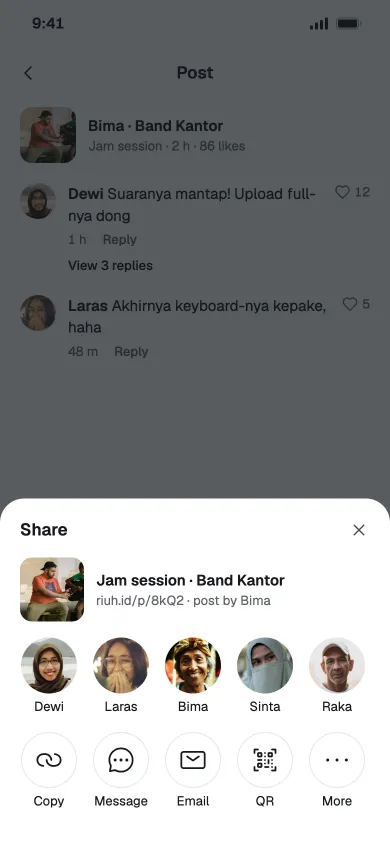
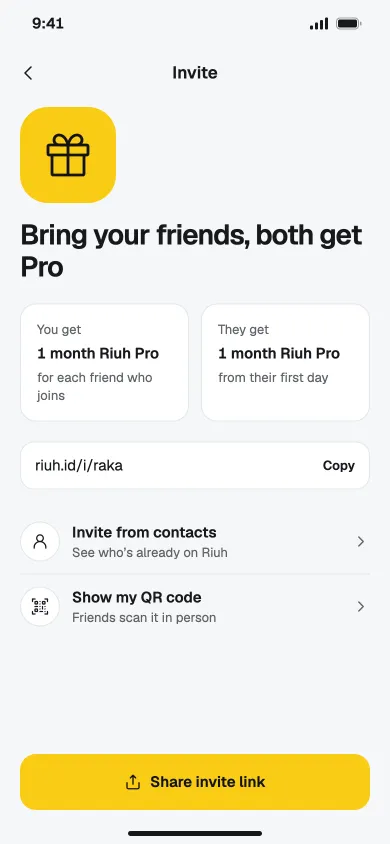
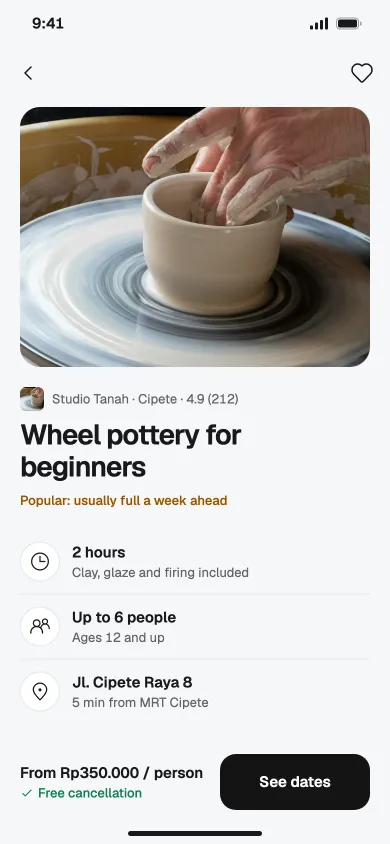
More Social flows
Drawn for the same brand, so they fit together.
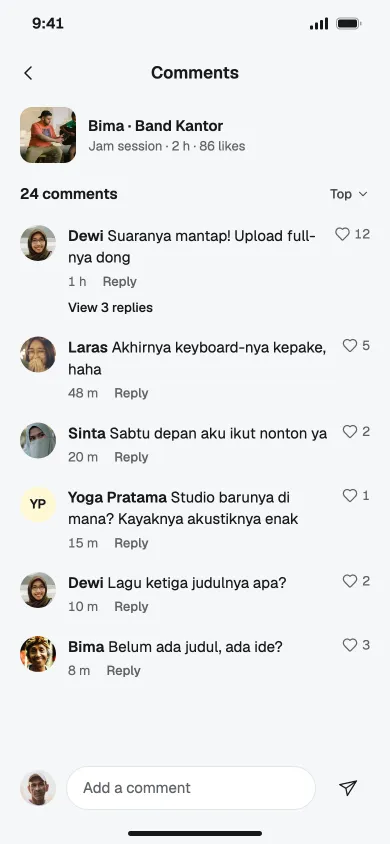
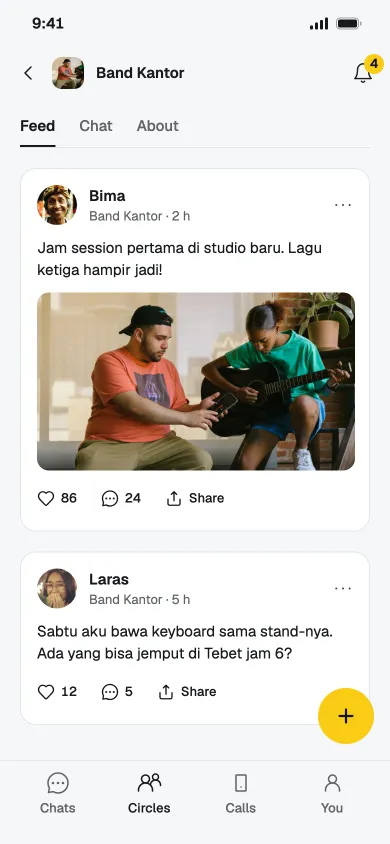
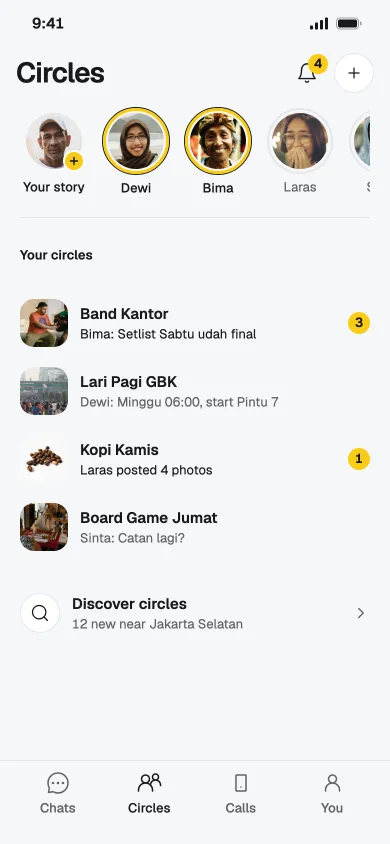
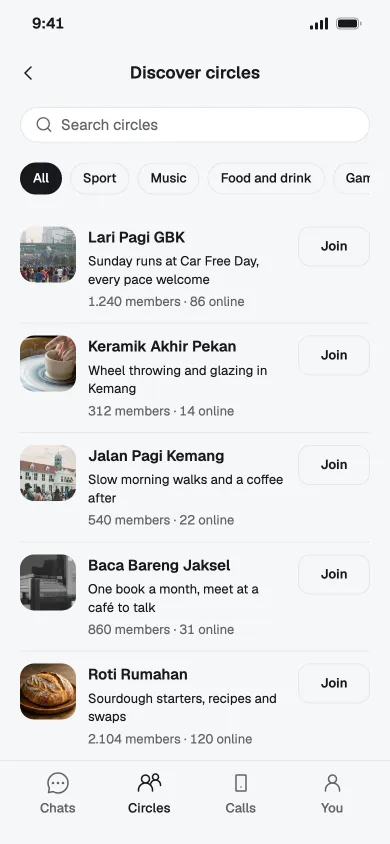
Questions
- When should I use a chatting and messages flow?
- One-to-one or group messaging, buyer and seller or host and guest chat, support chat with a human. Use another pattern for broadcast announcements with no replies (use a feed) or long-form threaded discussion on content (use Comment and reply).
- Which screens does it need?
- This pattern uses 7: Inbox, Conversation, Attach a photo, React and reply, Failed to send, Typing and deleted message and Recording a voice note. Plan for these states too: empty inbox, empty conversation (first message prompt), typing indicator, sending.
- Is Riuh a real app?
- No. Riuh is a made-up friend-circle app: chat, comments, sharing, invites, calls, so the screens show the pattern without copying anyone's brand. Your agent redraws the flow on your own tokens and components.
- How does my agent use this flow?
- Connect Claude Code, Codex or Claude Desktop to Wonderblok over MCP. The agent calls use_pattern for this flow, reads its screens, rules and states, and draws them in your file.
- Is it free?
- Browsing Universe is free. Full pattern notes and use with your agent are part of Pro, and the Free plan opens a few flows in full each month.