SOCIAL FLOW
Groups and communities app flow
A social flow in 6 screens, from discover circles to removed from circle. Start your app from it, and your agent draws it on your own design system.
- 6 screens
- 6 patterns
- Mobile and desktop
- Brand: Riuh (made up)
The screens, in order
- Discover circles
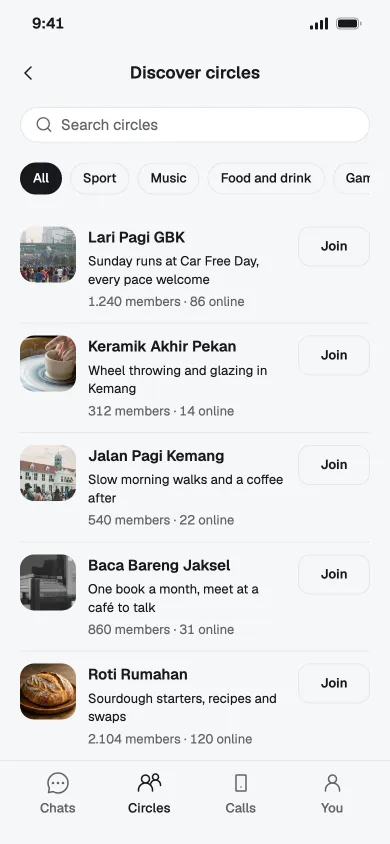
- Circle previewPro
- Rules to joinPro
- Circle homePro
- Request pendingPro
- Removed from circlePro
See all 6 screens, at mobile and desktop.Pro opens the whole flow in your Universe, with the prompt and code for each screen.
Upgrade to ProAlready Pro? Open in UniverseWhen to use it
USE WHEN
People gather around a shared group (friends, team, hobby) with a feed, a chat and simple roles.
AVOID WHEN
Two people talk (use Chatting and messages) or the audience is one-way announcements only (use a broadcast channel).
Patterns and why they work
6 decisions this flow makes, and the clarity each one buys.
Purpose line plus member count on every card
What the circle is for
Rules before the first post
Norms are known before speaking
Optional intro question
One short question
Welcome state after joining
You are in
Role badges and grouped members
Who runs the circle
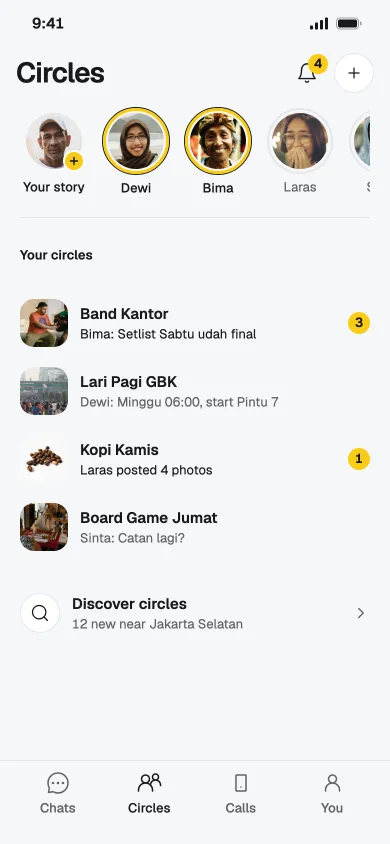
Your circles above Discover
Home first, browse second
Each pattern also has its psychology, the intuition behind it and what it rules out, plus layout notes for mobile and desktop.
Open in UniverseStates to cover
The screens people forget until a user hits them.
- No circles yet
- Discover with filters
- Search no results
- Circle preview
- Rules sheet
- Intro question
- Joined welcome
- Request pending
- Request declined
- Members by role
- Admin settings
- Leave confirm
- Removed from circle
- Drawn in wave 3: request pending with the admin question
- Removed from a circle
Pairs with
The flows this one hands off to or comes back from.
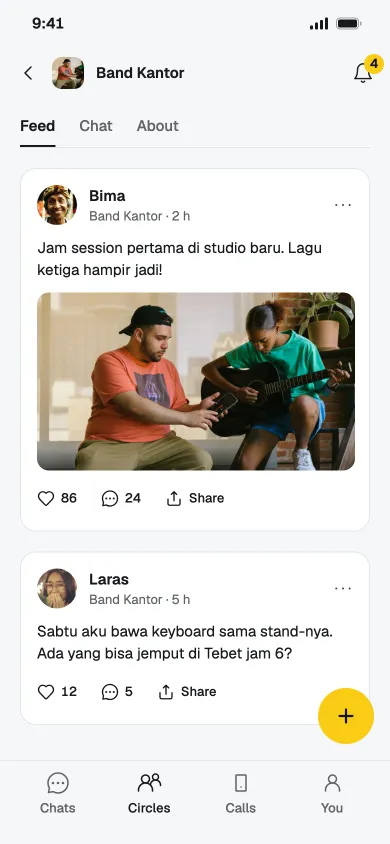
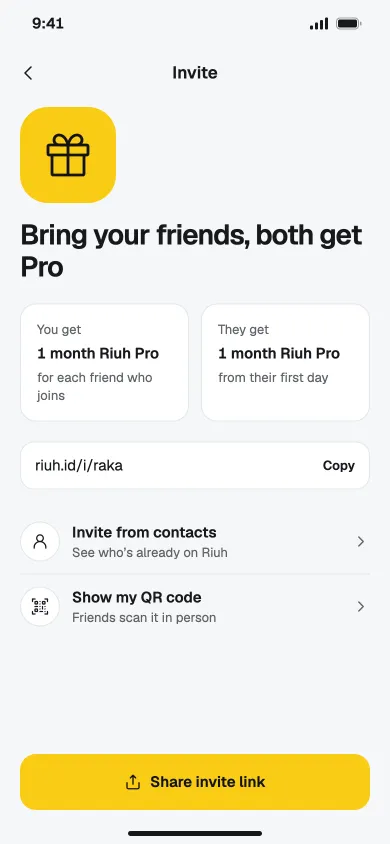
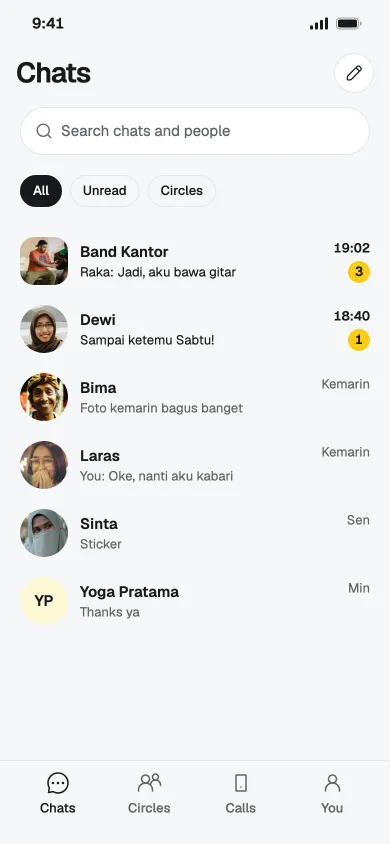
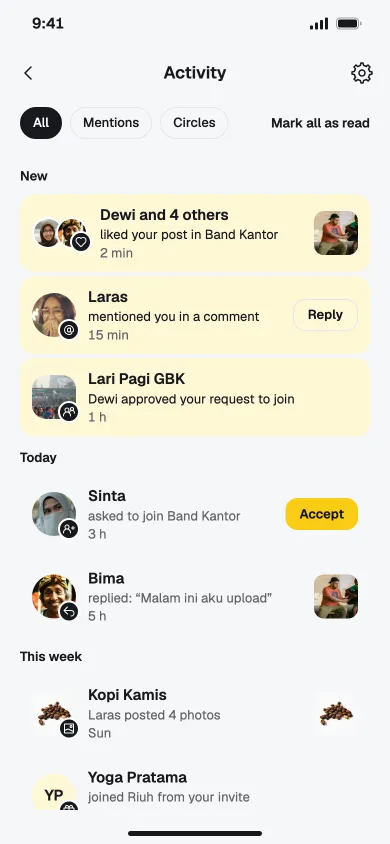
More Social flows
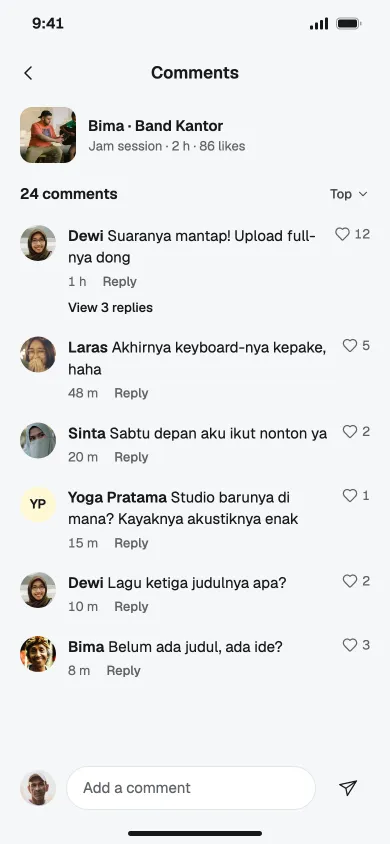
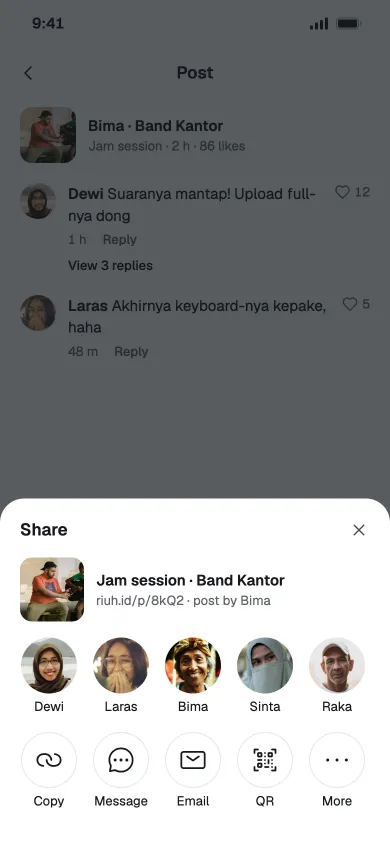
Drawn for the same brand, so they fit together.

Questions
- When should I use a groups and communities flow?
- People gather around a shared group (friends, team, hobby) with a feed, a chat and simple roles. Use another pattern for two people talk (use Chatting and messages) or the audience is one-way announcements only (use a broadcast channel).
- Which screens does it need?
- This pattern uses 6: Discover circles, Circle preview, Rules to join, Circle home, Request pending and Removed from circle. Plan for these states too: no circles yet, discover with filters, search no results, circle preview.
- Is Riuh a real app?
- No. Riuh is a made-up friend-circle app: chat, comments, sharing, invites, calls, so the screens show the pattern without copying anyone's brand. Your agent redraws the flow on your own tokens and components.
- How does my agent use this flow?
- Connect Claude Code, Codex or Claude Desktop to Wonderblok over MCP. The agent calls use_pattern for this flow, reads its screens, rules and states, and draws them in your file.
- Is it free?
- Browsing Universe is free. Full pattern notes and use with your agent are part of Pro, and the Free plan opens a few flows in full each month.