MUSIC AND VIDEO FLOW
Library and queue app flow
A music and video flow in 6 screens, from library to sort and downloaded only. Start your app from it, and your agent draws it on your own design system.
- 6 screens
- 6 patterns
- Mobile and desktop
- Brand: Siaran (made up)
The screens, in order
- Library
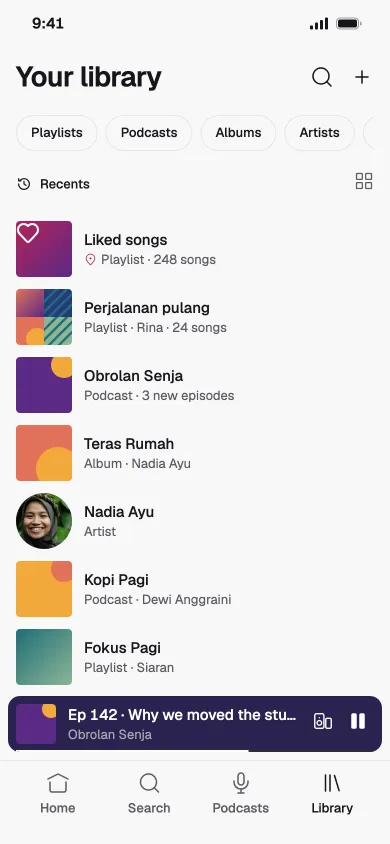
- Playlist detailPro
- Add to playlist sheetPro
- QueuePro
- Empty libraryPro
- Sort and downloaded onlyPro
See all 6 screens, at mobile and desktop.Pro opens the whole flow in your Universe, with the prompt and code for each screen.
Upgrade to ProAlready Pro? Open in UniverseWhen to use it
USE WHEN
Any product where users collect, order and replay media.
AVOID WHEN
Content is ephemeral (live only) or there is no concept of saving (one-off clips); never hide queue editing behind a paid tier without saying so.
Patterns and why they work
6 decisions this flow makes, and the clarity each one buys.
Multi-select playlist sheet with Saved in group
Where the song already lives
New playlist at the top of the picker
You can create on the spot
Toast naming the destination
Which playlist got it
Inline Add pills while building
One tap per song
Queue split into now, added, and from source
What plays next and why
Mosaic covers for playlists
What is inside
Each pattern also has its psychology, the intuition behind it and what it rules out, plus layout notes for mobile and desktop.
Open in UniverseStates to cover
The screens people forget until a user hits them.
- Library list
- Library grid
- Filter chip active
- Empty library
- Empty playlist with recommendations
- Playlist filled
- Edit mode with reorder and remove
- Add-to-playlist sheet
- Already saved in
- New playlist created inline
- Added toast
- Duplicate warning
- Queue with added items
- Queue dragging
- Queue cleared
- Offline edit pending sync
- Delete playlist with undo
- Round 5 added: empty library for a new account (screen 5)
- Sort and filter sheet with downloaded only on (screen 6)
Pairs with
The flows this one hands off to or comes back from.
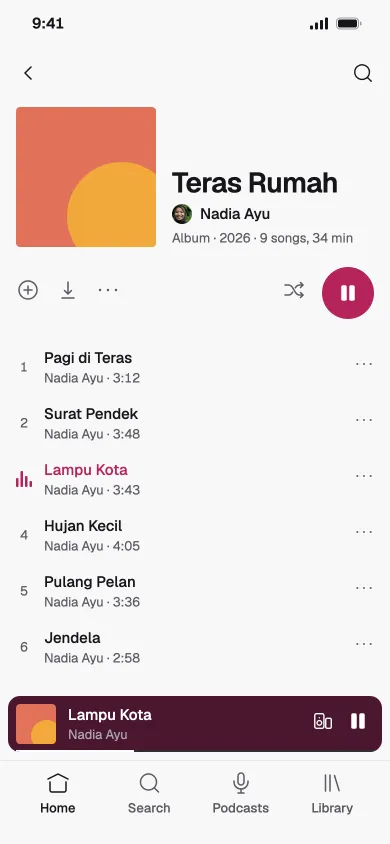
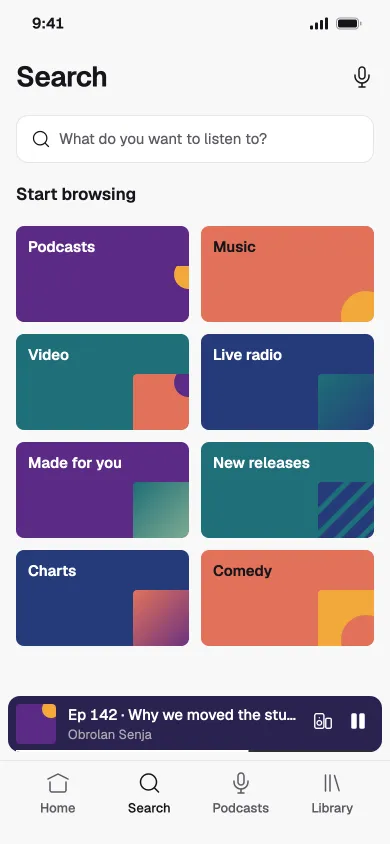
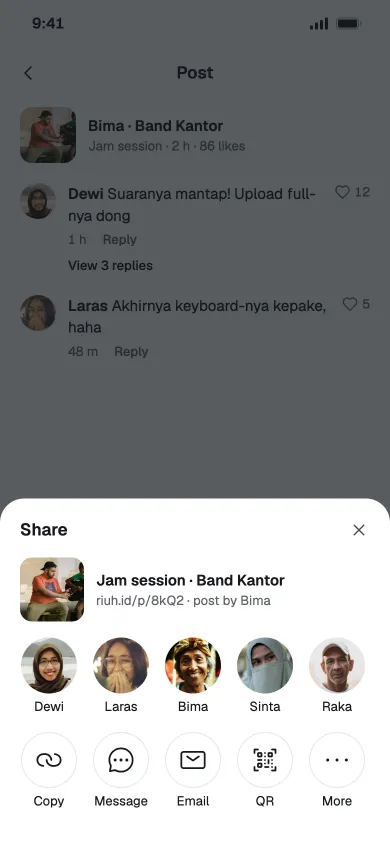
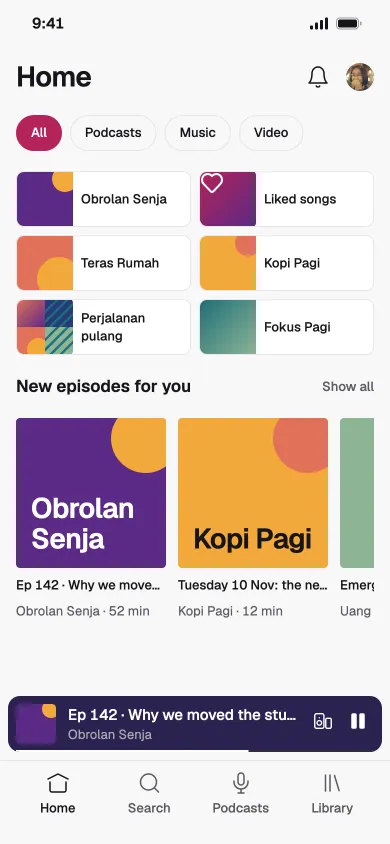
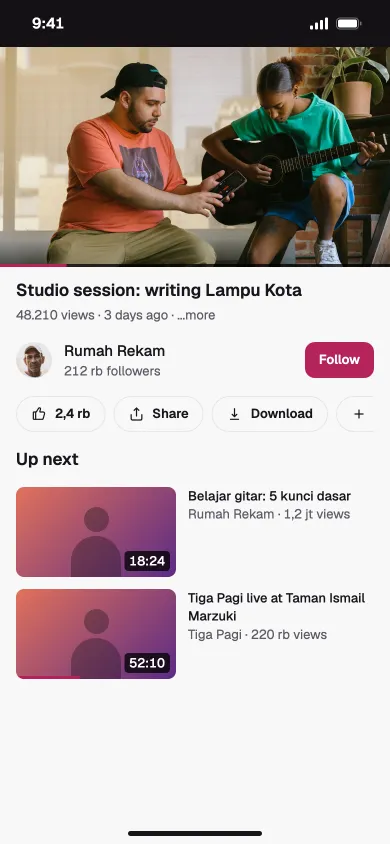
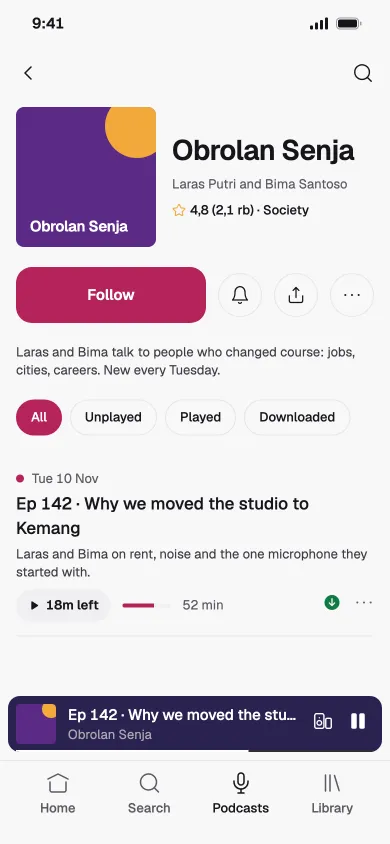
More Music and Video flows
Drawn for the same brand, so they fit together.
Questions
- When should I use a library and queue flow?
- Any product where users collect, order and replay media. Use another pattern for content is ephemeral (live only) or there is no concept of saving (one-off clips); never hide queue editing behind a paid tier without saying so.
- Which screens does it need?
- This pattern uses 6: Library, Playlist detail, Add to playlist sheet, Queue, Empty library and Sort and downloaded only. Plan for these states too: library list, library grid, filter chip active, empty library.
- Is Siaran a real app?
- No. Siaran is a made-up listening app: podcasts first, with music and video in one player, Indonesian shows and artists, so the screens show the pattern without copying anyone's brand. Your agent redraws the flow on your own tokens and components.
- How does my agent use this flow?
- Connect Claude Code, Codex or Claude Desktop to Wonderblok over MCP. The agent calls use_pattern for this flow, reads its screens, rules and states, and draws them in your file.
- Is it free?
- Browsing Universe is free. Full pattern notes and use with your agent are part of Pro, and the Free plan opens a few flows in full each month.