MUSIC AND VIDEO FLOW
Create account and first picks app flow
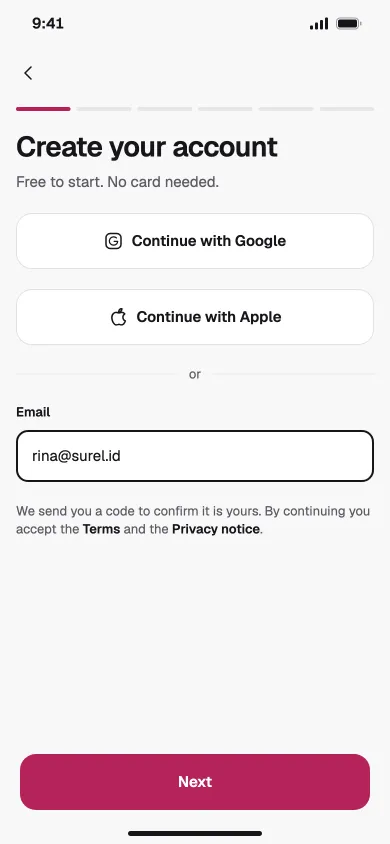
A music and video flow in 6 screens, from email to notifications. Start your app from it, and your agent draws it on your own design system.
- 6 screens
- 3 patterns
- Mobile and desktop
- Brand: Siaran (made up)
The screens, in order
- Email
- Password and birthdayPro
- Name and termsPro
- Pick artistsPro
- Follow podcastsPro
- NotificationsPro
See all 6 screens, at mobile and desktop.Pro opens the whole flow in your Universe, with the prompt and code for each screen.
Upgrade to ProAlready Pro? Open in UniverseWhen to use it
USE WHEN
A first run of a streaming app where the account and the taste signal are one job: email, password and birthday, a name, three or more artists, a few podcasts, and a notifications choice that says what will be sent.
AVOID WHEN
A plain return sign-in or password reset (use Account › Log in and out, Account › Forgot password) or choosing a paid plan (use Platform › Pricing and subscription).
Patterns and why they work
3 decisions this flow makes, and the clarity each one buys.
Taste before the home screen
Pick 3 or more artists with a count on the button
Ask the birthday with a reason
Three selects and a helper line
Notifications as choices before the system prompt
Three toggles that say what they send
Each pattern also has its psychology, the intuition behind it and what it rules out, plus layout notes for mobile and desktop.
Open in UniverseStates to cover
The screens people forget until a user hits them.
- Email typed
- Email already used (offer Log in)
- Wrong password rule
- Under the age limit (a plain block with no account made)
- Fewer than 3 artists picked (Next stays off)
- No results for a search
- Notifications declined
- Only the happy path is drawn
Pairs with
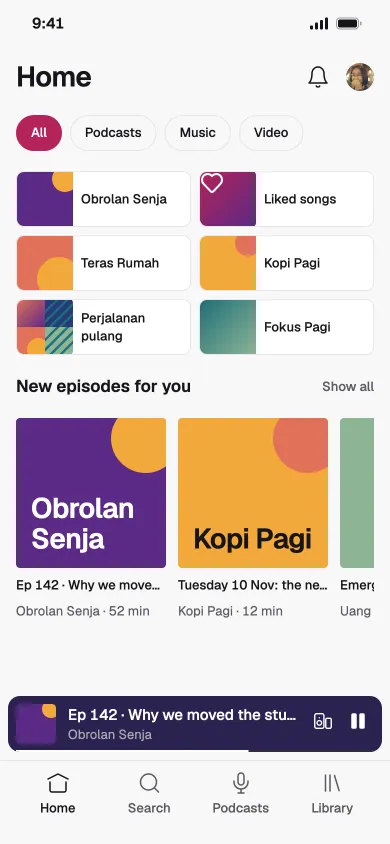
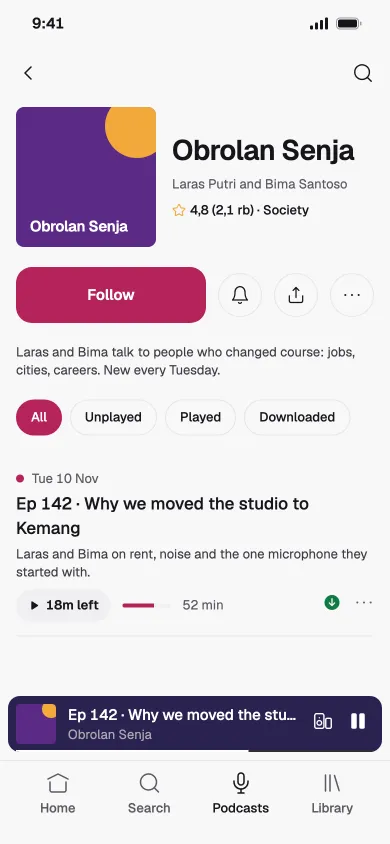
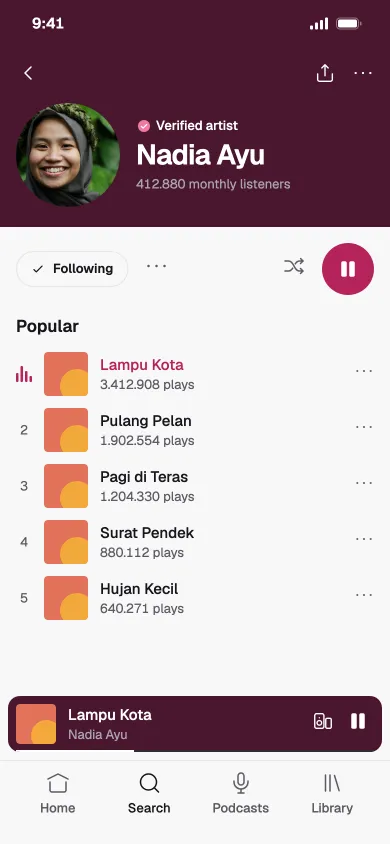
The flows this one hands off to or comes back from.
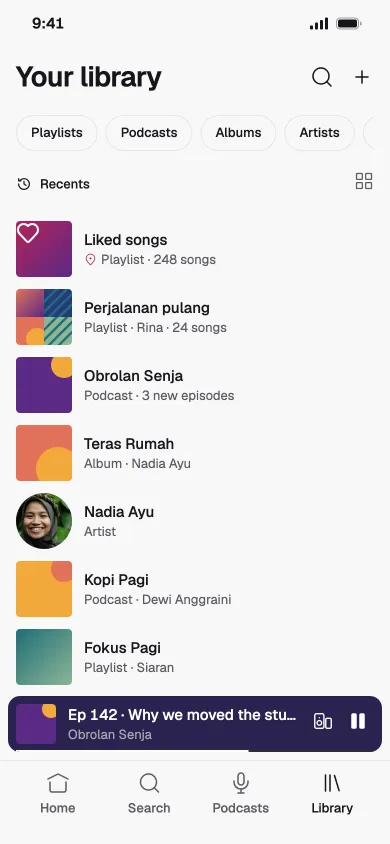
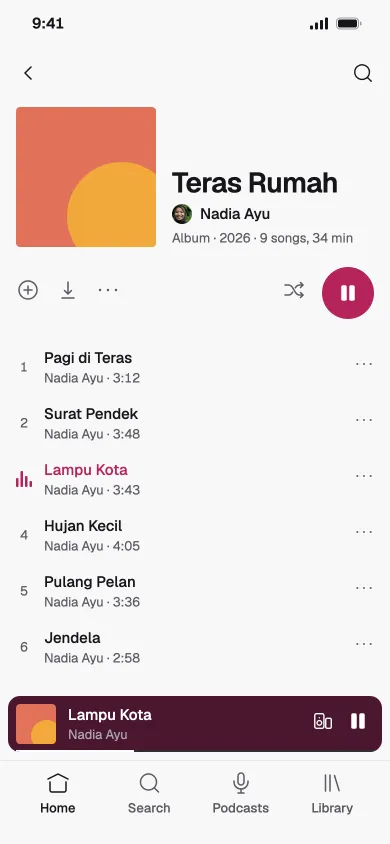
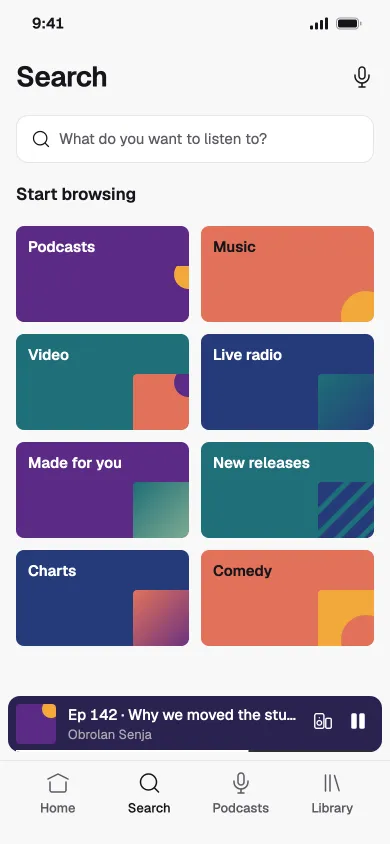
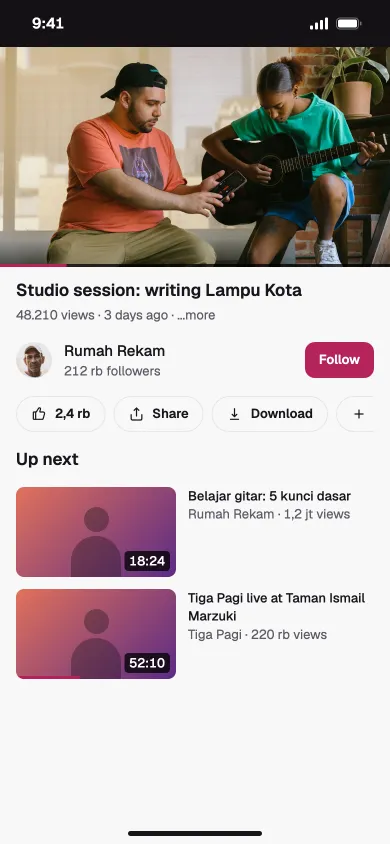
More Music and Video flows
Drawn for the same brand, so they fit together.
Questions
- When should I use a create account and first picks flow?
- A first run of a streaming app where the account and the taste signal are one job: email, password and birthday, a name, three or more artists, a few podcasts, and a notifications choice that says what will be sent. Use another pattern for a plain return sign-in or password reset (use Account › Log in and out, Account › Forgot password) or choosing a paid plan (use Platform › Pricing and subscription).
- Which screens does it need?
- This pattern uses 6: Email, Password and birthday, Name and terms, Pick artists, Follow podcasts and Notifications. Plan for these states too: email typed, email already used (offer log in), wrong password rule, under the age limit (a plain block with no account made).
- Is Siaran a real app?
- No. Siaran is a made-up listening app: podcasts first, with music and video in one player, Indonesian shows and artists, so the screens show the pattern without copying anyone's brand. Your agent redraws the flow on your own tokens and components.
- How does my agent use this flow?
- Connect Claude Code, Codex or Claude Desktop to Wonderblok over MCP. The agent calls use_pattern for this flow, reads its screens, rules and states, and draws them in your file.
- Is it free?
- Browsing Universe is free. Full pattern notes and use with your agent are part of Pro, and the Free plan opens a few flows in full each month.