MUSIC AND VIDEO FLOW
Share and collaborate on a playlist app flow
A music and video flow in 4 screens, from share sheet with card to link deactivated. Start your app from it, and your agent draws it on your own design system.
- 4 screens
- 4 patterns
- Mobile and desktop
- Brand: Siaran (made up)
The screens, in order
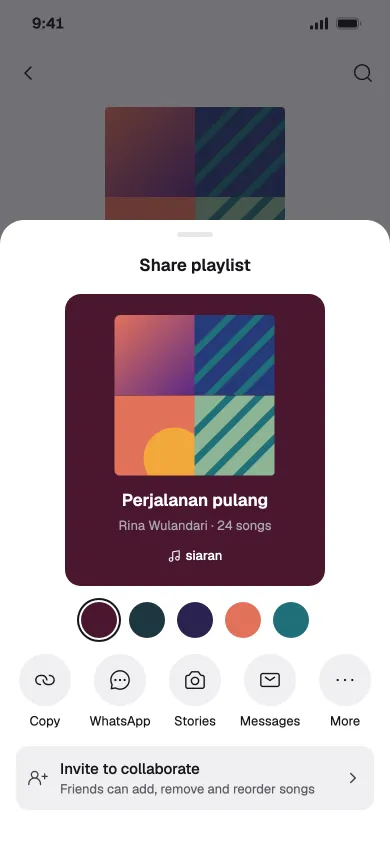
- Share sheet with card
- Invite to collaboratePro
- Collaborative playlistPro
- Link deactivatedPro
See all 4 screens, at mobile and desktop.Pro opens the whole flow in your Universe, with the prompt and code for each screen.
Upgrade to ProAlready Pro? Open in UniverseWhen to use it
USE WHEN
An owner wants friends to hear a playlist or add songs to it, by a link or a share card.
AVOID WHEN
Sharing a single song, episode or artist with no editing (use Social › Sharing), or inviting people to the app itself (use Social › Invite friends).
Patterns and why they work
4 decisions this flow makes, and the clarity each one buys.
Share card on a solid cover tint
The card shows exactly what friends will see
Approve new collaborators on by default
The owner decides who edits
A face on every added song
Who added what is visible at a glance
Turning the link off keeps current collaborators
The notice says who can still edit
Each pattern also has its psychology, the intuition behind it and what it rules out, plus layout notes for mobile and desktop.
Open in UniverseStates to cover
The screens people forget until a user hits them.
- Share sheet with card colours
- Copy link
- Invite collaborators
- Approve new collaborators on and off
- Collaborative playlist with avatars
- Added today
- Link turned off
- Pending requests
- Declined
- Remove a collaborator
- Owner only actions
Pairs with
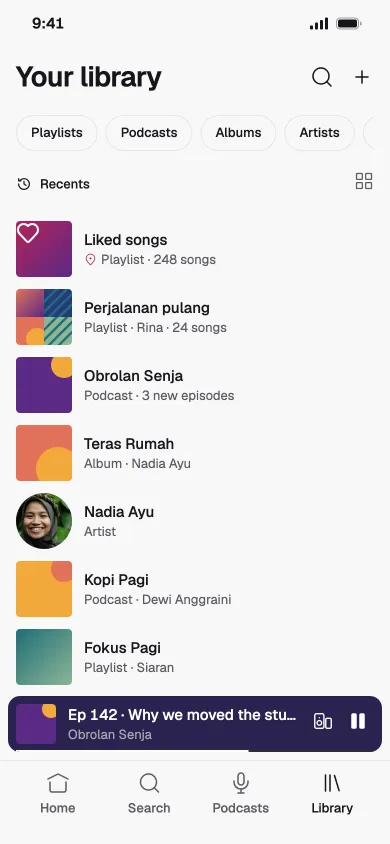
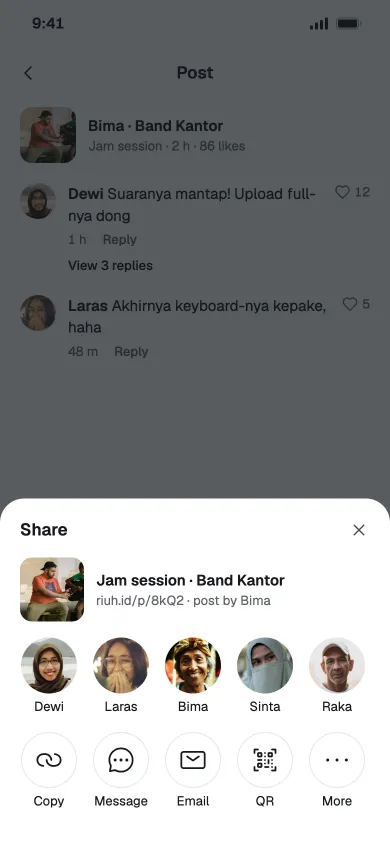
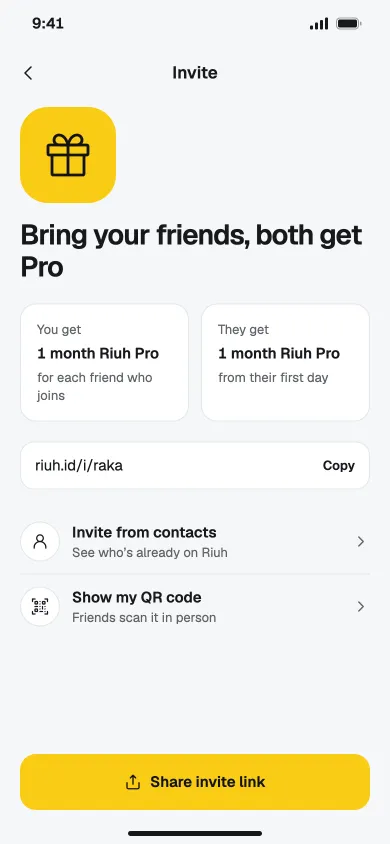
The flows this one hands off to or comes back from.
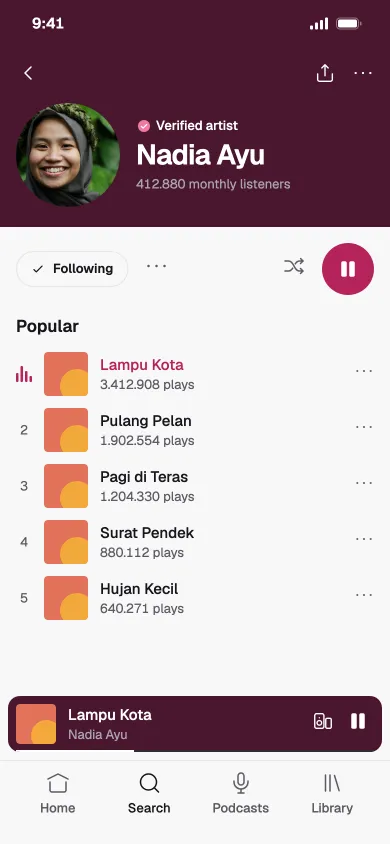
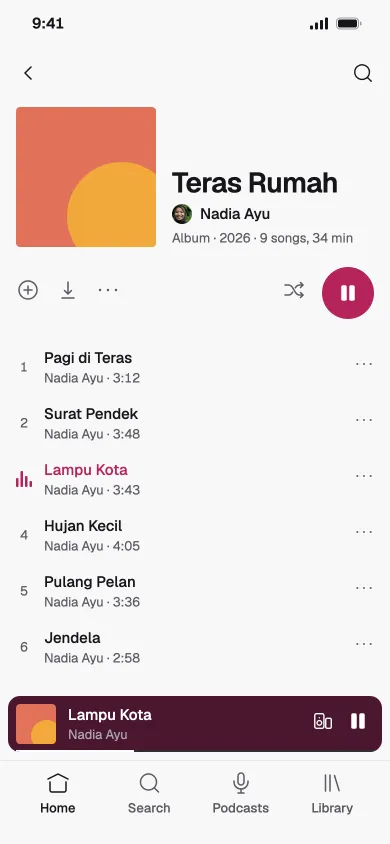
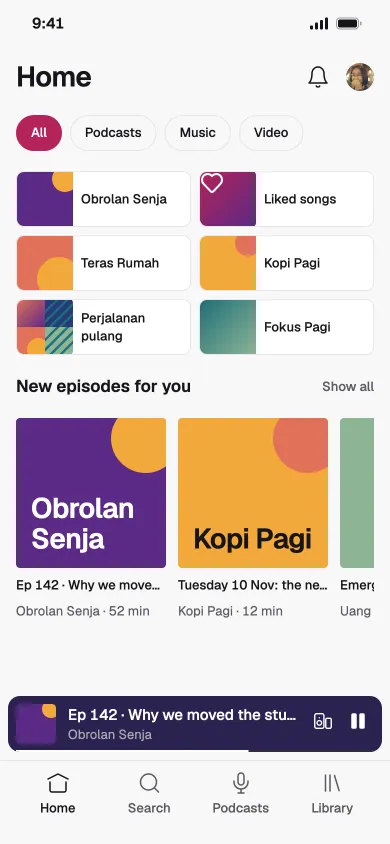
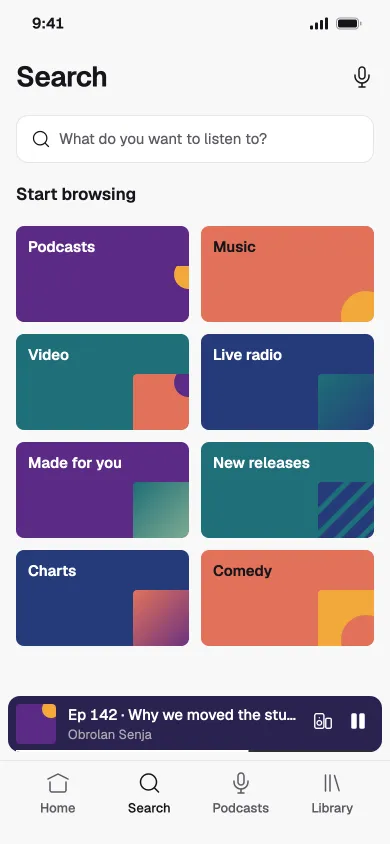
More Music and Video flows
Drawn for the same brand, so they fit together.
Questions
- When should I use a share and collaborate on a playlist flow?
- An owner wants friends to hear a playlist or add songs to it, by a link or a share card. Use another pattern for sharing a single song, episode or artist with no editing (use Social › Sharing), or inviting people to the app itself (use Social › Invite friends).
- Which screens does it need?
- This pattern uses 4: Share sheet with card, Invite to collaborate, Collaborative playlist and Link deactivated. Plan for these states too: share sheet with card colours, copy link, invite collaborators, approve new collaborators on and off.
- Is Siaran a real app?
- No. Siaran is a made-up listening app: podcasts first, with music and video in one player, Indonesian shows and artists, so the screens show the pattern without copying anyone's brand. Your agent redraws the flow on your own tokens and components.
- How does my agent use this flow?
- Connect Claude Code, Codex or Claude Desktop to Wonderblok over MCP. The agent calls use_pattern for this flow, reads its screens, rules and states, and draws them in your file.
- Is it free?
- Browsing Universe is free. Full pattern notes and use with your agent are part of Pro, and the Free plan opens a few flows in full each month.