MUSIC AND VIDEO FLOW
Now playing and mini player app flow
A music and video flow in 7 screens, from album with mini player to ad break. Start your app from it, and your agent draws it on your own design system.
- 7 screens
- 7 patterns
- Mobile and desktop
- Brand: Siaran (made up)
The screens, in order
- Album with mini player
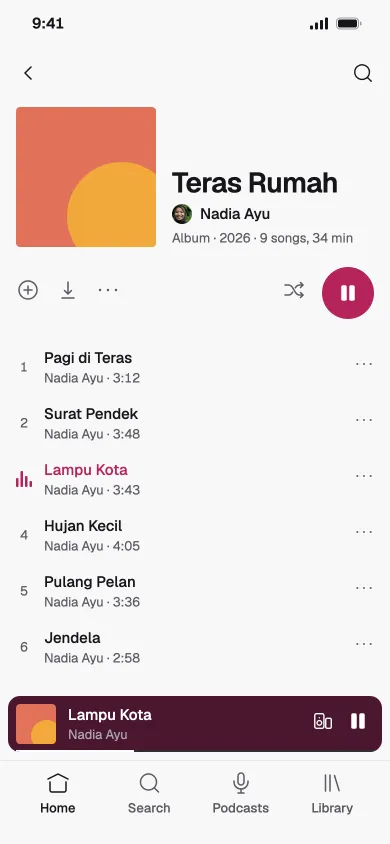
- Full now playingPro
- Lyrics and detailsPro
- Playing on another devicePro
- Sleep timerPro
- Track not availablePro
- Ad breakPro
See all 7 screens, at mobile and desktop.Pro opens the whole flow in your Universe, with the prompt and code for each screen.
Upgrade to ProAlready Pro? Open in UniverseWhen to use it
USE WHEN
Any audio or video app where playback continues while the user browses.
AVOID WHEN
The media is a single embedded clip on a content page (use an inline player) or playback must stop on navigation (exam audio, legal recordings).
Patterns and why they work
7 decisions this flow makes, and the clarity each one buys.
Persistent mini player
What is playing is always visible
Artwork-tinted player background
The player belongs to this track
Remaining time on the right
How long is left
Save as + that turns into a check
Saved state at a glance
Live stream replaces the scrubber
No seeking on live audio
Quality badge in the bar
What fidelity you get
Synced lyrics with the current line highlighted
Where you are in the song
Each pattern also has its psychology, the intuition behind it and what it rules out, plus layout notes for mobile and desktop.
Open in UniverseStates to cover
The screens people forget until a user hits them.
- Idle with no track
- Mini player playing
- Mini player paused
- Buffering
- Full player playing
- Scrubbing with time preview
- Shuffle and repeat on
- Saved
- Lyrics expanded
- Output device sheet
- Live stream
- Playing on another device
- Preview or ad limit reached
- Track unavailable
- Offline with only downloads playable
- Sleep timer active
- Round 5 added: sleep timer sheet from 5 minutes to 4 hours and end of this song (screen 5)
- Track not available in the region with the song skipped (screen 6)
- Ad break on the free plan with Premium offer (screen 7)
Pairs with
The flows this one hands off to or comes back from.
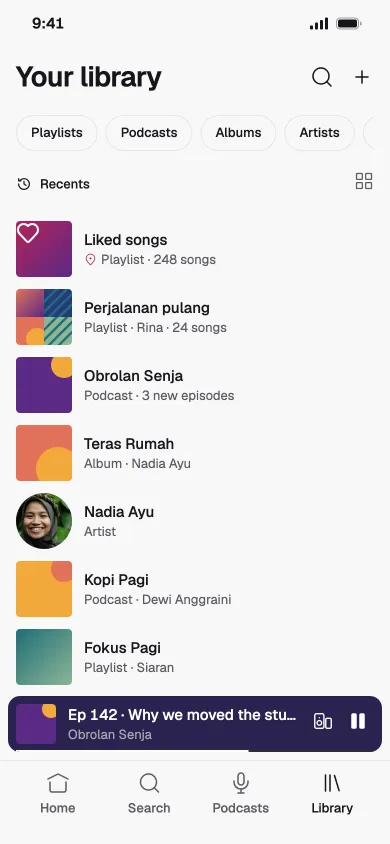
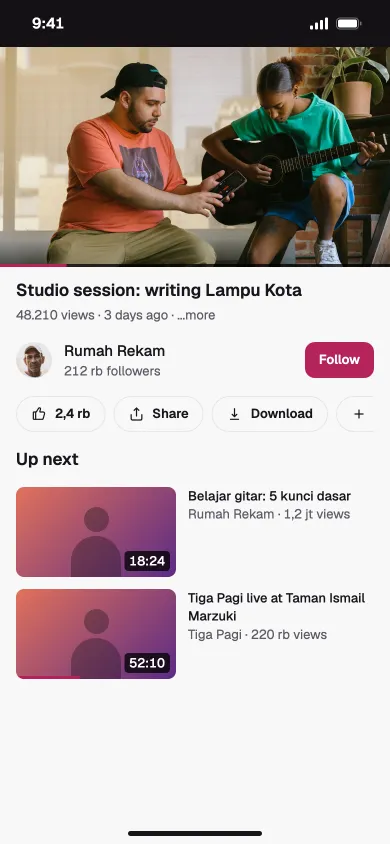
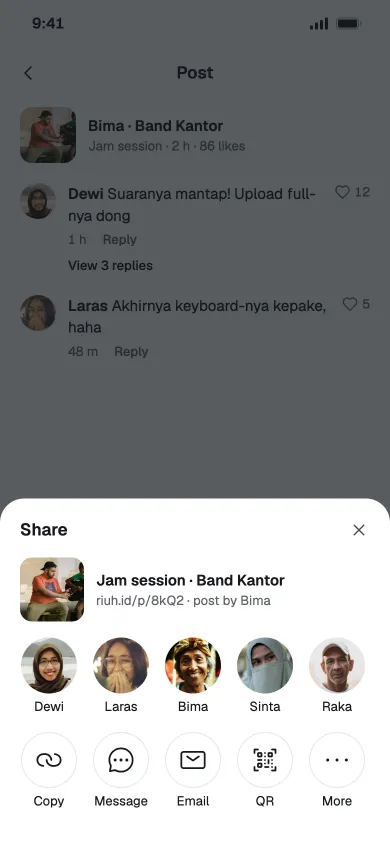
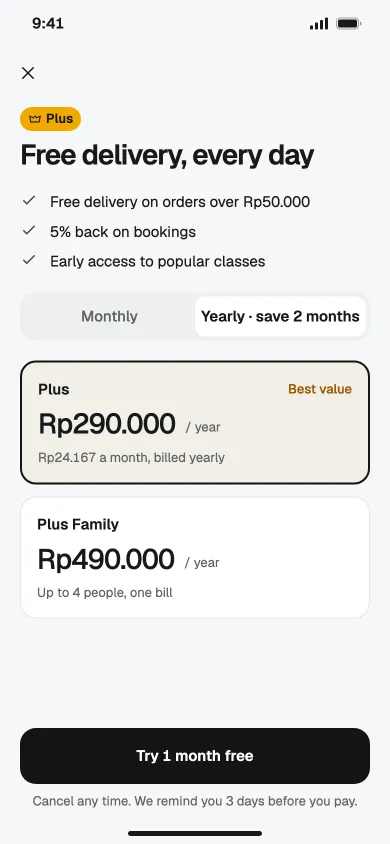
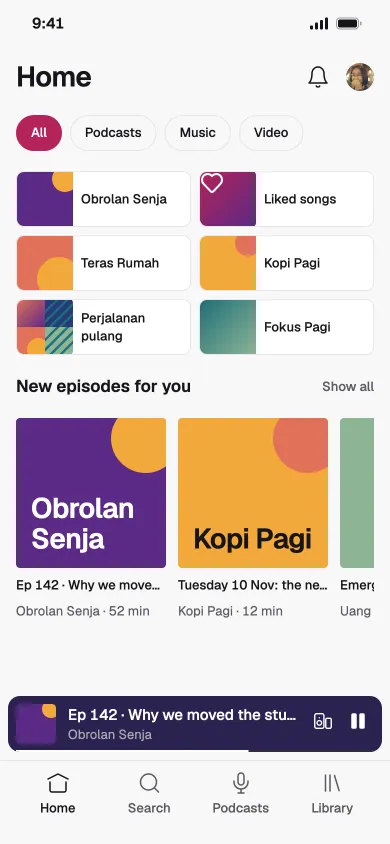
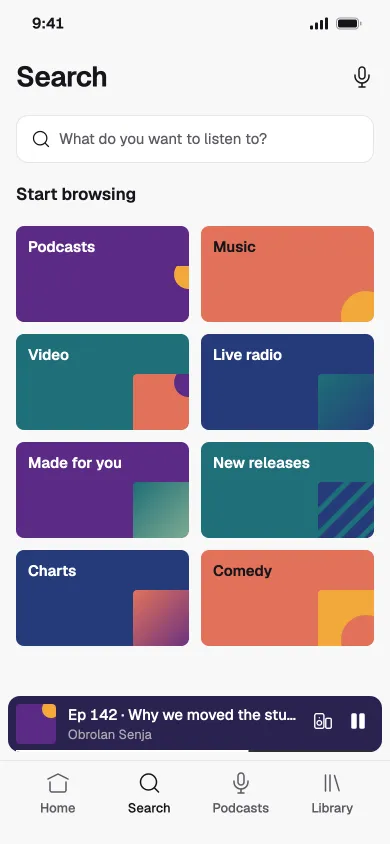
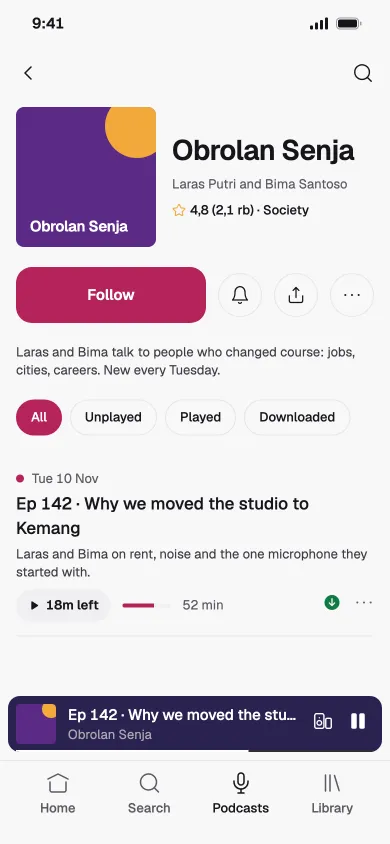
More Music and Video flows
Drawn for the same brand, so they fit together.
Questions
- When should I use a now playing and mini player flow?
- Any audio or video app where playback continues while the user browses. Use another pattern for the media is a single embedded clip on a content page (use an inline player) or playback must stop on navigation (exam audio, legal recordings).
- Which screens does it need?
- This pattern uses 7: Album with mini player, Full now playing, Lyrics and details, Playing on another device, Sleep timer, Track not available and Ad break. Plan for these states too: idle with no track, mini player playing, mini player paused, buffering.
- Is Siaran a real app?
- No. Siaran is a made-up listening app: podcasts first, with music and video in one player, Indonesian shows and artists, so the screens show the pattern without copying anyone's brand. Your agent redraws the flow on your own tokens and components.
- How does my agent use this flow?
- Connect Claude Code, Codex or Claude Desktop to Wonderblok over MCP. The agent calls use_pattern for this flow, reads its screens, rules and states, and draws them in your file.
- Is it free?
- Browsing Universe is free. Full pattern notes and use with your agent are part of Pro, and the Free plan opens a few flows in full each month.