EDUCATION FLOW
My learning app flow
A education flow in 4 screens, from in progress to nothing started yet. Start your app from it, and your agent draws it on your own design system.
- 4 screens
- 4 patterns
- Mobile and desktop
- Brand: Cerdas (made up)
The screens, in order
- In progress
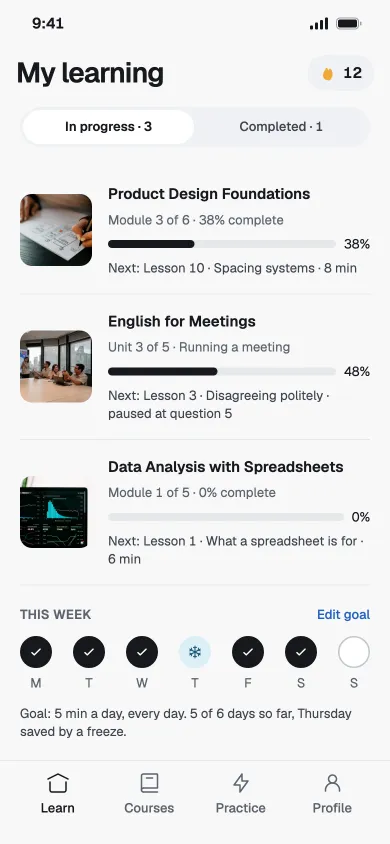
- CompletedPro
- Weekly goalPro
- Nothing started yetPro
See all 4 screens, at mobile and desktop.Pro opens the whole flow in your Universe, with the prompt and code for each screen.
Upgrade to ProAlready Pro? Open in UniverseWhen to use it
USE WHEN
A learner is enrolled in several courses and needs one signed-in home with progress, the next lesson and a weekly goal.
AVOID WHEN
A single course (use Course page and lesson player) or browsing to buy (use Course catalogue and enroll).
Patterns and why they work
4 decisions this flow makes, and the clarity each one buys.
One row per course with the next lesson named
Lesson, title and minutes
Weekly goal as day ticks with the freeze shown
5 of 6 days
Completed with scores and the certificate
Quiz scores per module
Empty state with picks and a level test
What will appear here
Each pattern also has its psychology, the intuition behind it and what it rules out, plus layout notes for mobile and desktop.
Open in UniverseStates to cover
The screens people forget until a user hits them.
- In progress
- Paused lesson
- Just enrolled
- Completed with certificate
- Weekly goal met or missed
- Freeze used
- Change goal
- Nothing started yet
Pairs with
The flows this one hands off to or comes back from.
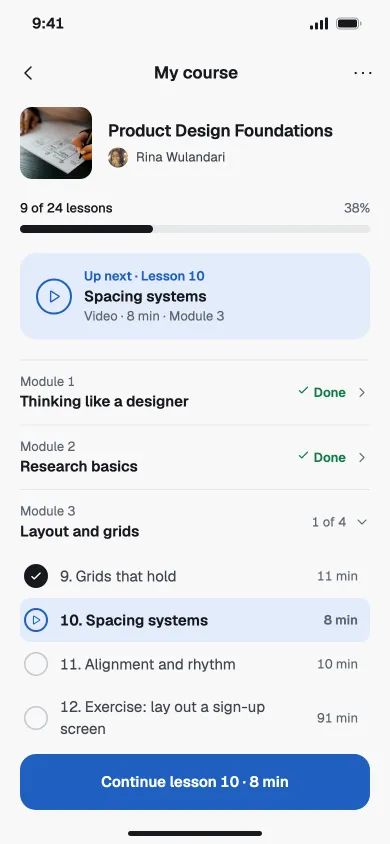
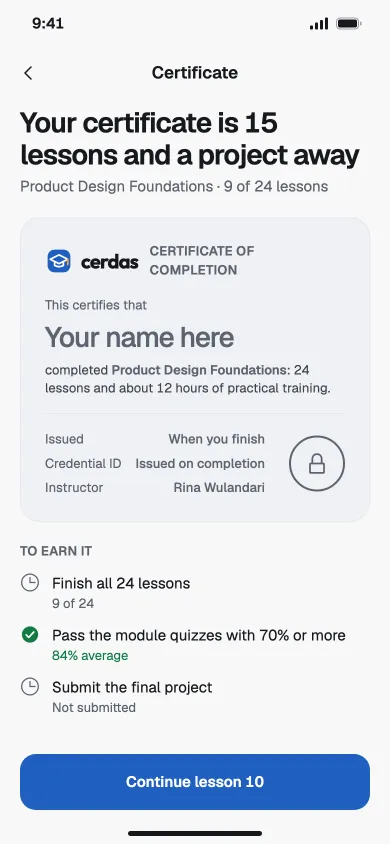
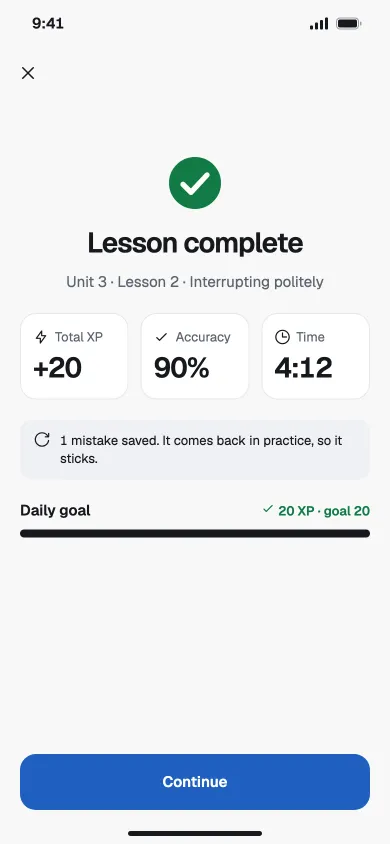
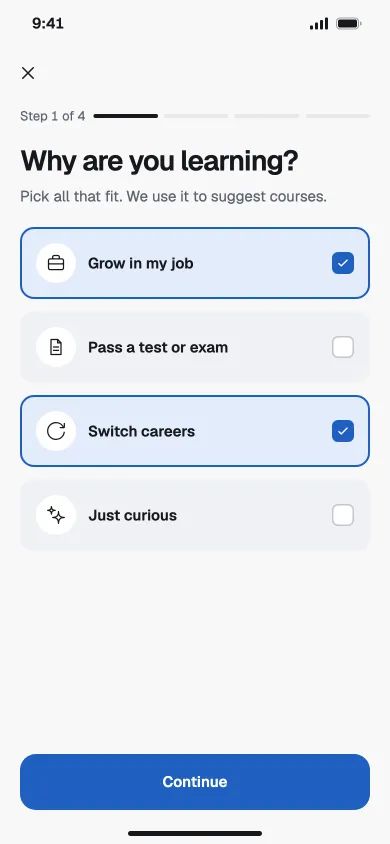
More Education flows
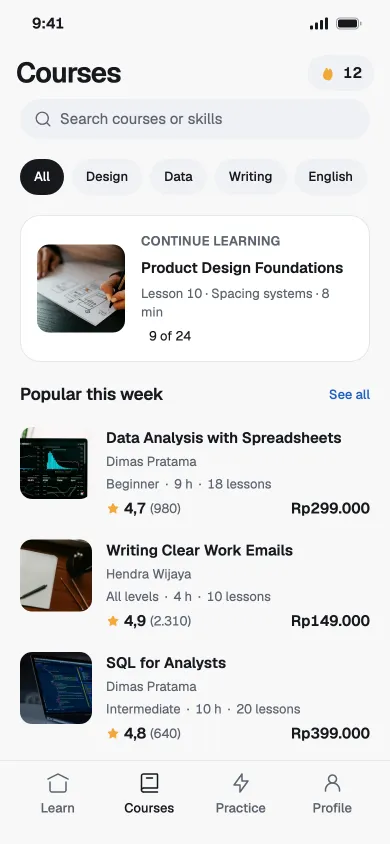
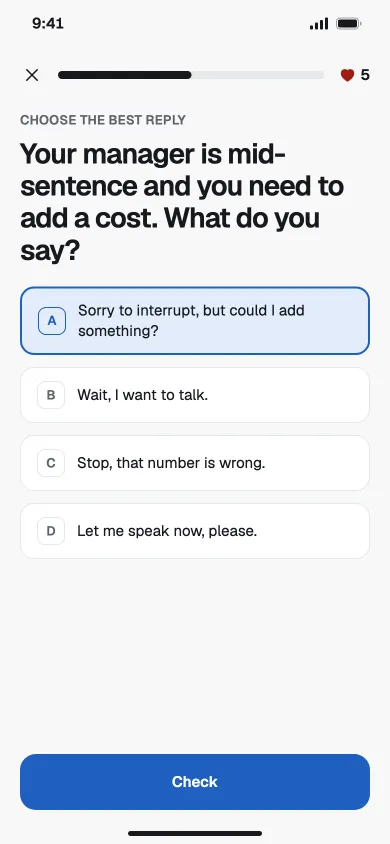
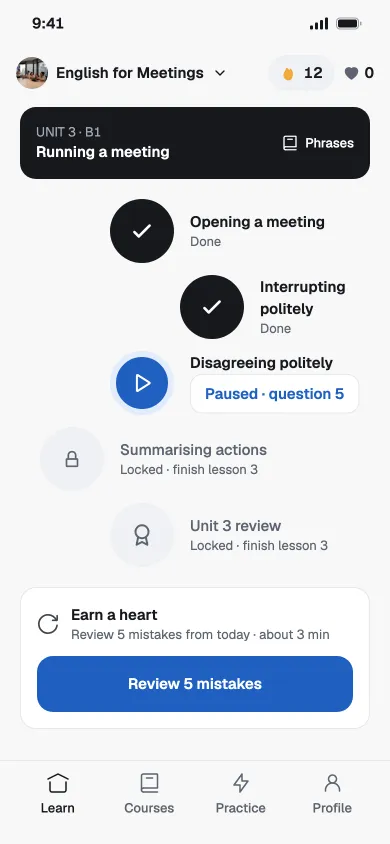
Drawn for the same brand, so they fit together.
Questions
- When should I use a my learning flow?
- A learner is enrolled in several courses and needs one signed-in home with progress, the next lesson and a weekly goal. Use another pattern for a single course (use Course page and lesson player) or browsing to buy (use Course catalogue and enroll).
- Which screens does it need?
- This pattern uses 4: In progress, Completed, Weekly goal and Nothing started yet. Plan for these states too: in progress, paused lesson, just enrolled, completed with certificate.
- Is Cerdas a real app?
- No. Cerdas is a made-up Indonesian learning app: practical courses in design, data, writing and English for work, with a catalogue and checkout, a lesson player, quizzes with answer feedback, streaks, practice of mistakes, a placement test and certificates, so the screens show the pattern without copying anyone's brand. Your agent redraws the flow on your own tokens and components.
- How does my agent use this flow?
- Connect Claude Code, Codex or Claude Desktop to Wonderblok over MCP. The agent calls use_pattern for this flow, reads its screens, rules and states, and draws them in your file.
- Is it free?
- Browsing Universe is free. Full pattern notes and use with your agent are part of Pro, and the Free plan opens a few flows in full each month.