EDUCATION FLOW
Rate and review a course app flow
A education flow in 4 screens, from prompt after finishing to thanks. Start your app from it, and your agent draws it on your own design system.
- 4 screens
- 3 patterns
- Mobile and desktop
- Brand: Cerdas (made up)
The screens, in order
- Prompt after finishing
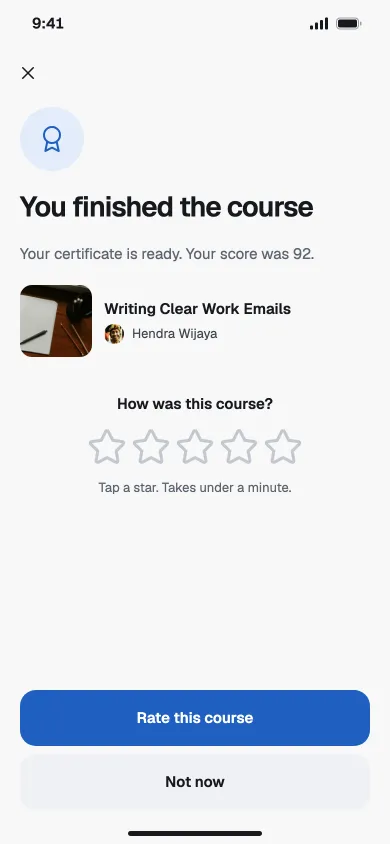
- Stars and a few wordsPro
- Reviews with repliesPro
- ThanksPro
See all 4 screens, at mobile and desktop.Pro opens the whole flow in your Universe, with the prompt and code for each screen.
Upgrade to ProAlready Pro? Open in UniverseWhen to use it
USE WHEN
A learner rates a course after finishing it: a prompt next to the certificate, stars with optional words, a reviews list with instructor replies, and a thank-you with the next course.
AVOID WHEN
A product or seller review on a marketplace (use Commerce › Product reviews) or an in-lesson question (use Education › Lesson Q&A).
Patterns and why they work
3 decisions this flow makes, and the clarity each one buys.
Ask right after the proof of progress
The prompt sits under Your certificate is ready
Chips before words
What stood out is five taps
Replies from the instructor
A grey reply under the review with an Instructor tag
Each pattern also has its psychology, the intuition behind it and what it rules out, plus layout notes for mobile and desktop.
Open in UniverseStates to cover
The screens people forget until a user hits them.
- No rating yet
- 4 stars chosen
- Chips picked
- Text under 20 characters
- Text posted
- Already reviewed (edit for 30 days)
- Instructor reply
- Report a review
- Review too short
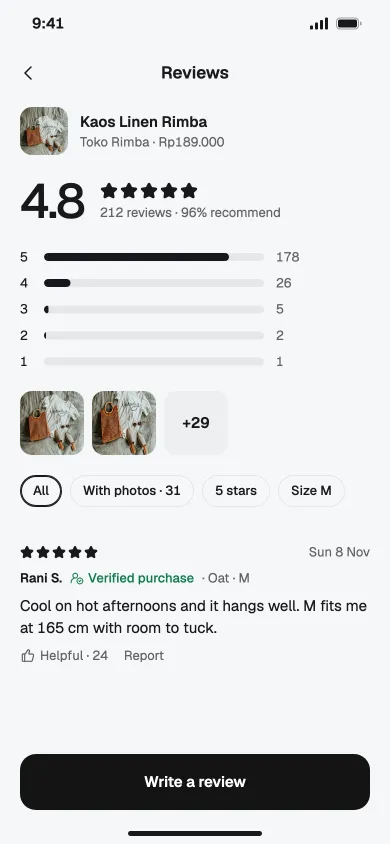
- The distribution of stars and review names are invented placeholders
Pairs with
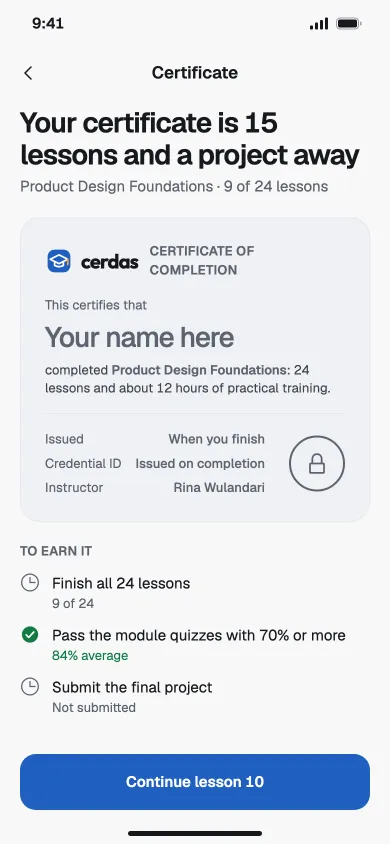
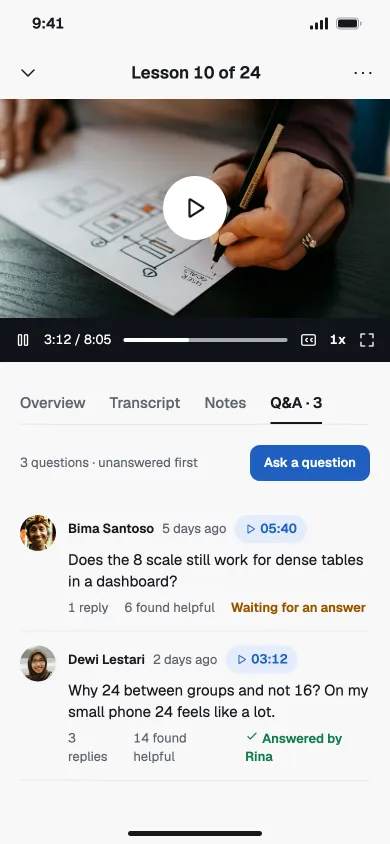
The flows this one hands off to or comes back from.
More Education flows
Drawn for the same brand, so they fit together.
Questions
- When should I use a rate and review a course flow?
- A learner rates a course after finishing it: a prompt next to the certificate, stars with optional words, a reviews list with instructor replies, and a thank-you with the next course. Use another pattern for a product or seller review on a marketplace (use Commerce › Product reviews) or an in-lesson question (use Education › Lesson Q&A).
- Which screens does it need?
- This pattern uses 4: Prompt after finishing, Stars and a few words, Reviews with replies and Thanks. Plan for these states too: no rating yet, 4 stars chosen, chips picked, text under 20 characters.
- Is Cerdas a real app?
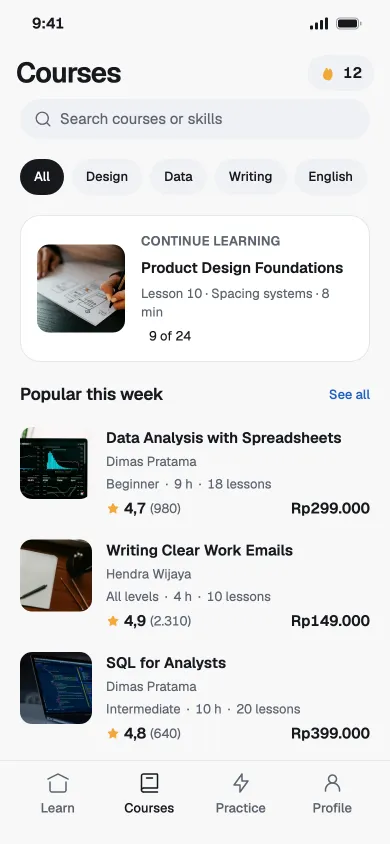
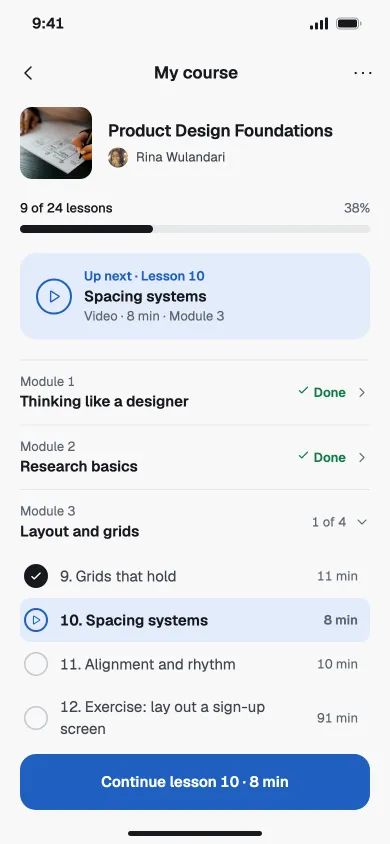
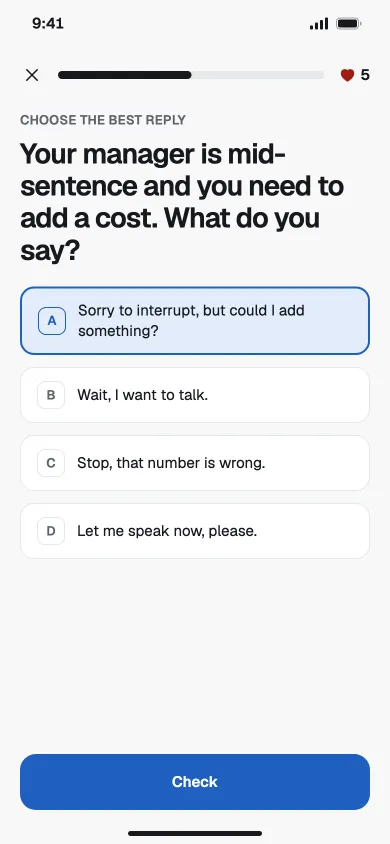
- No. Cerdas is a made-up Indonesian learning app: practical courses in design, data, writing and English for work, with a catalogue and checkout, a lesson player, quizzes with answer feedback, streaks, practice of mistakes, a placement test and certificates, so the screens show the pattern without copying anyone's brand. Your agent redraws the flow on your own tokens and components.
- How does my agent use this flow?
- Connect Claude Code, Codex or Claude Desktop to Wonderblok over MCP. The agent calls use_pattern for this flow, reads its screens, rules and states, and draws them in your file.
- Is it free?
- Browsing Universe is free. Full pattern notes and use with your agent are part of Pro, and the Free plan opens a few flows in full each month.