EDUCATION FLOW
Quiz and answer feedback app flow
A education flow in 6 screens, from question to review before you submit. Start your app from it, and your agent draws it on your own design system.
- 6 screens
- 4 patterns
- Mobile and desktop
- Brand: Cerdas (made up)
The screens, in order
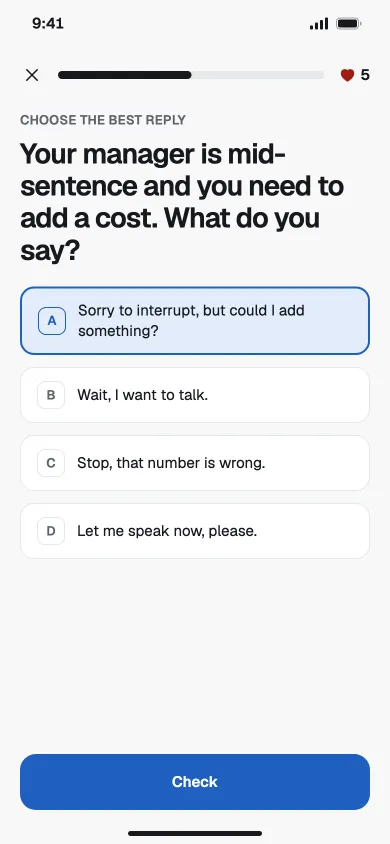
- Question
- Correct answerPro
- Incorrect answerPro
- Out of heartsPro
- Time ran outPro
- Review before you submitPro
See all 6 screens, at mobile and desktop.Pro opens the whole flow in your Universe, with the prompt and code for each screen.
Upgrade to ProAlready Pro? Open in UniverseWhen to use it
USE WHEN
Practice lessons, module quizzes, knowledge checks, any one-question-at-a-time assessment with immediate feedback.
AVOID WHEN
Graded exams that must not show answers until the end (show a summary after submit), surveys without right answers (use Account › Onboarding).
Patterns and why they work
4 decisions this flow makes, and the clarity each one buys.
Feedback footer where the thumb is
The result and the next action in one place
Correct answer and a reason on every miss
What was right and why
Feedback never uses the brand blue
Blue means selected, green and red mean result
Hearts with a free way back
How many mistakes are left
Each pattern also has its psychology, the intuition behind it and what it rules out, plus layout notes for mobile and desktop.
Open in UniverseStates to cover
The screens people forget until a user hits them.
- Question unanswered
- Option selected
- Correct
- Incorrect with correct answer
- Typed answer with a typo accepted
- Last heart
- Out of hearts
- Lesson quit confirmation
- Drawn in wave 3: timer ran out
- Review before you submit with skipped questions
Pairs with
The flows this one hands off to or comes back from.
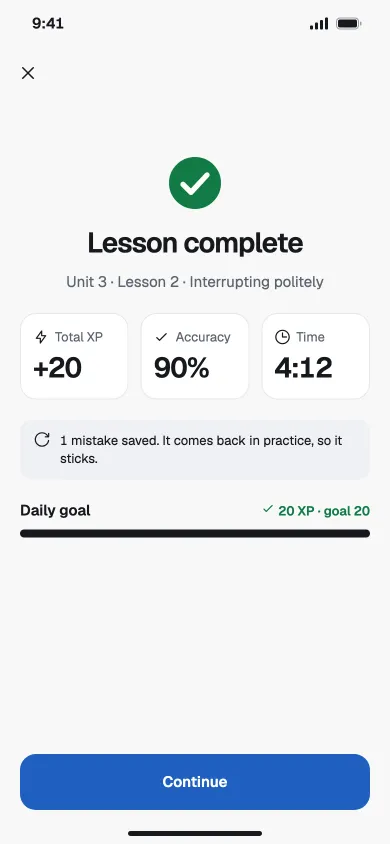
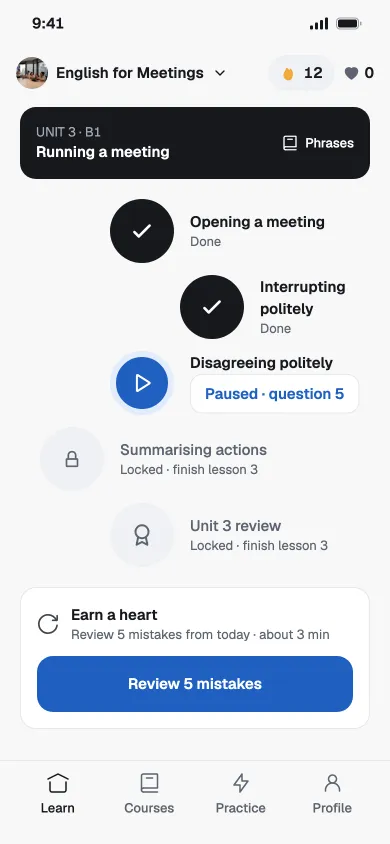
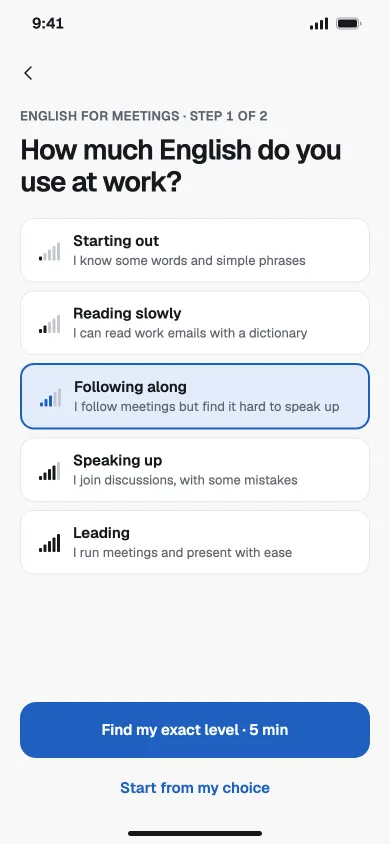
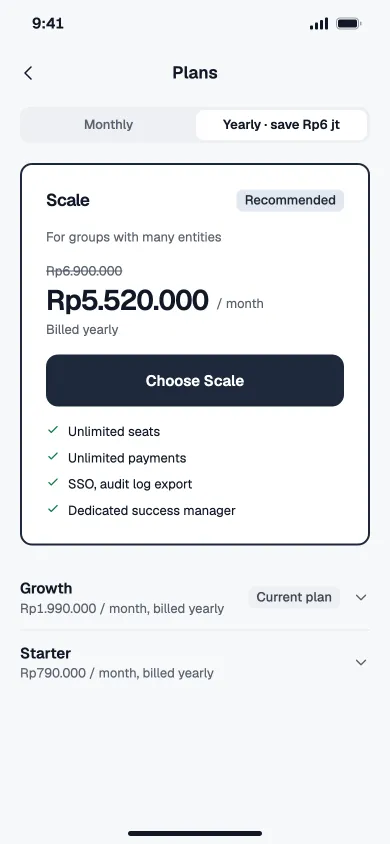
More Education flows
Drawn for the same brand, so they fit together.
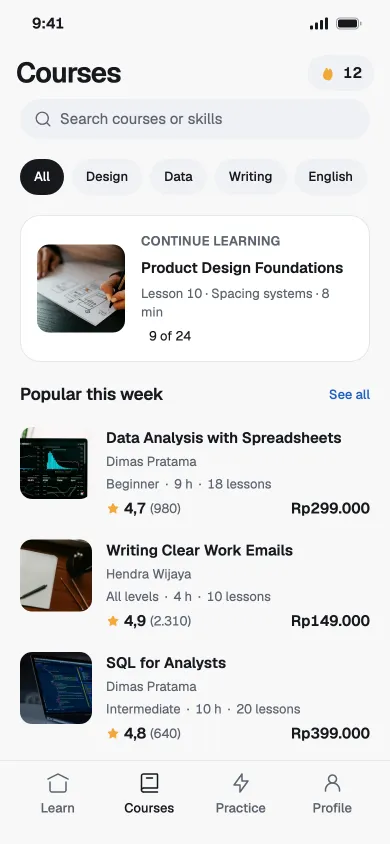
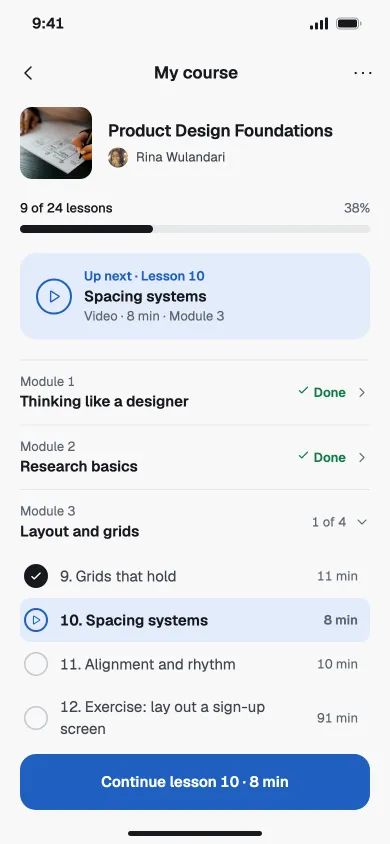
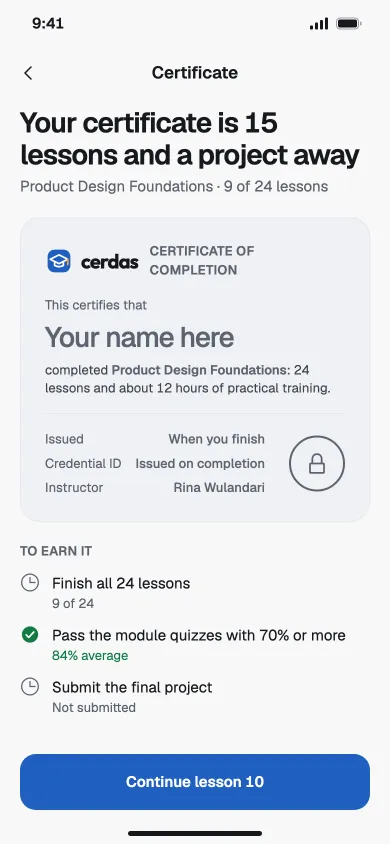
Questions
- When should I use a quiz and answer feedback flow?
- Practice lessons, module quizzes, knowledge checks, any one-question-at-a-time assessment with immediate feedback. Use another pattern for graded exams that must not show answers until the end (show a summary after submit), surveys without right answers (use Account › Onboarding).
- Which screens does it need?
- This pattern uses 6: Question, Correct answer, Incorrect answer, Out of hearts, Time ran out and Review before you submit. Plan for these states too: question unanswered, option selected, correct, incorrect with correct answer.
- Is Cerdas a real app?
- No. Cerdas is a made-up Indonesian learning app: practical courses in design, data, writing and English for work, with a catalogue and checkout, a lesson player, quizzes with answer feedback, streaks, practice of mistakes, a placement test and certificates, so the screens show the pattern without copying anyone's brand. Your agent redraws the flow on your own tokens and components.
- How does my agent use this flow?
- Connect Claude Code, Codex or Claude Desktop to Wonderblok over MCP. The agent calls use_pattern for this flow, reads its screens, rules and states, and draws them in your file.
- Is it free?
- Browsing Universe is free. Full pattern notes and use with your agent are part of Pro, and the Free plan opens a few flows in full each month.