EDUCATION FLOW
Course page and lesson player app flow
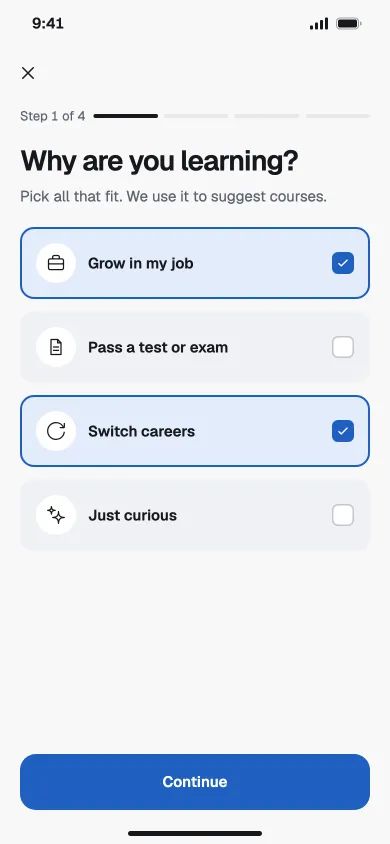
A education flow in 6 screens, from course progress to speed captions and quality. Start your app from it, and your agent draws it on your own design system.
- 6 screens
- 4 patterns
- Mobile and desktop
- Brand: Cerdas (made up)
The screens, in order
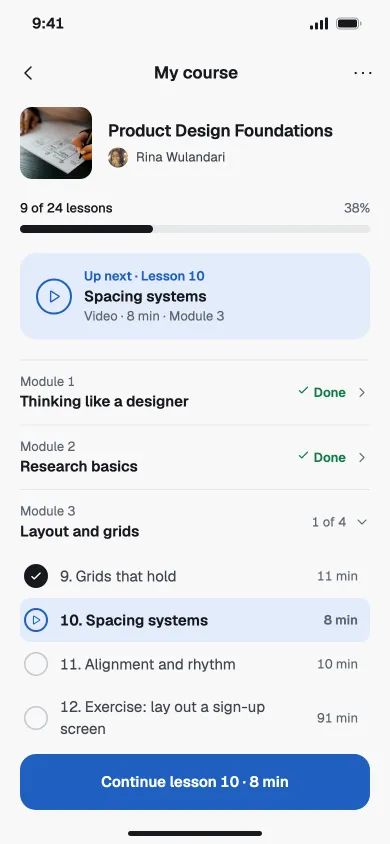
- Course progress
- Video lessonPro
- Notes and transcriptPro
- Video offlinePro
- Picking up where you leftPro
- Speed captions and qualityPro
See all 6 screens, at mobile and desktop.Pro opens the whole flow in your Universe, with the prompt and code for each screen.
Upgrade to ProAlready Pro? Open in UniverseWhen to use it
USE WHEN
Any video or reading course with modules, a course dashboard with progress, a lesson player on web or mobile.
AVOID WHEN
One-question-per-screen practice (use Quiz and answer feedback), a single standalone video (use Music › Video player and captions).
Patterns and why they work
4 decisions this flow makes, and the clarity each one buys.
"n of N lessons" next to one Continue
Where I am
Outline left, content centre, details right
Course, lesson and facts each have a place
Transcript and notes under the video
Search and skim the lesson
Offline video says what still works
What is unavailable and why
Each pattern also has its psychology, the intuition behind it and what it rules out, plus layout notes for mobile and desktop.
Open in UniverseStates to cover
The screens people forget until a user hits them.
- Not started
- In progress with next lesson
- Lesson playing
- Transcript and notes
- Lesson complete
- Locked lesson
- Offline with downloads
- Video failed
- Course complete
- Drawn in wave 3: resume where you left off
- Speed
- Captions off and low data quality in one settings sheet
Pairs with
The flows this one hands off to or comes back from.
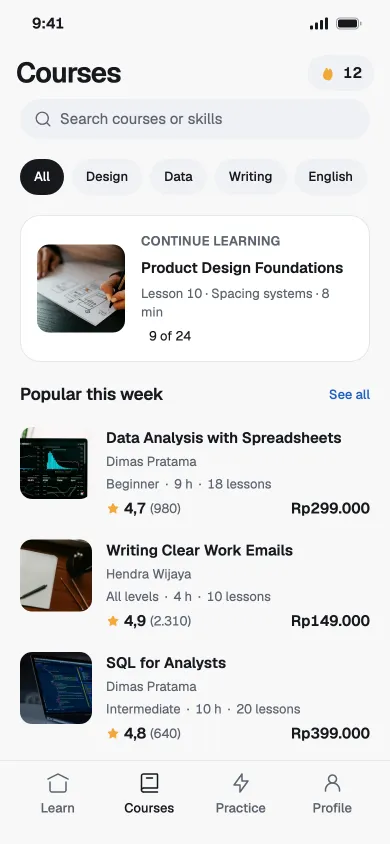
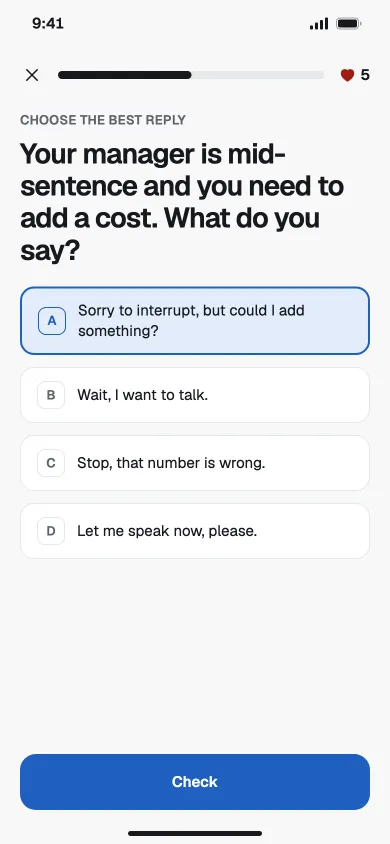
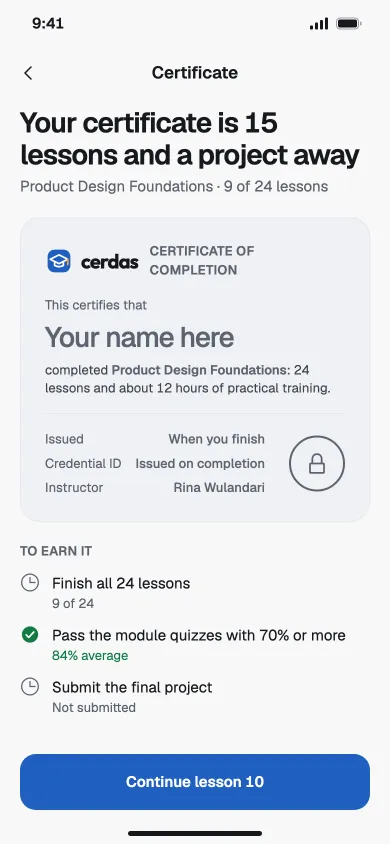
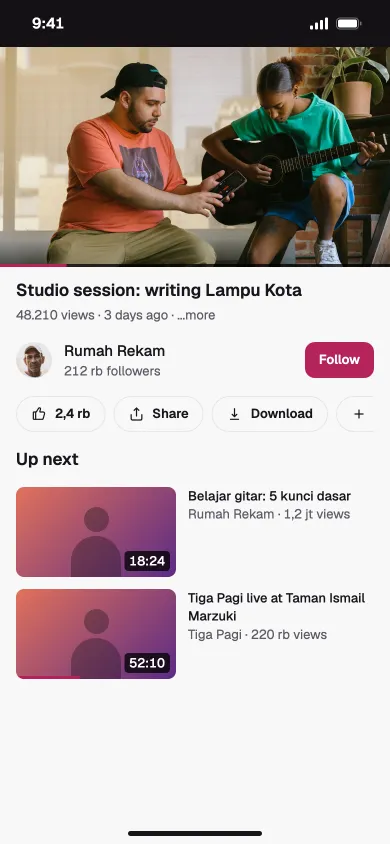
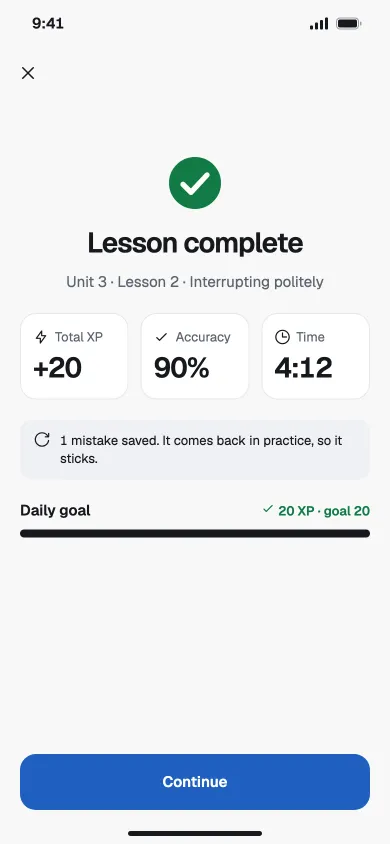
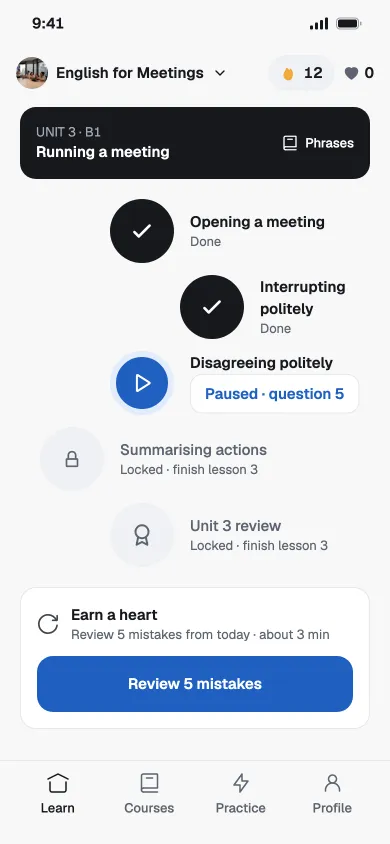
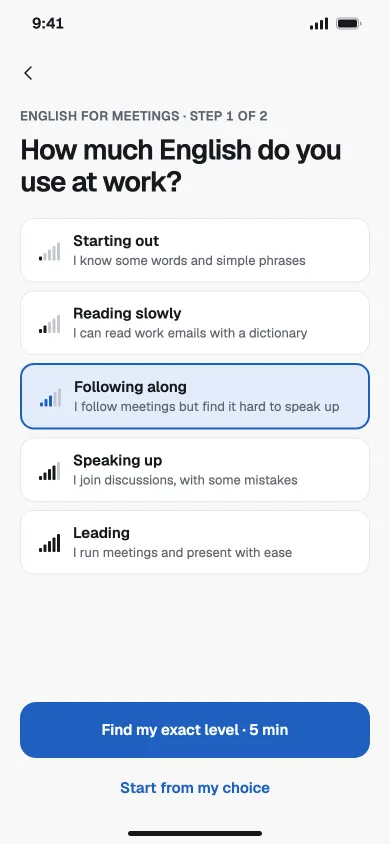
More Education flows
Drawn for the same brand, so they fit together.
Questions
- When should I use a course page and lesson player flow?
- Any video or reading course with modules, a course dashboard with progress, a lesson player on web or mobile. Use another pattern for one-question-per-screen practice (use Quiz and answer feedback), a single standalone video (use Music › Video player and captions).
- Which screens does it need?
- This pattern uses 6: Course progress, Video lesson, Notes and transcript, Video offline, Picking up where you left and Speed captions and quality. Plan for these states too: not started, in progress with next lesson, lesson playing, transcript and notes.
- Is Cerdas a real app?
- No. Cerdas is a made-up Indonesian learning app: practical courses in design, data, writing and English for work, with a catalogue and checkout, a lesson player, quizzes with answer feedback, streaks, practice of mistakes, a placement test and certificates, so the screens show the pattern without copying anyone's brand. Your agent redraws the flow on your own tokens and components.
- How does my agent use this flow?
- Connect Claude Code, Codex or Claude Desktop to Wonderblok over MCP. The agent calls use_pattern for this flow, reads its screens, rules and states, and draws them in your file.
- Is it free?
- Browsing Universe is free. Full pattern notes and use with your agent are part of Pro, and the Free plan opens a few flows in full each month.