REAL ESTATE FLOW
Create account and pick your goal app flow
A real estate flow in 4 screens, from join or sign in to first picks. Start your app from it, and your agent draws it on your own design system.
- 4 screens
- 3 patterns
- Mobile and desktop
- Brand: Huni (made up)
The screens, in order
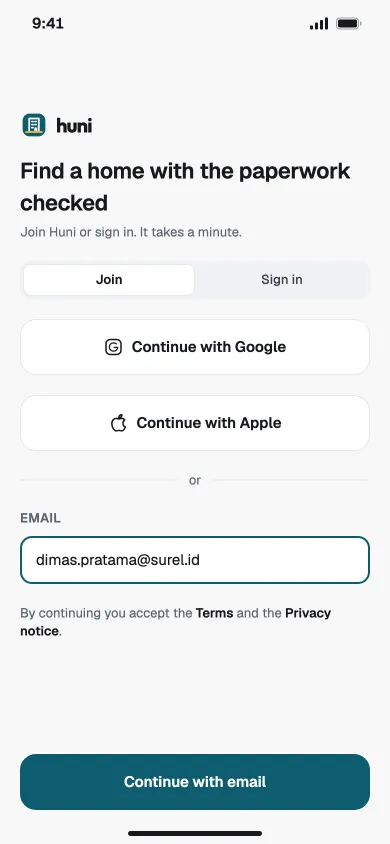
- Join or sign in
- What do you needPro
- Where and budgetPro
- First picksPro
See all 4 screens, at mobile and desktop.Pro opens the whole flow in your Universe, with the prompt and code for each screen.
Upgrade to ProAlready Pro? Open in UniverseWhen to use it
USE WHEN
The first visit to a property app, where the answers (buy, rent or list, where, budget) set the first screen and a saved search, not only the account.
AVOID WHEN
A plain return sign-in or password reset (use Account › Log in and out, Account › Forgot password) or a first run with no property intent (use Account › Onboarding).
Patterns and why they work
3 decisions this flow makes, and the clarity each one buys.
Ask for the intent, then the place and money
Three goals in plain words
Budget as a range over what homes cost
A histogram sits under the range
End on results, with the alert on
The first picks are real homes that match
Each pattern also has its psychology, the intuition behind it and what it rules out, plus layout notes for mobile and desktop.
Open in UniverseStates to cover
The screens people forget until a user hits them.
- Email typed
- Wrong or used email (see Account › Log in and out)
- Goal none picked (Continue stays off)
- Several goals picked
- Area not found
- Budget below any listing
- No homes match
- Notifications blocked
- Skipped the questions
- Only the joined
- Goal
- Budget and picks screens are drawn
Pairs with
The flows this one hands off to or comes back from.
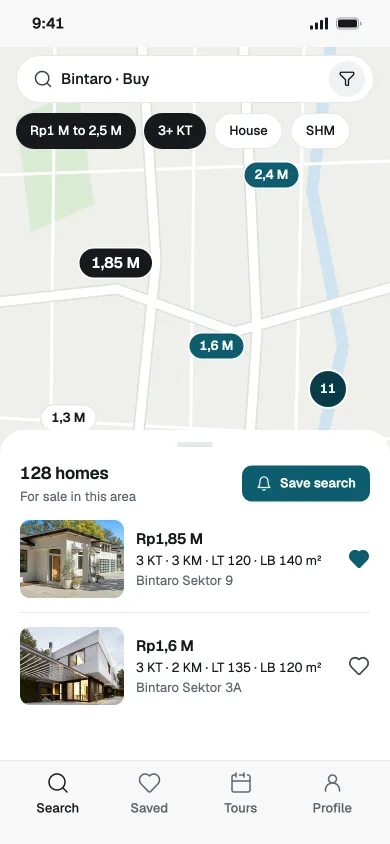
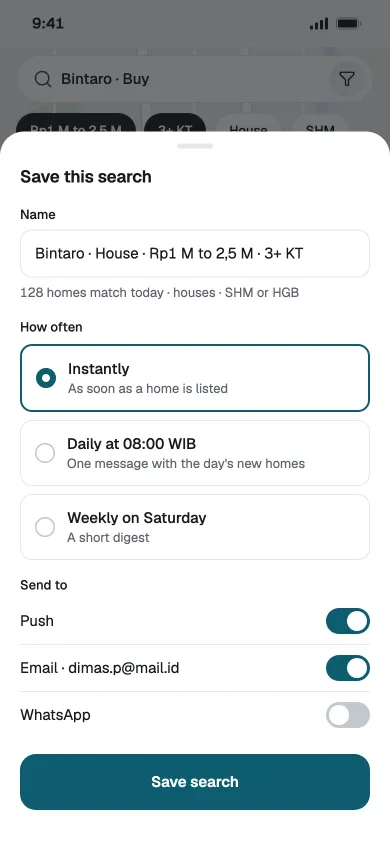
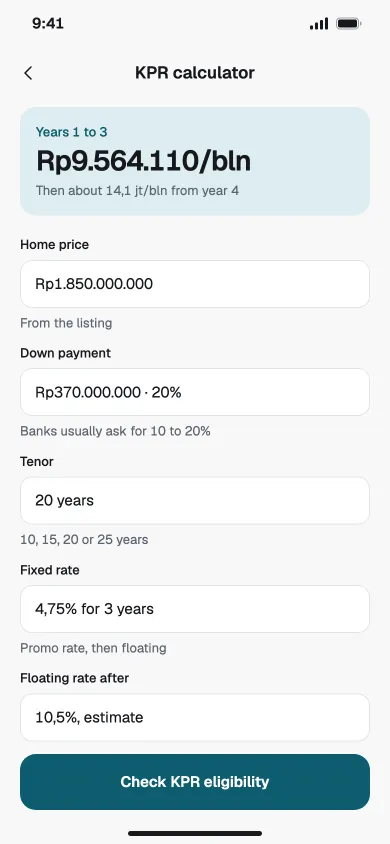
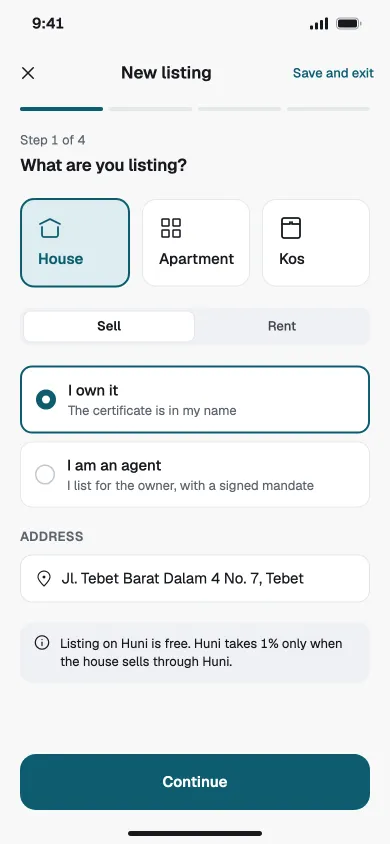
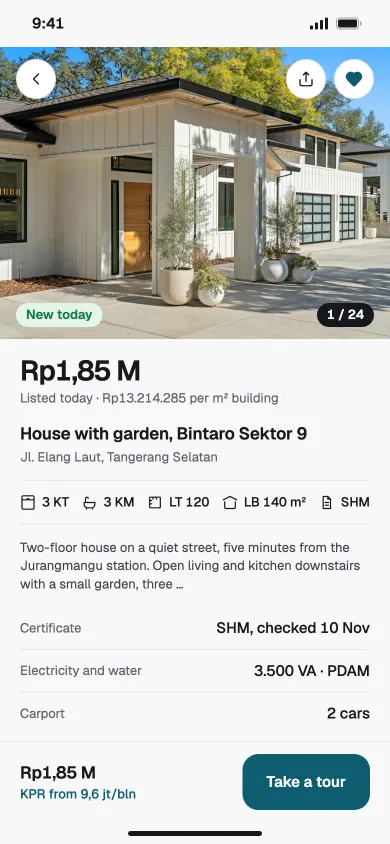
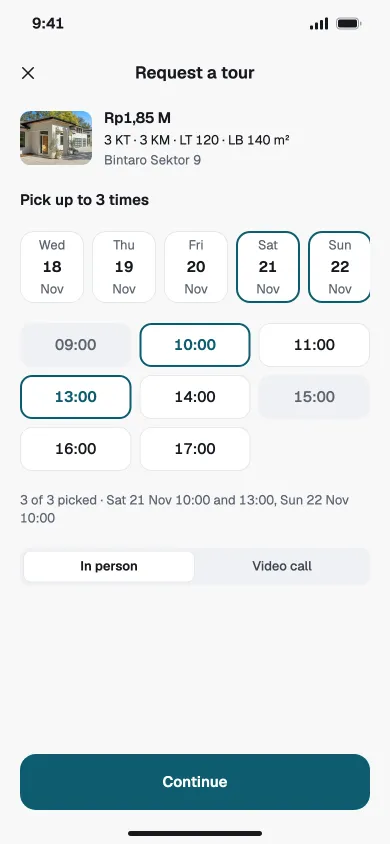
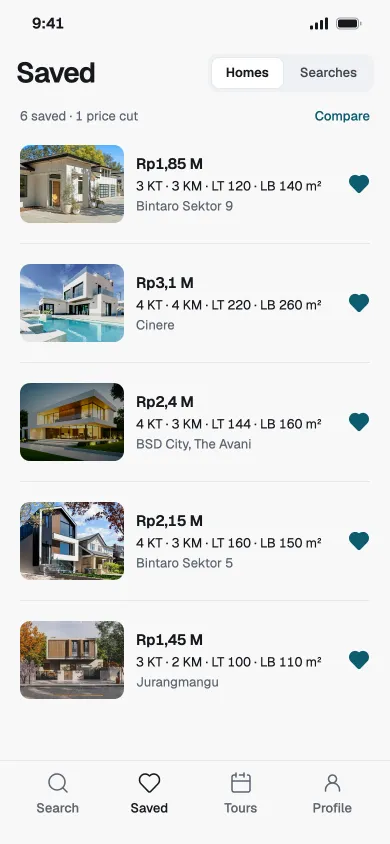
More Real estate flows
Drawn for the same brand, so they fit together.
Questions
- When should I use a create account and pick your goal flow?
- The first visit to a property app, where the answers (buy, rent or list, where, budget) set the first screen and a saved search, not only the account. Use another pattern for a plain return sign-in or password reset (use Account › Log in and out, Account › Forgot password) or a first run with no property intent (use Account › Onboarding).
- Which screens does it need?
- This pattern uses 4: Join or sign in, What do you need, Where and budget and First picks. Plan for these states too: email typed, wrong or used email (see account › log in and out), goal none picked (continue stays off), several goals picked.
- Is Huni a real app?
- No. Huni is a made-up Indonesian property app for buying and renting houses, apartments and kos: search on a map with price pins, listings with the certificate checked, tours with an agent, saved homes and compare, saved search alerts, a KPR calculator and rental applications with documents, so the screens show the pattern without copying anyone's brand. Your agent redraws the flow on your own tokens and components.
- How does my agent use this flow?
- Connect Claude Code, Codex or Claude Desktop to Wonderblok over MCP. The agent calls use_pattern for this flow, reads its screens, rules and states, and draws them in your file.
- Is it free?
- Browsing Universe is free. Full pattern notes and use with your agent are part of Pro, and the Free plan opens a few flows in full each month.