REAL ESTATE FLOW
Search with map and filters app flow
A real estate flow in 6 screens, from map and results to price drops and recently viewed. Start your app from it, and your agent draws it on your own design system.
- 6 screens
- 4 patterns
- Mobile and desktop
- Brand: Huni (made up)
The screens, in order
- Map and results
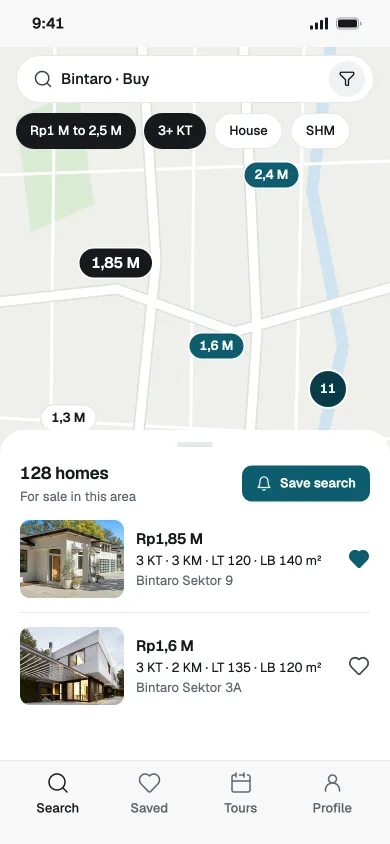
- ListPro
- FiltersPro
- No resultsPro
- Location offPro
- Price drops and recently viewedPro
See all 6 screens, at mobile and desktop.Pro opens the whole flow in your Universe, with the prompt and code for each screen.
Upgrade to ProAlready Pro? Open in UniverseWhen to use it
USE WHEN
Any property, rental or kos search; listings with a location and a price.
AVOID WHEN
Searching places without a price (use Maps › Search and explore nearby), short stays by the night (use Travel › Search trips).
Patterns and why they work
4 decisions this flow makes, and the clarity each one buys.
Price pins on the map
Price where the home is
Live count on the filter button
What the filters will return
Price histogram on the range slider
Where most homes sit
Buy / Rent / Kos as one segment
One app, three markets
Each pattern also has its psychology, the intuition behind it and what it rules out, plus layout notes for mobile and desktop.
Open in UniverseStates to cover
The screens people forget until a user hits them.
- Map default
- List
- Filters with live count
- No results
- Clustered pins
- Pin selected
- Round 5 added: location permission off with area search instead (screen 5)
- Price drops with recently viewed homes (screen 6)
Pairs with
The flows this one hands off to or comes back from.
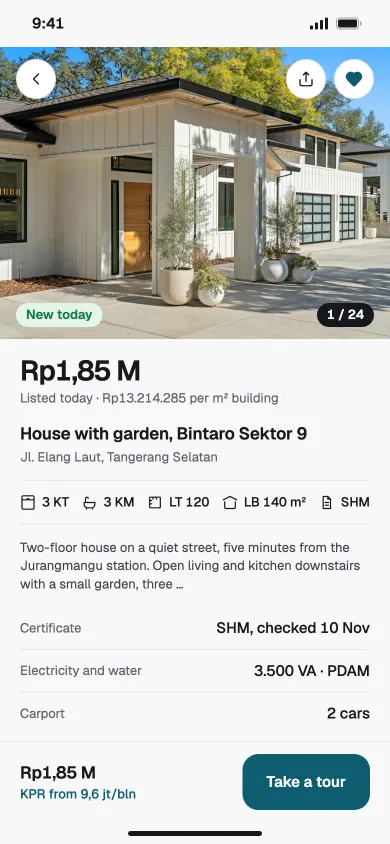
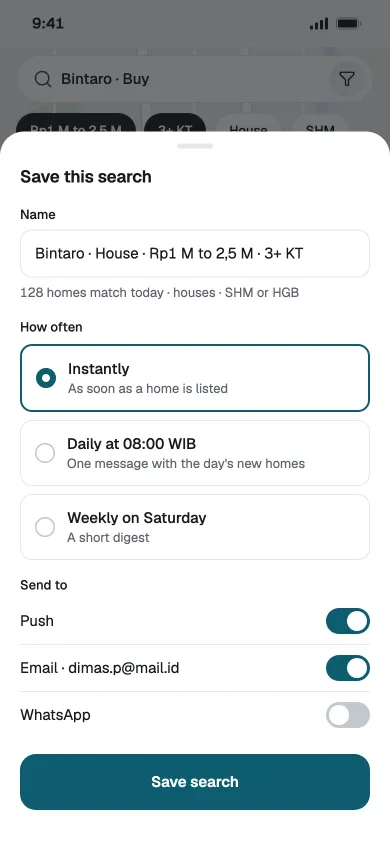
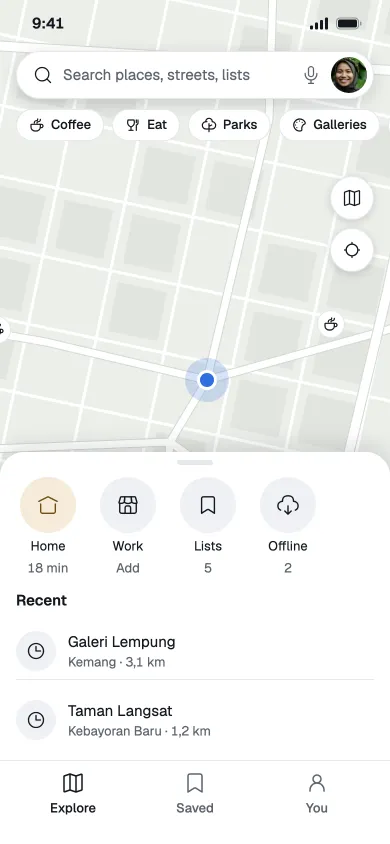
More Real estate flows
Drawn for the same brand, so they fit together.
Questions
- When should I use a search with map and filters flow?
- Any property, rental or kos search; listings with a location and a price. Use another pattern for searching places without a price (use Maps › Search and explore nearby), short stays by the night (use Travel › Search trips).
- Which screens does it need?
- This pattern uses 6: Map and results, List, Filters, No results, Location off and Price drops and recently viewed. Plan for these states too: map default, list, filters with live count, no results.
- Is Huni a real app?
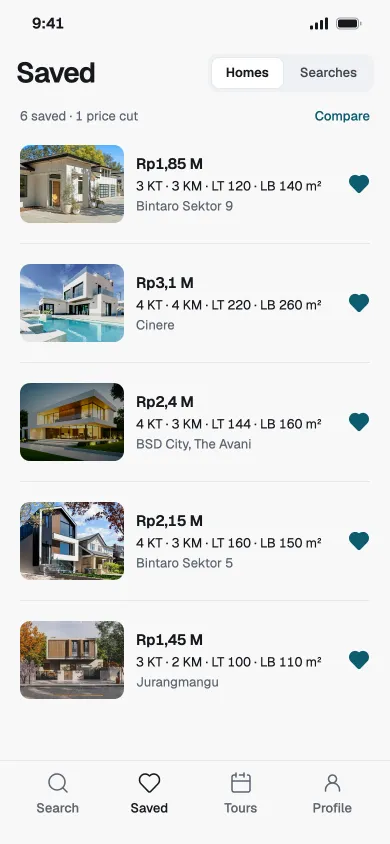
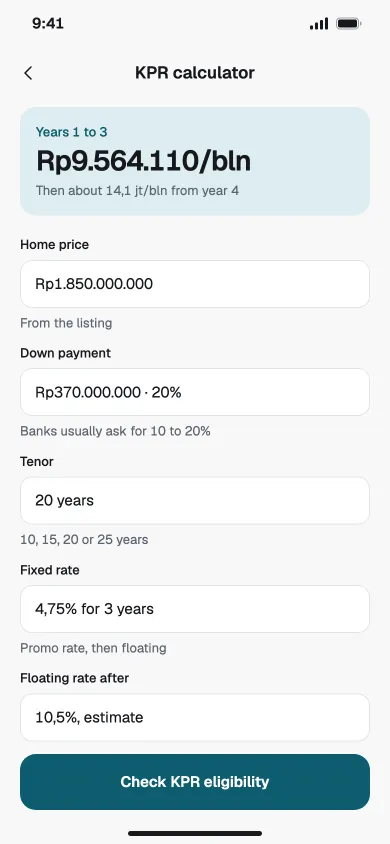
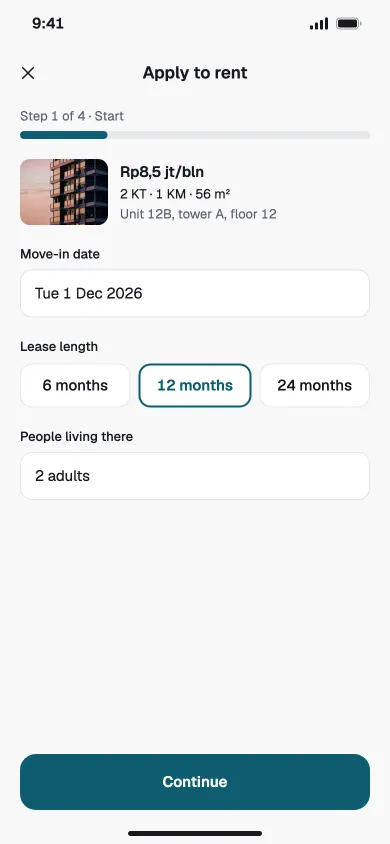
- No. Huni is a made-up Indonesian property app for buying and renting houses, apartments and kos: search on a map with price pins, listings with the certificate checked, tours with an agent, saved homes and compare, saved search alerts, a KPR calculator and rental applications with documents, so the screens show the pattern without copying anyone's brand. Your agent redraws the flow on your own tokens and components.
- How does my agent use this flow?
- Connect Claude Code, Codex or Claude Desktop to Wonderblok over MCP. The agent calls use_pattern for this flow, reads its screens, rules and states, and draws them in your file.
- Is it free?
- Browsing Universe is free. Full pattern notes and use with your agent are part of Pro, and the Free plan opens a few flows in full each month.