REAL ESTATE FLOW
Make an offer app flow
A real estate flow in 4 screens, from offer price to offers and status. Start your app from it, and your agent draws it on your own design system.
- 4 screens
- 3 patterns
- Mobile and desktop
- Brand: Huni (made up)
The screens, in order
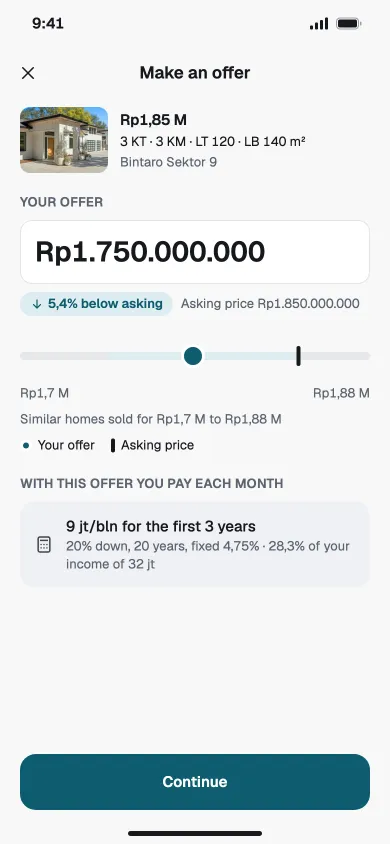
- Offer price
- TermsPro
- Offer sentPro
- Offers and statusPro
See all 4 screens, at mobile and desktop.Pro opens the whole flow in your Universe, with the prompt and code for each screen.
Upgrade to ProAlready Pro? Open in UniverseWhen to use it
USE WHEN
A buyer tells the owner a price before any paperwork: a price with market guidance, the terms and a booking fee (tanda jadi), a clear sent state and a list that keeps every answer (sent, countered, declined, expired).
AVOID WHEN
Booking a viewing (use Real estate › Tour booking and agent chat), a bank loan application (use Real estate › KPR pre-check) or an instant cash purchase by the platform.
Patterns and why they work
3 decisions this flow makes, and the clarity each one buys.
Show the price against what sold nearby
One bar with sold range, your offer and the asking price
Put the booking fee and the rules next to the price
The fee is one card with Refundable
A list that keeps every answer
Each offer has one status tag and one next date
Each pattern also has its psychology, the intuition behind it and what it rules out, plus layout notes for mobile and desktop.
Open in UniverseStates to cover
The screens people forget until a user hits them.
- Offer below the asking price
- Above it
- Owner countered (accept, counter again, decline)
- Declined with the fee returned
- Expired with no answer
- Withdrawn
- Payment to Poket failed
- Listing sold while the offer is open
- The first four are drawn
Pairs with
The flows this one hands off to or comes back from.
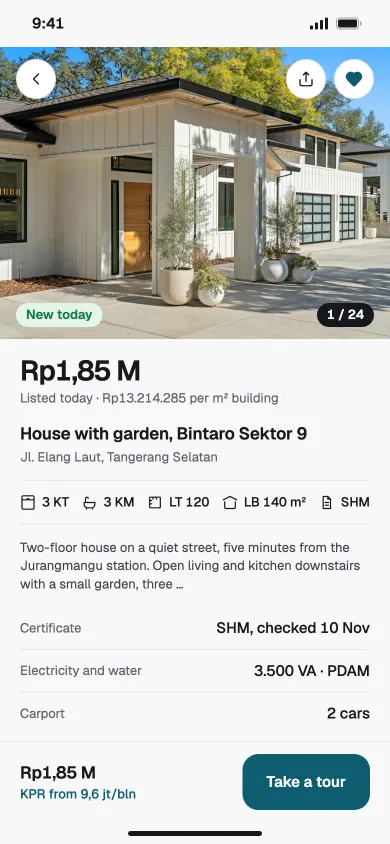
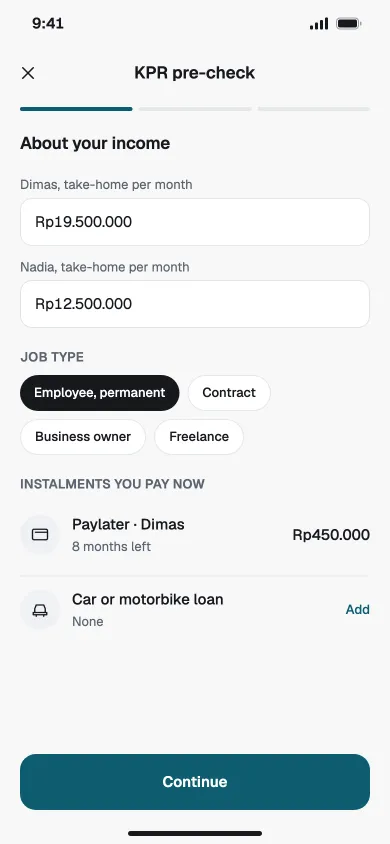
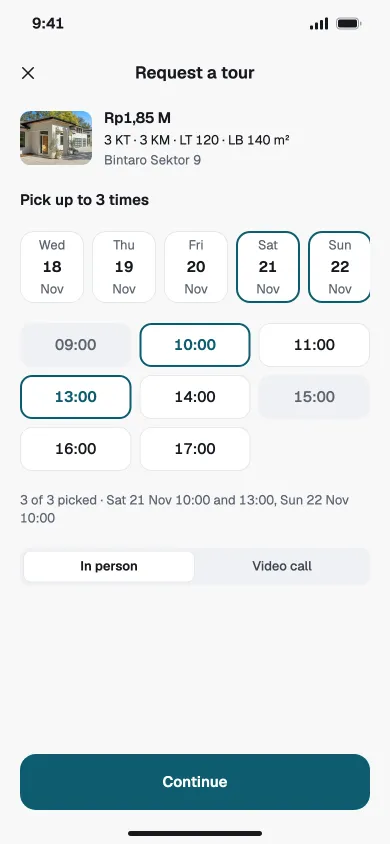
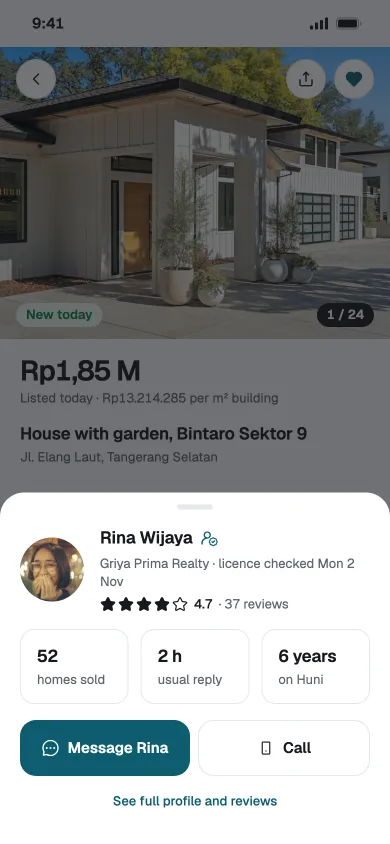
More Real estate flows
Drawn for the same brand, so they fit together.
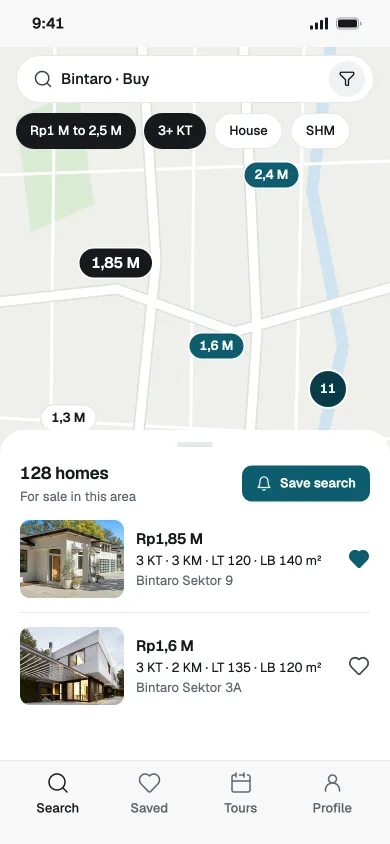
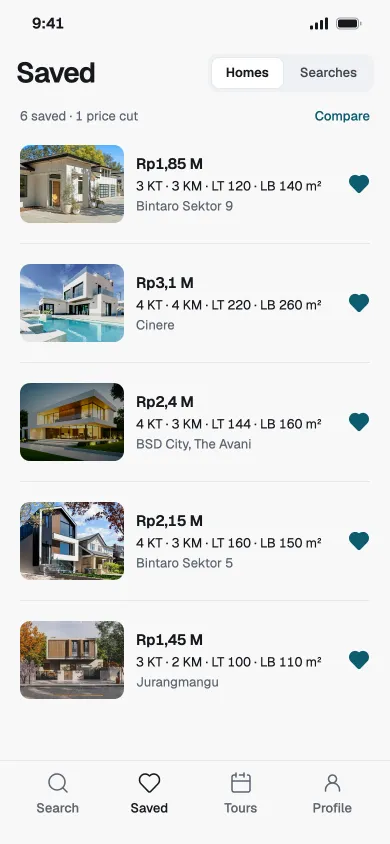
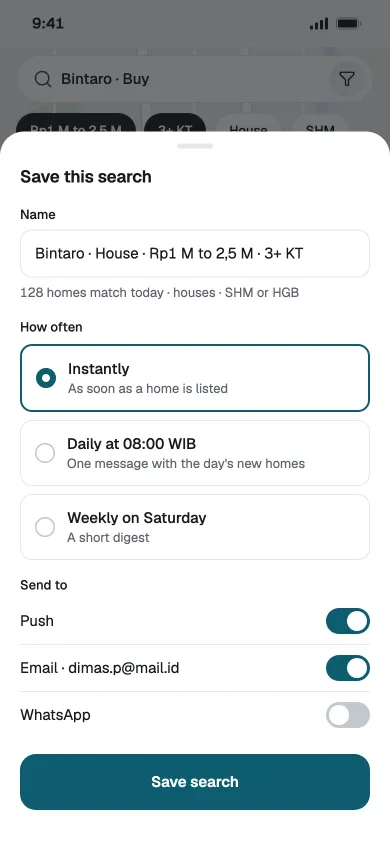
Questions
- When should I use a make an offer flow?
- A buyer tells the owner a price before any paperwork: a price with market guidance, the terms and a booking fee (tanda jadi), a clear sent state and a list that keeps every answer (sent, countered, declined, expired). Use another pattern for booking a viewing (use Real estate › Tour booking and agent chat), a bank loan application (use Real estate › KPR pre-check) or an instant cash purchase by the platform.
- Which screens does it need?
- This pattern uses 4: Offer price, Terms, Offer sent and Offers and status. Plan for these states too: offer below the asking price, above it, owner countered (accept, counter again, decline), declined with the fee returned.
- Is Huni a real app?
- No. Huni is a made-up Indonesian property app for buying and renting houses, apartments and kos: search on a map with price pins, listings with the certificate checked, tours with an agent, saved homes and compare, saved search alerts, a KPR calculator and rental applications with documents, so the screens show the pattern without copying anyone's brand. Your agent redraws the flow on your own tokens and components.
- How does my agent use this flow?
- Connect Claude Code, Codex or Claude Desktop to Wonderblok over MCP. The agent calls use_pattern for this flow, reads its screens, rules and states, and draws them in your file.
- Is it free?
- Browsing Universe is free. Full pattern notes and use with your agent are part of Pro, and the Free plan opens a few flows in full each month.