NEWS FLOW
Front page and sections app flow
A news flow in 6 screens, from front page to breaking news banner. Start your app from it, and your agent draws it on your own design system.
- 6 screens
- 6 patterns
- Mobile and desktop
- Brand: Warta (made up)
The screens, in order
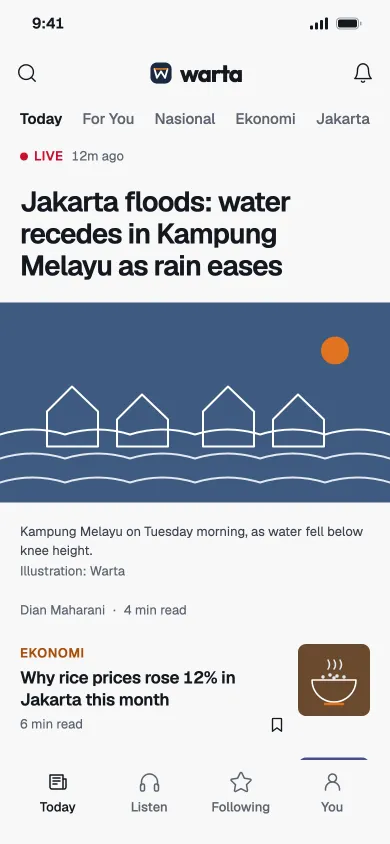
- Front page
- Sections menuPro
- Section pagePro
- Fresh stories updatePro
- Offline and refresh failedPro
- Breaking news bannerPro
See all 6 screens, at mobile and desktop.Pro opens the whole flow in your Universe, with the prompt and code for each screen.
Upgrade to ProAlready Pro? Open in UniverseWhen to use it
USE WHEN
Any publisher home, section landing, aggregator front page.
AVOID WHEN
The product is a single newsletter or podcast (use a post list) or a purely personal feed (use Follow topics and For You).
Patterns and why they work
6 decisions this flow makes, and the clarity each one buys.
Headline size as the only hierarchy
Importance is read from size, not colour
Red LIVE kicker with relative time
This story is moving now
Topic band with subtopic links
One big story gets one band
Explicit freshness control
When the page last changed and what is new
Coverage count on clustered stories
How widely reported
Sections index as the last tab
Every section is reachable
Each pattern also has its psychology, the intuition behind it and what it rules out, plus layout notes for mobile and desktop.
Open in UniverseStates to cover
The screens people forget until a user hits them.
- Default front page
- LIVE lead
- Breaking banner
- Fresh stories available
- Refreshed
- Mega menu open
- Sections index
- Section page
- Promo bar
- Offline cached edition
- Loading skeleton
- Empty section
- Refresh failed notice
Pairs with
The flows this one hands off to or comes back from.
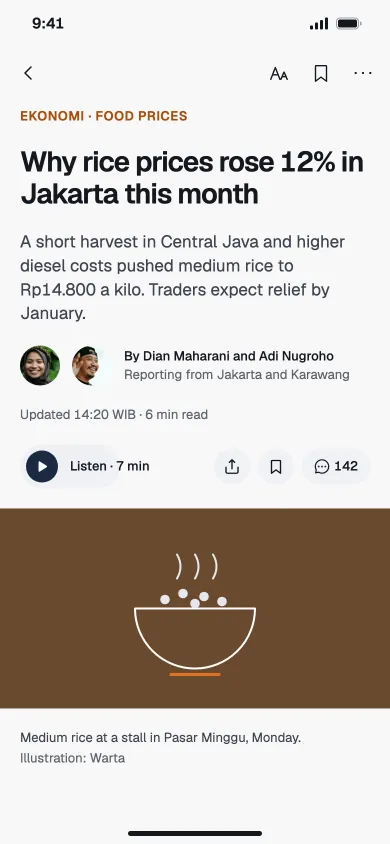
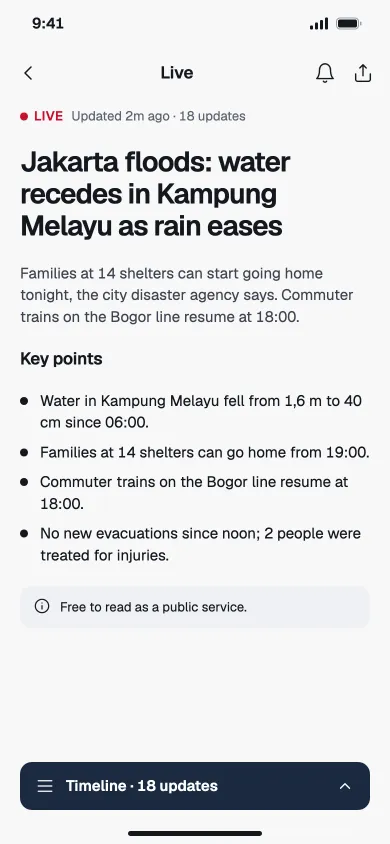
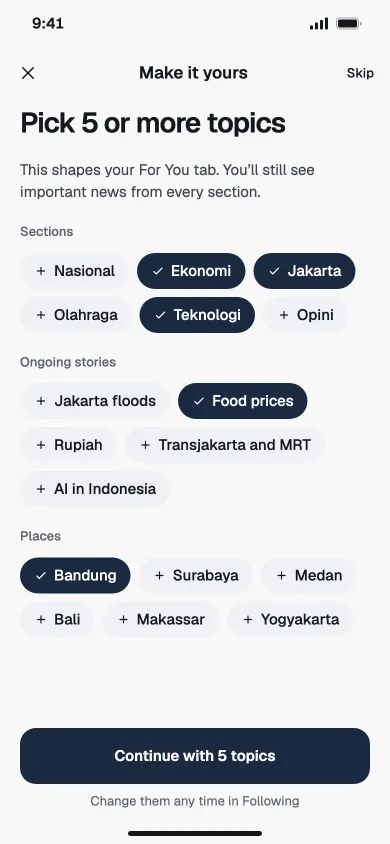
More News flows
Drawn for the same brand, so they fit together.
Questions
- When should I use a front page and sections flow?
- Any publisher home, section landing, aggregator front page. Use another pattern for the product is a single newsletter or podcast (use a post list) or a purely personal feed (use Follow topics and For You).
- Which screens does it need?
- This pattern uses 6: Front page, Sections menu, Section page, Fresh stories update, Offline and refresh failed and Breaking news banner. Plan for these states too: default front page, live lead, breaking banner, fresh stories available.
- Is Warta a real app?
- No. Warta is a made-up daily news app and site: front page, articles, live coverage, topics and For You, saved stories and audio, subscriptions and newsletters, alerts, so the screens show the pattern without copying anyone's brand. Your agent redraws the flow on your own tokens and components.
- How does my agent use this flow?
- Connect Claude Code, Codex or Claude Desktop to Wonderblok over MCP. The agent calls use_pattern for this flow, reads its screens, rules and states, and draws them in your file.
- Is it free?
- Browsing Universe is free. Full pattern notes and use with your agent are part of Pro, and the Free plan opens a few flows in full each month.