NEWS FLOW
Read an article app flow
A news flow in 6 screens, from article top and byline to photo gallery. Start your app from it, and your agent draws it on your own design system.
- 6 screens
- 6 patterns
- Mobile and desktop
- Brand: Warta (made up)
The screens, in order
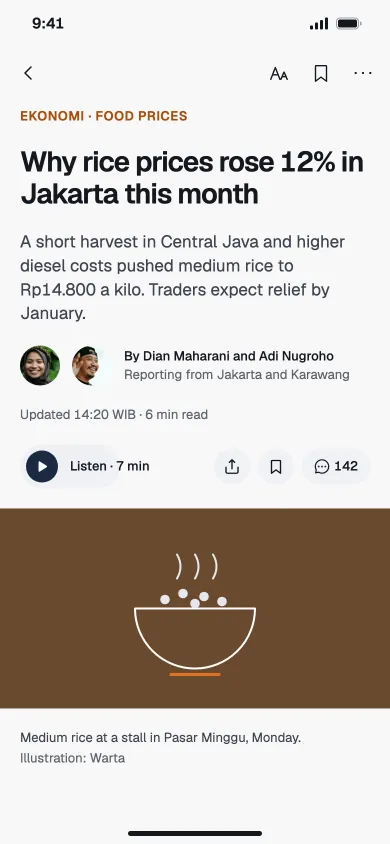
- Article top and byline
- Article body with imagePro
- End of article and relatedPro
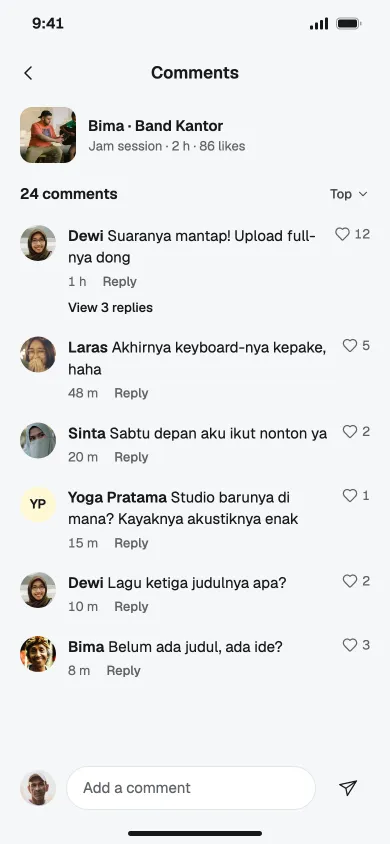
- Comments panelPro
- Correction note and reading progressPro
- Photo galleryPro
See all 6 screens, at mobile and desktop.Pro opens the whole flow in your Universe, with the prompt and code for each screen.
Upgrade to ProAlready Pro? Open in UniverseWhen to use it
USE WHEN
Every story page, explainers, opinion, long-form features.
AVOID WHEN
The content is a live event (use Live coverage) or a short alert (use a notification and a brief).
Patterns and why they work
6 decisions this flow makes, and the clarity each one buys.
Byline with photos, location and update time
Who reported and from where
Inline listen player in the act bar
The article can be heard and how long it is
Caption and credit under every image
What is shown and who made it
Sticky outline for long reads
Where am I in the piece
One overflow for reader controls
All secondary actions in one place
End-of-article paths
Next thing to read
Each pattern also has its psychology, the intuition behind it and what it rules out, plus layout notes for mobile and desktop.
Open in UniverseStates to cover
The screens people forget until a user hits them.
- Article top
- Act bar with player idle
- Player playing
- Image with caption
- Long read with outline
- End of article related
- Comments panel open
- Overflow menu open
- Text size large
- Updated banner
- Correction notice
- Opinion label
- Offline
- Reading progress bar
- Photo gallery
Pairs with
The flows this one hands off to or comes back from.
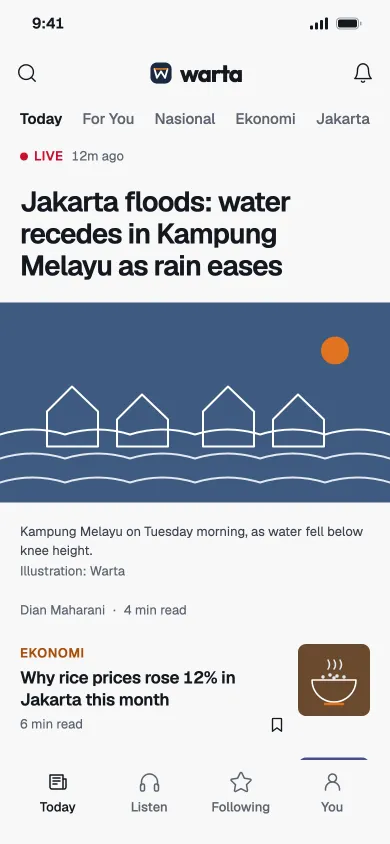
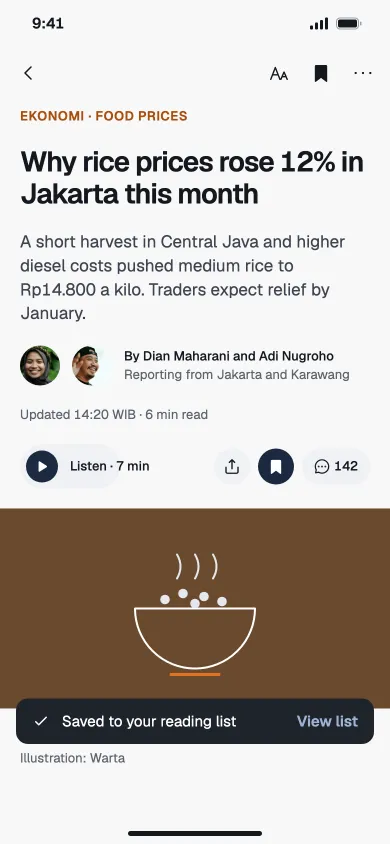
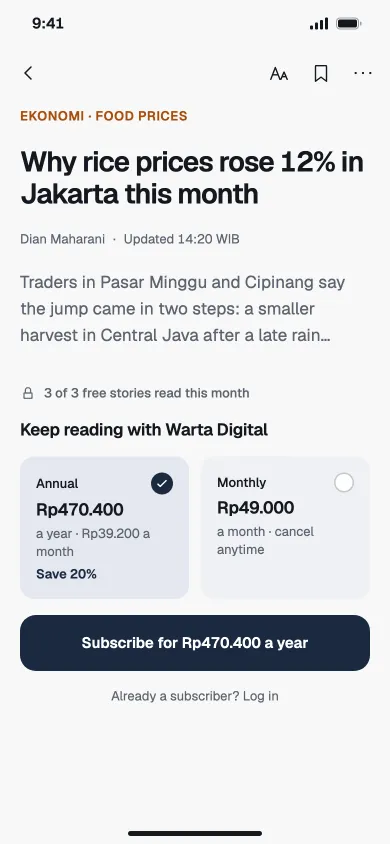
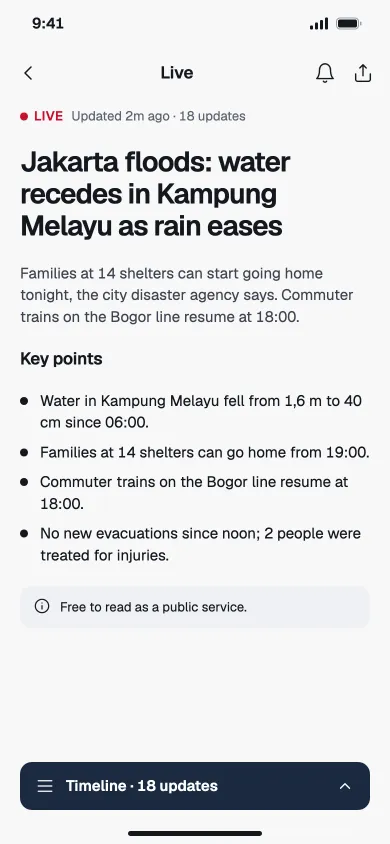
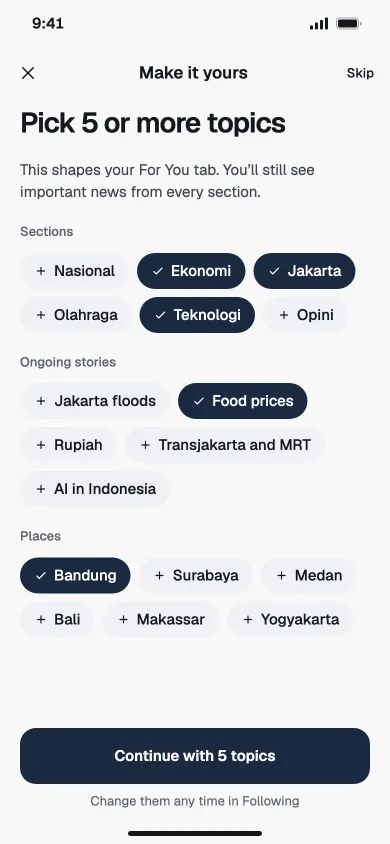
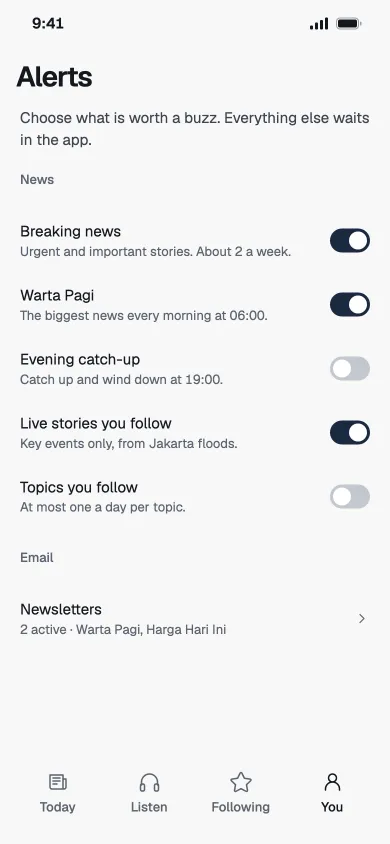
More News flows
Drawn for the same brand, so they fit together.
Questions
- When should I use a read an article flow?
- Every story page, explainers, opinion, long-form features. Use another pattern for the content is a live event (use Live coverage) or a short alert (use a notification and a brief).
- Which screens does it need?
- This pattern uses 6: Article top and byline, Article body with image, End of article and related, Comments panel, Correction note and reading progress and Photo gallery. Plan for these states too: article top, act bar with player idle, player playing, image with caption.
- Is Warta a real app?
- No. Warta is a made-up daily news app and site: front page, articles, live coverage, topics and For You, saved stories and audio, subscriptions and newsletters, alerts, so the screens show the pattern without copying anyone's brand. Your agent redraws the flow on your own tokens and components.
- How does my agent use this flow?
- Connect Claude Code, Codex or Claude Desktop to Wonderblok over MCP. The agent calls use_pattern for this flow, reads its screens, rules and states, and draws them in your file.
- Is it free?
- Browsing Universe is free. Full pattern notes and use with your agent are part of Pro, and the Free plan opens a few flows in full each month.