MARKETING FLOW
CTA app flow
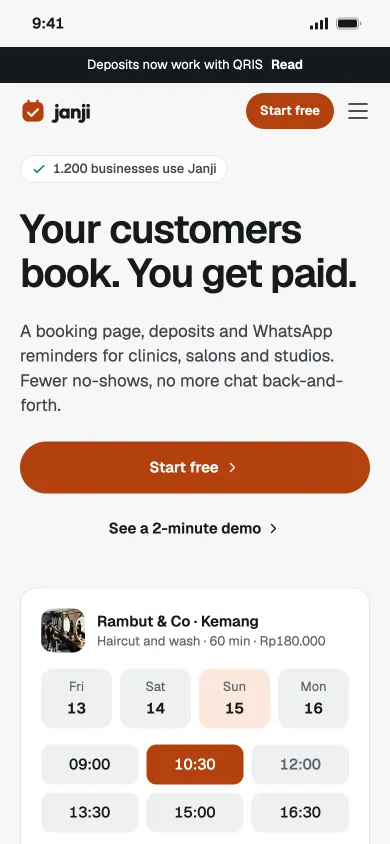
A marketing flow in 4 screens, from final band to contact sales. Start your app from it, and your agent draws it on your own design system.
- 4 screens
- 6 patterns
- Mobile and desktop
- Brand: Janji (made up)
The screens, in order
- Final band
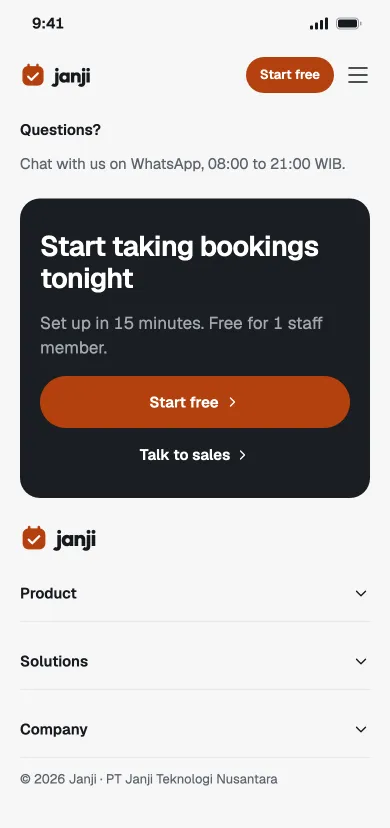
- Email capture successPro
- Sticky CTAPro
- Contact salesPro
See all 4 screens, at mobile and desktop.Pro opens the whole flow in your Universe, with the prompt and code for each screen.
Upgrade to ProAlready Pro? Open in UniverseWhen to use it
USE WHEN
End of every landing and product page; inline capture for waitlists, trials that start from an email, newsletters.
AVOID WHEN
The page already ends in a form (pricing contact form) or the user is logged in (swap for "Open app").
Patterns and why they work
6 decisions this flow makes, and the clarity each one buys.
Two paths side by side
Builders and buyers both served
Repeat the hero CTA label
Same action everywhere
Newsletter as a secondary card, not the main ask
Main CTA stays primary
Tertiary path for a niche audience
Edge audience served
Personality line
Acknowledges the scroll
Sticky compact CTA after scroll
Action always reachable
Each pattern also has its psychology, the intuition behind it and what it rules out, plus layout notes for mobile and desktop.
Open in UniverseStates to cover
The screens people forget until a user hits them.
- Band default
- Email field focus
- Invalid email
- Submitting
- Subscribed success ("You're on the list")
- Already subscribed
- Sticky mobile bar visible
- Sticky bar hidden at footer
- Contact sales form
- Contact sales sent
Pairs with
The flows this one hands off to or comes back from.
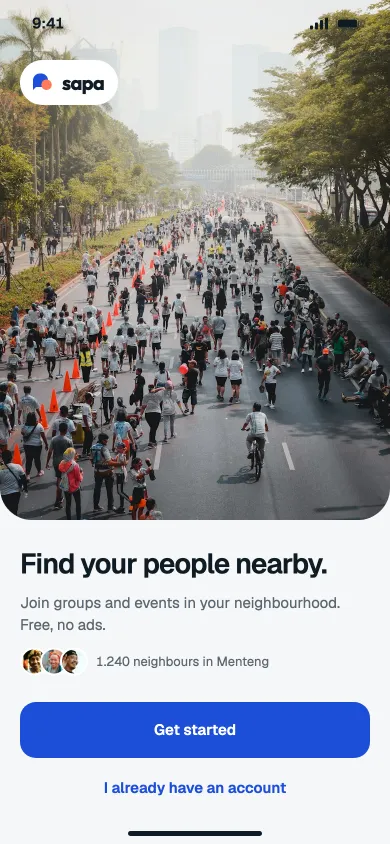
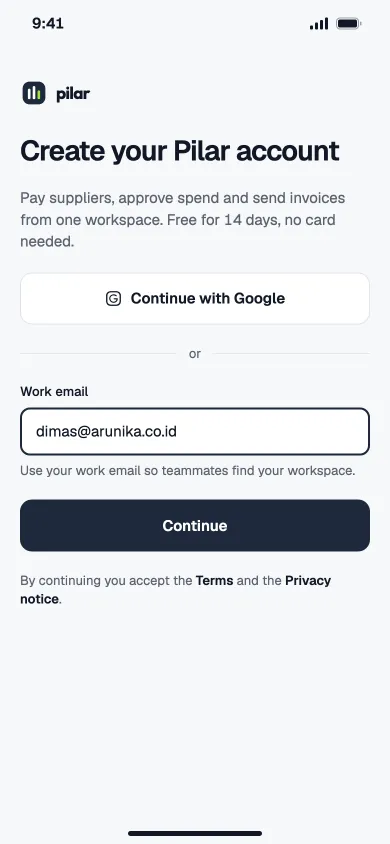
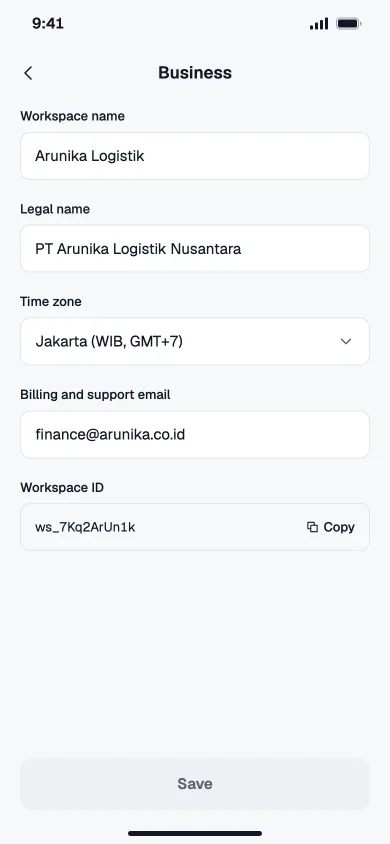
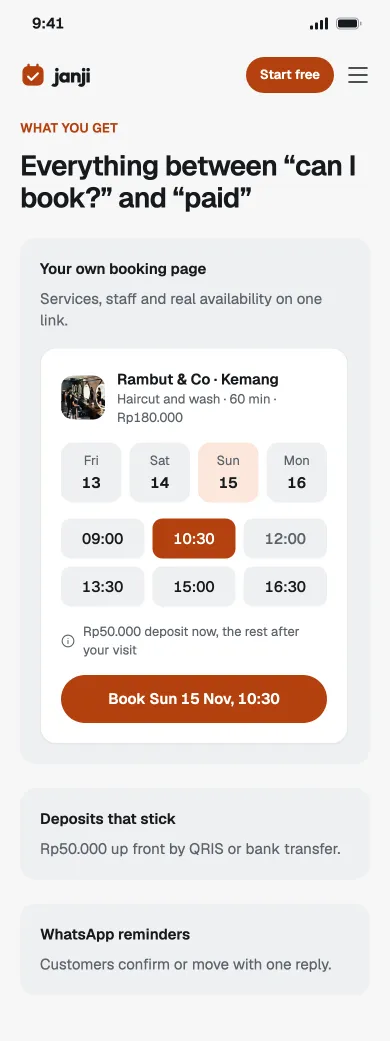
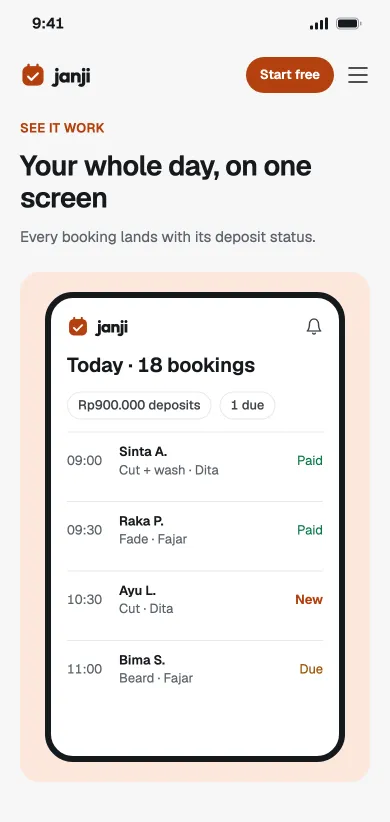
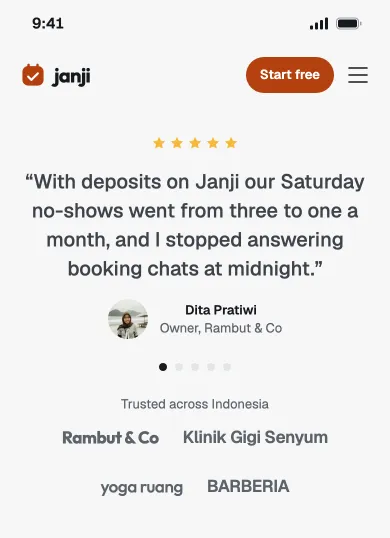
More Marketing flows
Drawn for the same brand, so they fit together.

Questions
- When should I use a cta flow?
- End of every landing and product page; inline capture for waitlists, trials that start from an email, newsletters. Use another pattern for the page already ends in a form (pricing contact form) or the user is logged in (swap for "Open app").
- Which screens does it need?
- This pattern uses 4: Final band, Email capture success, Sticky CTA and Contact sales. Plan for these states too: band default, email field focus, invalid email, submitting.
- Is Janji a real app?
- No. Janji is a made-up online booking for clinics, salons and studios in Indonesia, so the screens show the pattern without copying anyone's brand. Your agent redraws the flow on your own tokens and components.
- How does my agent use this flow?
- Connect Claude Code, Codex or Claude Desktop to Wonderblok over MCP. The agent calls use_pattern for this flow, reads its screens, rules and states, and draws them in your file.
- Is it free?
- Browsing Universe is free. Full pattern notes and use with your agent are part of Pro, and the Free plan opens a few flows in full each month.