MARKETING FLOW
Pricing app flow
A marketing flow in 6 screens, from monthly to plan chosen from a story. Start your app from it, and your agent draws it on your own design system.
- 6 screens
- 7 patterns
- Mobile and desktop
- Brand: Janji (made up)
The screens, in order
- Monthly
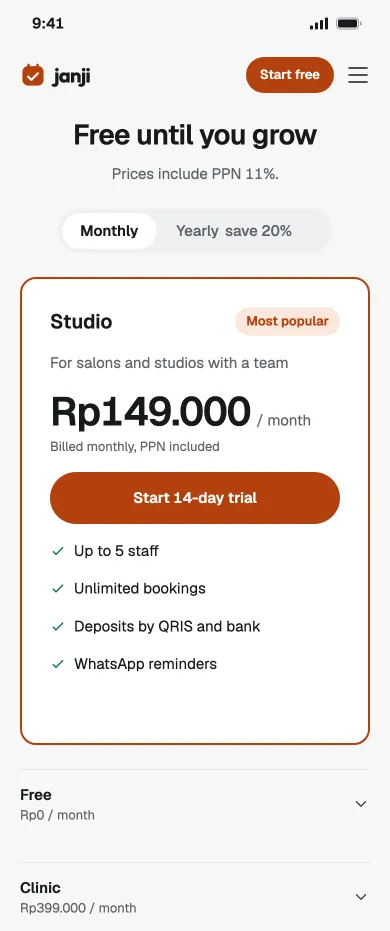
- YearlyPro
- ComparePro
- Enterprise and FAQPro
- Prices excluding PPNPro
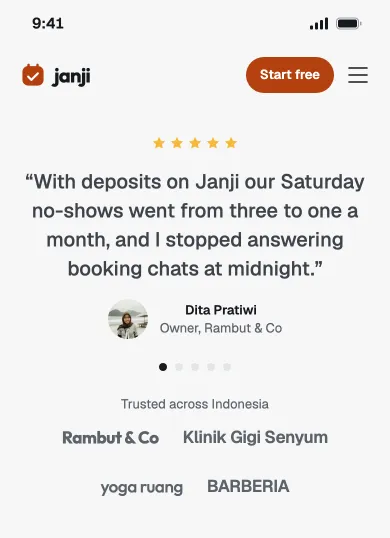
- Plan chosen from a storyPro
See all 6 screens, at mobile and desktop.Pro opens the whole flow in your Universe, with the prompt and code for each screen.
Upgrade to ProAlready Pro? Open in UniverseWhen to use it
USE WHEN
Self-serve SaaS with tiers; usage pricing; sales-led with a visible starting point.
AVOID WHEN
Only enterprise contracts (use a Contact sales page with proof) or the price varies too much to show (show "Starts at" plus calculator).
Patterns and why they work
7 decisions this flow makes, and the clarity each one buys.
Saving in the toggle label
Why switch
Struck price plus promo pill
Deal and its end date
"Everything in X plus"
Only differences listed
Recommended column highlight in the table
Suggested choice
Prices and buttons in the sticky table header
Act from any row
Usage rate rows for metered products
Unit and trigger named
Billing commitment explained before choosing
What annual locks in
Each pattern also has its psychology, the intuition behind it and what it rules out, plus layout notes for mobile and desktop.
Open in UniverseStates to cover
The screens people forget until a user hits them.
- Monthly selected
- Yearly selected (prices update, saving shown)
- Recommended tier
- Current plan (logged in)
- Promo applied
- Currency switched
- Comparison table collapsed and expanded
- Sticky table header
- FAQ item open
- Enterprise contact form
- Mobile plan selector
- DRAWN IN WAVE 3: prices including and excluding PPN 11% (toggle, PPN amount per plan, the invoice total)
- Currency note (IDR, billed in rupiah, no other currency)
- Plan chosen from a customer story (Studio from the Rambut & Co story)
Pairs with
The flows this one hands off to or comes back from.
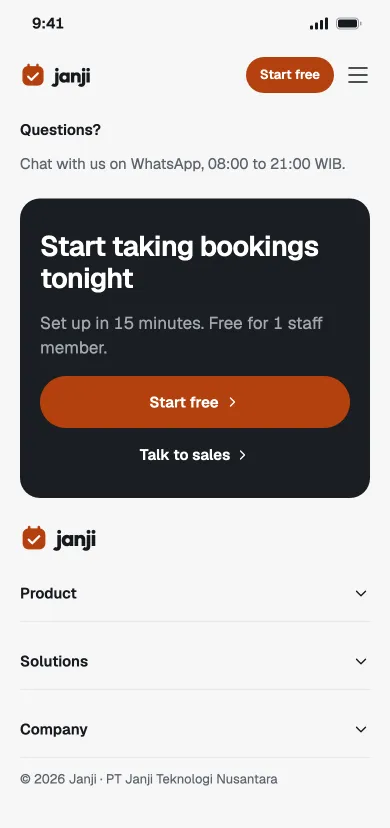
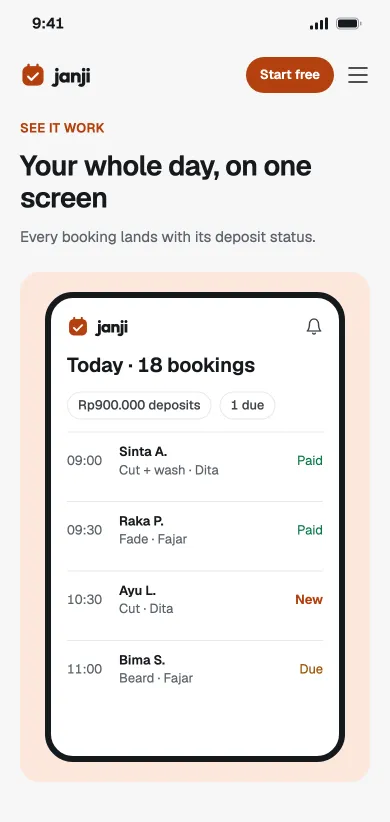
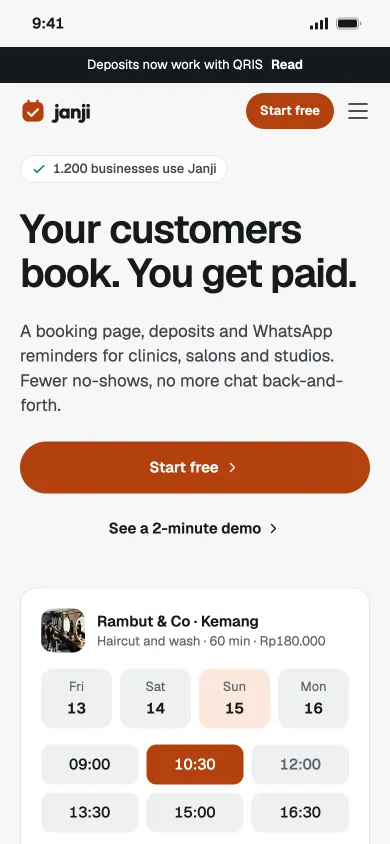
More Marketing flows
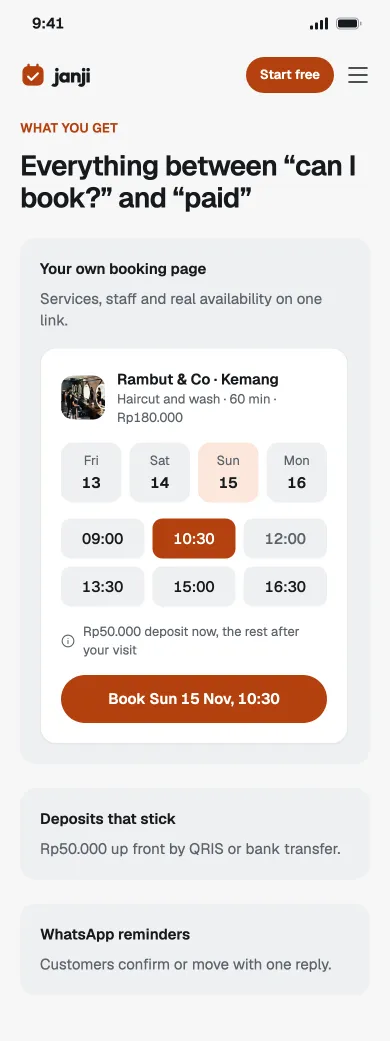
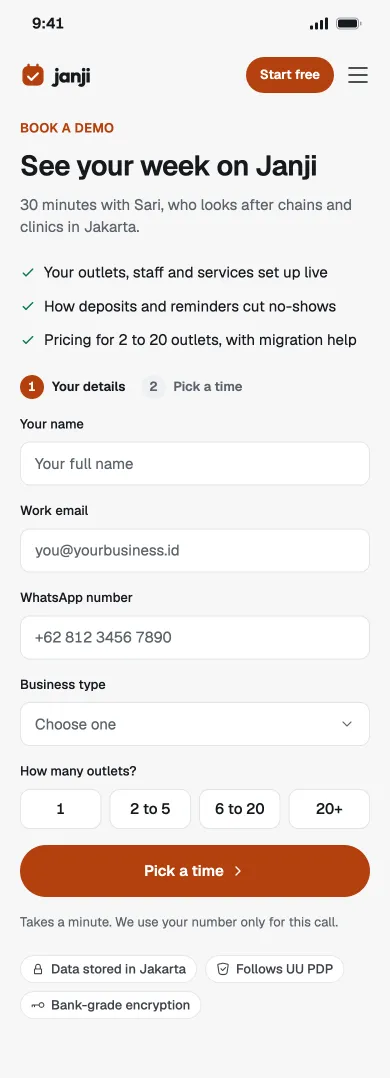
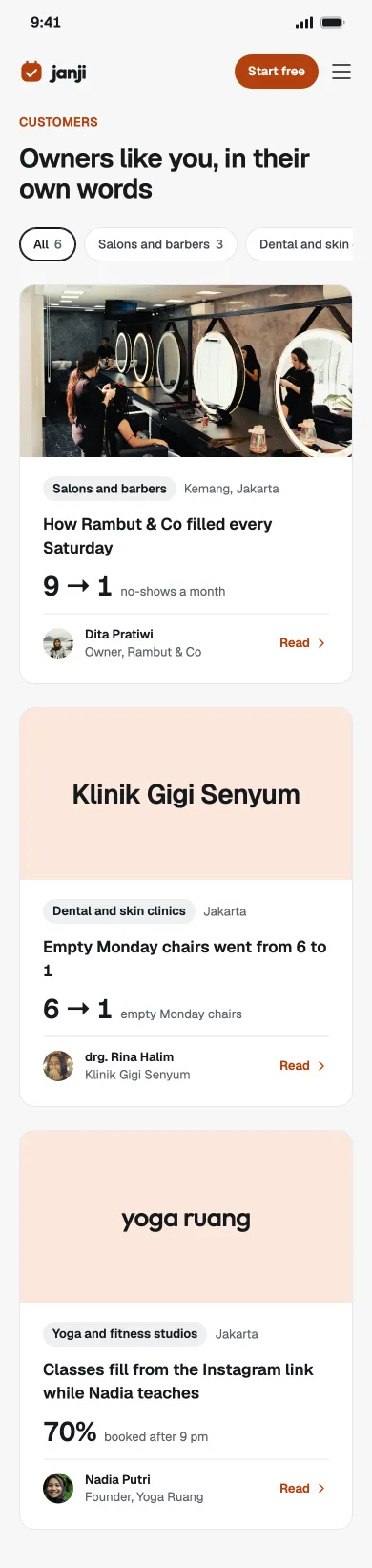
Drawn for the same brand, so they fit together.

Questions
- When should I use a pricing flow?
- Self-serve SaaS with tiers; usage pricing; sales-led with a visible starting point. Use another pattern for only enterprise contracts (use a Contact sales page with proof) or the price varies too much to show (show "Starts at" plus calculator).
- Which screens does it need?
- This pattern uses 6: Monthly, Yearly, Compare, Enterprise and FAQ, Prices excluding PPN and Plan chosen from a story. Plan for these states too: monthly selected, yearly selected (prices update, saving shown), recommended tier, current plan (logged in).
- Is Janji a real app?
- No. Janji is a made-up online booking for clinics, salons and studios in Indonesia, so the screens show the pattern without copying anyone's brand. Your agent redraws the flow on your own tokens and components.
- How does my agent use this flow?
- Connect Claude Code, Codex or Claude Desktop to Wonderblok over MCP. The agent calls use_pattern for this flow, reads its screens, rules and states, and draws them in your file.
- Is it free?
- Browsing Universe is free. Full pattern notes and use with your agent are part of Pro, and the Free plan opens a few flows in full each month.