MARKETING FLOW
Landing page app flow
A marketing flow in 6 screens, from homepage to page not found. Start your app from it, and your agent draws it on your own design system.
- 6 screens
- 6 patterns
- Mobile and desktop
- Brand: Janji (made up)
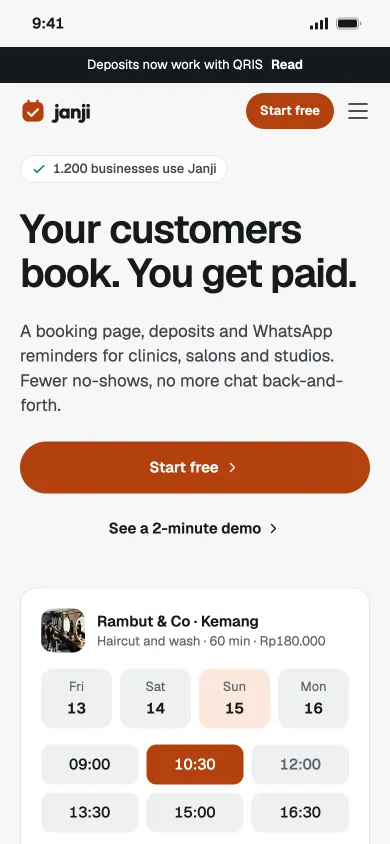
- Homepage

- Mega menuPro
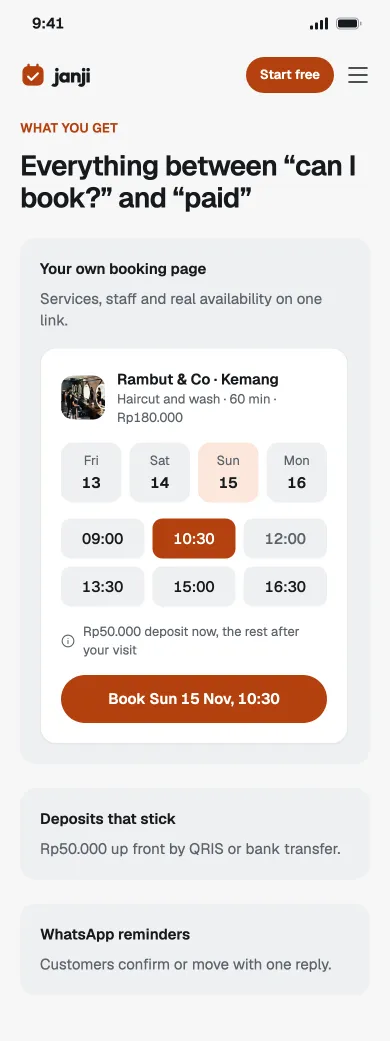
- ScrolledPro
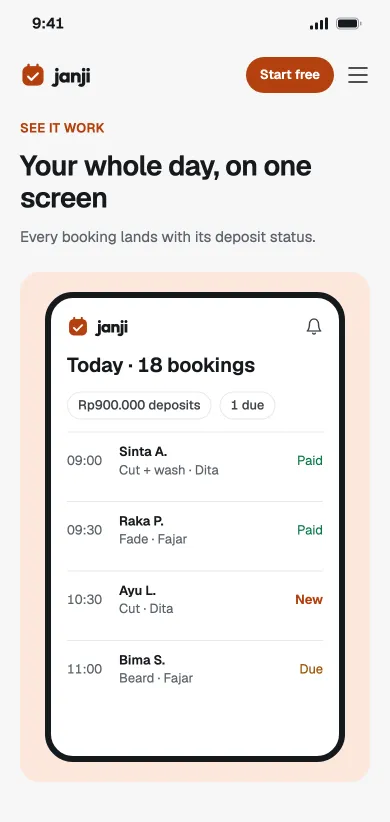
- Solutions menuPro
- Language switchPro
- Page not foundPro
See all 6 screens, at mobile and desktop, in 3 brands.Pro opens the whole flow in your Universe, with the prompt and code for each screen.
Upgrade to ProAlready Pro? Open in UniverseWhen to use it
USE WHEN
Any product or company homepage, product landing page, campaign page.
AVOID WHEN
A single-purpose sign-up page (use Hero plus form only) or docs.
Patterns and why they work
6 decisions this flow makes, and the clarity each one buys.
Primary CTA repeated in the nav
One action always visible
Contact sales as text, sign-up as button
Two audiences, one hierarchy
Mega menu with description per item
Names explained
Local subnav on product pages
Where you are inside a big site
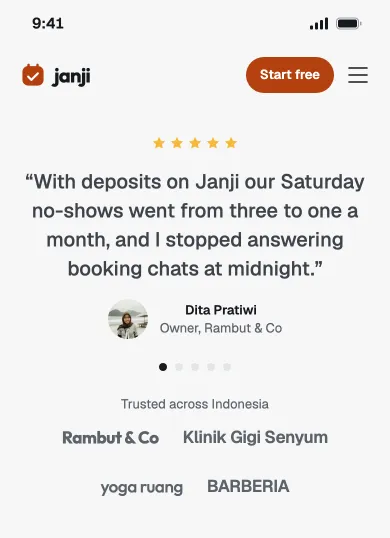
Logo wall directly under the hero
Who uses it before any claim
Dismissible announcement bar
News without taking the hero
Each pattern also has its psychology, the intuition behind it and what it rules out, plus layout notes for mobile and desktop.
Open in UniverseStates to cover
The screens people forget until a user hits them.
- Default top of page
- Nav scrolled (sticky, condensed)
- Mega menu open
- Announcement bar dismissed
- Mobile menu closed
- Mobile menu open with a group expanded
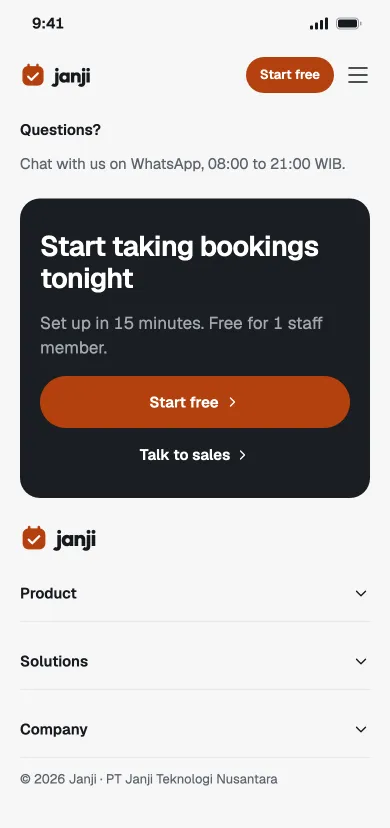
- Footer with locale picker open
- Logged-in nav (the user avatar replaces Sign in)
- DRAWN IN WAVE 3: language switch (Bahasa Indonesia and English picker in the nav on web and in the menu drawer on mobile, announcement bar on the page, choice remembered)
- 404 page not found with search and links to Pricing
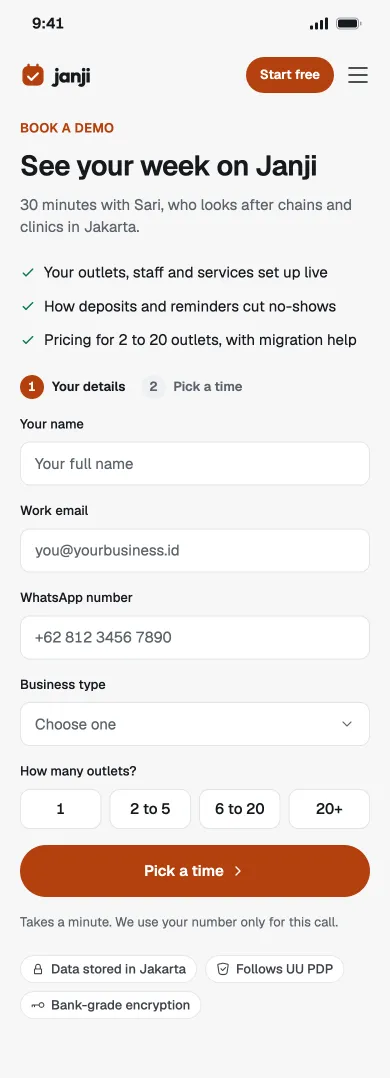
- Help center and Book a demo
- Mobile menu drawer open is also Mega menu and Solutions menu
Pairs with
The flows this one hands off to or comes back from.
More Marketing flows
Drawn for the same brand, so they fit together.
Questions
- When should I use a landing page flow?
- Any product or company homepage, product landing page, campaign page. Use another pattern for a single-purpose sign-up page (use Hero plus form only) or docs.
- Which screens does it need?
- This pattern uses 6: Homepage, Mega menu, Scrolled, Solutions menu, Language switch and Page not found. Plan for these states too: default top of page, nav scrolled (sticky, condensed), mega menu open, announcement bar dismissed.
- Is Janji a real app?
- No. Janji is a made-up online booking for clinics, salons and studios in Indonesia, so the screens show the pattern without copying anyone's brand. Your agent redraws the flow on your own tokens and components.
- How does my agent use this flow?
- Connect Claude Code, Codex or Claude Desktop to Wonderblok over MCP. The agent calls use_pattern for this flow, reads its screens, rules and states, and draws them in your file.
- Is it free?
- Browsing Universe is free. Full pattern notes and use with your agent are part of Pro, and the Free plan opens a few flows in full each month.