PHOTO AND VIDEO FLOW
Retouch and remove object app flow
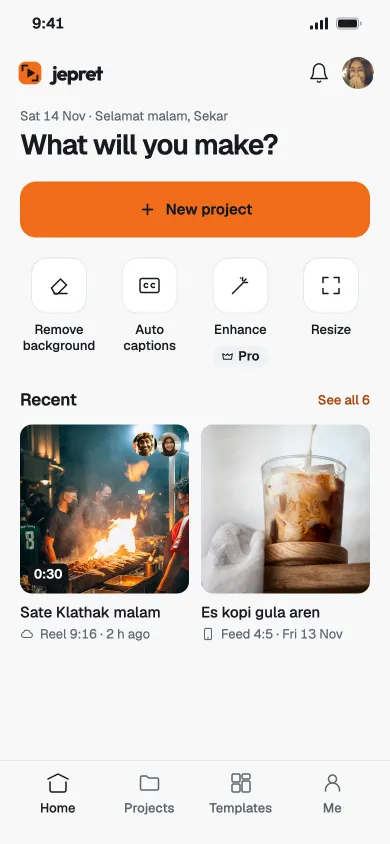
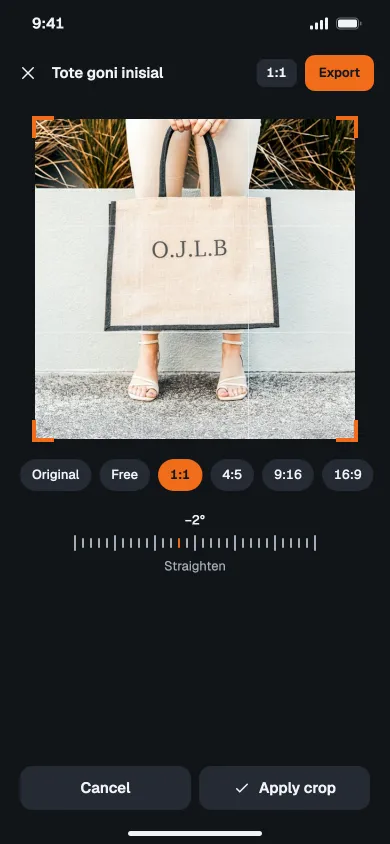
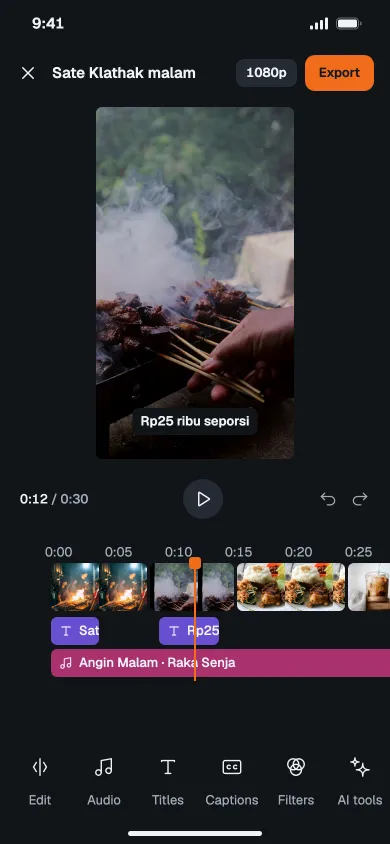
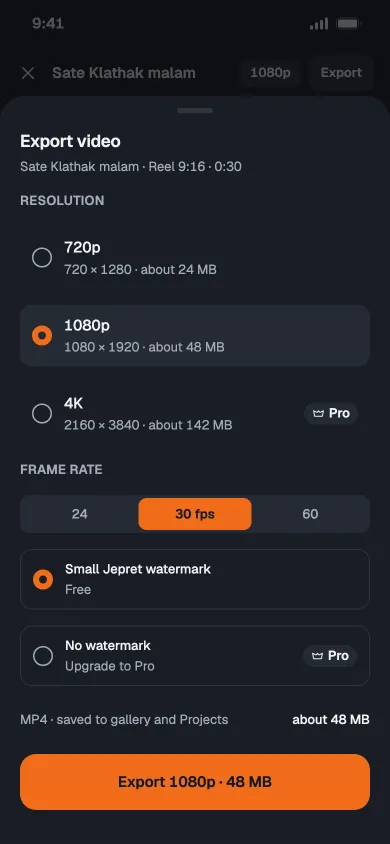
A photo and video flow in 4 screens, from remove tool to could not fill. Start your app from it, and your agent draws it on your own design system.
- 4 screens
- 3 patterns
- Mobile and desktop
- Brand: Jepret (made up)
The screens, in order
- Remove tool
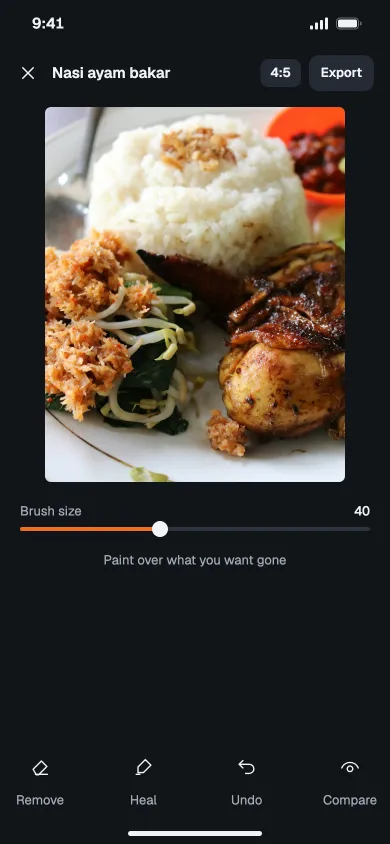
- Painted areaPro
- ResultPro
- Could not fillPro
See all 4 screens, at mobile and desktop.Pro opens the whole flow in your Universe, with the prompt and code for each screen.
Upgrade to ProAlready Pro? Open in UniverseWhen to use it
USE WHEN
A stray object or a blemish should disappear from a photo.
AVOID WHEN
Removing the whole background (use AI tools for background and captions) or changing a face.
Patterns and why they work
3 decisions this flow makes, and the clarity each one buys.
Paint, then confirm
The outline shows exactly what goes
Compare and Undo on the canvas
The original is one hold away
Honest limits
About 60% of the photo is too much
Each pattern also has its psychology, the intuition behind it and what it rules out, plus layout notes for mobile and desktop.
Open in UniverseStates to cover
The screens people forget until a user hits them.
- Tool open
- Painting
- Painted
- Removing
- Result
- Undo
- Area too large
- Offline
Pairs with
The flows this one hands off to or comes back from.
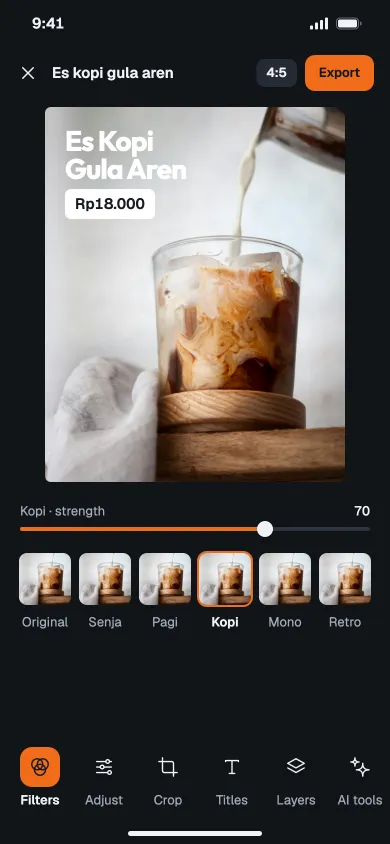
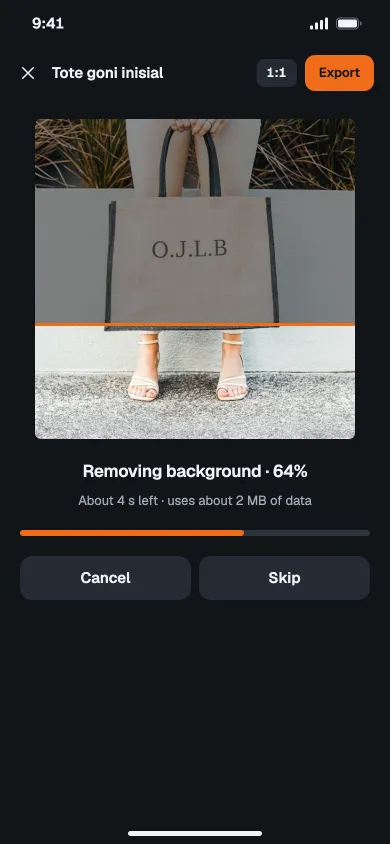
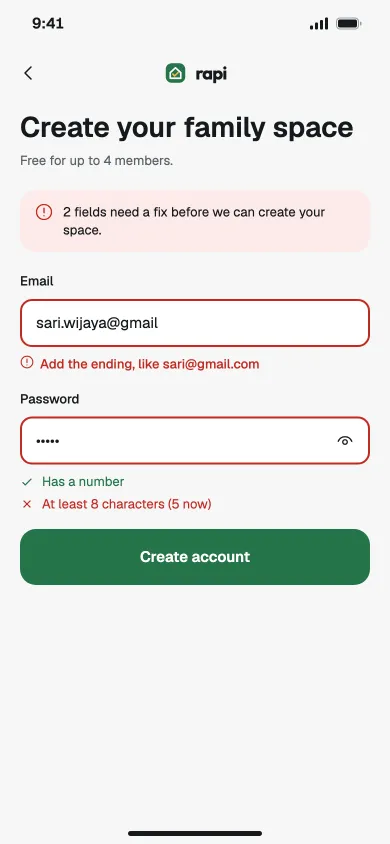
More Photo and Video flows
Drawn for the same brand, so they fit together.
Questions
- When should I use a retouch and remove object flow?
- A stray object or a blemish should disappear from a photo. Use another pattern for removing the whole background (use AI tools for background and captions) or changing a face.
- Which screens does it need?
- This pattern uses 4: Remove tool, Painted area, Result and Could not fill. Plan for these states too: tool open, painting, painted, removing.
- Is Jepret a real app?
- No. Jepret is a made-up Indonesian photo and short-video editor for creators and small sellers: templates by destination, a photo editor with filters and adjust, crop and resize for every format, a video timeline with titles and music, AI tools for backgrounds and captions, export and share, and a shared project library, so the screens show the pattern without copying anyone's brand. Your agent redraws the flow on your own tokens and components.
- How does my agent use this flow?
- Connect Claude Code, Codex or Claude Desktop to Wonderblok over MCP. The agent calls use_pattern for this flow, reads its screens, rules and states, and draws them in your file.
- Is it free?
- Browsing Universe is free. Full pattern notes and use with your agent are part of Pro, and the Free plan opens a few flows in full each month.