HEALTH AND FITNESS FLOW
Fitness profile setup app flow
A health and fitness flow in 4 screens, from your goal to your goals are set. Start your app from it, and your agent draws it on your own design system.
- 4 screens
- 4 patterns
- Mobile and desktop
- Brand: Bugar (made up)
The screens, in order
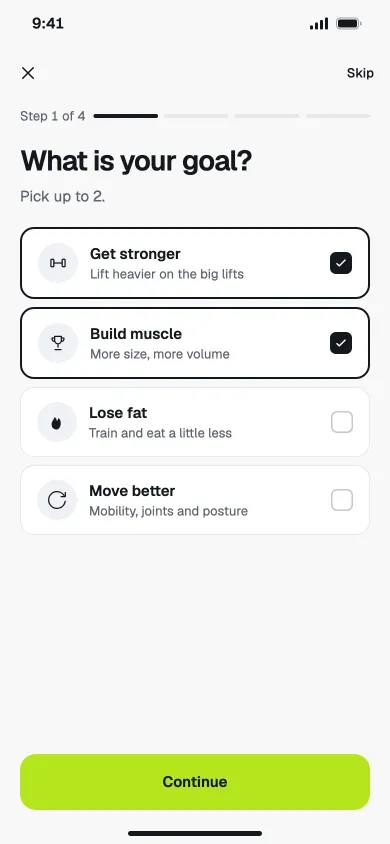
- Your goal
- Experience and daysPro
- Equipment and bodyPro
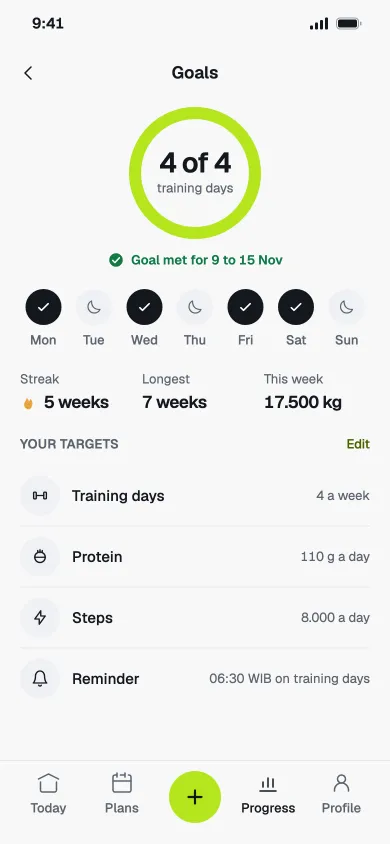
- Your goals are setPro
See all 4 screens, at mobile and desktop.Pro opens the whole flow in your Universe, with the prompt and code for each screen.
Upgrade to ProAlready Pro? Open in UniverseWhen to use it
USE WHEN
A training app needs goal, experience, days a week, equipment, height and weight before it can suggest a plan and a protein target.
AVOID WHEN
A generic account intro (use Account › Onboarding) or the plan is fixed by a coach.
Patterns and why they work
4 decisions this flow makes, and the clarity each one buys.
Pick up to 2 goals
Four goals with what each means
Experience and days that filter plans live
The plans that fit update on the side
Rulers with a unit switch
Big value over the ruler
Skip uses safe defaults
The defaults are named
Each pattern also has its psychology, the intuition behind it and what it rules out, plus layout notes for mobile and desktop.
Open in UniverseStates to cover
The screens people forget until a user hits them.
- Goal up to 2
- Experience
- Days a week
- Equipment
- Height and weight with units
- Protein target
- Summary
- Skipped with defaults
Pairs with
The flows this one hands off to or comes back from.
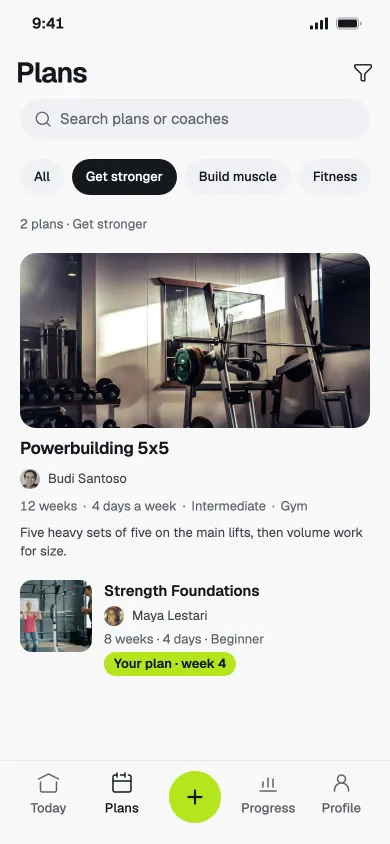
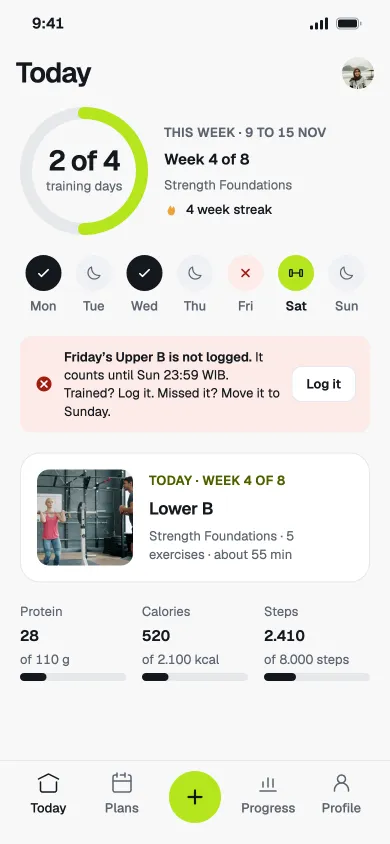
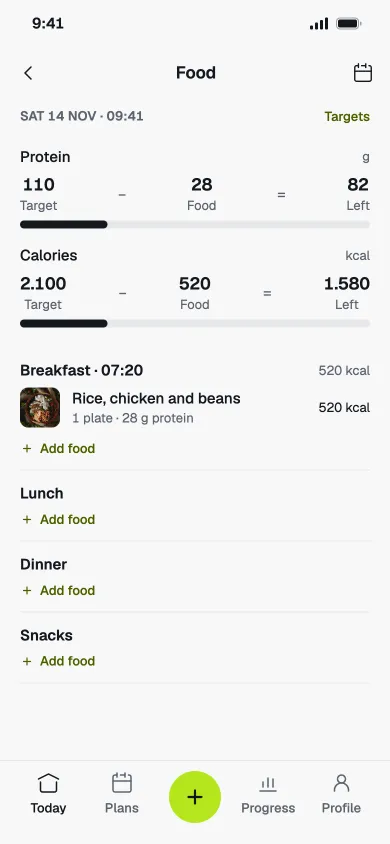
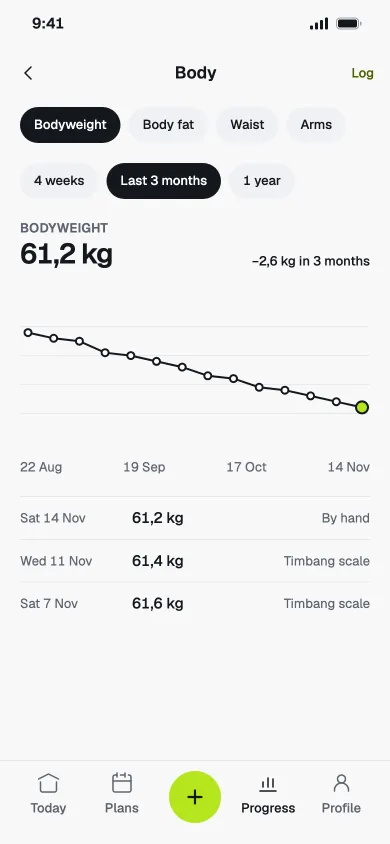
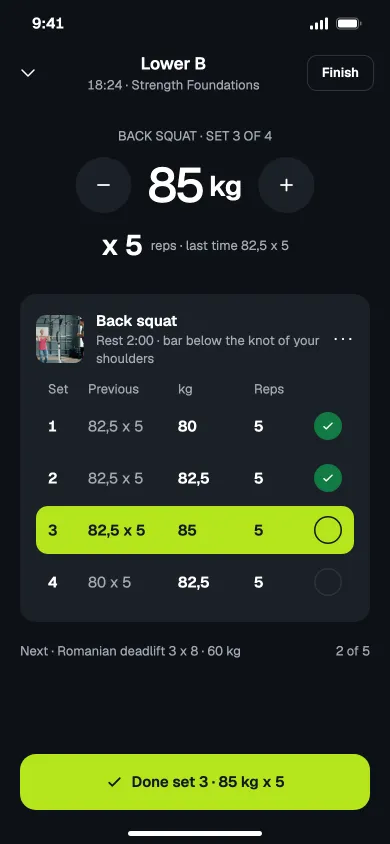
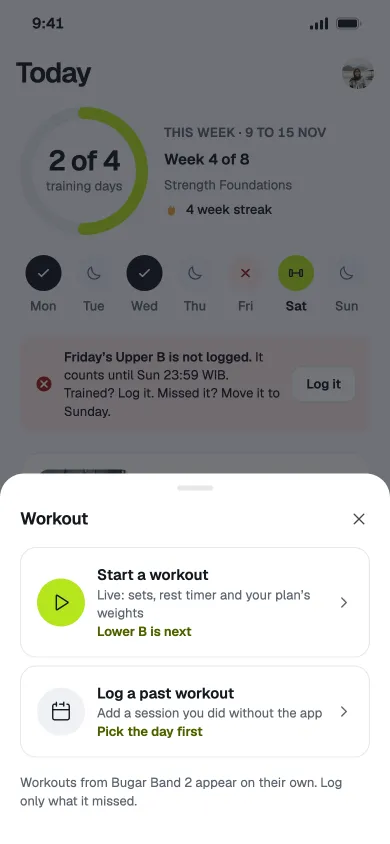
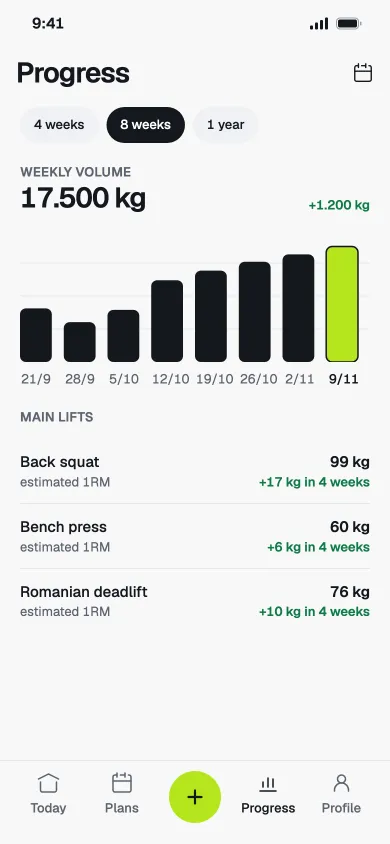
More Health and Fitness flows
Drawn for the same brand, so they fit together.
Questions
- When should I use a fitness profile setup flow?
- A training app needs goal, experience, days a week, equipment, height and weight before it can suggest a plan and a protein target. Use another pattern for a generic account intro (use Account › Onboarding) or the plan is fixed by a coach.
- Which screens does it need?
- This pattern uses 4: Your goal, Experience and days, Equipment and body and Your goals are set. Plan for these states too: goal up to 2, experience, days a week, equipment.
- Is Bugar a real app?
- No. Bugar is a made-up Indonesian training app: strength plans, a weekly plan with training days, a live workout with a set logger and rest timer, logging past workouts, progress and personal records, weekly goals and streaks, and connected devices for steps, heart rate and weight, so the screens show the pattern without copying anyone's brand. Your agent redraws the flow on your own tokens and components.
- How does my agent use this flow?
- Connect Claude Code, Codex or Claude Desktop to Wonderblok over MCP. The agent calls use_pattern for this flow, reads its screens, rules and states, and draws them in your file.
- Is it free?
- Browsing Universe is free. Full pattern notes and use with your agent are part of Pro, and the Free plan opens a few flows in full each month.