FOOD AND DRINK FLOW
Group order app flow
A food and drink flow in 4 screens, from start a group order to host checkout. Start your app from it, and your agent draws it on your own design system.
- 4 screens
- 5 patterns
- Mobile and desktop
- Brand: Lahap (made up)
The screens, in order
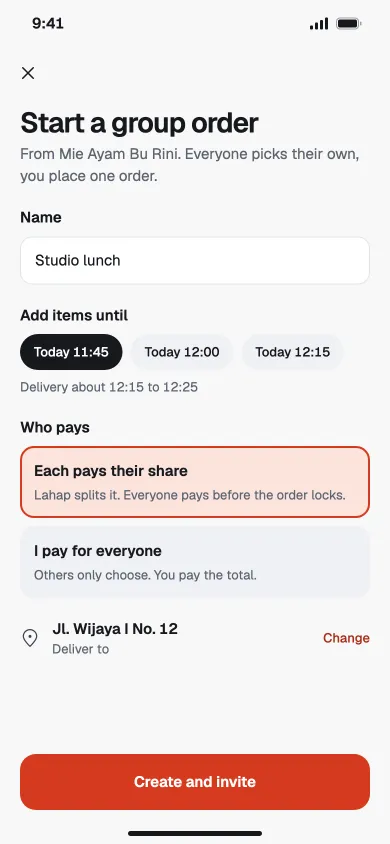
- Start a group order
- Invite the groupPro
- Group cartPro
- Host checkoutPro
See all 4 screens, at mobile and desktop.Pro opens the whole flow in your Universe, with the prompt and code for each screen.
Upgrade to ProAlready Pro? Open in UniverseWhen to use it
USE WHEN
Office lunches, family or friends ordering from one restaurant together, any shared basket with one checkout.
AVOID WHEN
Each person orders separately from different places (use separate carts), or splitting a bill after paying (use Finance › Send money).
Patterns and why they work
5 decisions this flow makes, and the clarity each one buys.
Who pays decided up front
Money is settled before anyone chooses
Deadline to add items
When the order locks
Per-person sections with status
Who added what and who is done
Link and QR to join
One link for chat, a QR for people in the room
Split shown in the summary
Each person's share incl. fees
Each pattern also has its psychology, the intuition behind it and what it rules out, plus layout notes for mobile and desktop.
Open in UniverseStates to cover
The screens people forget until a user hits them.
- Setup
- Invite link and QR
- Group cart with members choosing and done
- Member item sold out
- Deadline near
- Deadline passed
- Locked
- Host checkout with split
- Member view
Pairs with
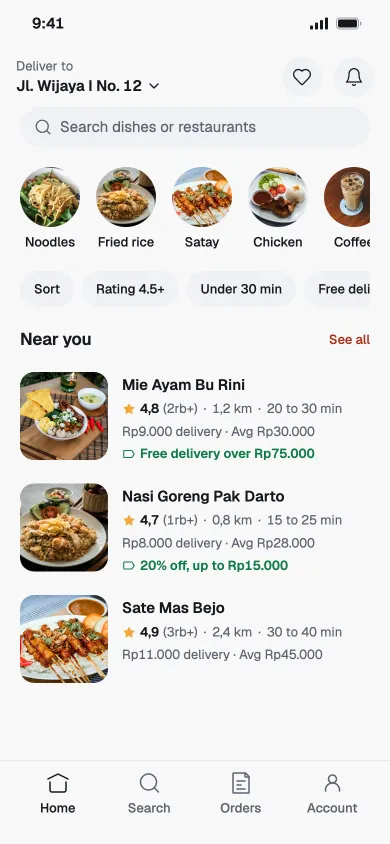
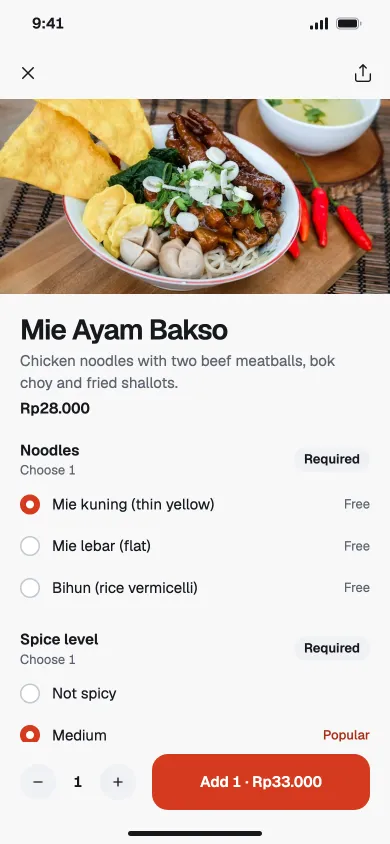
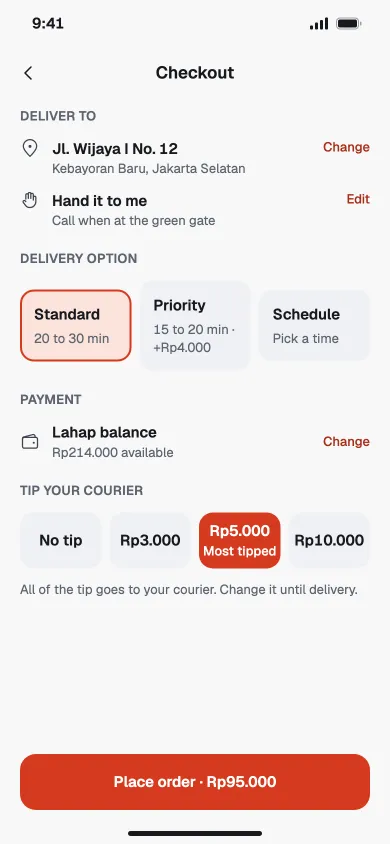
The flows this one hands off to or comes back from.
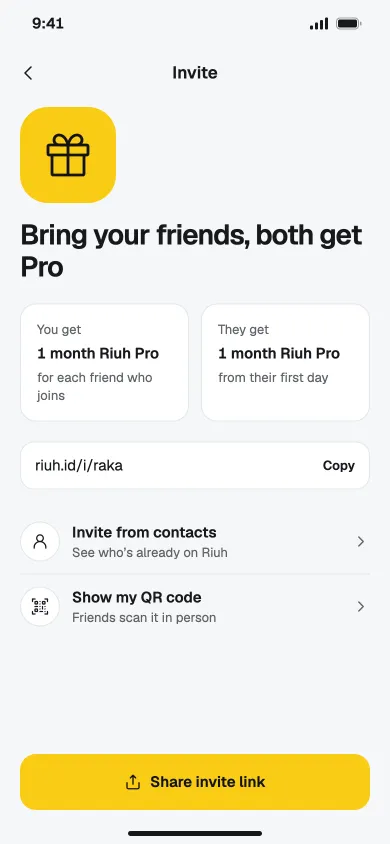
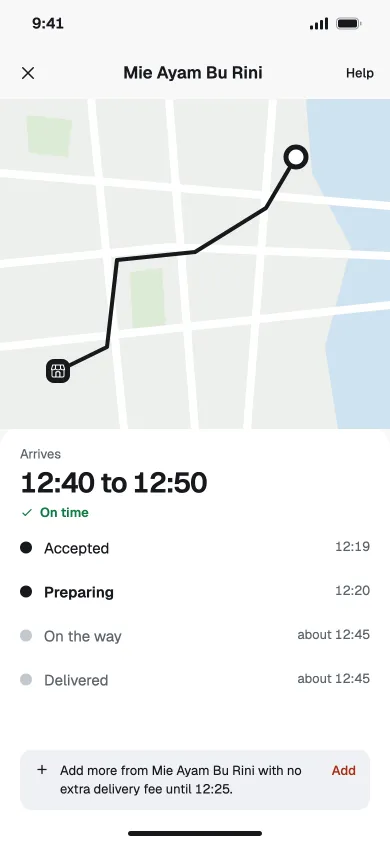
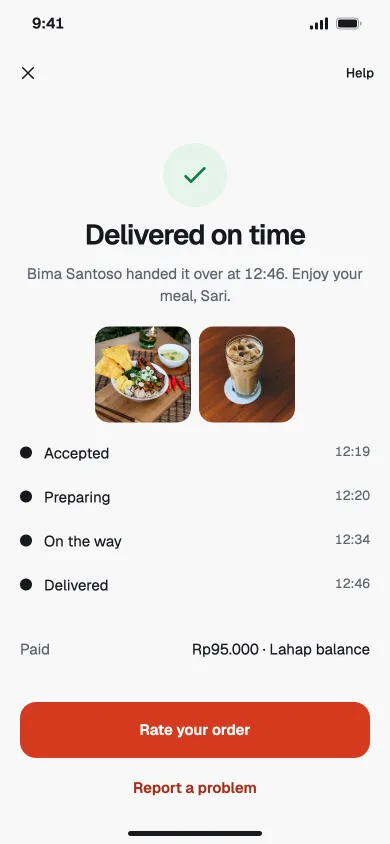
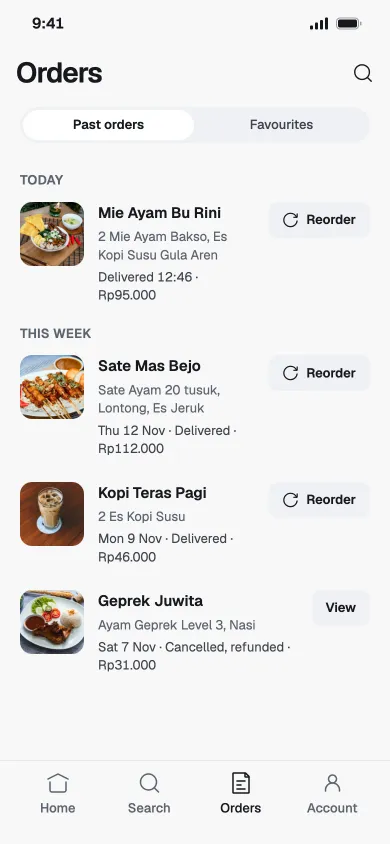
More Food and Drink flows
Drawn for the same brand, so they fit together.
Questions
- When should I use a group order flow?
- Office lunches, family or friends ordering from one restaurant together, any shared basket with one checkout. Use another pattern for each person orders separately from different places (use separate carts), or splitting a bill after paying (use Finance › Send money).
- Which screens does it need?
- This pattern uses 4: Start a group order, Invite the group, Group cart and Host checkout. Plan for these states too: setup, invite link and qr, group cart with members choosing and done, member item sold out.
- Is Lahap a real app?
- No. Lahap is a made-up food delivery app in Indonesia: restaurant lists and menus, item options and the cart, checkout with a courier tip, live tracking, rating after delivery, reorder and favourites, group orders, so the screens show the pattern without copying anyone's brand. Your agent redraws the flow on your own tokens and components.
- How does my agent use this flow?
- Connect Claude Code, Codex or Claude Desktop to Wonderblok over MCP. The agent calls use_pattern for this flow, reads its screens, rules and states, and draws them in your file.
- Is it free?
- Browsing Universe is free. Full pattern notes and use with your agent are part of Pro, and the Free plan opens a few flows in full each month.