DATING FLOW
Chat with voice photo and GIF app flow
A dating flow in 6 screens, from attach menu to microphone off. Start your app from it, and your agent draws it on your own design system.
- 6 screens
- 3 patterns
- Mobile and desktop
- Brand: Asmara (made up)
The screens, in order
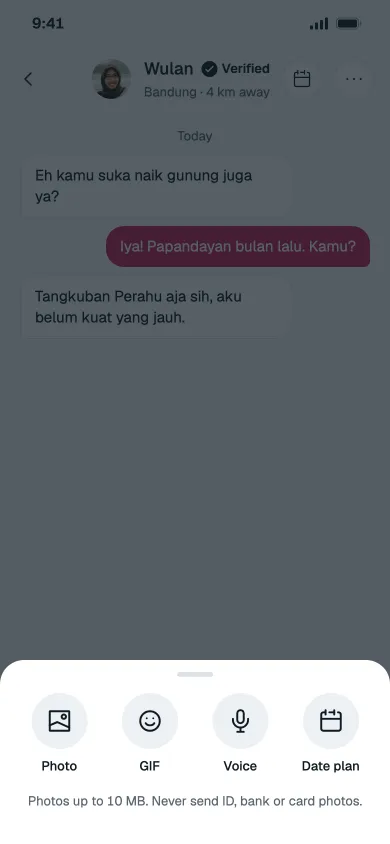
- Attach menu
- Record voicePro
- Voice sentPro
- Pick a GIFPro
- Photo not sentPro
- Microphone offPro
See all 6 screens, at mobile and desktop.Pro opens the whole flow in your Universe, with the prompt and code for each screen.
Upgrade to ProAlready Pro? Open in UniverseWhen to use it
USE WHEN
A match chat that goes beyond text: voice messages, photos and GIFs, with the failures handled.
AVOID WHEN
A support chat or group chat (use Social › Chatting and messages).
Patterns and why they work
3 decisions this flow makes, and the clarity each one buys.
One plus button for every attachment
All media in one place
Voice with a visible state
Timer and wave while recording
Errors where the message was
Not sent, with Try again and Delete
Each pattern also has its psychology, the intuition behind it and what it rules out, plus layout notes for mobile and desktop.
Open in UniverseStates to cover
The screens people forget until a user hits them.
- Attach menu
- Recording
- Voice sent
- Seen
- Your turn
- GIF search
- Photo not sent
- Microphone off
Pairs with
The flows this one hands off to or comes back from.
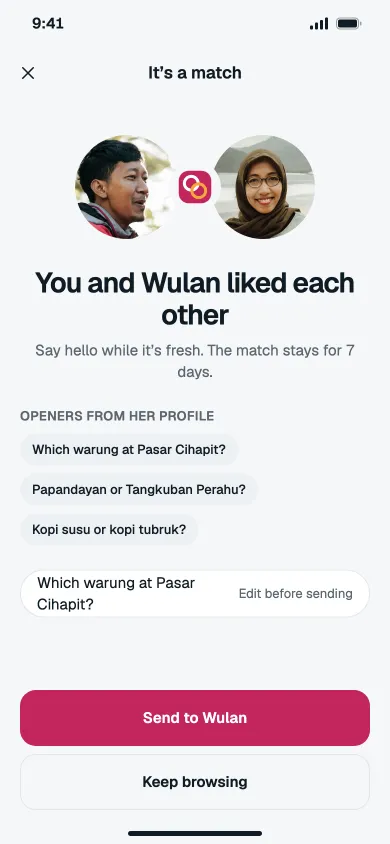
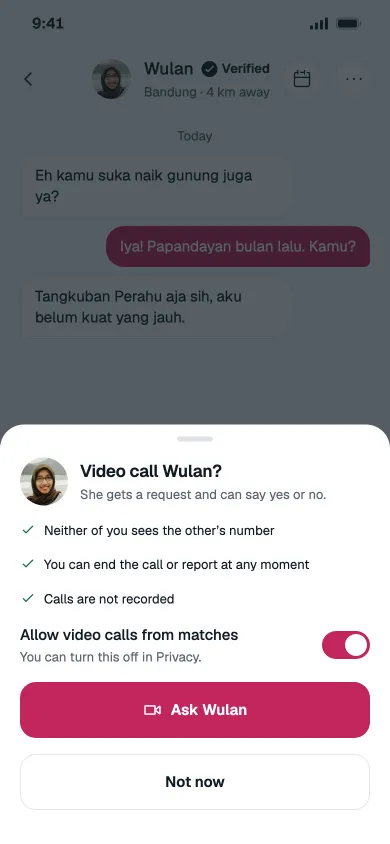
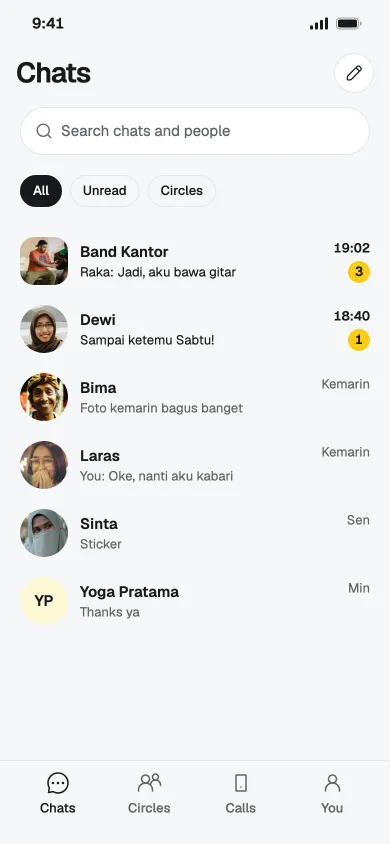
More Dating flows
Drawn for the same brand, so they fit together.
Questions
- When should I use a chat with voice photo and gif flow?
- A match chat that goes beyond text: voice messages, photos and GIFs, with the failures handled. Use another pattern for a support chat or group chat (use Social › Chatting and messages).
- Which screens does it need?
- This pattern uses 6: Attach menu, Record voice, Voice sent, Pick a GIF, Photo not sent and Microphone off. Plan for these states too: attach menu, recording, voice sent, seen.
- Is Asmara a real app?
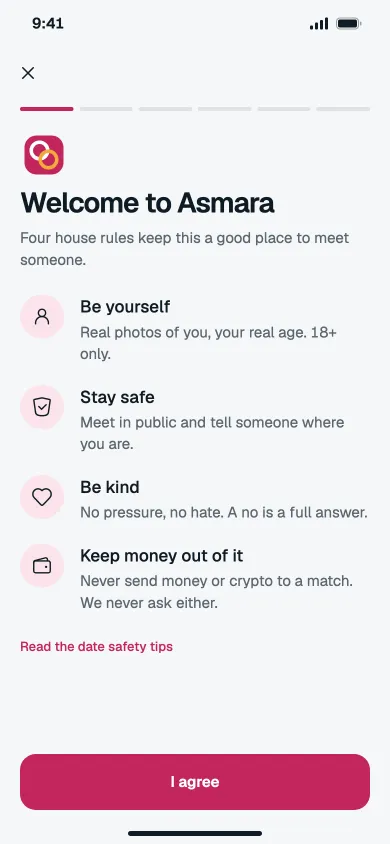
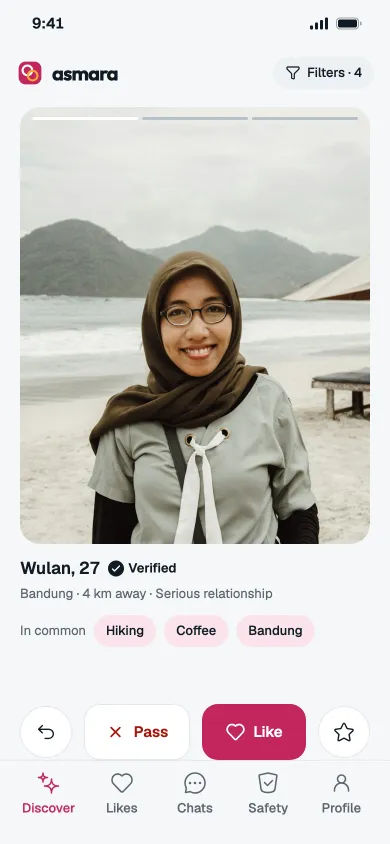
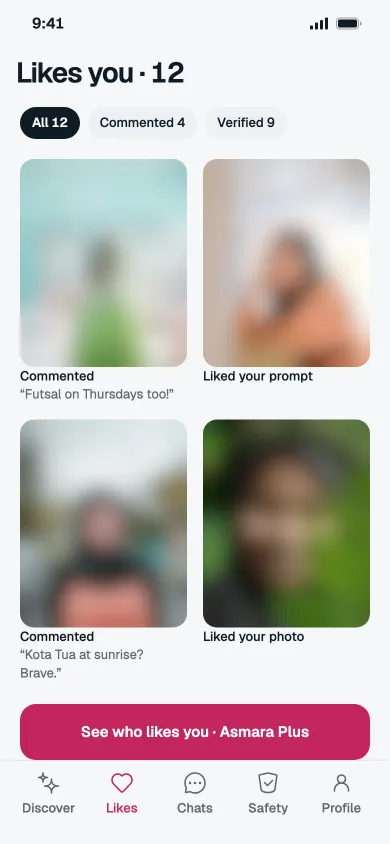
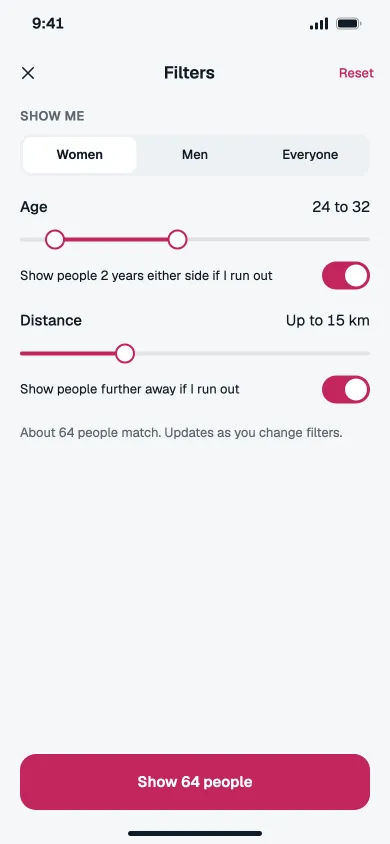
- No. Asmara is a made-up Indonesian dating app: a profile of photos and prompts, one card at a time with Like and Pass, a match moment with openers, Likes you with Asmara Plus, filters with soft limits, photo verification with a pose, and date safety with report, block, scam nudges and share your date, so the screens show the pattern without copying anyone's brand. Your agent redraws the flow on your own tokens and components.
- How does my agent use this flow?
- Connect Claude Code, Codex or Claude Desktop to Wonderblok over MCP. The agent calls use_pattern for this flow, reads its screens, rules and states, and draws them in your file.
- Is it free?
- Browsing Universe is free. Full pattern notes and use with your agent are part of Pro, and the Free plan opens a few flows in full each month.