CRYPTO FLOW
Security settings and devices app flow
A crypto flow in 5 screens, from security hub to anti-phishing code. Start your app from it, and your agent draws it on your own design system.
- 5 screens
- 3 patterns
- Mobile and desktop
- Brand: Rantai (made up)
The screens, in order
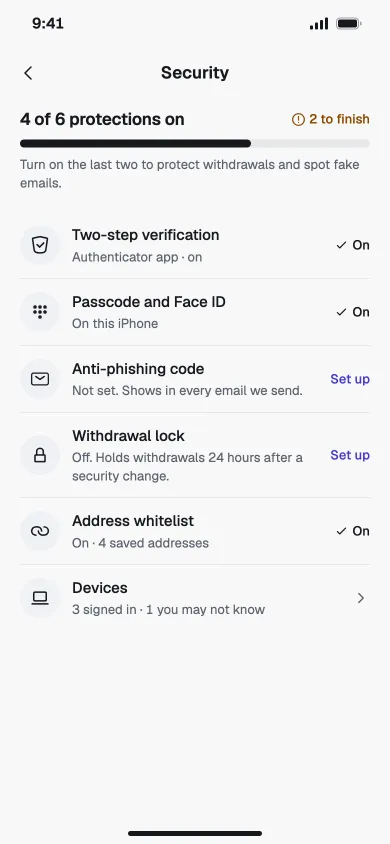
- Security hub
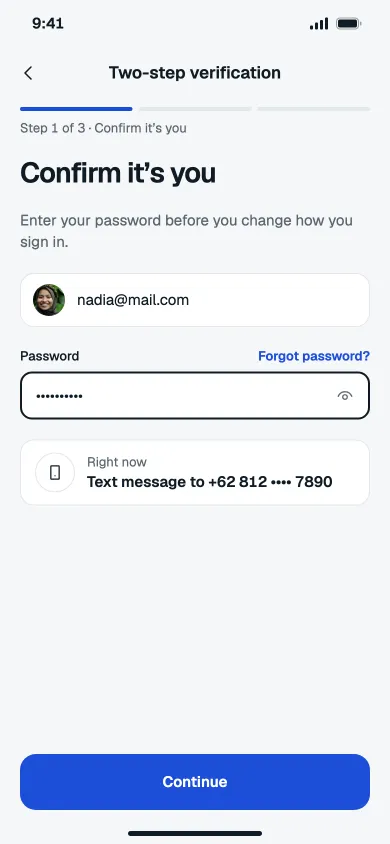
- Two-step verificationPro
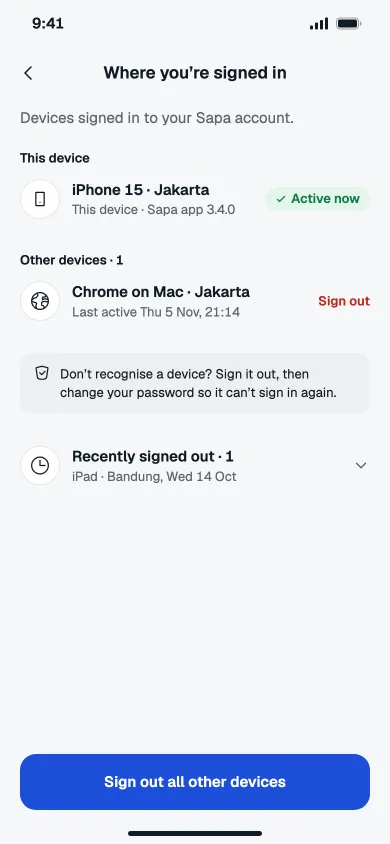
- DevicesPro
- Withdrawal lockPro
- Anti-phishing codePro
See all 5 screens, at mobile and desktop.Pro opens the whole flow in your Universe, with the prompt and code for each screen.
Upgrade to ProAlready Pro? Open in UniverseWhen to use it
USE WHEN
One place to see and raise account protection: two-step, devices, withdrawal lock, address whitelist and the anti-phishing code.
AVOID WHEN
Setting up two-step for the first time during sign-up (use Account › Two-step verification setup).
Patterns and why they work
3 decisions this flow makes, and the clarity each one buys.
A score with what is missing
4 of 6 protections on
Unknown device called out
City and time shown, not a code
Lowering a limit is instant, raising it waits
A rule stated under the chips
Each pattern also has its psychology, the intuition behind it and what it rules out, plus layout notes for mobile and desktop.
Open in UniverseStates to cover
The screens people forget until a user hits them.
- Score 4 of 6
- Two-step methods
- Backup codes
- New device from a new city
- Sign out all
- Lock on
- Limit raised and lowered
- Code saved
Pairs with
The flows this one hands off to or comes back from.
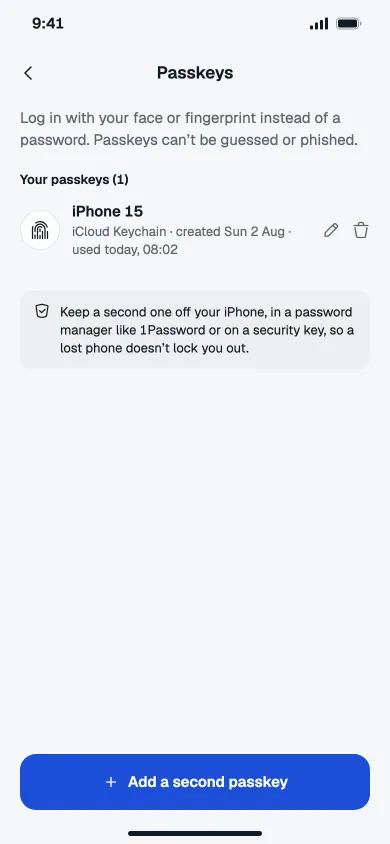
More Crypto flows
Drawn for the same brand, so they fit together.
Questions
- When should I use a security settings and devices flow?
- One place to see and raise account protection: two-step, devices, withdrawal lock, address whitelist and the anti-phishing code. Use another pattern for setting up two-step for the first time during sign-up (use Account › Two-step verification setup).
- Which screens does it need?
- This pattern uses 5: Security hub, Two-step verification, Devices, Withdrawal lock and Anti-phishing code. Plan for these states too: score 4 of 6, two-step methods, backup codes, new device from a new city.
- Is Rantai a real app?
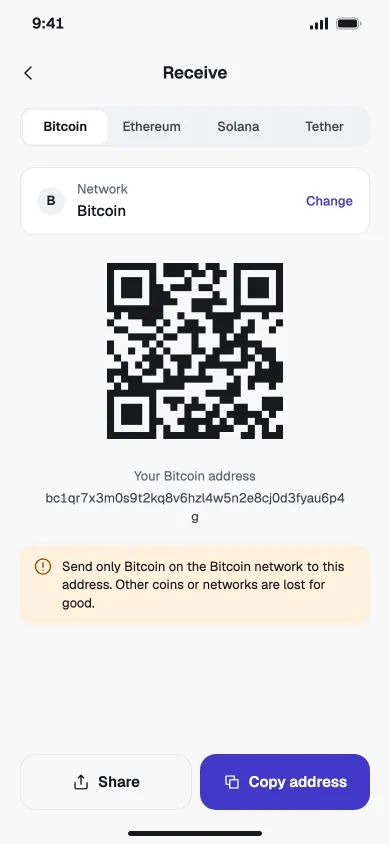
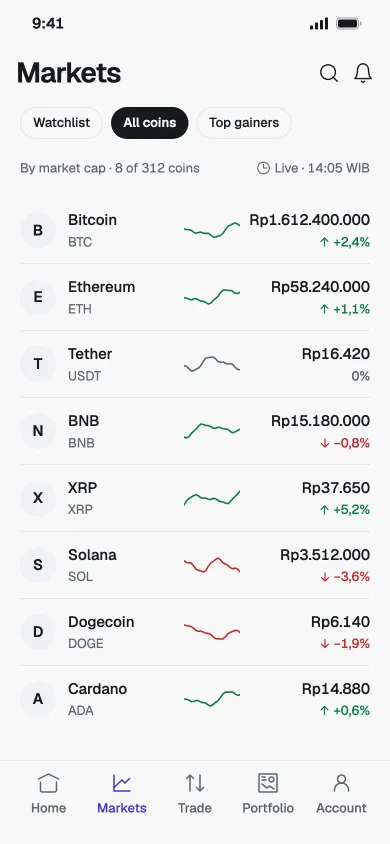
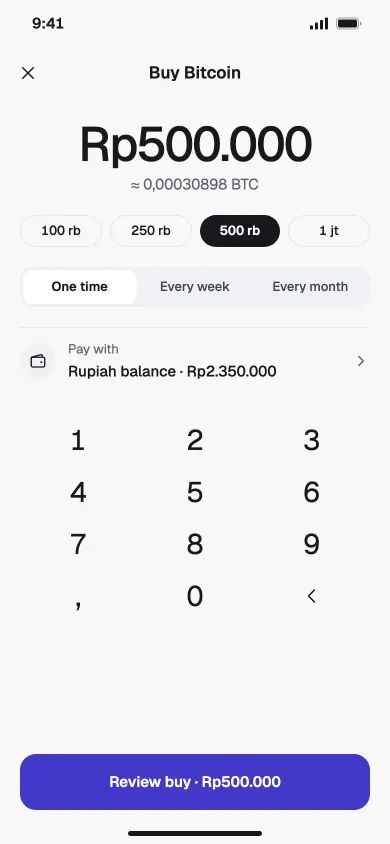
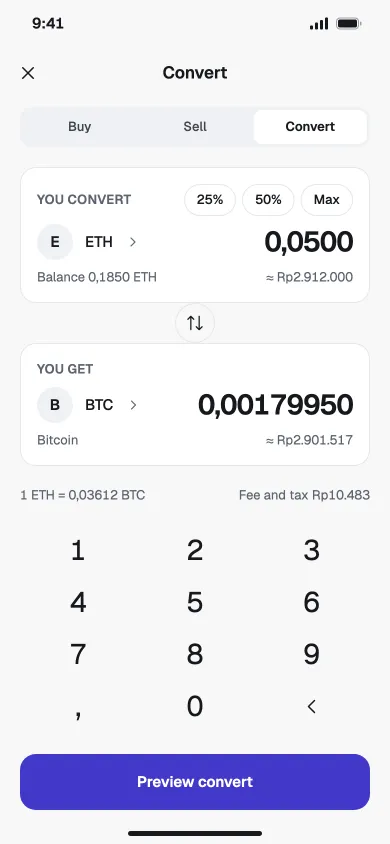
- No. Rantai is a made-up Indonesian crypto app with Rupiah in and out: markets and coin detail, buy with a review and swipe to confirm, convert and sell, Rupiah deposit and withdraw, send and receive coins on the right network, portfolio with history and tax report, and the identity check before money moves, so the screens show the pattern without copying anyone's brand. Your agent redraws the flow on your own tokens and components.
- How does my agent use this flow?
- Connect Claude Code, Codex or Claude Desktop to Wonderblok over MCP. The agent calls use_pattern for this flow, reads its screens, rules and states, and draws them in your file.
- Is it free?
- Browsing Universe is free. Full pattern notes and use with your agent are part of Pro, and the Free plan opens a few flows in full each month.