App screens by type
Every screen from 570 flows in 26 categories, sorted by what the screen does. Pick a type and see how 26 apps solve it.
MobileDesktop
2,781 screens at mobile and desktop.Free shows two per type. Pro opens them all in your Universe, with the prompt and code for each.
Upgrade to ProAlready Pro? Open in UniverseList and results 302 screens
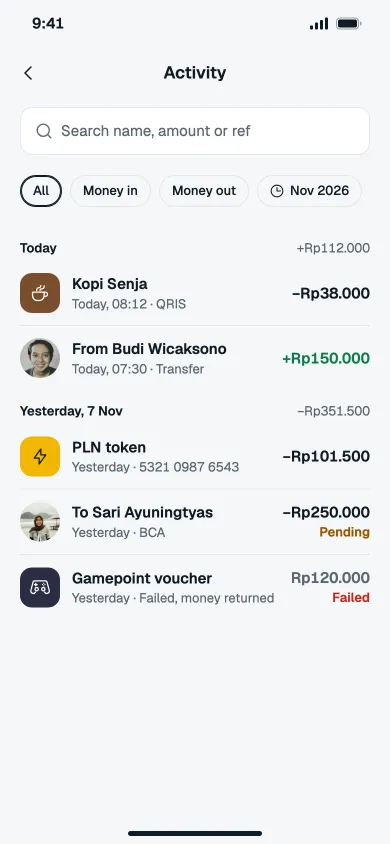
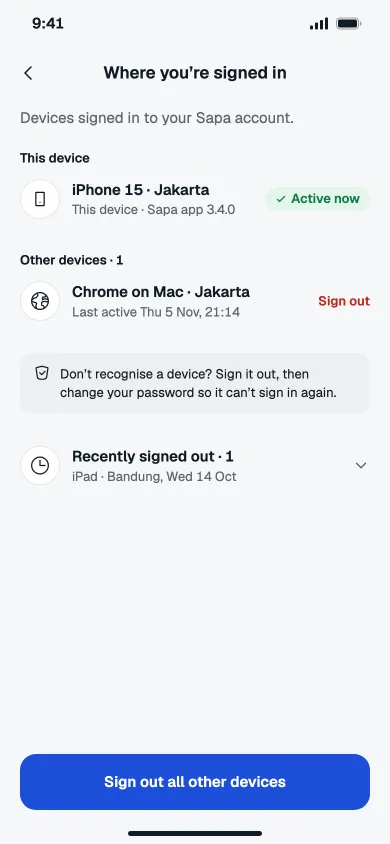
Many items as rows, cards or a table, including search results.
Form 265 screens
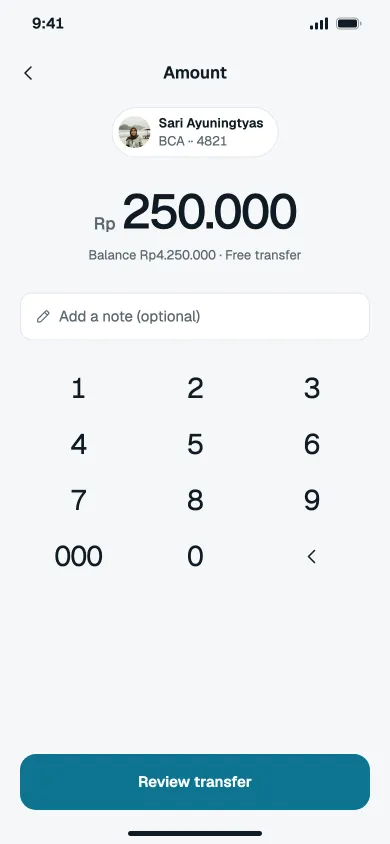
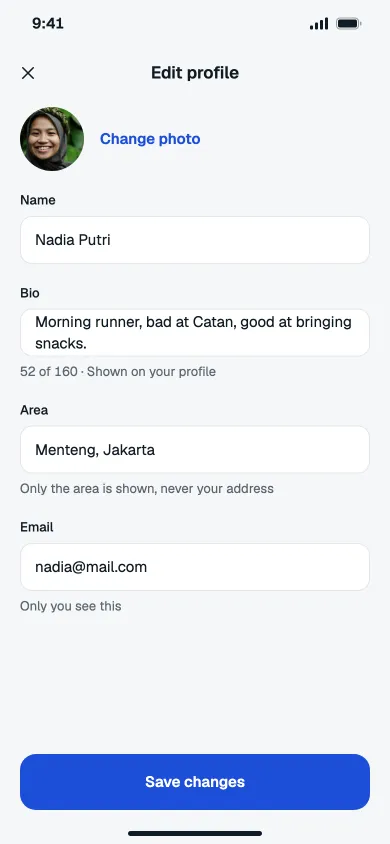
Typing or entering data in fields.
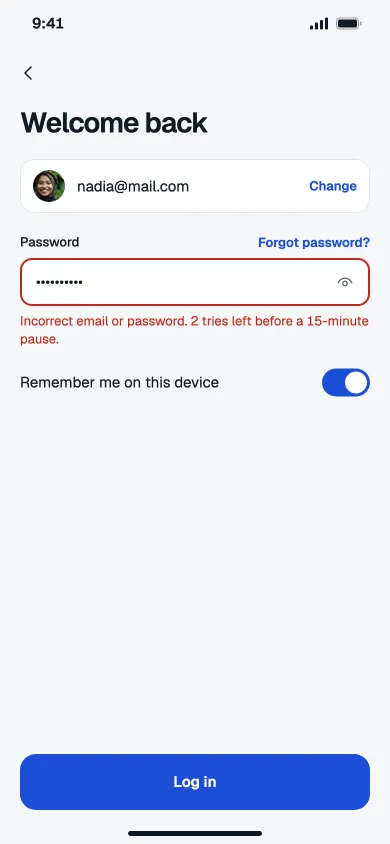
Error 245 screens
Something failed: payment failed, offline, not found.
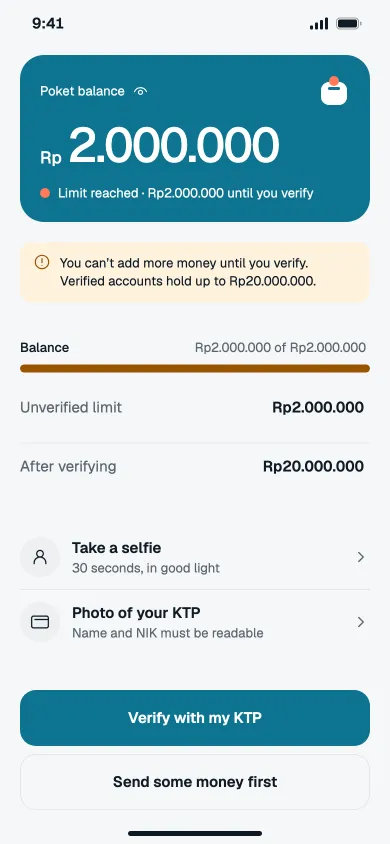
Presentation slide 234 screens


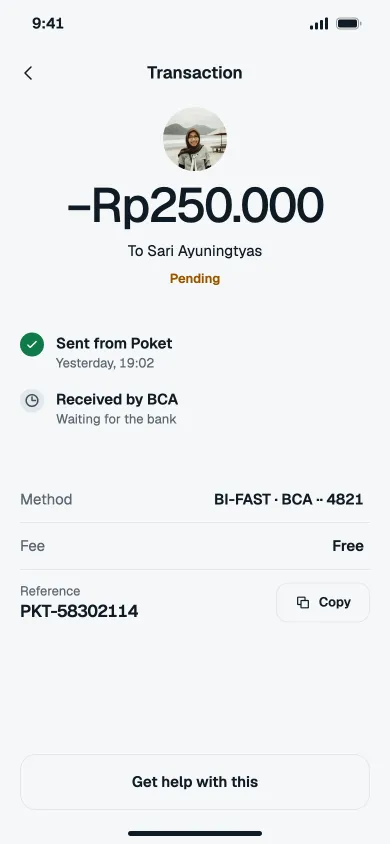
Detail 230 screens
One item, person or record in full.
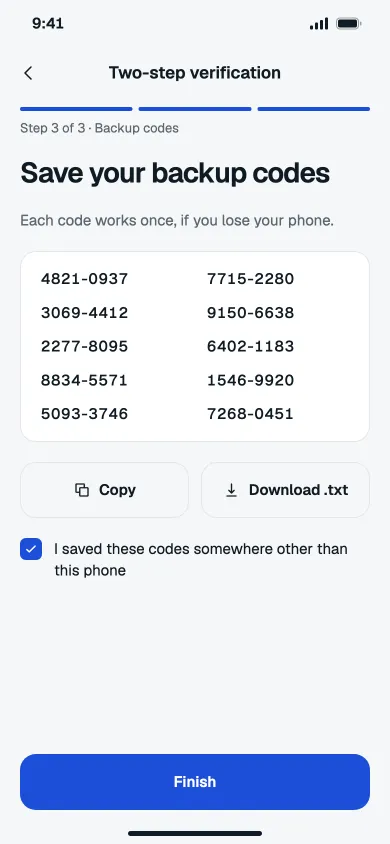
Selection list 205 screens
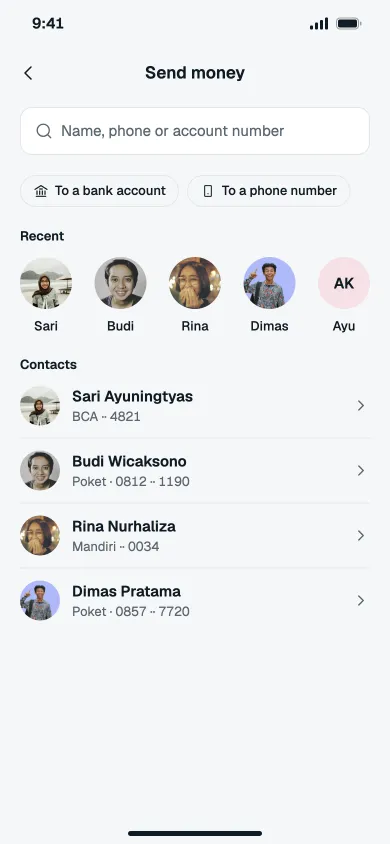
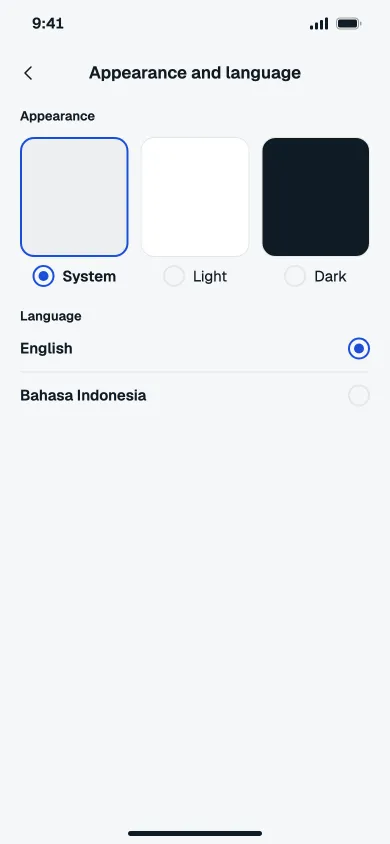
Choosing one or more options from a list or sheet (no typing).
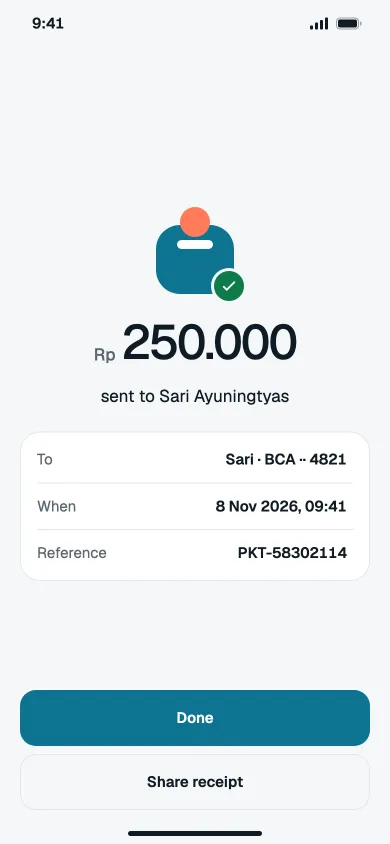
Success and receipt 132 screens
The done state after an action, with or without a receipt.

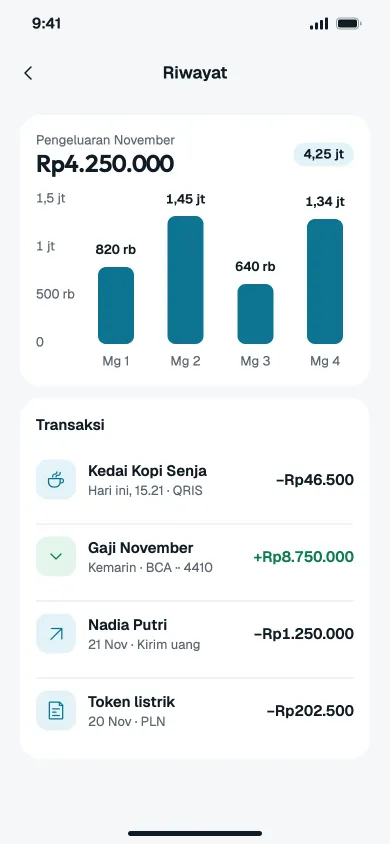
Stats and charts 128 screens
36 more types and every element in the list, 2,470 screens in all.
Questions
- How are screens sorted?
- Each screen has one main type (what a designer would search for, like a paywall) and the elements you can see in it, like a bottom sheet or a keypad. There are 44 types.
- Are these real apps?
- No. Every screen belongs to a made-up brand, so you see how the pattern works in 26 kinds of apps without copying anyone's look.
- Can my agent build a screen from here?
- Open the screen's flow. Your agent uses it over MCP, or on Pro you copy the screen as a prompt or as Tailwind for your coding agent.