Website sections
Sections you can drop into a landing page: each one drawn at desktop and mobile, with the reason it works and the states to cover.
59 website sections at desktop and mobile.Free shows two per type. Pro opens them all in your Universe, with the prompt and code for each.
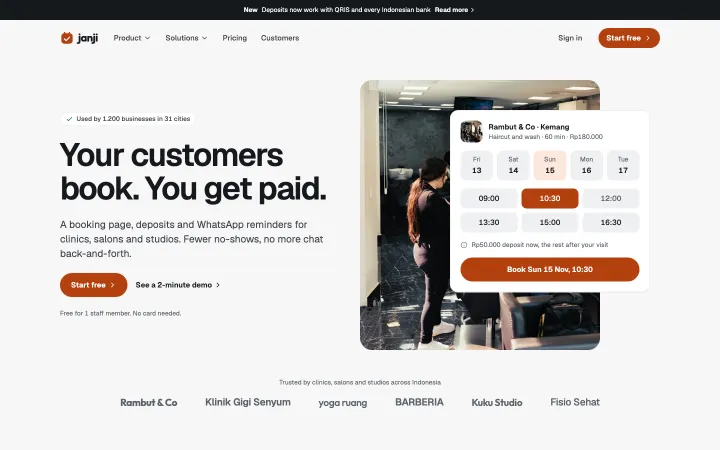
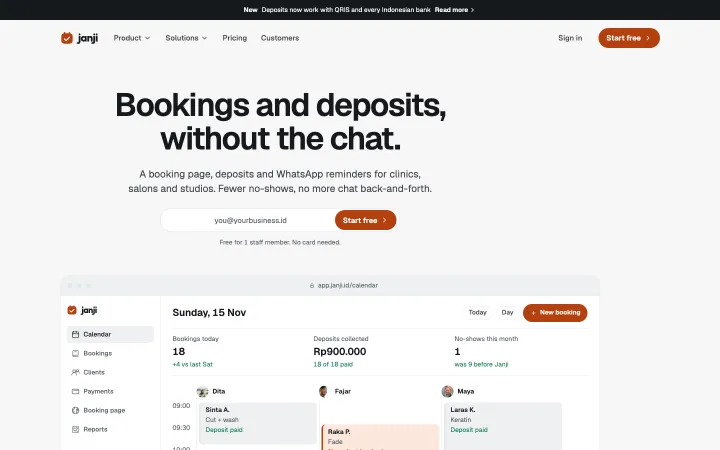
Upgrade to ProAlready Pro? Open in UniverseHero 4 variants
The first screen: what it is, who it is for, one action.
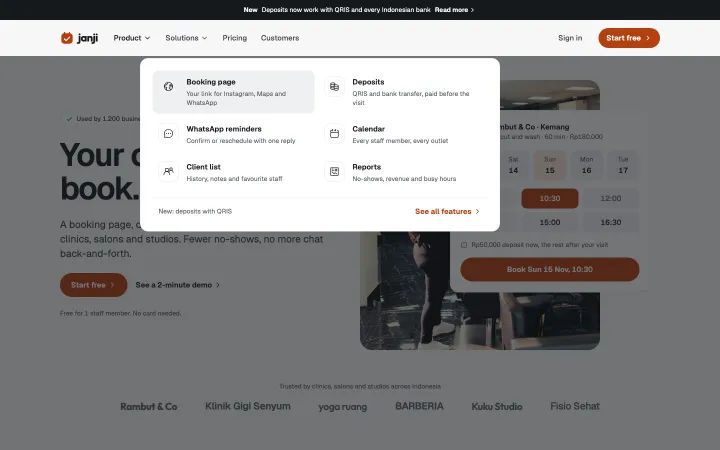
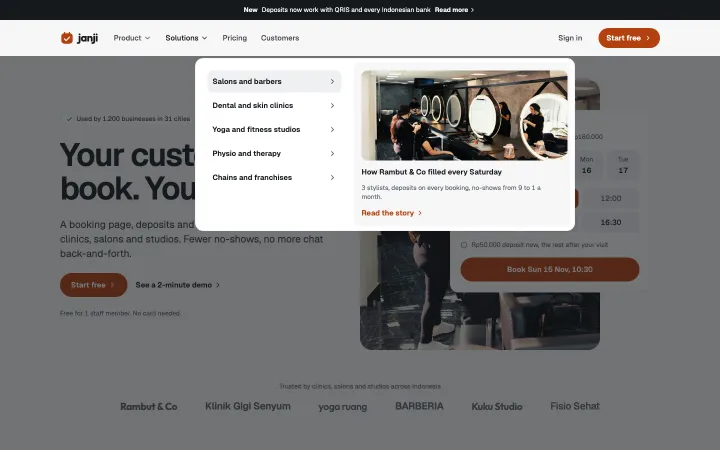
Navigation 2 variants
The top bar and its menus.
Featured 4 variants
What the product does, in a bento, tabs, rows or a grid.
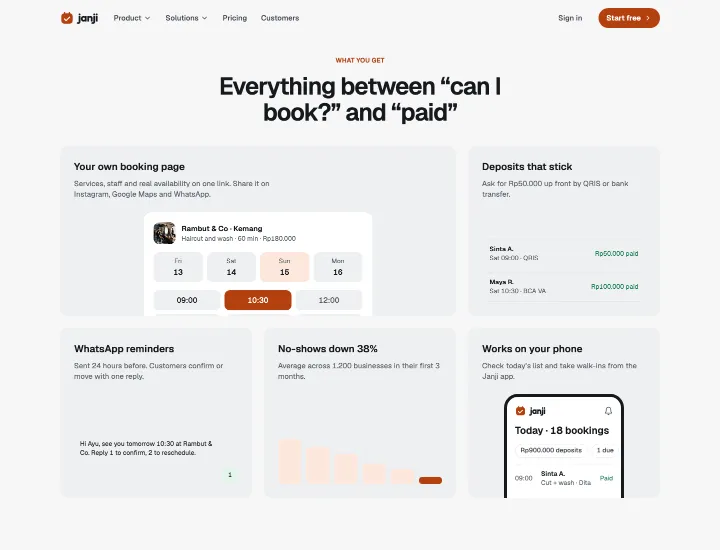
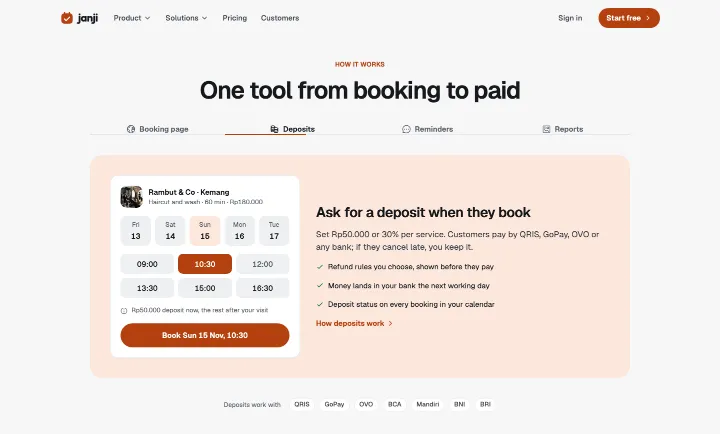
How it works 4 variants
The steps from sign-up to result: an accordion, alternating rows, a timeline or a video.
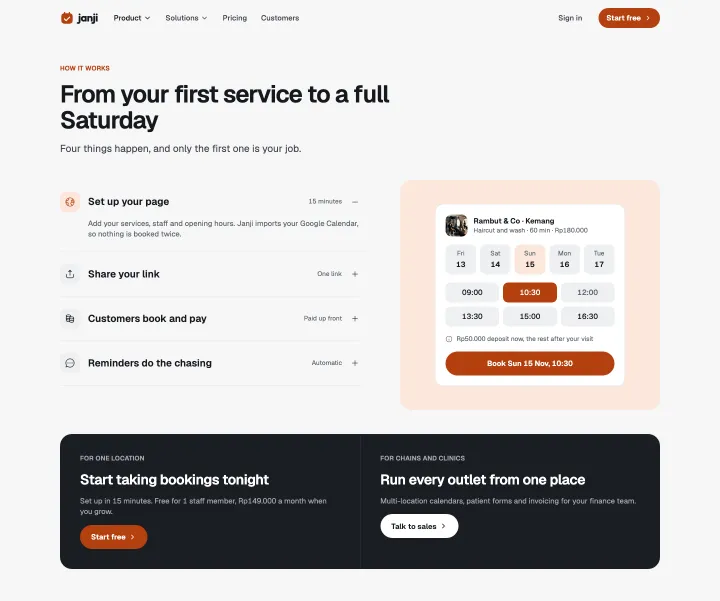
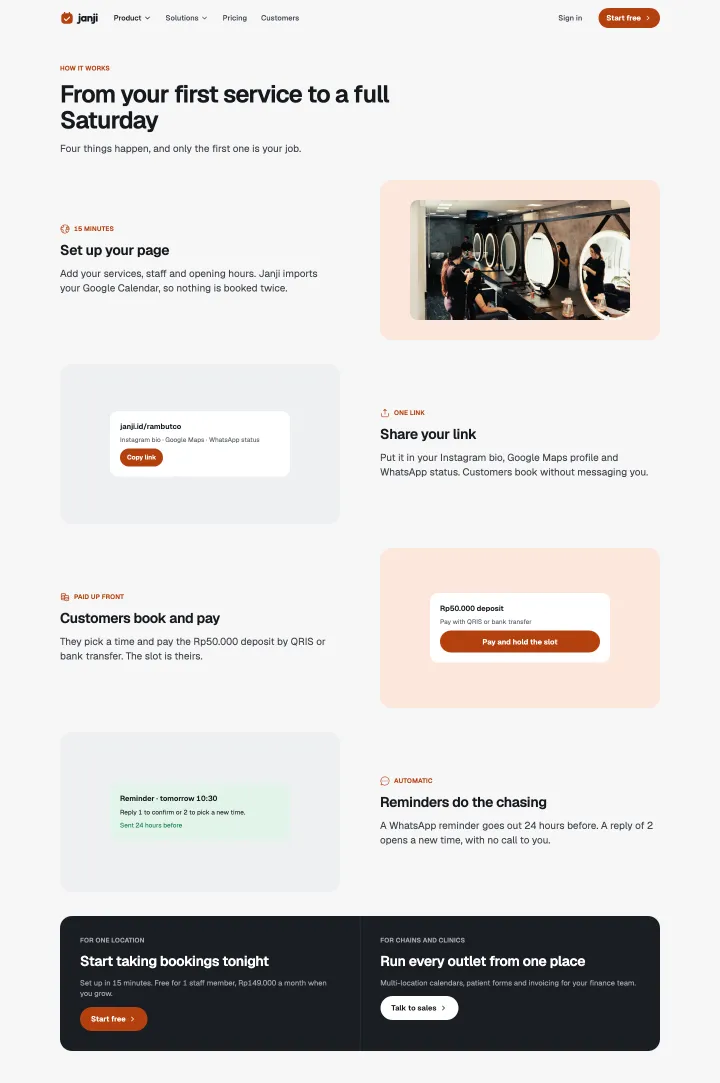
Product UI 4 variants
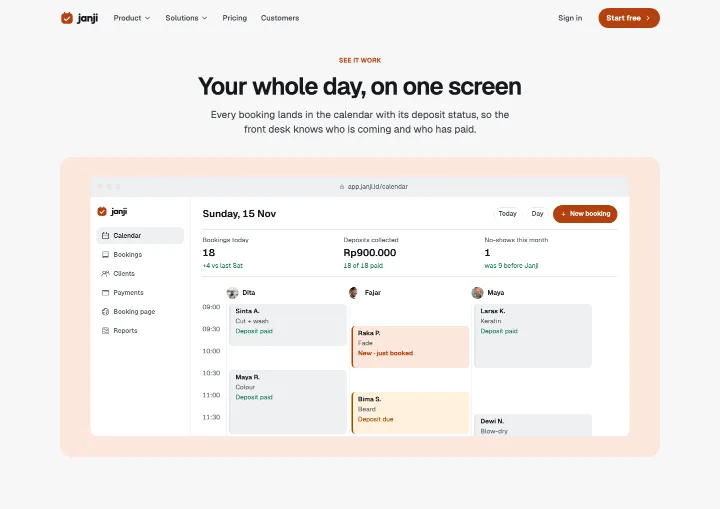
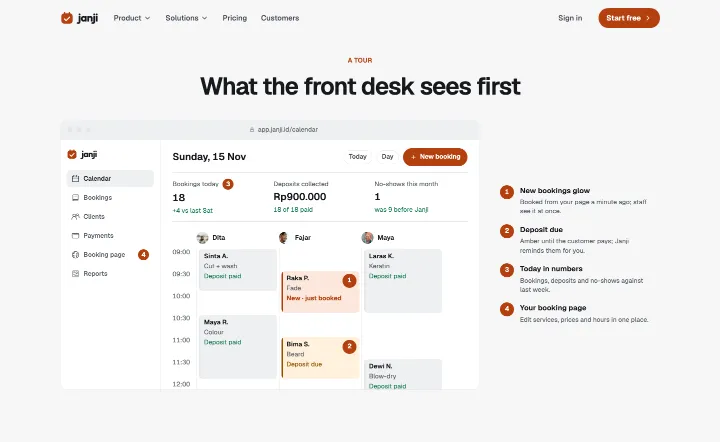
The product itself on the page, framed, annotated or live.
Testimonials 4 variants
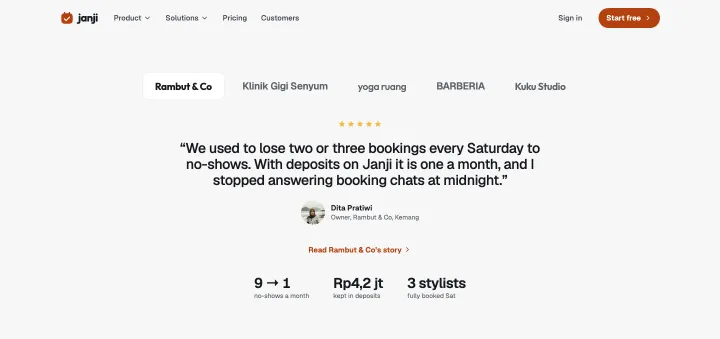
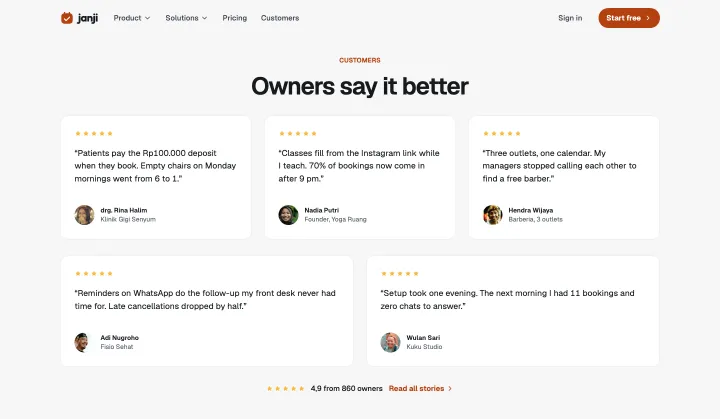
Proof from customers: one quote, a grid, numbers or a spotlight.
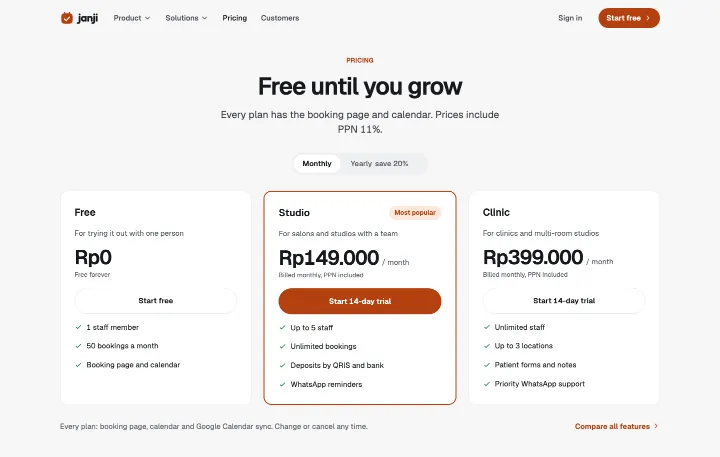
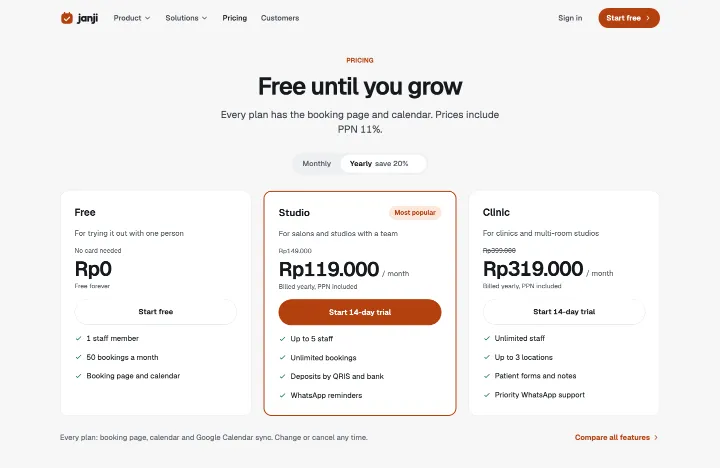
Pricing 6 variants
Plans side by side, with the switch, a comparison and questions.
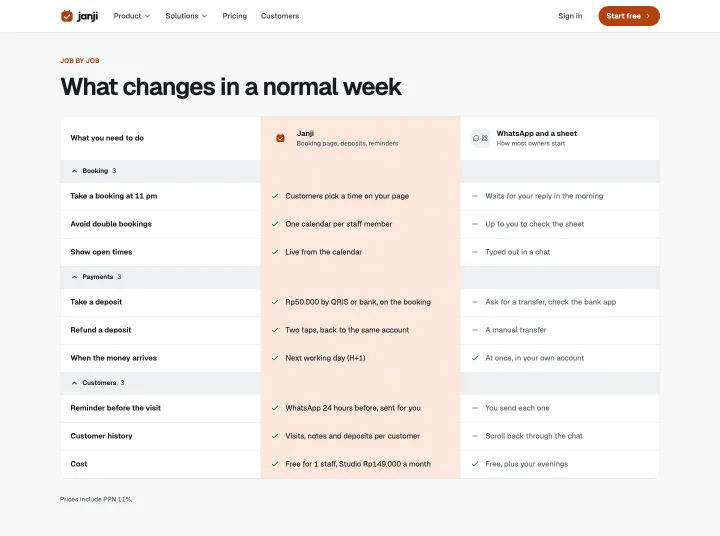
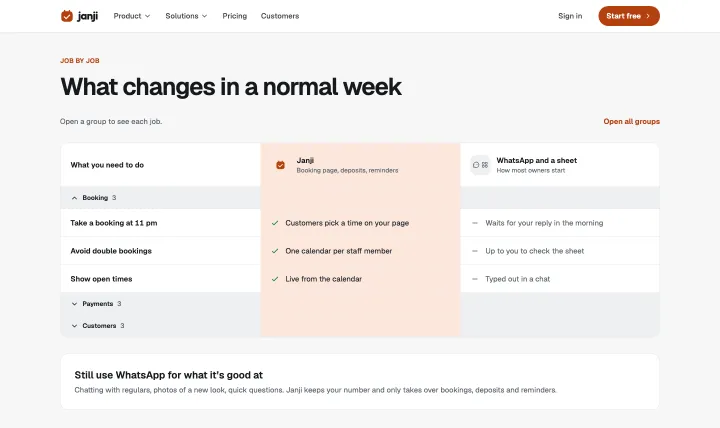
Comparison 2 variants
You against the alternatives, row by row.
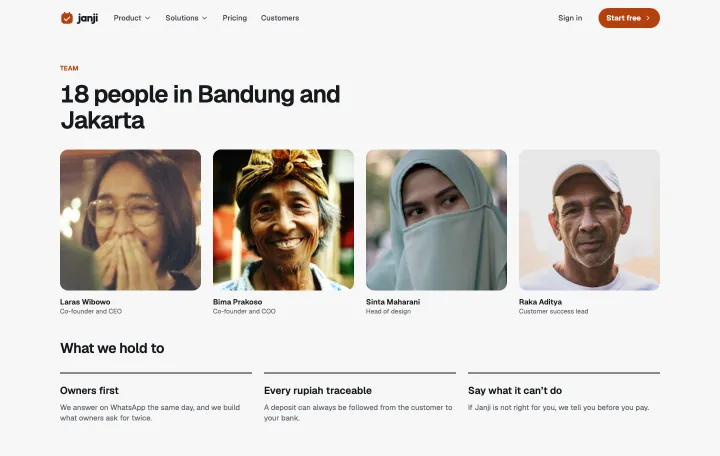
Team 2 variants
The people and what they believe.
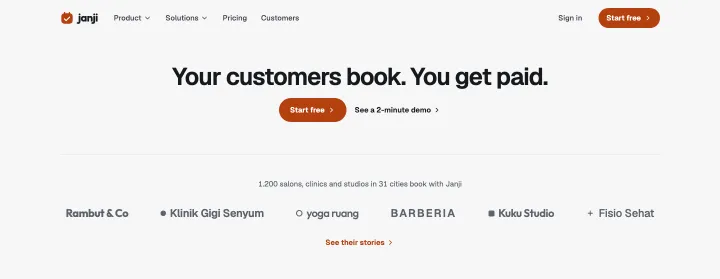
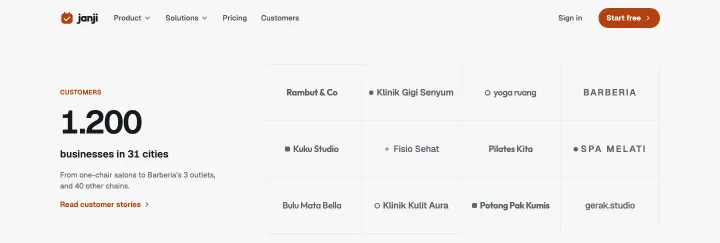
Logo cloud 4 variants
Who already uses it: a row, a grid, a moving strip or logos with quotes.
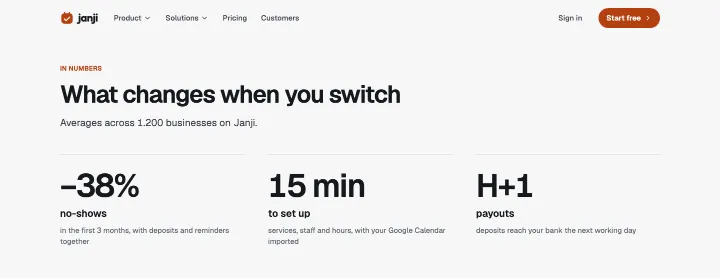
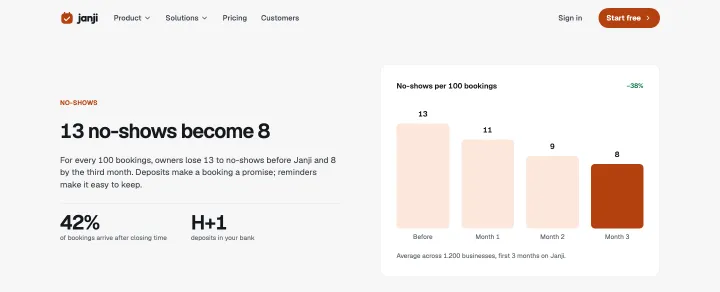
Stats 4 variants
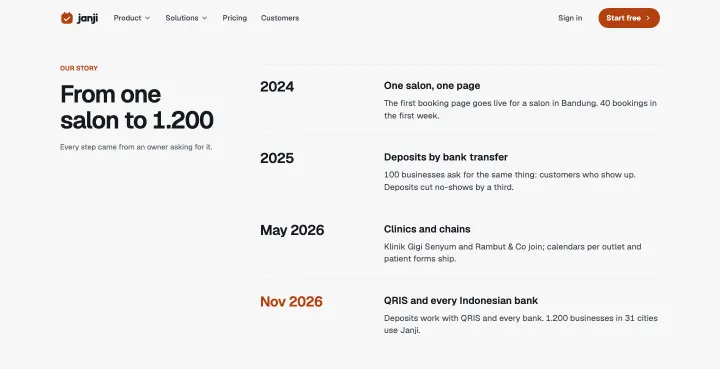
The numbers that prove it, with a chart, sources or a dark band.
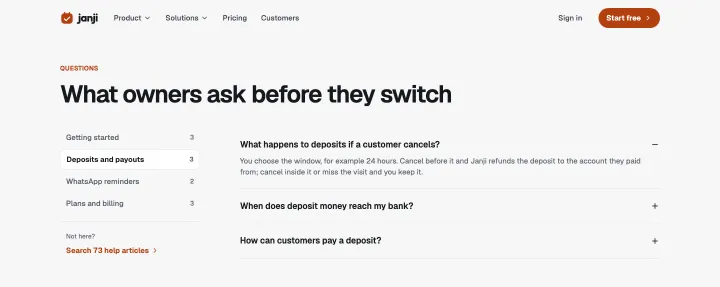
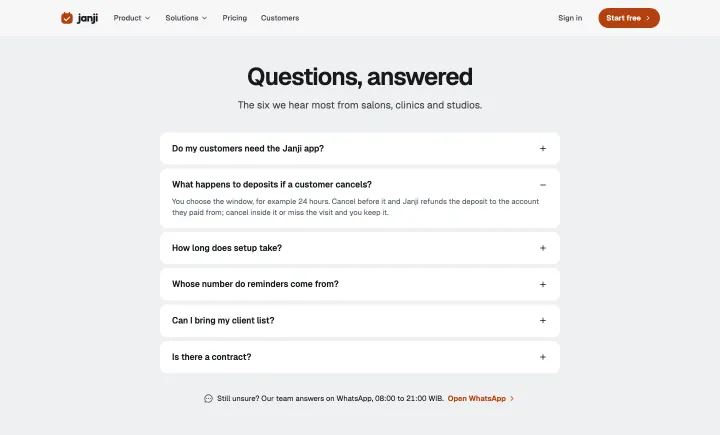
FAQ 4 variants
Questions before buying: by category, an accordion, beside contact or searchable.
Call to action 4 variants
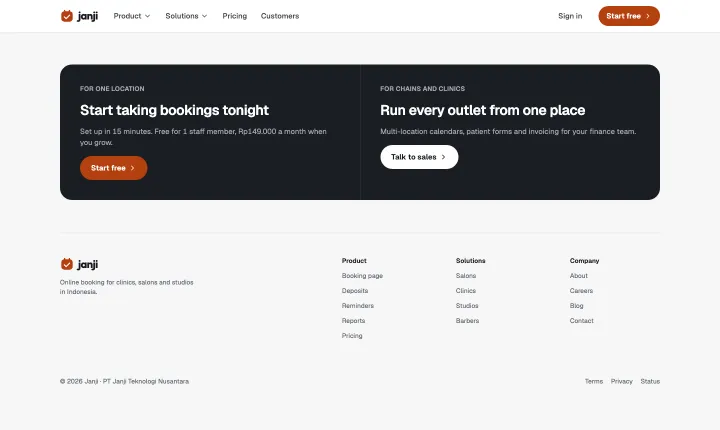
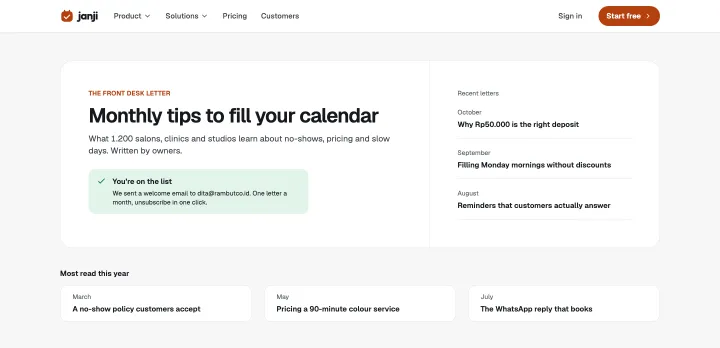
The last ask: a band, an email capture, a sticky bar, contact sales.
Contact 7 variants
How to reach a person: a form, a reason picker, sales or support, offices.
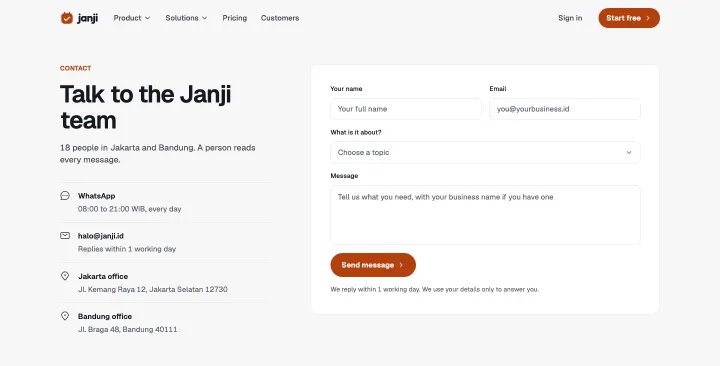 Form and officeContact · desktop and mobile
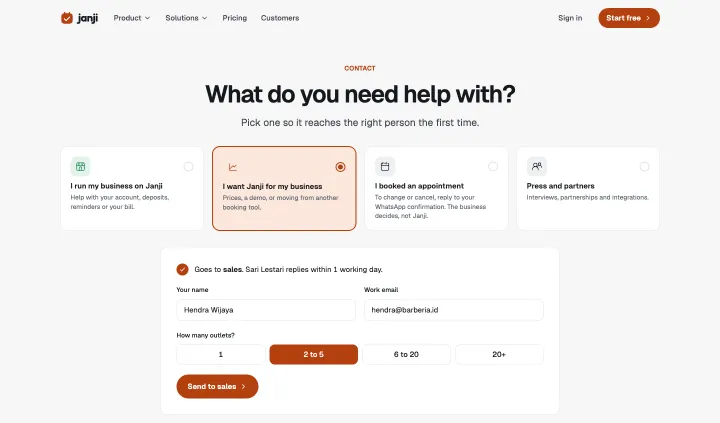 Pick a reasonContact · desktop and mobile
- ProSales or supportContact · desktop and mobile
- ProMap and officesContact · desktop and mobile
- ProMessage sentContact · desktop and mobile
- ProForm errorsContact · desktop and mobile
- ProAlready sentContact · desktop and mobile
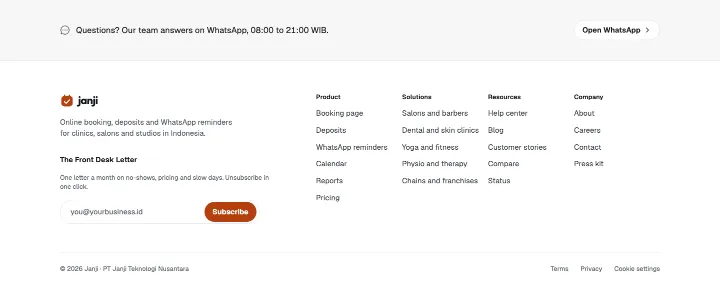
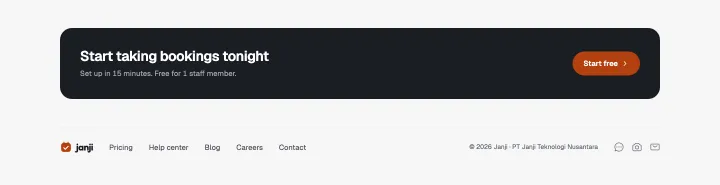
Footer 4 variants
The bottom of every page: sitemap, compact, a closing line or app and language.
Questions
- What is a section here?
- One band of a landing page, such as a hero, a pricing table or a testimonial grid. Each variant is a real screen of a Universe flow, drawn for a made-up brand so you see the pattern, not someone else's look.
- Can my agent build these?
- Yes. Open a section and use its flow with your agent over MCP, or, on Pro, copy the screen as a prompt or as Tailwind for your coding agent.
- Does it cover a whole landing page?
- Yes, from the navigation and hero down to FAQ, contact and footer, so you can pick one variant per band and build the page top to bottom.