TRAVEL AND TRANSPORTATION FLOW
Ride request and live tracking app flow
A travel and transportation flow in 7 screens, from pickup and destination to fare changed. Start your app from it, and your agent draws it on your own design system.
- 7 screens
- 6 patterns
- Mobile and desktop
- Brand: Singgah (made up)
The screens, in order
- Pickup and destination
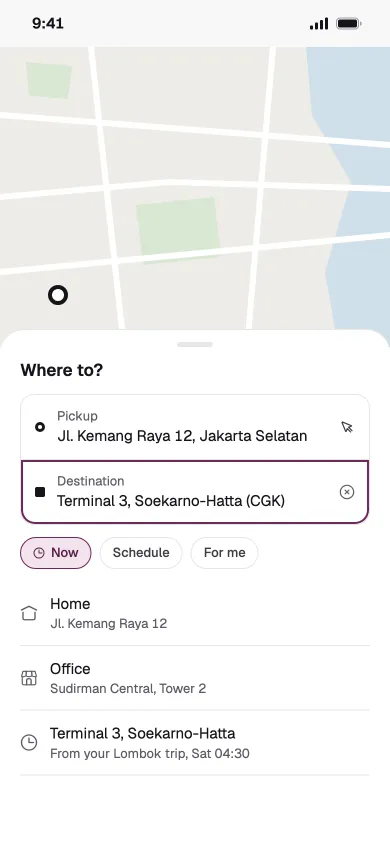
- Choose a ridePro
- Driver on the wayPro
- Receipt and ratingPro
- No drivers nearbyPro
- Driver cancelledPro
- Fare changedPro
See all 7 screens, at mobile and desktop.Pro opens the whole flow in your Universe, with the prompt and code for each screen.
Upgrade to ProAlready Pro? Open in UniverseWhen to use it
USE WHEN
On-demand transport with a live vehicle, a pickup point and a short wait.
AVOID WHEN
The trip is booked days ahead with a fixed schedule (use Search trips) or there is no live location data to show.
Patterns and why they work
6 decisions this flow makes, and the clarity each one buys.
ETA and arrival time on each option
When you get picked up and when you arrive
Request button names the choice
Exactly what will be ordered
Driver identity block
Which car to get in
Status headline that changes
What to do now
Safety in reach
Help is one tap away
Rate at the receipt
Feedback tied to this ride
Each pattern also has its psychology, the intuition behind it and what it rules out, plus layout notes for mobile and desktop.
Open in UniverseStates to cover
The screens people forget until a user hits them.
- Pickup set from location
- Destination search
- Saved places
- Choose a ride
- Ride type selected
- Schedule for later
- Request confirm
- Searching for driver
- No drivers
- Service unavailable
- Driver matched and approaching
- Driver waiting with timer
- Chat open
- Safety sheet
- On trip with ETA
- Destination changed
- Share ride
- Cancel with fee warning
- Arrived and receipt
- Rated
- Added in wave 3: no drivers nearby
- Driver cancelled with a new driver search
- Fare changed after a route change
Pairs with
The flows this one hands off to or comes back from.
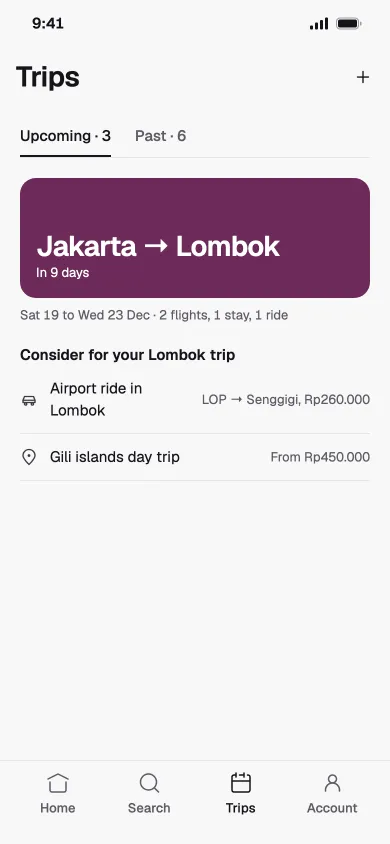
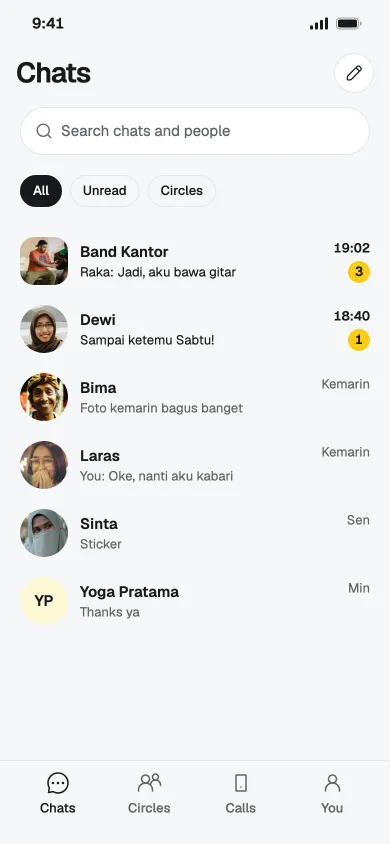
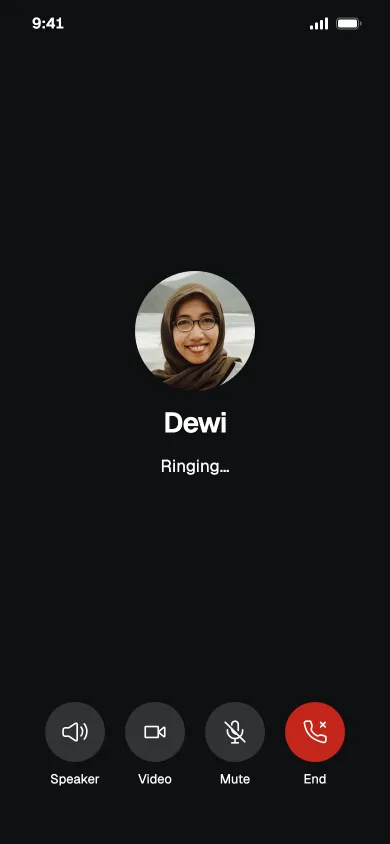
More Travel and Transportation flows
Drawn for the same brand, so they fit together.
Questions
- When should I use a ride request and live tracking flow?
- On-demand transport with a live vehicle, a pickup point and a short wait. Use another pattern for the trip is booked days ahead with a fixed schedule (use Search trips) or there is no live location data to show.
- Which screens does it need?
- This pattern uses 7: Pickup and destination, Choose a ride, Driver on the way, Receipt and rating, No drivers nearby, Driver cancelled and Fare changed. Plan for these states too: pickup set from location, destination search, saved places, choose a ride.
- Is Singgah a real app?
- No. Singgah is a made-up travel app: book flights, stays and rides in one trip on Indonesian routes, so the screens show the pattern without copying anyone's brand. Your agent redraws the flow on your own tokens and components.
- How does my agent use this flow?
- Connect Claude Code, Codex or Claude Desktop to Wonderblok over MCP. The agent calls use_pattern for this flow, reads its screens, rules and states, and draws them in your file.
- Is it free?
- Browsing Universe is free. Full pattern notes and use with your agent are part of Pro, and the Free plan opens a few flows in full each month.