MEDICAL FLOW
Symptom check app flow
A medical flow in 6 screens, from start and red flags to saved to records. Start your app from it, and your agent draws it on your own design system.
- 6 screens
- 6 patterns
- Mobile and desktop
- Brand: Sehati (made up)
The screens, in order
- Start and red flags
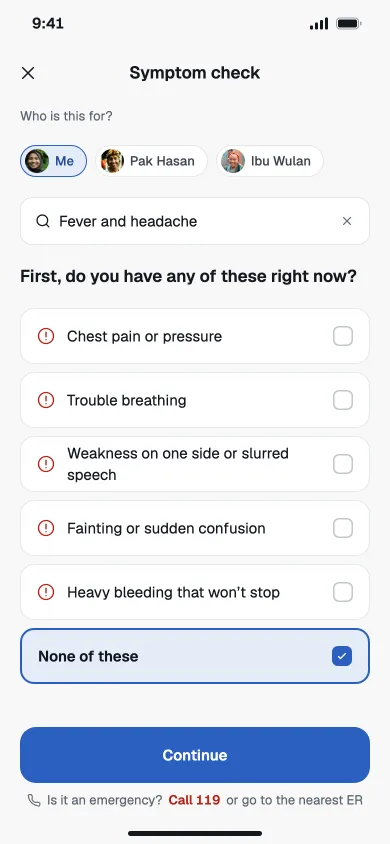
- Question stepPro
- Review answersPro
- Care level outcomePro
- Emergency stopPro
- Saved to recordsPro
See all 6 screens, at mobile and desktop.Pro opens the whole flow in your Universe, with the prompt and code for each screen.
Upgrade to ProAlready Pro? Open in UniverseWhen to use it
USE WHEN
Patients are unsure how urgent or what kind of care they need, or a visit needs structured intake before a clinician sees it.
AVOID WHEN
The patient already knows what they need (go to Find and book care or Prescriptions and refills) or the product cannot act on an emergency outcome; never present an outcome as a diagnosis.
Patterns and why they work
6 decisions this flow makes, and the clarity each one buys.
Emergency line on every step
The app is not for emergencies
One question per screen with progress
One decision at a time
Adaptive questions stated openly
Why the count can change
Chips for "what have you tried"
Common answers are listed
Visit checklist with statuses
What is left before the visit
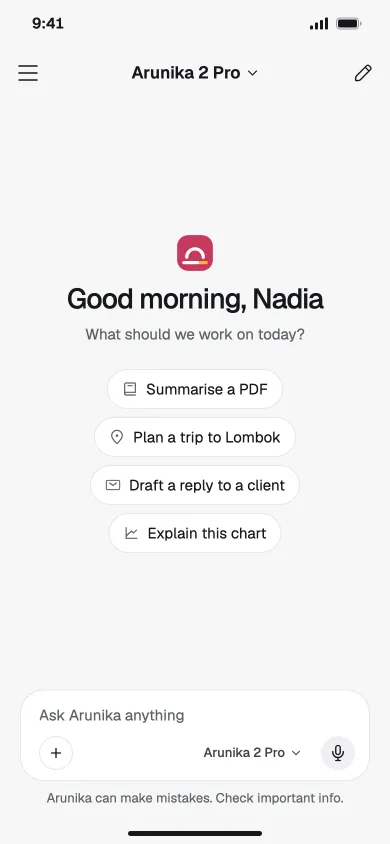
Human hand-off in the AI chat
A doctor is one tap away and when they answer
Each pattern also has its psychology, the intuition behind it and what it rules out, plus layout notes for mobile and desktop.
Open in UniverseStates to cover
The screens people forget until a user hits them.
- Start with who and concern
- Red-flag questions
- Emergency stop screen
- Single-choice question
- Multi-select chips
- Numeric with units
- "Not sure"
- Progress updated
- Review answers
- Outcome emergency
- Outcome urgent today
- Outcome book a visit
- Outcome self-care
- Save and resume
- Child profile
- AI chat with doctor hand-off
- Cannot help
- Round 5 wave 3 drew: the emergency stop with Call 119
- Call 112 and the nearest ER
- And the saved-to-records confirmation with a share choice
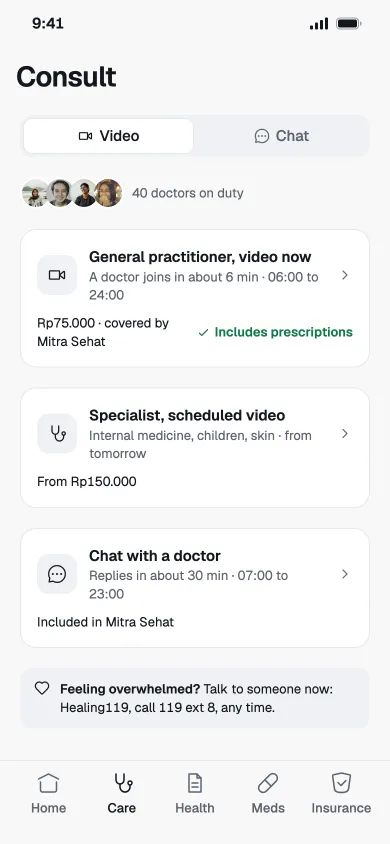
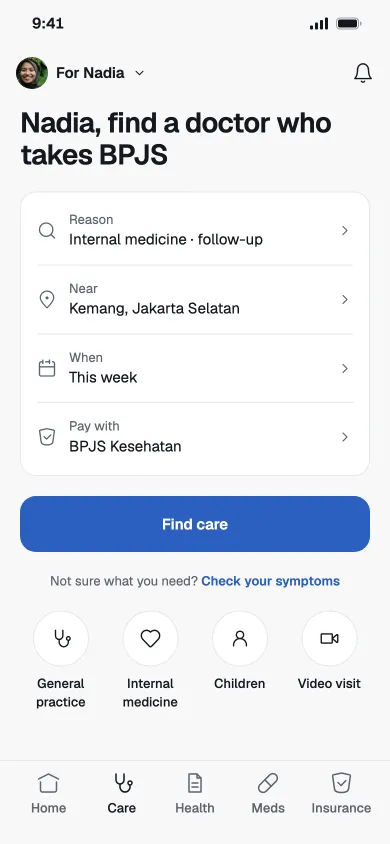
Pairs with
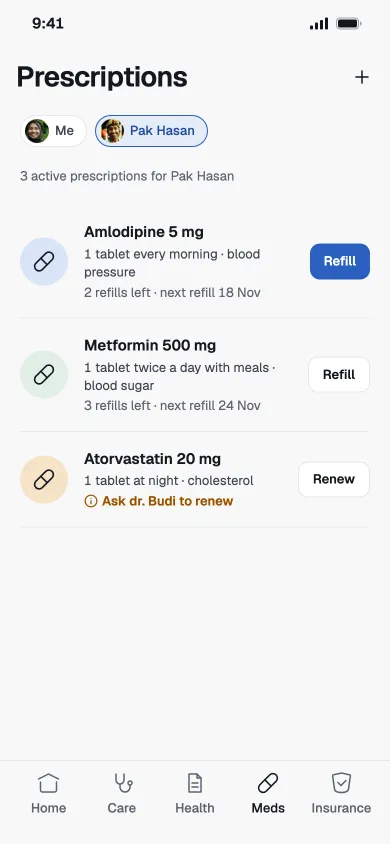
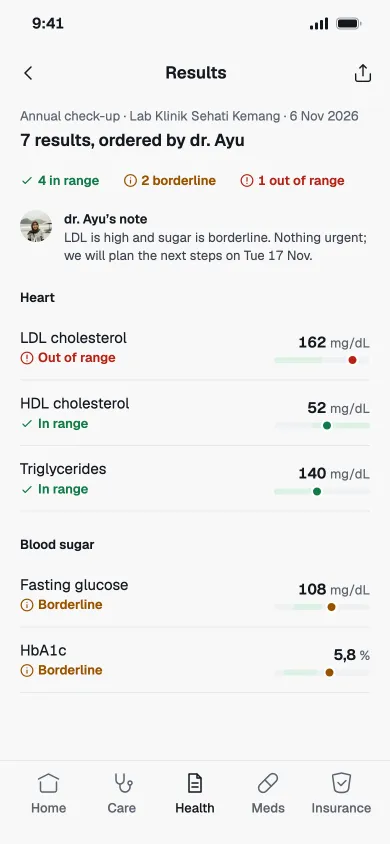
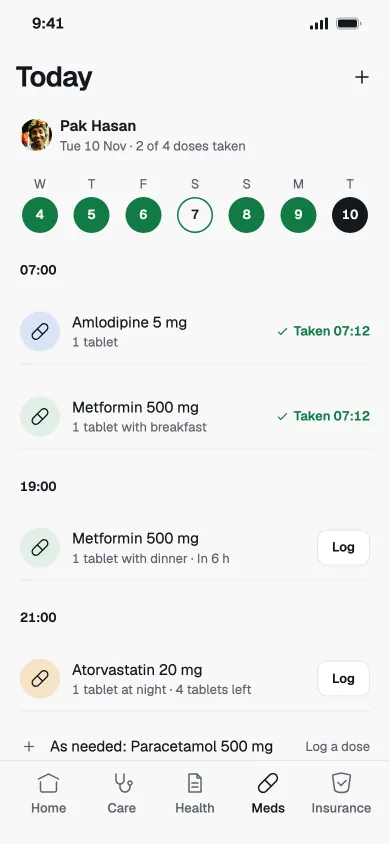
The flows this one hands off to or comes back from.
More Medical flows
Drawn for the same brand, so they fit together.
Questions
- When should I use a symptom check flow?
- Patients are unsure how urgent or what kind of care they need, or a visit needs structured intake before a clinician sees it. Use another pattern for the patient already knows what they need (go to Find and book care or Prescriptions and refills) or the product cannot act on an emergency outcome; never present an outcome as a diagnosis.
- Which screens does it need?
- This pattern uses 6: Start and red flags, Question step, Review answers, Care level outcome, Emergency stop and Saved to records. Plan for these states too: start with who and concern, red-flag questions, emergency stop screen, single-choice question.
- Is Sehati a real app?
- No. Sehati is a made-up family care app: find and book doctors, symptom check, chat and video consults, prescriptions and refills, results and records, medication reminders, insurance claims, so the screens show the pattern without copying anyone's brand. Your agent redraws the flow on your own tokens and components.
- How does my agent use this flow?
- Connect Claude Code, Codex or Claude Desktop to Wonderblok over MCP. The agent calls use_pattern for this flow, reads its screens, rules and states, and draws them in your file.
- Is it free?
- Browsing Universe is free. Full pattern notes and use with your agent are part of Pro, and the Free plan opens a few flows in full each month.