MEDICAL FLOW
Insurance and claims app flow
A medical flow in 6 screens, from insurance home and card to card expired. Start your app from it, and your agent draws it on your own design system.
- 6 screens
- 6 patterns
- Mobile and desktop
- Brand: Sehati (made up)
The screens, in order
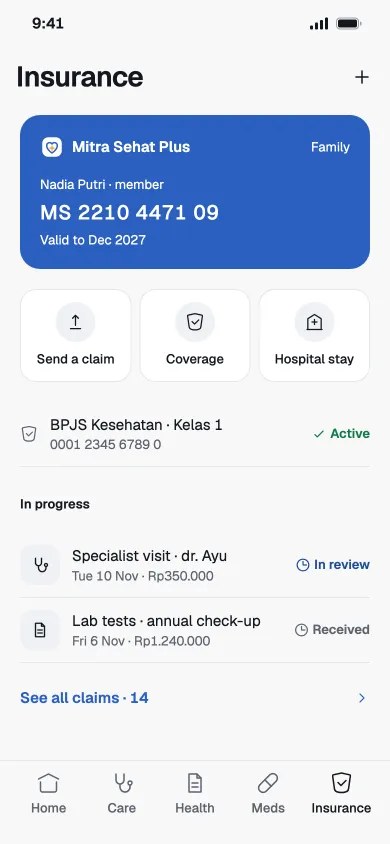
- Insurance home and card
- Coverage and limitsPro
- New claim documentsPro
- Claim timelinePro
- Claim rejectedPro
- Card expiredPro
See all 6 screens, at mobile and desktop.Pro opens the whole flow in your Universe, with the prompt and code for each screen.
Upgrade to ProAlready Pro? Open in UniverseWhen to use it
USE WHEN
Patients use insurance, an employer plan or a reimbursement scheme for care, or pay out of pocket and claim back.
AVOID WHEN
The product only sells cash-price care (show price, receipt and Platform and Dashboard › Billing instead) or claims are filed by the provider with nothing for the patient to do (show status only).
Patterns and why they work
6 decisions this flow makes, and the clarity each one buys.
Status groups before history
What is still moving
Document type picker with requirements
The right document first time
Coverage rule in plain words at the point of claim
Why it will or will not be paid
Timeline with average duration
Where the claim is and how long is left
Network badge where the choice is made
Covered or not before booking
Consent on payment method
The patient confirms the plan
Each pattern also has its psychology, the intuition behind it and what it rules out, plus layout notes for mobile and desktop.
Open in UniverseStates to cover
The screens people forget until a user hits them.
- Insurance home
- Member card full screen
- Add to wallet
- Coverage for a care type
- Deductible meter
- New claim who and what
- Document type picker
- Scan preview
- More pages
- Attachments ready
- Missing required document
- Claim sent
- Being processed
- In review
- Needs more info
- Reimbursed with amount
- Denied with reason and appeal
- Preapproval request
- Cancel request
- No claims yet
- Round 5 wave 3 drew: a rejected claim with the plain reason
- Appeal and add-on options
- And an expired card with the new-card steps
Pairs with
The flows this one hands off to or comes back from.
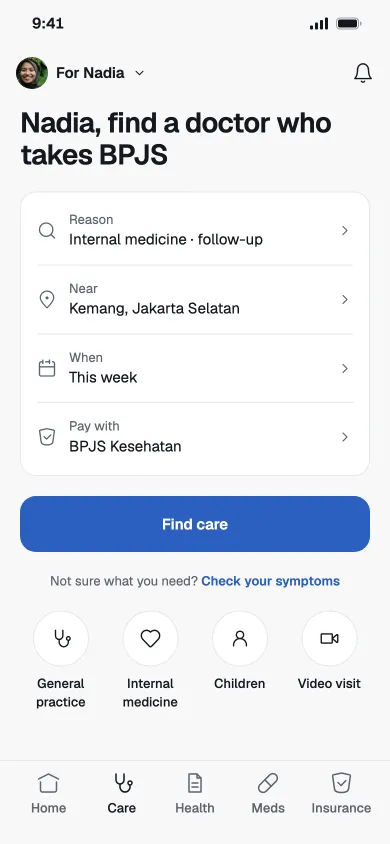
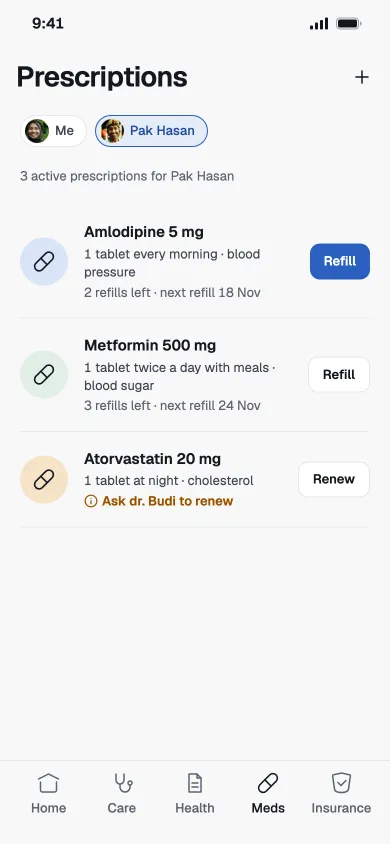
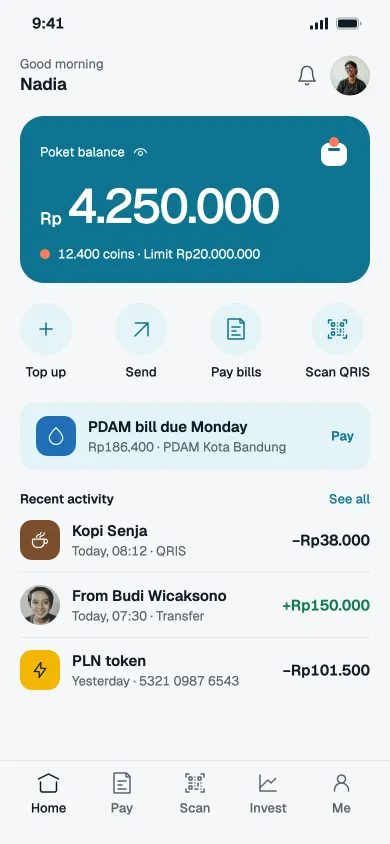
More Medical flows
Drawn for the same brand, so they fit together.
Questions
- When should I use a insurance and claims flow?
- Patients use insurance, an employer plan or a reimbursement scheme for care, or pay out of pocket and claim back. Use another pattern for the product only sells cash-price care (show price, receipt and Platform and Dashboard › Billing instead) or claims are filed by the provider with nothing for the patient to do (show status only).
- Which screens does it need?
- This pattern uses 6: Insurance home and card, Coverage and limits, New claim documents, Claim timeline, Claim rejected and Card expired. Plan for these states too: insurance home, member card full screen, add to wallet, coverage for a care type.
- Is Sehati a real app?
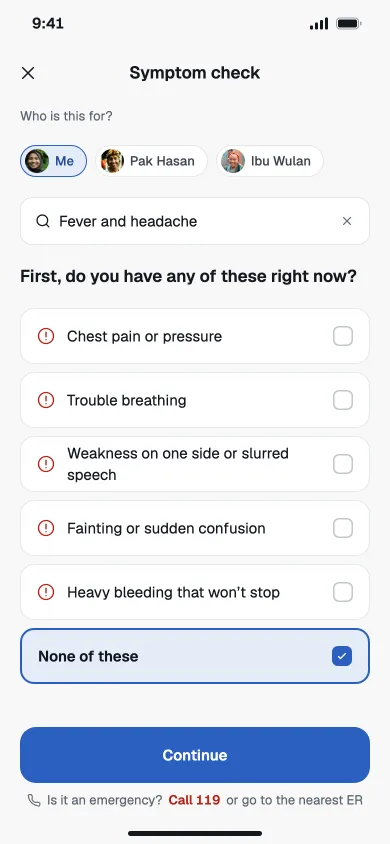
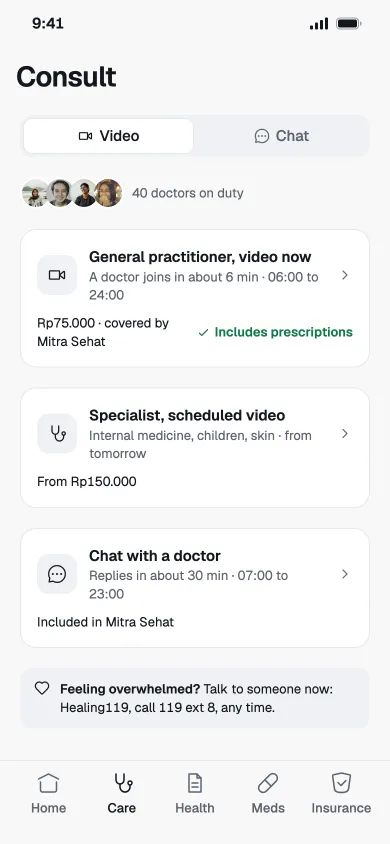
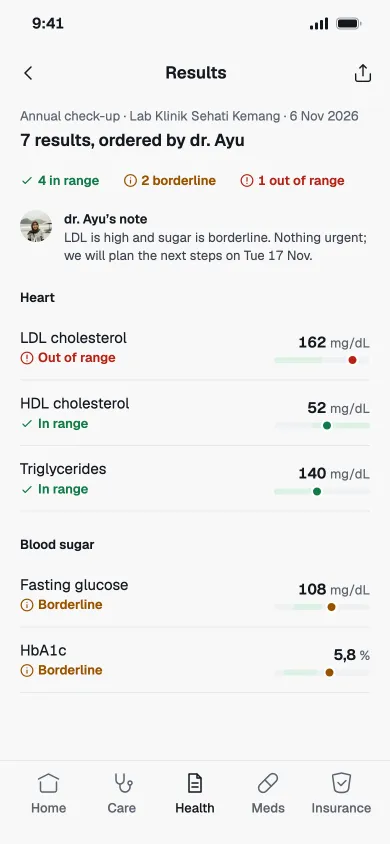
- No. Sehati is a made-up family care app: find and book doctors, symptom check, chat and video consults, prescriptions and refills, results and records, medication reminders, insurance claims, so the screens show the pattern without copying anyone's brand. Your agent redraws the flow on your own tokens and components.
- How does my agent use this flow?
- Connect Claude Code, Codex or Claude Desktop to Wonderblok over MCP. The agent calls use_pattern for this flow, reads its screens, rules and states, and draws them in your file.
- Is it free?
- Browsing Universe is free. Full pattern notes and use with your agent are part of Pro, and the Free plan opens a few flows in full each month.