MEDICAL FLOW
Consult a doctor app flow
A medical flow in 7 screens, from choose chat or video to payment failed. Start your app from it, and your agent draws it on your own design system.
- 7 screens
- 6 patterns
- Mobile and desktop
- Brand: Sehati (made up)
The screens, in order
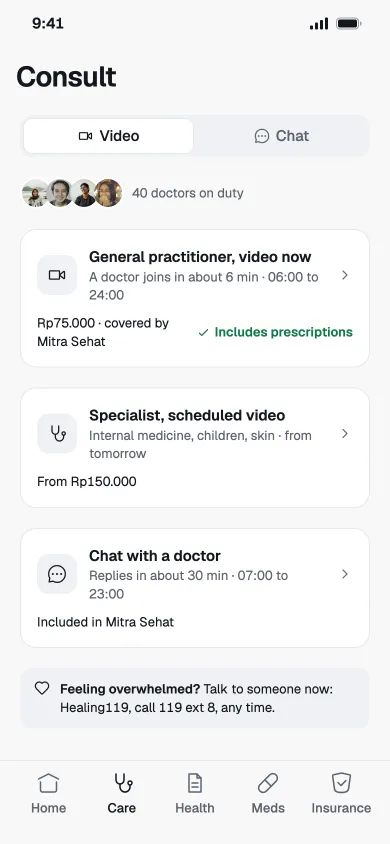
- Choose chat or video
- Waiting room and device checkPro
- Video visitPro
- Visit summaryPro
- Doctor running latePro
- Connection lostPro
- Payment failedPro
See all 7 screens, at mobile and desktop.Pro opens the whole flow in your Universe, with the prompt and code for each screen.
Upgrade to ProAlready Pro? Open in UniverseWhen to use it
USE WHEN
A clinician needs to talk with the patient now or asynchronously, by chat or video, including follow-ups after a visit.
AVOID WHEN
The request is administrative (route to support) or the symptoms are an emergency (show the emergency screen, not a queue).
Patterns and why they work
6 decisions this flow makes, and the clarity each one buys.
Response time and hours stated up front
When help arrives
What the visit can do
Outcome and cost before starting
Named, pictured clinicians
A real person is responsible
Action items for the patient
What is waiting on the patient
Inline retry on a failed message
This message did not reach the doctor
Safety exits inside consult
Crisis help exists
Each pattern also has its psychology, the intuition behind it and what it rules out, plus layout notes for mobile and desktop.
Open in UniverseStates to cover
The screens people forget until a user hits them.
- Hub with chat and video
- Out of hours
- Cost and coverage
- Intake before visit
- Device check ok
- Camera or mic blocked
- Waiting room with estimate
- Doctor assigned
- Doctor running late
- In-call
- Poor connection
- Reconnecting
- Call ended
- Visit summary
- Chat thread with doctor
- Message failed with retry
- Attachment sent
- Action item from doctor
- Referral to in-person
- Round 5 wave 3 drew: doctor running late with keep waiting
- Switch GP or book later
- Connection lost with switch to audio only or a call back
- And payment failed before the visit with the queue place held
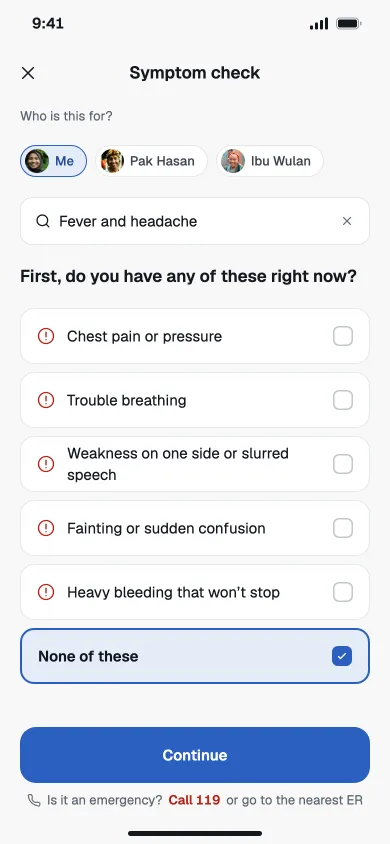
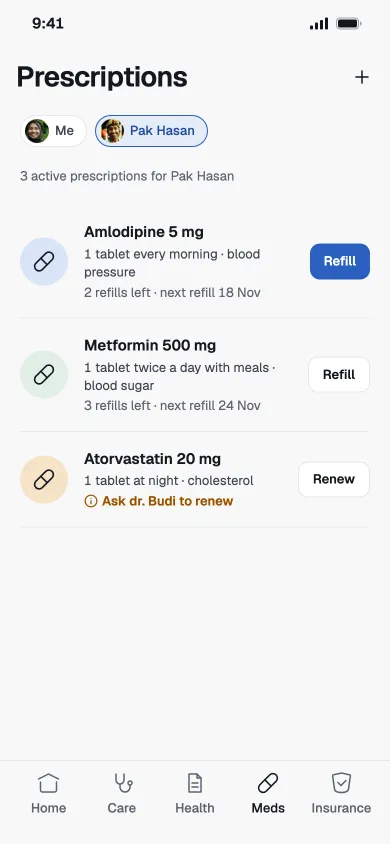
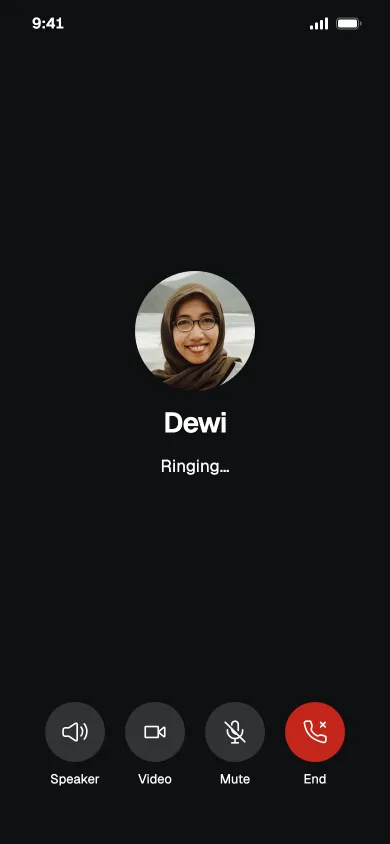
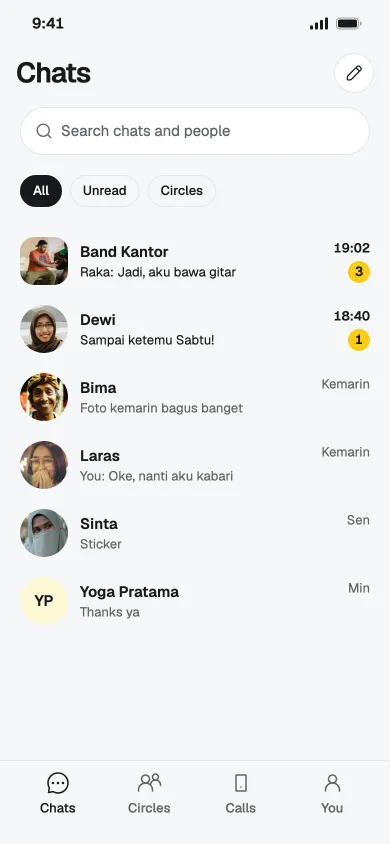
Pairs with
The flows this one hands off to or comes back from.
More Medical flows
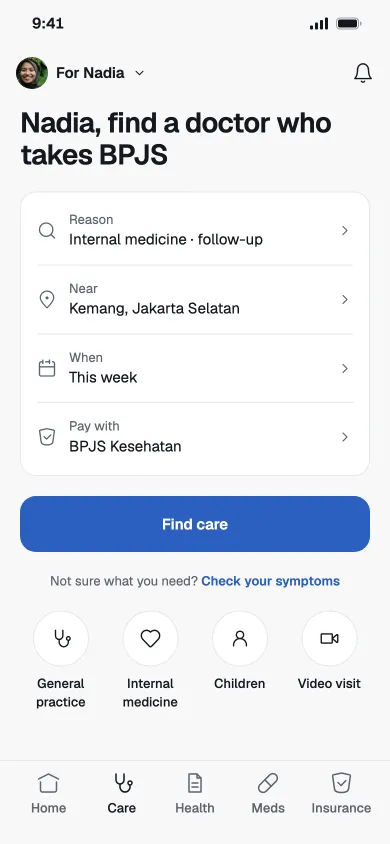
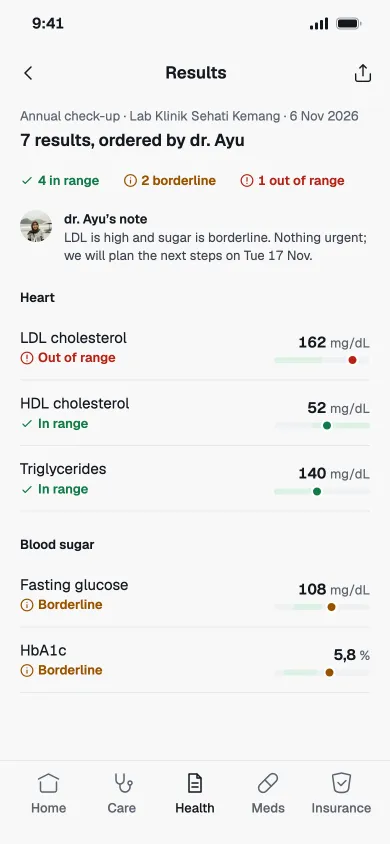
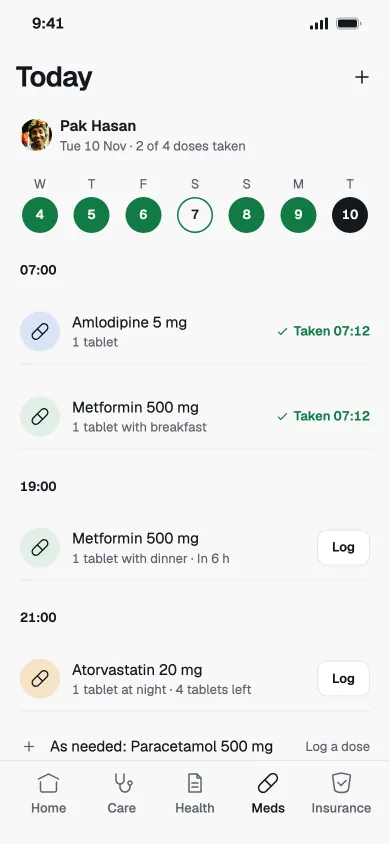
Drawn for the same brand, so they fit together.
Questions
- When should I use a consult a doctor flow?
- A clinician needs to talk with the patient now or asynchronously, by chat or video, including follow-ups after a visit. Use another pattern for the request is administrative (route to support) or the symptoms are an emergency (show the emergency screen, not a queue).
- Which screens does it need?
- This pattern uses 7: Choose chat or video, Waiting room and device check, Video visit, Visit summary, Doctor running late, Connection lost and Payment failed. Plan for these states too: hub with chat and video, out of hours, cost and coverage, intake before visit.
- Is Sehati a real app?
- No. Sehati is a made-up family care app: find and book doctors, symptom check, chat and video consults, prescriptions and refills, results and records, medication reminders, insurance claims, so the screens show the pattern without copying anyone's brand. Your agent redraws the flow on your own tokens and components.
- How does my agent use this flow?
- Connect Claude Code, Codex or Claude Desktop to Wonderblok over MCP. The agent calls use_pattern for this flow, reads its screens, rules and states, and draws them in your file.
- Is it free?
- Browsing Universe is free. Full pattern notes and use with your agent are part of Pro, and the Free plan opens a few flows in full each month.