MEDICAL FLOW
Prescriptions and refills app flow
A medical flow in 6 screens, from my prescriptions to needs a new consult. Start your app from it, and your agent draws it on your own design system.
- 6 screens
- 6 patterns
- Mobile and desktop
- Brand: Sehati (made up)
The screens, in order
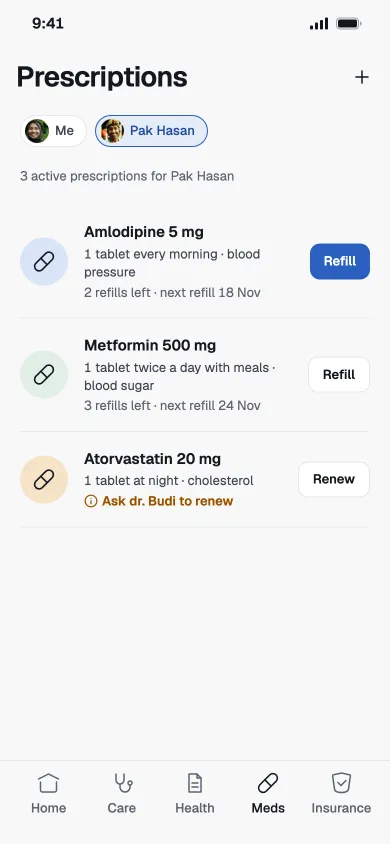
- My prescriptions
- Choose pharmacy or deliveryPro
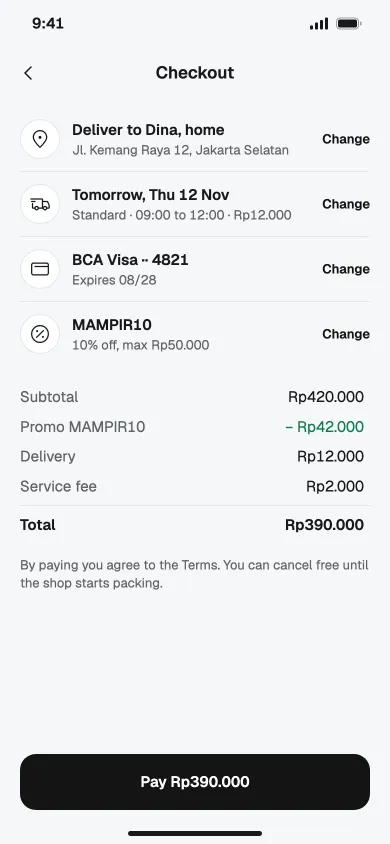
- Review and payPro
- Order timelinePro
- Out of stock and other brandPro
- Needs a new consultPro
See all 6 screens, at mobile and desktop.Pro opens the whole flow in your Universe, with the prompt and code for each screen.
Upgrade to ProAlready Pro? Open in UniverseWhen to use it
USE WHEN
Patients refill ongoing medicines, transfer prescriptions, or receive treatment after an online visit.
AVOID WHEN
The drug requires an in-person exam or controlled-substance rules block online refill (show why and route to Find and book care).
Patterns and why they work
6 decisions this flow makes, and the clarity each one buys.
Price per pharmacy with delivery option
Where it is cheapest
Provider review as a visible step
A clinician approves before shipping
Auto-refill as an explicit opt-in with terms
When the card will be charged
Notifications listed by content
Exactly what messages will arrive
Directions on the treatment
How to use the medicine
Discreet shipping called out
What the package looks like
Each pattern also has its psychology, the intuition behind it and what it rules out, plus layout notes for mobile and desktop.
Open in UniverseStates to cover
The screens people forget until a user hits them.
- Active list
- Refills left low
- No refills (renew)
- Refill too soon
- Choose pharmacy or delivery
- Insurance price vs cash price
- Review and pay
- Auto-refill on
- Order received
- Provider review pending
- Approved
- Declined with reason
- Shipped with tracking
- Ready for pickup
- Delivered
- Transfer in progress
- Out of stock
- Expired prescription
- Round 5 wave 3 drew: out of stock at the pharmacy with pickup elsewhere
- A pharmacist offering the same medicine from another brand
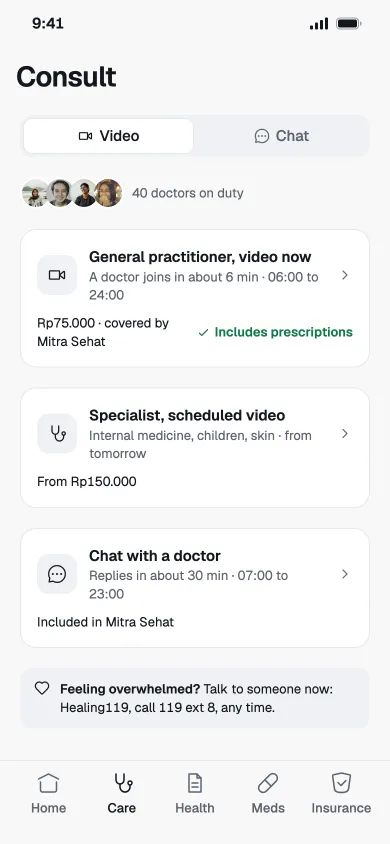
- And a renewal that needs a video visit first
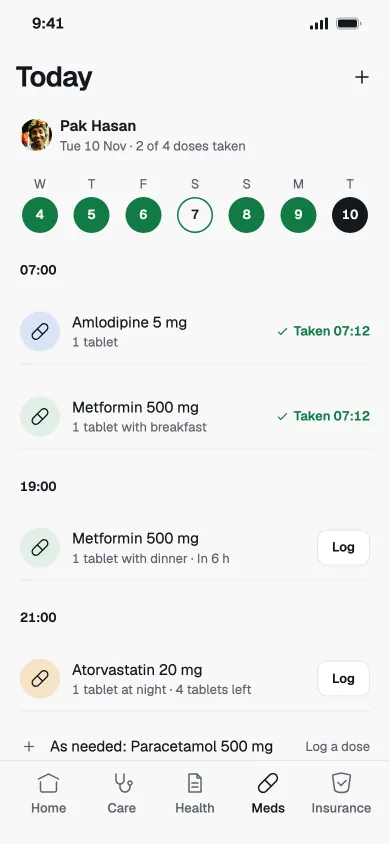
Pairs with
The flows this one hands off to or comes back from.
More Medical flows
Drawn for the same brand, so they fit together.
Questions
- When should I use a prescriptions and refills flow?
- Patients refill ongoing medicines, transfer prescriptions, or receive treatment after an online visit. Use another pattern for the drug requires an in-person exam or controlled-substance rules block online refill (show why and route to Find and book care).
- Which screens does it need?
- This pattern uses 6: My prescriptions, Choose pharmacy or delivery, Review and pay, Order timeline, Out of stock and other brand and Needs a new consult. Plan for these states too: active list, refills left low, no refills (renew), refill too soon.
- Is Sehati a real app?
- No. Sehati is a made-up family care app: find and book doctors, symptom check, chat and video consults, prescriptions and refills, results and records, medication reminders, insurance claims, so the screens show the pattern without copying anyone's brand. Your agent redraws the flow on your own tokens and components.
- How does my agent use this flow?
- Connect Claude Code, Codex or Claude Desktop to Wonderblok over MCP. The agent calls use_pattern for this flow, reads its screens, rules and states, and draws them in your file.
- Is it free?
- Browsing Universe is free. Full pattern notes and use with your agent are part of Pro, and the Free plan opens a few flows in full each month.