MEDICAL FLOW
Test results and records app flow
A medical flow in 6 screens, from results summary to needs a doctor and retest. Start your app from it, and your agent draws it on your own design system.
- 6 screens
- 6 patterns
- Mobile and desktop
- Brand: Sehati (made up)
The screens, in order
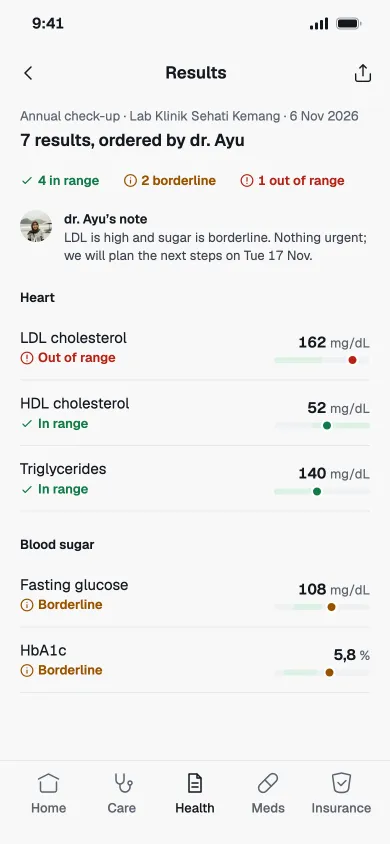
- Results summary
- Marker detail with rangePro
- Records libraryPro
- Share a resultPro
- Result pendingPro
- Needs a doctor and retestPro
See all 6 screens, at mobile and desktop.Pro opens the whole flow in your Universe, with the prompt and code for each screen.
Upgrade to ProAlready Pro? Open in UniverseWhen to use it
USE WHEN
Patients receive lab, imaging or visit results, or keep and share health records over time.
AVOID WHEN
A clinician has not reviewed a critical result yet (hold release and tell the patient a clinician will call) or the product cannot explain ranges in plain language.
Patterns and why they work
6 decisions this flow makes, and the clarity each one buys.
Value with range and band
Where the number sits
Status in words and colour
Meaning at a glance
Plain-language explainer after the data
What the marker means
Retest reminders from records
What is stale
Upload with visible processing
The file is being read
Privacy promise beside health data
How data is protected and what the product is not
Each pattern also has its psychology, the intuition behind it and what it rules out, plus layout notes for mobile and desktop.
Open in UniverseStates to cover
The screens people forget until a user hits them.
- Results ready notification
- Summary with counts
- All in range
- Some out of range
- Detail with trend
- First result (no trend)
- Pending result
- Awaiting clinician review
- Critical value notice
- Explainer expanded
- Records list
- Filter by type
- Upload queued
- Upload failed
- Due for retest
- All up to date
- Share link with expiry
- Download PDF
- Round 5 wave 3 drew: a pending result with a timeline and a WhatsApp that never says what the result is
- And a result that needs a doctor with the repeat test the doctor suggests
Pairs with
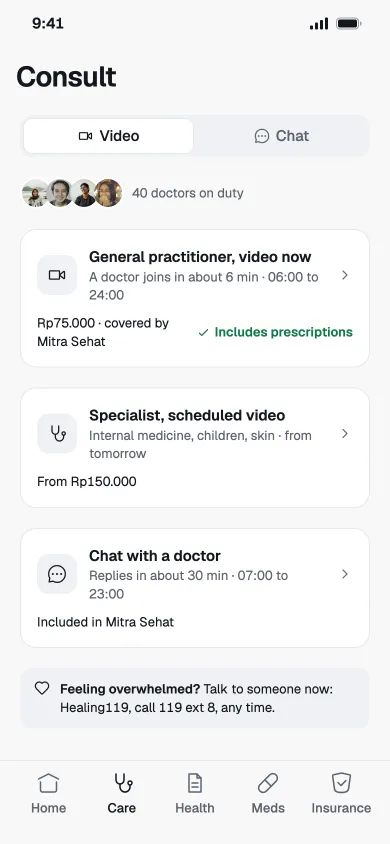
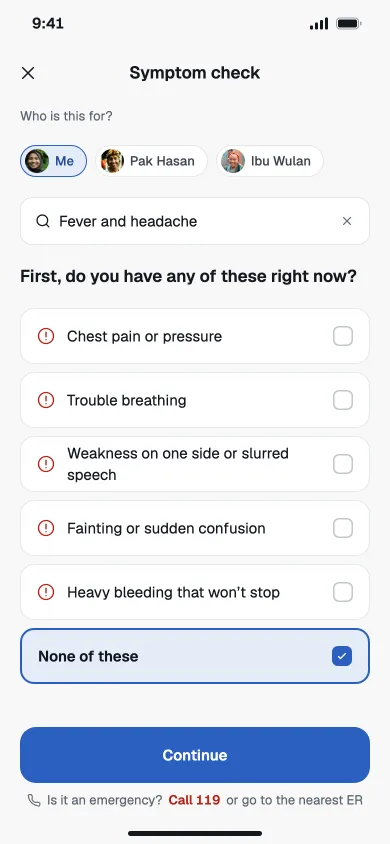
The flows this one hands off to or comes back from.
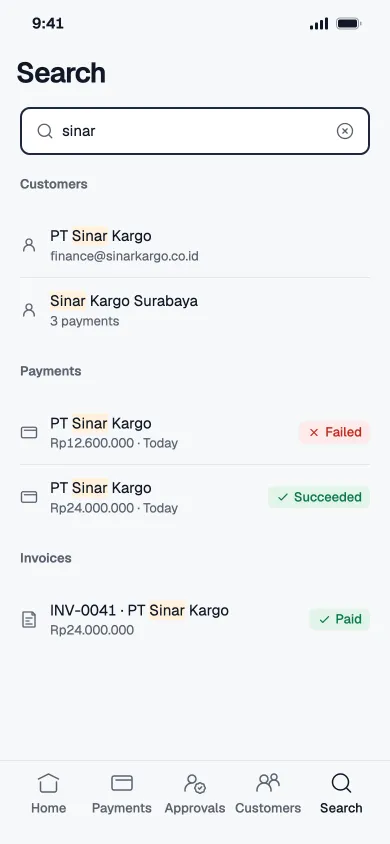
More Medical flows
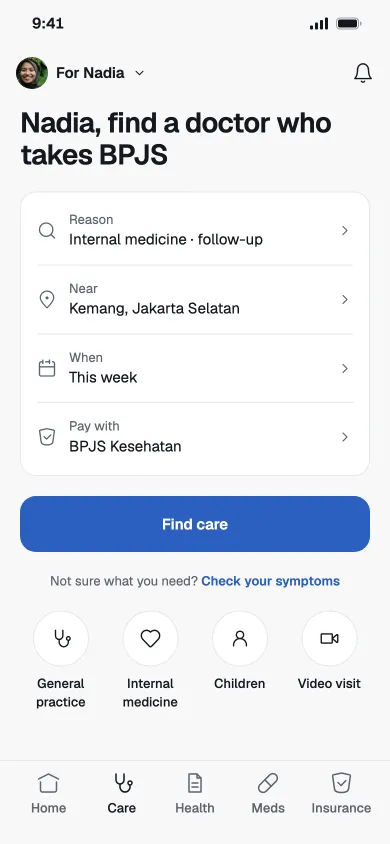
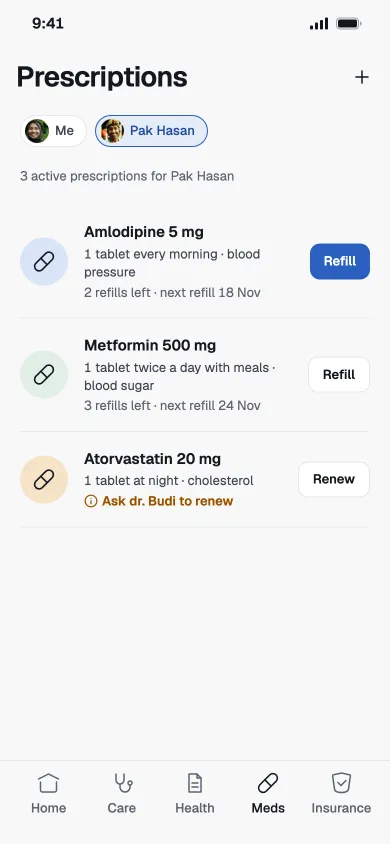
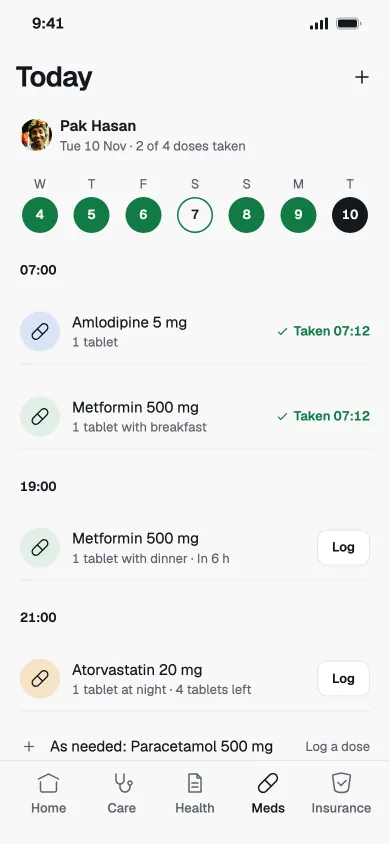
Drawn for the same brand, so they fit together.
Questions
- When should I use a test results and records flow?
- Patients receive lab, imaging or visit results, or keep and share health records over time. Use another pattern for a clinician has not reviewed a critical result yet (hold release and tell the patient a clinician will call) or the product cannot explain ranges in plain language.
- Which screens does it need?
- This pattern uses 6: Results summary, Marker detail with range, Records library, Share a result, Result pending and Needs a doctor and retest. Plan for these states too: results ready notification, summary with counts, all in range, some out of range.
- Is Sehati a real app?
- No. Sehati is a made-up family care app: find and book doctors, symptom check, chat and video consults, prescriptions and refills, results and records, medication reminders, insurance claims, so the screens show the pattern without copying anyone's brand. Your agent redraws the flow on your own tokens and components.
- How does my agent use this flow?
- Connect Claude Code, Codex or Claude Desktop to Wonderblok over MCP. The agent calls use_pattern for this flow, reads its screens, rules and states, and draws them in your file.
- Is it free?
- Browsing Universe is free. Full pattern notes and use with your agent are part of Pro, and the Free plan opens a few flows in full each month.