TRAVEL AND TRANSPORTATION FLOW
Traveler details and booking app flow
A travel and transportation flow in 6 screens, from traveler details to sold out while paying. Start your app from it, and your agent draws it on your own design system.
- 6 screens
- 6 patterns
- Mobile and desktop
- Brand: Singgah (made up)
The screens, in order
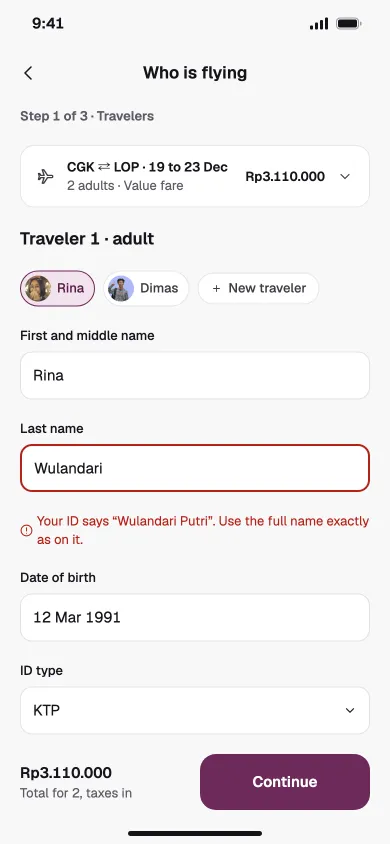
- Traveler details
- Extras and farePro
- Review and payPro
- Booking confirmedPro
- Time to pay ran outPro
- Sold out while payingPro
See all 6 screens, at mobile and desktop.Pro opens the whole flow in your Universe, with the prompt and code for each screen.
Upgrade to ProAlready Pro? Open in UniverseWhen to use it
USE WHEN
The booking needs identity and travel documents, per-traveler extras, or fare rules that govern later changes.
AVOID WHEN
The purchase has no named traveler (a parking pass, a museum ticket: use Commerce › Purchase and ordering) or it is an instant ride.
Patterns and why they work
6 decisions this flow makes, and the clarity each one buys.
Names must match ID
The rule is stated at the field
Re-verify before pay
The price is being checked live
Fare tiers set flexibility
What changing or cancelling will cost later
Price lock
A paid way to decide later
Optional steps say what skipping means
Consequence of Skip
Protection nudge with a way back
The user opted out
Each pattern also has its psychology, the intuition behind it and what it rules out, plus layout notes for mobile and desktop.
Open in UniverseStates to cover
The screens people forget until a user hits them.
- Summary collapsed and expanded
- Traveler empty
- Saved traveler prefilled
- Name mismatch warning
- Passport required
- Passport expiring
- Extras skipped
- Bags added
- Fare tiers
- Price lock offer
- Verifying price
- Price changed
- Review with fare rules
- Payment method chosen
- Payment declined
- Booking confirmed
- Confirmation email sent
- Added in wave 3: time to pay ran out with the hold timeline and a re-check
- Fare sold out while paying with alternatives and no charge
Pairs with
The flows this one hands off to or comes back from.
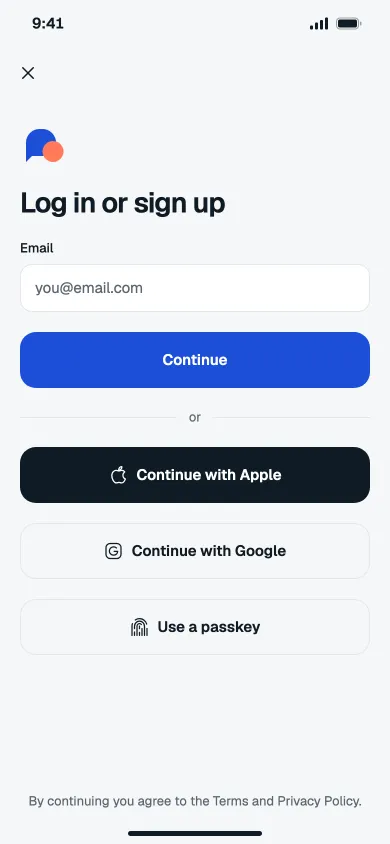
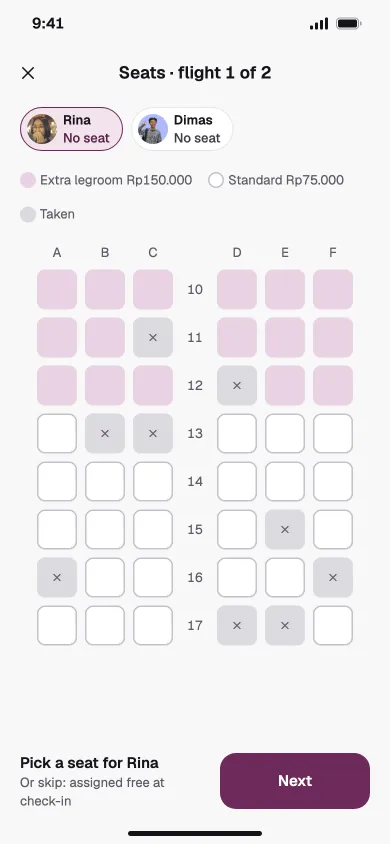
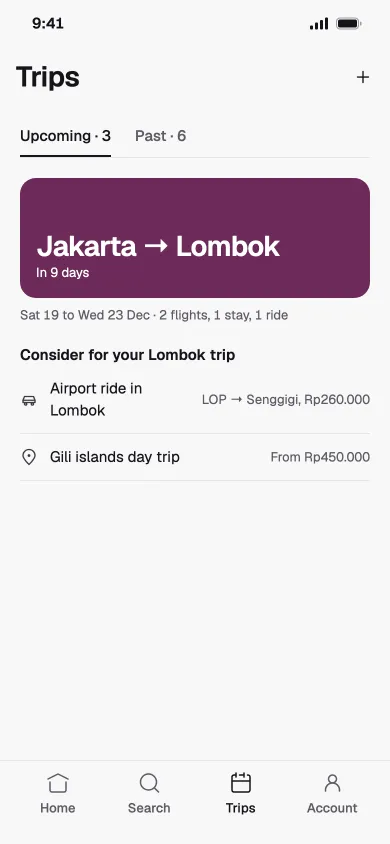
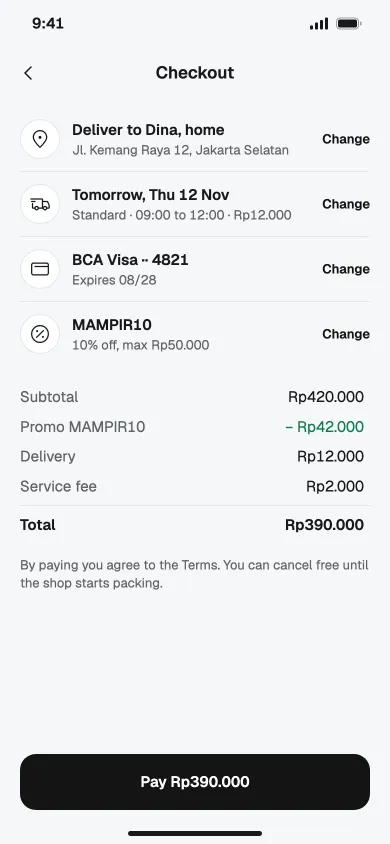
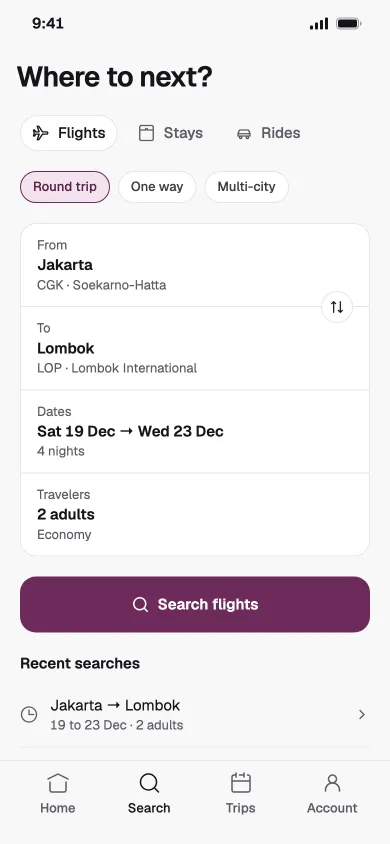
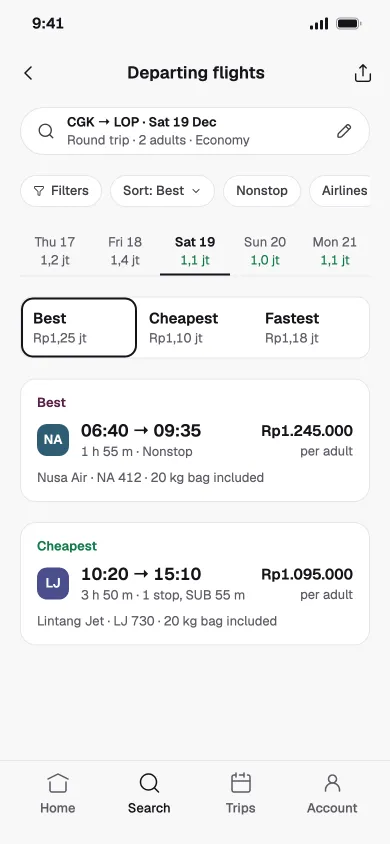
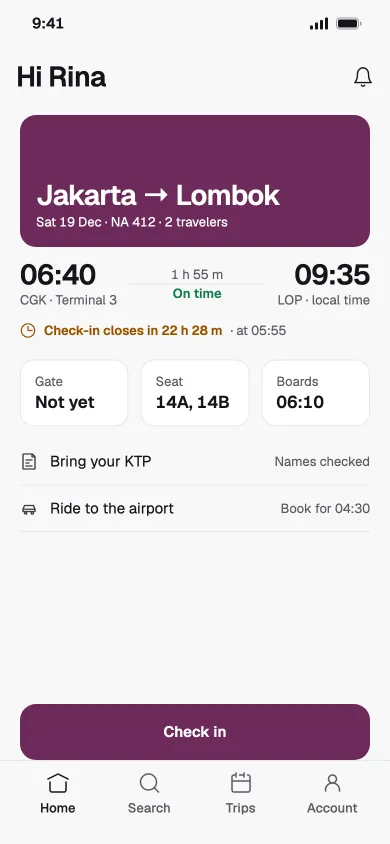
More Travel and Transportation flows
Drawn for the same brand, so they fit together.
Questions
- When should I use a traveler details and booking flow?
- The booking needs identity and travel documents, per-traveler extras, or fare rules that govern later changes. Use another pattern for the purchase has no named traveler (a parking pass, a museum ticket: use Commerce › Purchase and ordering) or it is an instant ride.
- Which screens does it need?
- This pattern uses 6: Traveler details, Extras and fare, Review and pay, Booking confirmed, Time to pay ran out and Sold out while paying. Plan for these states too: summary collapsed and expanded, traveler empty, saved traveler prefilled, name mismatch warning.
- Is Singgah a real app?
- No. Singgah is a made-up travel app: book flights, stays and rides in one trip on Indonesian routes, so the screens show the pattern without copying anyone's brand. Your agent redraws the flow on your own tokens and components.
- How does my agent use this flow?
- Connect Claude Code, Codex or Claude Desktop to Wonderblok over MCP. The agent calls use_pattern for this flow, reads its screens, rules and states, and draws them in your file.
- Is it free?
- Browsing Universe is free. Full pattern notes and use with your agent are part of Pro, and the Free plan opens a few flows in full each month.