TRAVEL AND TRANSPORTATION FLOW
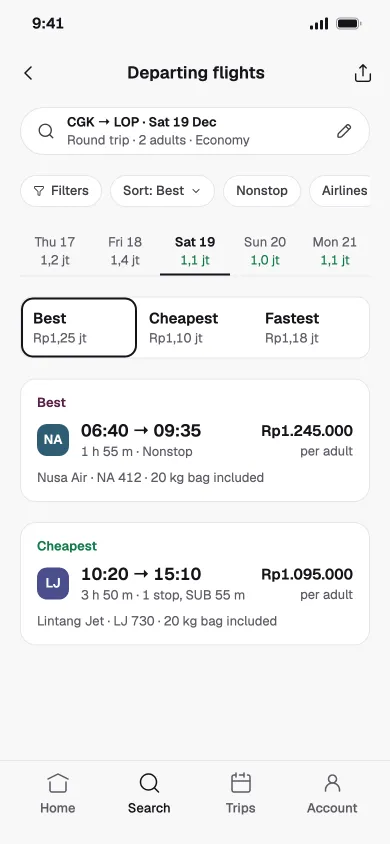
Results and filters app flow
A travel and transportation flow in 5 screens, from results list to prices changed. Start your app from it, and your agent draws it on your own design system.
- 5 screens
- 6 patterns
- Mobile and desktop
- Brand: Singgah (made up)
The screens, in order
- Results list
- Filters panelPro
- Fare optionsPro
- No resultsPro
- Prices changedPro
See all 5 screens, at mobile and desktop.Pro opens the whole flow in your Universe, with the prompt and code for each screen.
Upgrade to ProAlready Pro? Open in UniverseWhen to use it
USE WHEN
Comparing many priced options with trade-offs in time, stops, bags or location.
AVOID WHEN
There are only 2 or 3 fixed options (show them as cards, as in Ride request and live tracking) or price is identical across options.
Patterns and why they work
6 decisions this flow makes, and the clarity each one buys.
Sort tabs that show the trade-off
What each order optimises
Price next to each filter option
The cost of a preference
Active filters as removable chips
Why the list is short
Price prediction with an action
Whether to book now
Fare tiers in a side drawer
Seat, bags and change rights per fare
Stale results refresh
Prices may have changed
Each pattern also has its psychology, the intuition behind it and what it rules out, plus layout notes for mobile and desktop.
Open in UniverseStates to cover
The screens people forget until a user hits them.
- Loading skeleton
- Results default Best
- Cheapest tab
- Filters rail
- Filters active with chips
- Filters sheet on mobile
- Result expanded
- Fare drawer open
- Fare with restrictions accepted
- Price alert on
- Price prediction
- Few seats left
- Map view with pins
- No results
- Stale results refresh
- Price changed on select
- Added in wave 3: prices changed since you searched (up and down, old price struck through) and a flight sold out since you looked
Pairs with
The flows this one hands off to or comes back from.
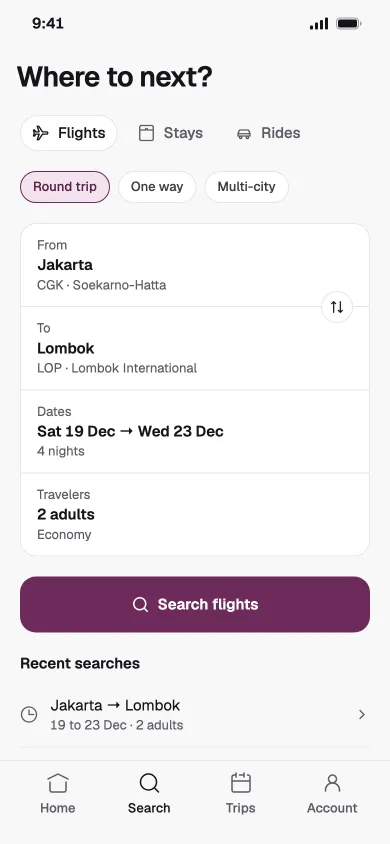
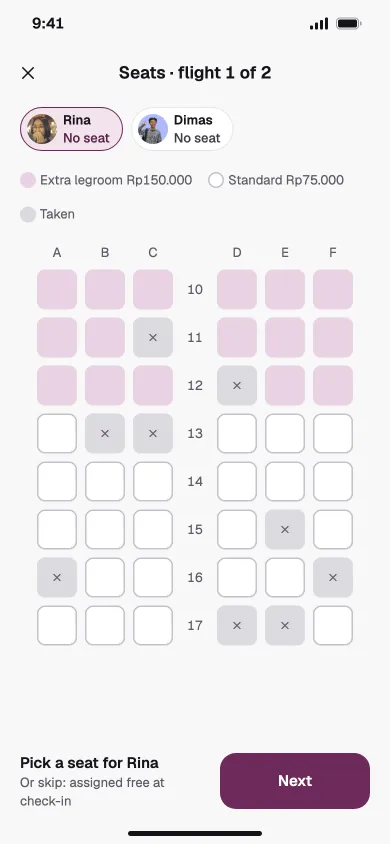
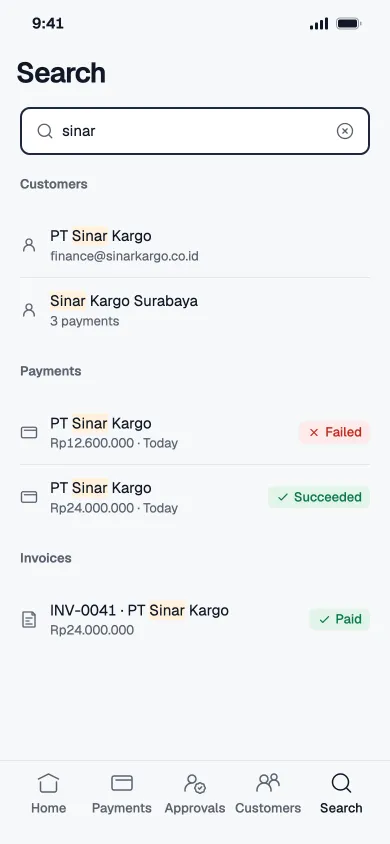
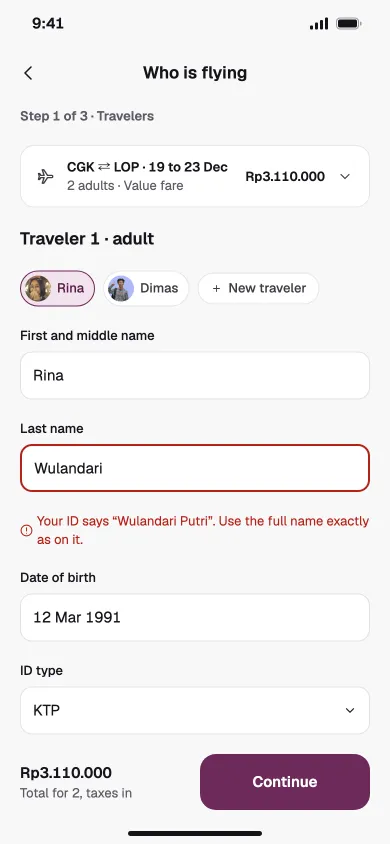
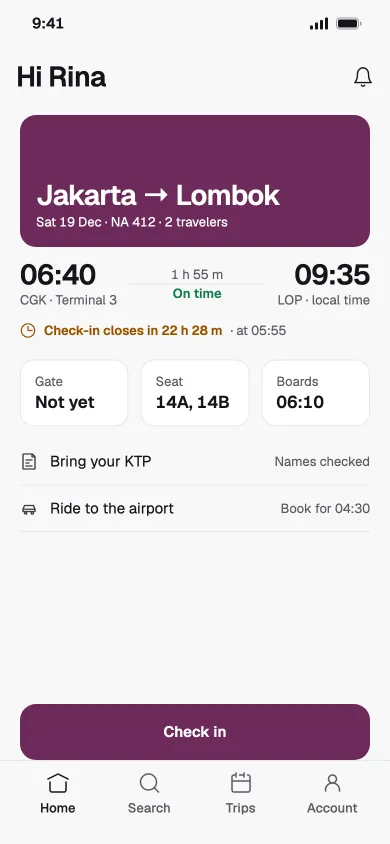
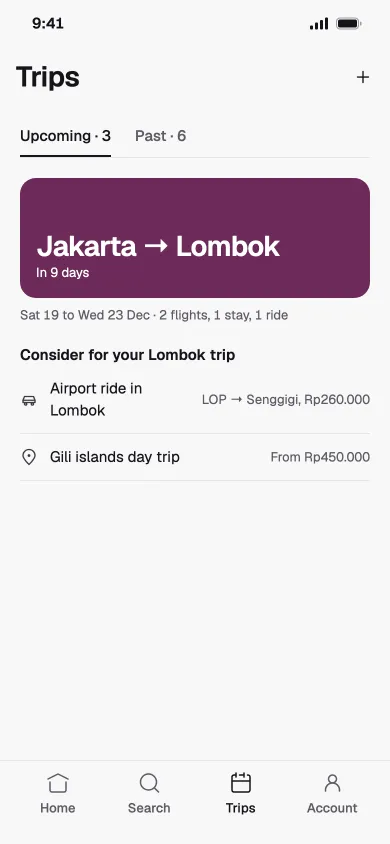
More Travel and Transportation flows
Drawn for the same brand, so they fit together.
Questions
- When should I use a results and filters flow?
- Comparing many priced options with trade-offs in time, stops, bags or location. Use another pattern for there are only 2 or 3 fixed options (show them as cards, as in Ride request and live tracking) or price is identical across options.
- Which screens does it need?
- This pattern uses 5: Results list, Filters panel, Fare options, No results and Prices changed. Plan for these states too: loading skeleton, results default best, cheapest tab, filters rail.
- Is Singgah a real app?
- No. Singgah is a made-up travel app: book flights, stays and rides in one trip on Indonesian routes, so the screens show the pattern without copying anyone's brand. Your agent redraws the flow on your own tokens and components.
- How does my agent use this flow?
- Connect Claude Code, Codex or Claude Desktop to Wonderblok over MCP. The agent calls use_pattern for this flow, reads its screens, rules and states, and draws them in your file.
- Is it free?
- Browsing Universe is free. Full pattern notes and use with your agent are part of Pro, and the Free plan opens a few flows in full each month.