TRAVEL AND TRANSPORTATION FLOW
Check-in and boarding pass app flow
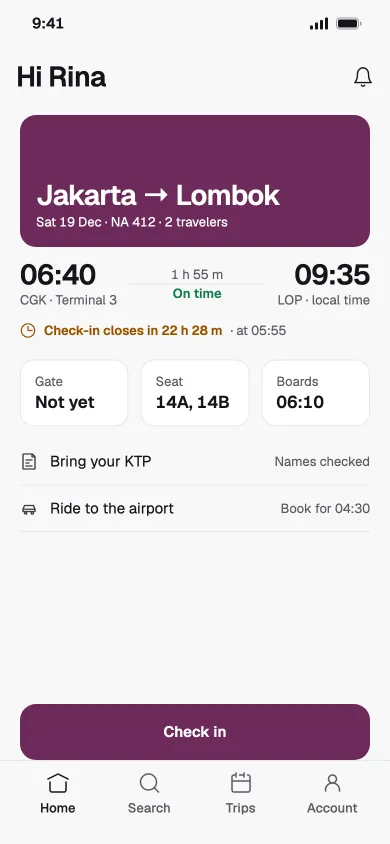
A travel and transportation flow in 4 screens, from trip card with check-in to boarding pass. Start your app from it, and your agent draws it on your own design system.
- 4 screens
- 6 patterns
- Mobile and desktop
- Brand: Singgah (made up)
The screens, in order
- Trip card with check-in
- Travel requirementsPro
- Declarations and bagsPro
- Boarding passPro
See all 4 screens, at mobile and desktop.Pro opens the whole flow in your Universe, with the prompt and code for each screen.
Upgrade to ProAlready Pro? Open in UniverseWhen to use it
USE WHEN
Flights, trains or events that need a scannable credential and a pre-departure step.
AVOID WHEN
The ticket is just a receipt with no scan (use Trip itinerary and changes) or check-in is done by staff only.
Patterns and why they work
6 decisions this flow makes, and the clarity each one buys.
Countdown on the trip card
The window is finite
Same button, next state
One obvious next step at every stage
Explicit declaration with both answers
What counts as dangerous
Requirements checklist
What is still missing
Pass hierarchy: seat, zone, gate, time
What the gate agent and traveller need, largest
Add to Wallet under the code
An offline copy exists
Each pattern also has its psychology, the intuition behind it and what it rules out, plus layout notes for mobile and desktop.
Open in UniverseStates to cover
The screens people forget until a user hits them.
- Check-in not open
- Check-in open with countdown
- Select passengers
- Passport form
- Requirements checklist incomplete and complete
- Dangerous goods question
- Bags added
- Check-in complete
- Boarding pass single
- Multiple passengers swipe
- Added to wallet
- Gate changed
- Delayed
- Documents check at airport
- Offline pass
Pairs with
The flows this one hands off to or comes back from.
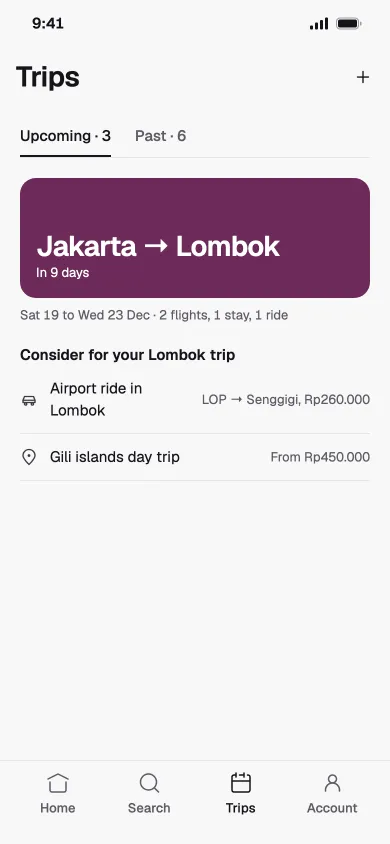
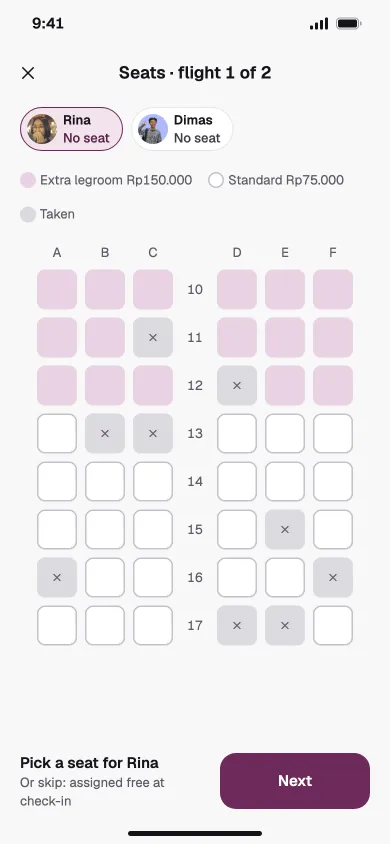
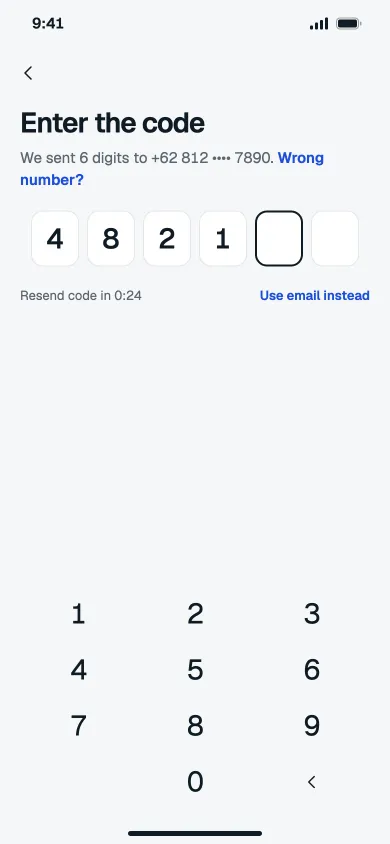
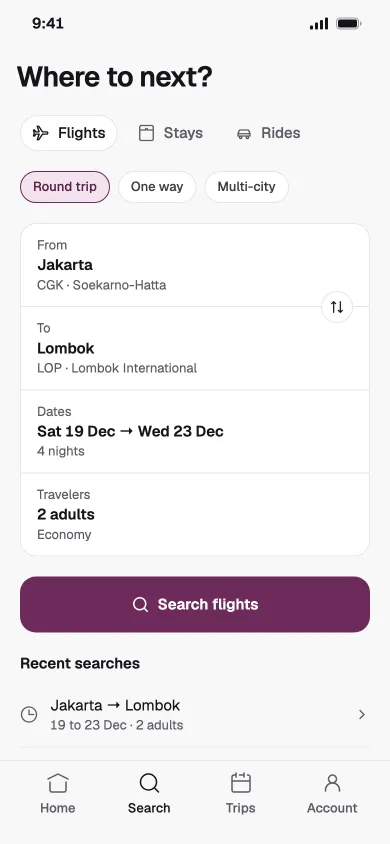
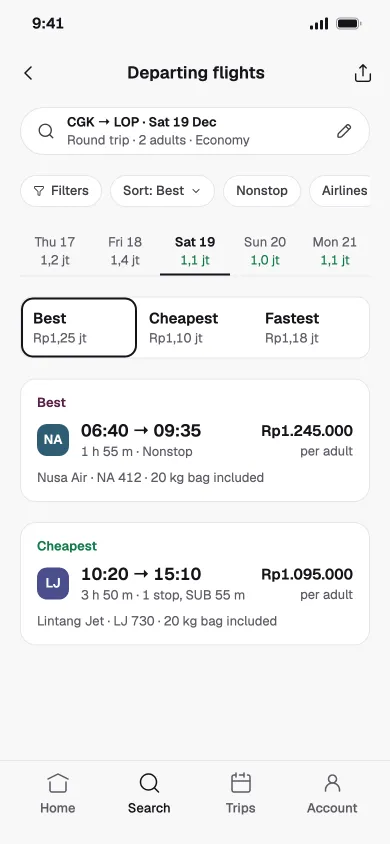
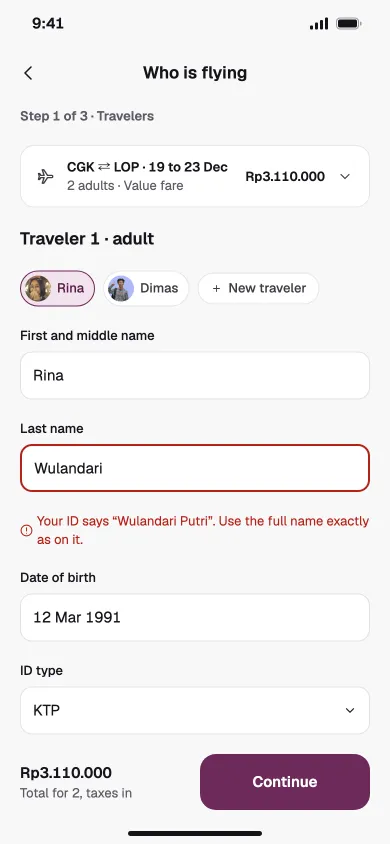
More Travel and Transportation flows
Drawn for the same brand, so they fit together.
Questions
- When should I use a check-in and boarding pass flow?
- Flights, trains or events that need a scannable credential and a pre-departure step. Use another pattern for the ticket is just a receipt with no scan (use Trip itinerary and changes) or check-in is done by staff only.
- Which screens does it need?
- This pattern uses 4: Trip card with check-in, Travel requirements, Declarations and bags and Boarding pass. Plan for these states too: check-in not open, check-in open with countdown, select passengers, passport form.
- Is Singgah a real app?
- No. Singgah is a made-up travel app: book flights, stays and rides in one trip on Indonesian routes, so the screens show the pattern without copying anyone's brand. Your agent redraws the flow on your own tokens and components.
- How does my agent use this flow?
- Connect Claude Code, Codex or Claude Desktop to Wonderblok over MCP. The agent calls use_pattern for this flow, reads its screens, rules and states, and draws them in your file.
- Is it free?
- Browsing Universe is free. Full pattern notes and use with your agent are part of Pro, and the Free plan opens a few flows in full each month.