SPORTS FLOW
Follow teams and alerts app flow
A sports flow in 6 screens, from pick clubs to follow to notifications blocked. Start your app from it, and your agent draws it on your own design system.
- 6 screens
- 6 patterns
- Mobile and desktop
- Brand: Gelora (made up)
The screens, in order
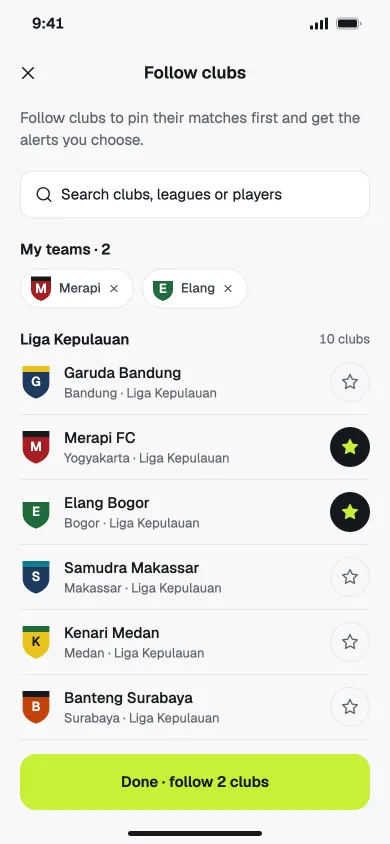
- Pick clubs to follow
- Alerts sheetPro
- Following gridPro
- Team hubPro
- Follow limit reachedPro
- Notifications blockedPro
See all 6 screens, at mobile and desktop.Pro opens the whole flow in your Universe, with the prompt and code for each screen.
Upgrade to ProAlready Pro? Open in UniverseWhen to use it
USE WHEN
Any product with many teams, players or leagues where users care about a few.
AVOID WHEN
The app is a single club's official app (the club is followed by default; go straight to alerts).
Patterns and why they work
6 decisions this flow makes, and the clarity each one buys.
Follow then immediately offer alerts
Following and notifying are separate choices
Per-event toggles with a reason line
What each alert means and how often
Club cards in club colour with next fixture
What is next for each club
Star in every row, everywhere
Follow state visible wherever the club appears
Suggestions with an off switch
These are suggestions, not follows
Master toggle above details
One switch mutes the club
Each pattern also has its psychology, the intuition behind it and what it rules out, plus layout notes for mobile and desktop.
Open in UniverseStates to cover
The screens people forget until a user hits them.
- Nothing followed
- League list
- Club list with one starred
- My Teams filled
- Alerts sheet with defaults
- All alerts off
- OS notifications disabled prompt
- Spoiler mode on
- Following grid with next fixtures
- Club off season
- Suggested clubs
- Unfollow confirm with undo
- Team hub
- DRAWN IN WAVE 3: follow limit reached with locked rows
- Unfollow suggestions and Manage my teams
- Notifications blocked in system settings (phone sheet and browser drawer) with Open settings and how to allow them
Pairs with
The flows this one hands off to or comes back from.
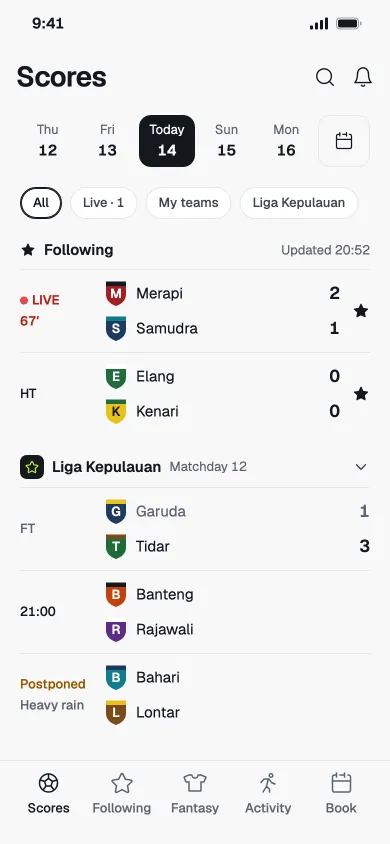
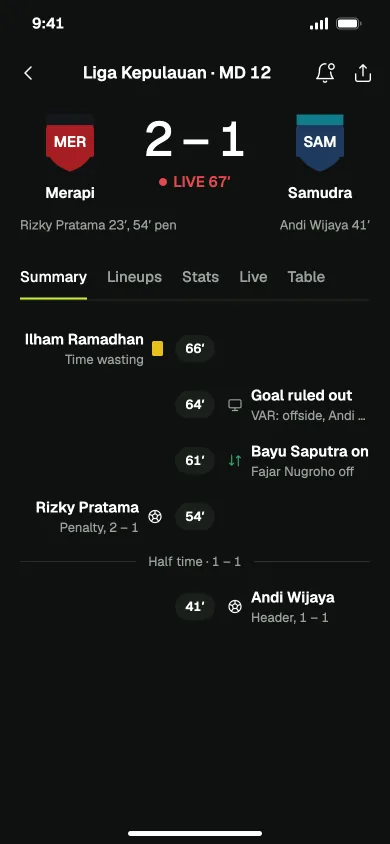
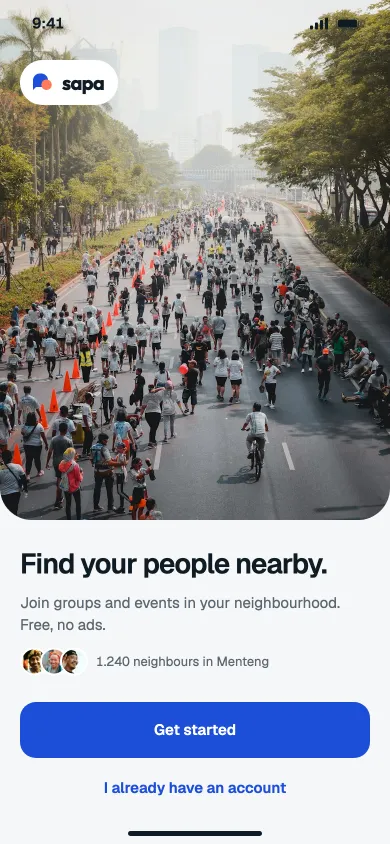
More Sports flows
Drawn for the same brand, so they fit together.
Questions
- When should I use a follow teams and alerts flow?
- Any product with many teams, players or leagues where users care about a few. Use another pattern for the app is a single club's official app (the club is followed by default; go straight to alerts).
- Which screens does it need?
- This pattern uses 6: Pick clubs to follow, Alerts sheet, Following grid, Team hub, Follow limit reached and Notifications blocked. Plan for these states too: nothing followed, league list, club list with one starred, my teams filled.
- Is Gelora a real app?
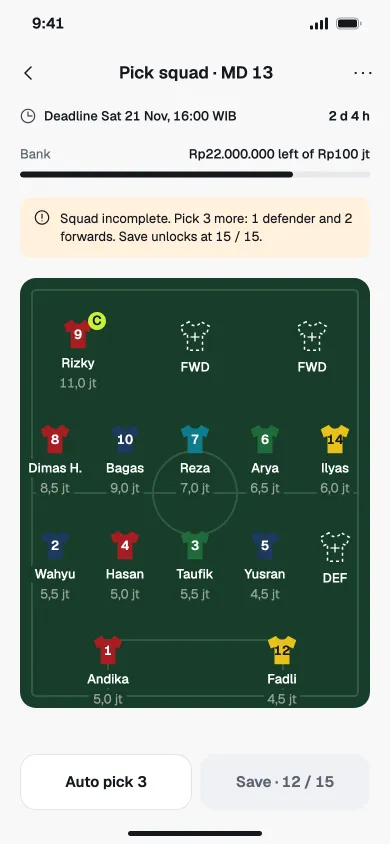
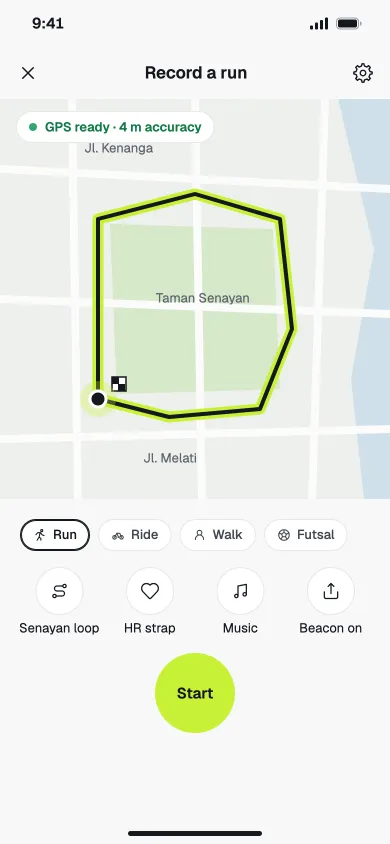
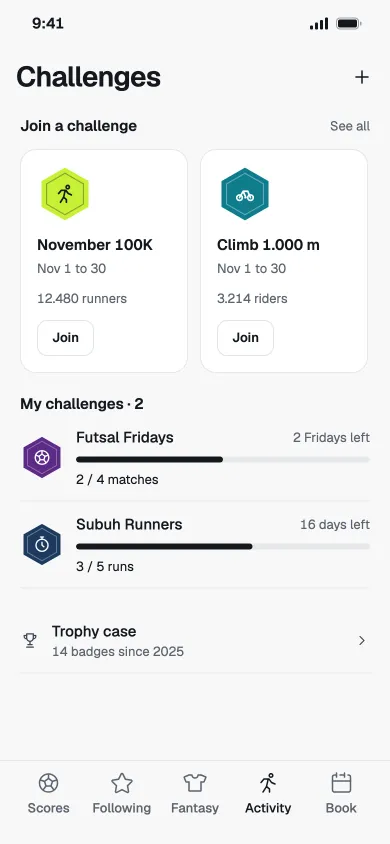
- No. Gelora is a made-up sports app: follow your club and play your own sport: scores, match centre, fantasy, run tracking, challenges and court booking, so the screens show the pattern without copying anyone's brand. Your agent redraws the flow on your own tokens and components.
- How does my agent use this flow?
- Connect Claude Code, Codex or Claude Desktop to Wonderblok over MCP. The agent calls use_pattern for this flow, reads its screens, rules and states, and draws them in your file.
- Is it free?
- Browsing Universe is free. Full pattern notes and use with your agent are part of Pro, and the Free plan opens a few flows in full each month.