SPORTS FLOW
Book a court or class app flow
A sports flow in 7 screens, from venue and date to class full and waitlist. Start your app from it, and your agent draws it on your own design system.
- 7 screens
- 6 patterns
- Mobile and desktop
- Brand: Gelora (made up)
The screens, in order
- Venue and date
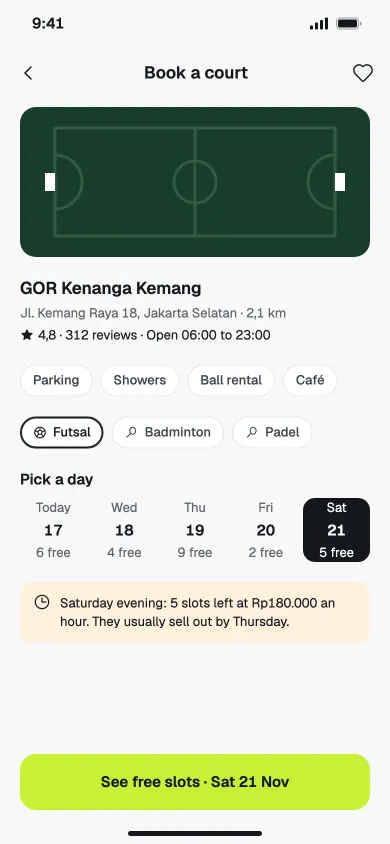
- Pick a slotPro
- Review and payPro
- Booking confirmedPro
- Slot taken while payingPro
- Cancel booking and policyPro
- Class full and waitlistPro
See all 7 screens, at mobile and desktop.Pro opens the whole flow in your Universe, with the prompt and code for each screen.
Upgrade to ProAlready Pro? Open in UniverseWhen to use it
USE WHEN
Booking a time-bound physical slot: courts, fields, lanes, studio classes, coaching sessions.
AVOID WHEN
The venue is first come, first served (show live occupancy instead) or the slot is a ticketed event with seats (use event ticketing).
Patterns and why they work
6 decisions this flow makes, and the clarity each one buys.
Date strip plus list or grid
One day at a time
Time chips with clear selected state
Which times are open
Availability count on the slot
How scarce the slot is
Total and cancellation rule beside the button
Cost and risk before committing
Confirmation with next actions
It worked and what is next
Court grid with courts as columns
Every court and hour in one view
Each pattern also has its psychology, the intuition behind it and what it rules out, plus layout notes for mobile and desktop.
Open in UniverseStates to cover
The screens people forget until a user hits them.
- Venue list near me
- Venue detail
- Date strip on today
- Court grid with free
- Taken and selected
- Class list with spots left
- Class full with waitlist
- Multi-slot selection
- Review sheet
- Paying
- Slot just taken error
- Confirmed with add to calendar
- My bookings upcoming and past
- Cancel inside free window
- Late cancel with fee warning
- Venue closed notice
- DRAWN IN WAVE 3: slot taken while paying with free alternatives and a notify toggle
- Cancel booking with the three policy tiers and the refund
- Class full with waitlist position and Leave
Pairs with
The flows this one hands off to or comes back from.
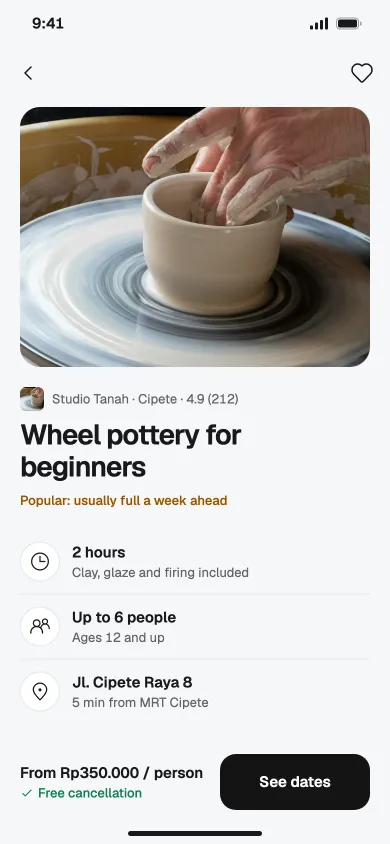
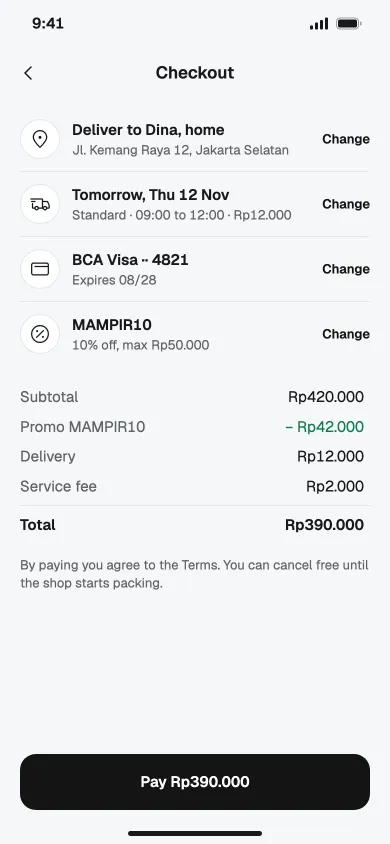
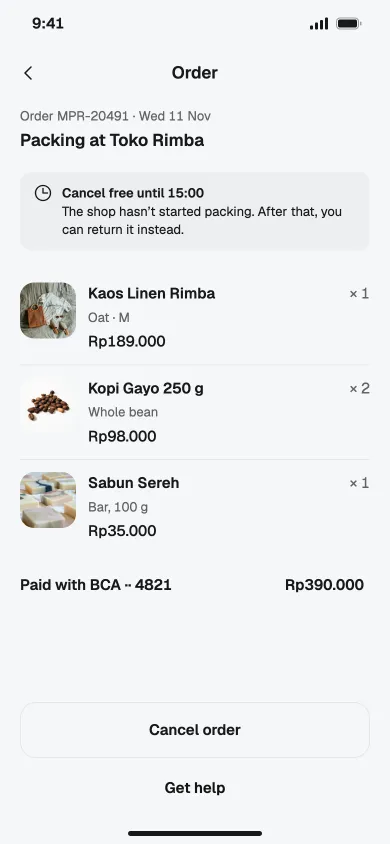
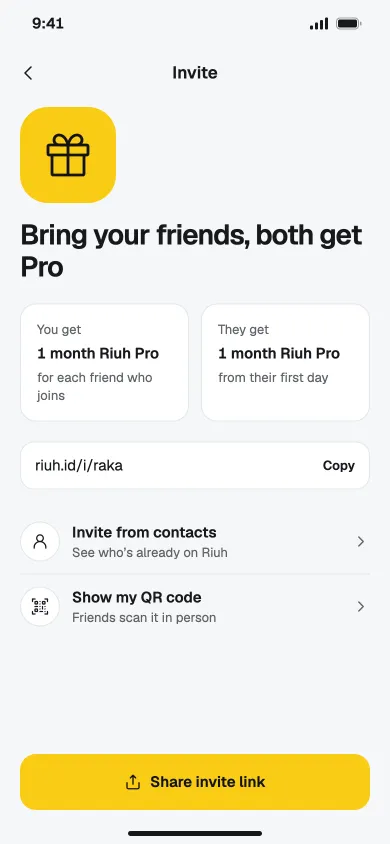
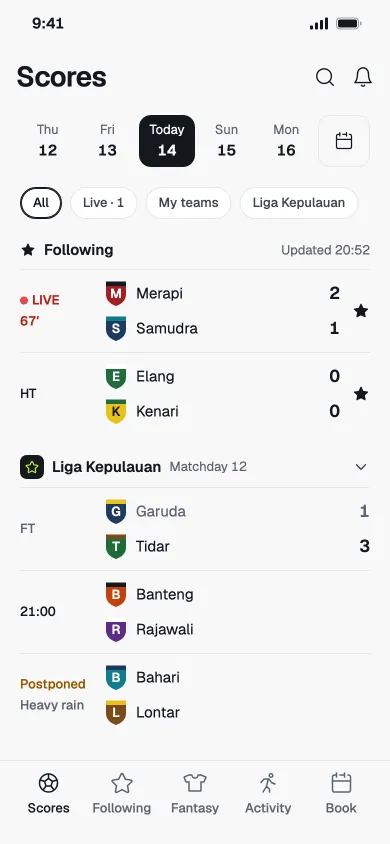
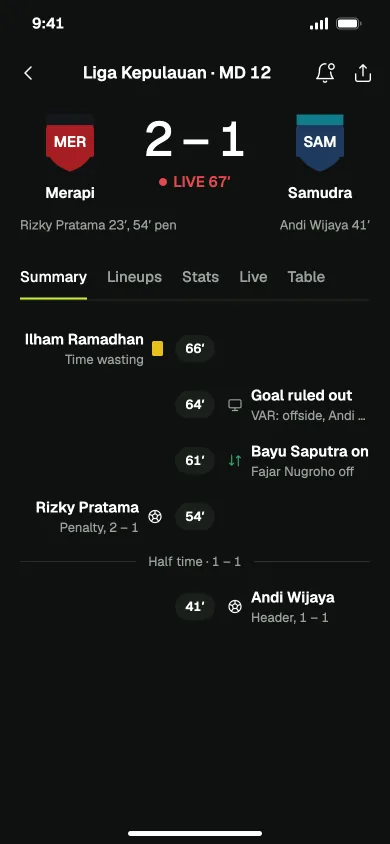
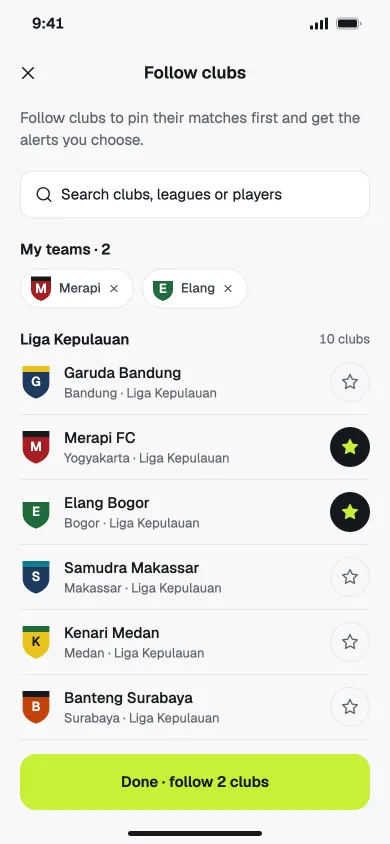
More Sports flows
Drawn for the same brand, so they fit together.
Questions
- When should I use a book a court or class flow?
- Booking a time-bound physical slot: courts, fields, lanes, studio classes, coaching sessions. Use another pattern for the venue is first come, first served (show live occupancy instead) or the slot is a ticketed event with seats (use event ticketing).
- Which screens does it need?
- This pattern uses 7: Venue and date, Pick a slot, Review and pay, Booking confirmed, Slot taken while paying, Cancel booking and policy and Class full and waitlist. Plan for these states too: venue list near me, venue detail, date strip on today, court grid with free.
- Is Gelora a real app?
- No. Gelora is a made-up sports app: follow your club and play your own sport: scores, match centre, fantasy, run tracking, challenges and court booking, so the screens show the pattern without copying anyone's brand. Your agent redraws the flow on your own tokens and components.
- How does my agent use this flow?
- Connect Claude Code, Codex or Claude Desktop to Wonderblok over MCP. The agent calls use_pattern for this flow, reads its screens, rules and states, and draws them in your file.
- Is it free?
- Browsing Universe is free. Full pattern notes and use with your agent are part of Pro, and the Free plan opens a few flows in full each month.