SPORTS FLOW
Record an activity app flow
A sports flow in 6 screens, from ready to start to low battery and discard. Start your app from it, and your agent draws it on your own design system.
- 6 screens
- 6 patterns
- Mobile and desktop
- Brand: Gelora (made up)
The screens, in order
- Ready to start
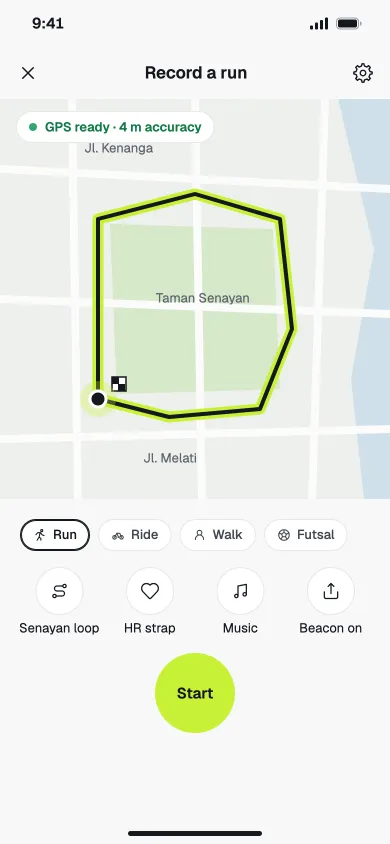
- Recording statsPro
- Save activityPro
- Activity summary with mapPro
- Auto paused and GPS lostPro
- Low battery and discardPro
See all 6 screens, at mobile and desktop.Pro opens the whole flow in your Universe, with the prompt and code for each screen.
Upgrade to ProAlready Pro? Open in UniverseWhen to use it
USE WHEN
GPS-based sport (run, ride, walk, hike) or any timed workout that is reviewed later.
AVOID WHEN
The workout is indoor reps and sets (use a set logger) or the user only syncs from a watch (skip recording, go to review).
Patterns and why they work
6 decisions this flow makes, and the clarity each one buys.
GPS readiness as a coloured state bar
Safe to start or not
One giant number while moving
Readable mid-stride
Pause, then Resume or Finish
Stopping is two deliberate steps
Save with smart defaults
One tap can save
Privacy close to the post
Who sees this run and the route home
Celebrate PRs on the map and in a banner
What was special
Each pattern also has its psychology, the intuition behind it and what it rules out, plus layout notes for mobile and desktop.
Open in UniverseStates to cover
The screens people forget until a user hits them.
- GPS searching
- GPS ready
- Location permission denied
- Countdown
- Recording
- Auto-paused
- Paused with Resume and Finish
- Map mode with segment card
- Finish sheet
- Save form with defaults
- Visibility sheet
- Discard confirm
- Saved activity with PR
- Private activity
- Offline saved and syncing
- Too short to save
- DRAWN IN WAVE 3: auto-paused recording with Resume and Finish plus a weak GPS notice
- Low battery save notice
- Discard confirm with what will be deleted
Pairs with
The flows this one hands off to or comes back from.
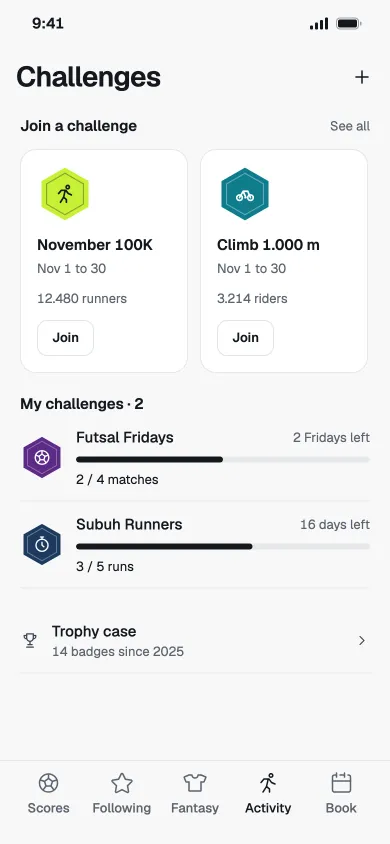
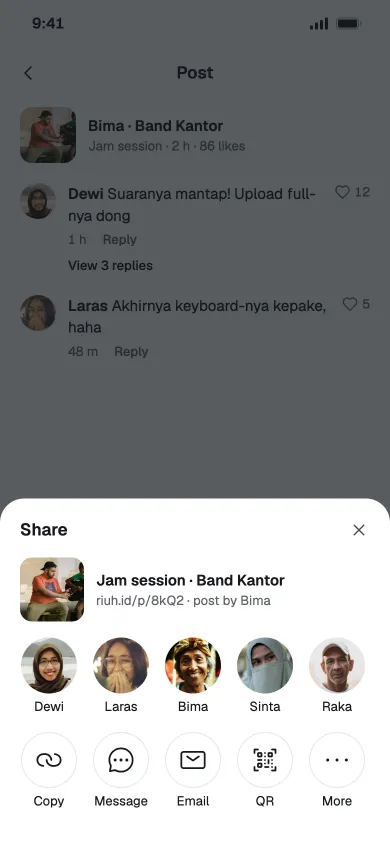
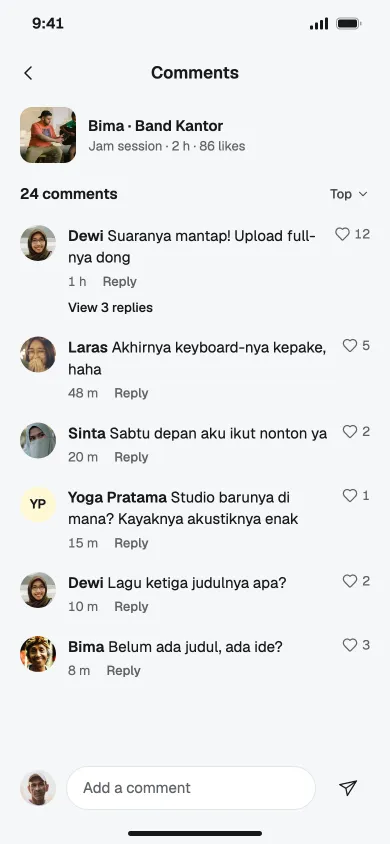
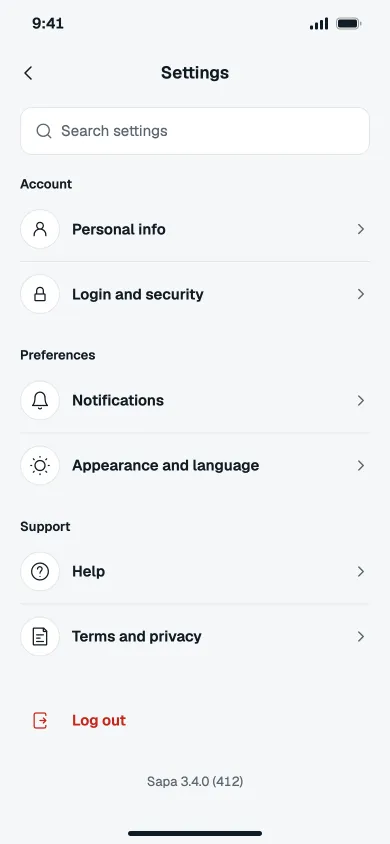
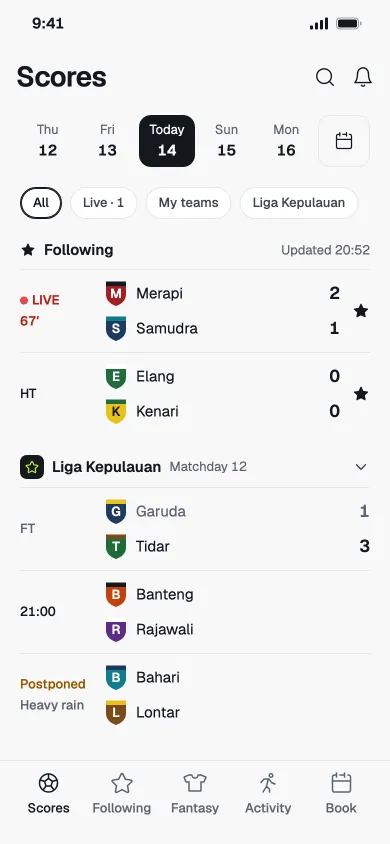
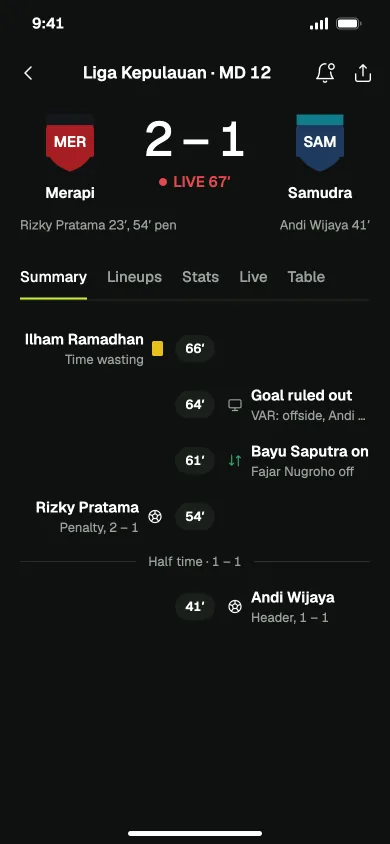
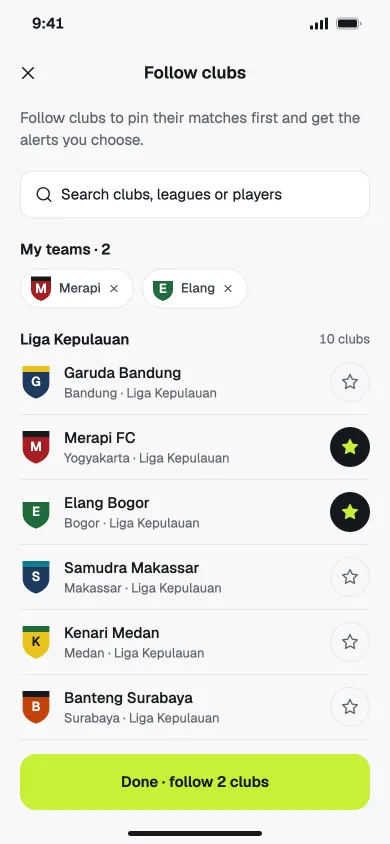
More Sports flows
Drawn for the same brand, so they fit together.
Questions
- When should I use a record an activity flow?
- GPS-based sport (run, ride, walk, hike) or any timed workout that is reviewed later. Use another pattern for the workout is indoor reps and sets (use a set logger) or the user only syncs from a watch (skip recording, go to review).
- Which screens does it need?
- This pattern uses 6: Ready to start, Recording stats, Save activity, Activity summary with map, Auto paused and GPS lost and Low battery and discard. Plan for these states too: gps searching, gps ready, location permission denied, countdown.
- Is Gelora a real app?
- No. Gelora is a made-up sports app: follow your club and play your own sport: scores, match centre, fantasy, run tracking, challenges and court booking, so the screens show the pattern without copying anyone's brand. Your agent redraws the flow on your own tokens and components.
- How does my agent use this flow?
- Connect Claude Code, Codex or Claude Desktop to Wonderblok over MCP. The agent calls use_pattern for this flow, reads its screens, rules and states, and draws them in your file.
- Is it free?
- Browsing Universe is free. Full pattern notes and use with your agent are part of Pro, and the Free plan opens a few flows in full each month.