SPORTS FLOW
Match centre app flow
A sports flow in 8 screens, from live match summary to match abandoned. Start your app from it, and your agent draws it on your own design system.
- 8 screens
- 6 patterns
- Mobile and desktop
- Brand: Gelora (made up)
The screens, in order
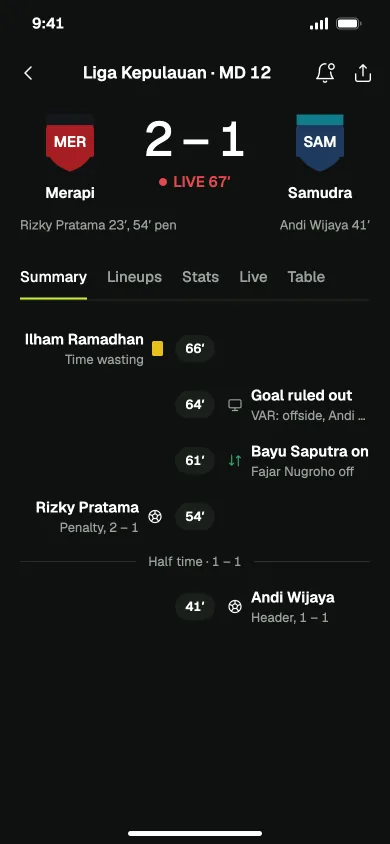
- Live match summary
- Lineups on pitchPro
- StatsPro
- Live commentaryPro
- Before kick-offPro
- VAR review in progressPro
- Half timePro
- Match abandonedPro
See all 8 screens, at mobile and desktop.Pro opens the whole flow in your Universe, with the prompt and code for each screen.
Upgrade to ProAlready Pro? Open in UniverseWhen to use it
USE WHEN
Any single match or game with live events, lineups and stats.
AVOID WHEN
The sport has no meaningful in-game events to show (use a result card) or data rights only allow the score (do not show empty tabs).
Patterns and why they work
6 decisions this flow makes, and the clarity each one buys.
Pinned, compressing score header
Score is never off screen
Centre-spine event timeline
Who did what, for which side, when
Lineup on a pitch with jersey glyphs
Formation and roles are spatial
Paired bars in club colours
Who is on top per stat
Key plays filter on commentary
Skip throw-ins, keep goals
Pre-match as a different state, not empty tabs
What to expect before kick-off
Each pattern also has its psychology, the intuition behind it and what it rules out, plus layout notes for mobile and desktop.
Open in UniverseStates to cover
The screens people forget until a user hits them.
- Pre-match with countdown and follow
- Lineups announced
- Live first half
- Goal just scored (highlight)
- Half time
- Second half with subs
- Red card
- VAR overturned
- Full time
- Extra time and penalties shoot-out
- Lineups not available
- Data delayed banner
- Header collapsed on scroll
- Player sheet from pitch
- DRAWN IN WAVE 3: pre-match with kick-off countdown
- Remind me and Follow
- Lineups announced
- Form and head to head
- VAR review in progress with play stopped
- Half time with a note about the restart and first half stats
- Match abandoned with what happens next
Pairs with
The flows this one hands off to or comes back from.
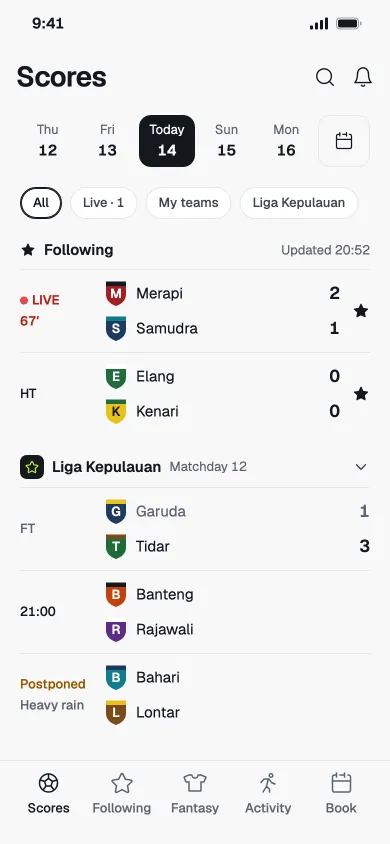
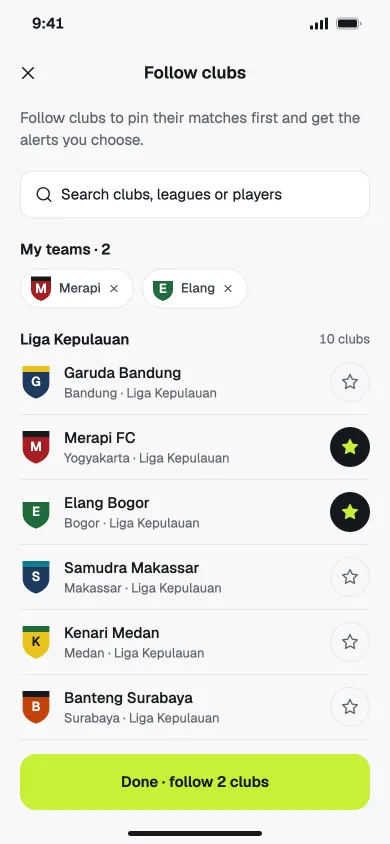
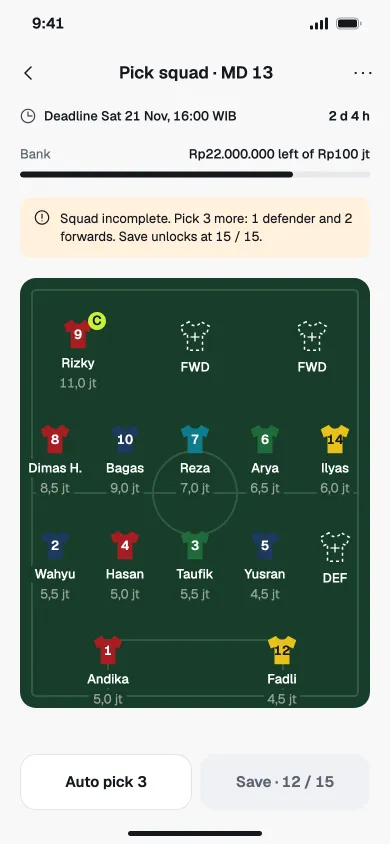
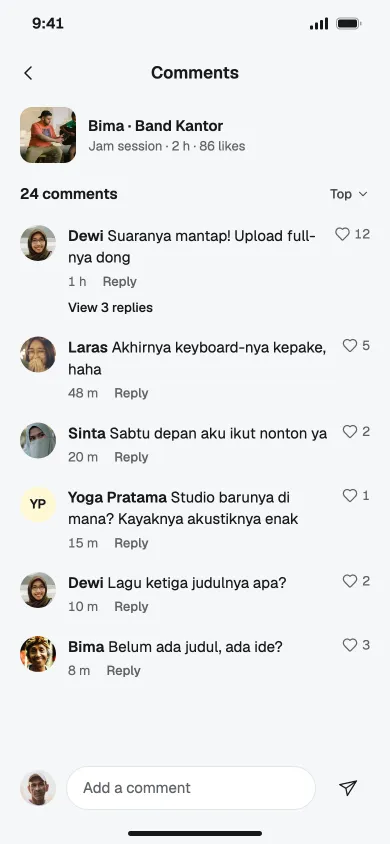
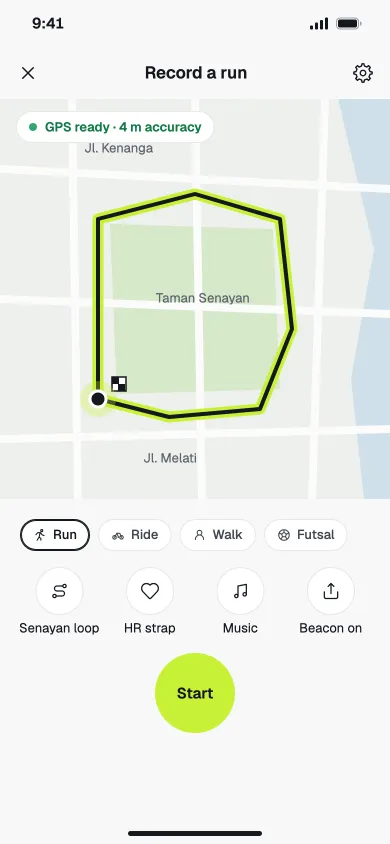
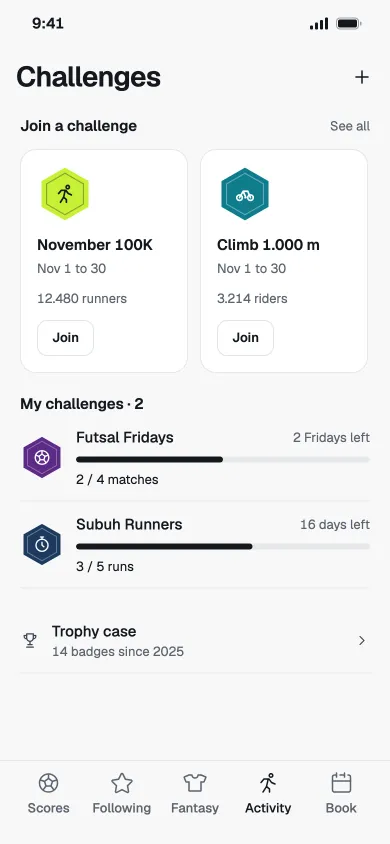
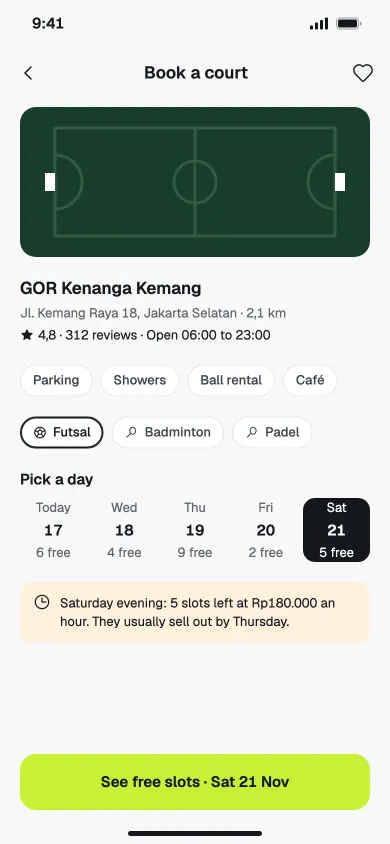
More Sports flows
Drawn for the same brand, so they fit together.
Questions
- When should I use a match centre flow?
- Any single match or game with live events, lineups and stats. Use another pattern for the sport has no meaningful in-game events to show (use a result card) or data rights only allow the score (do not show empty tabs).
- Which screens does it need?
- This pattern uses 8: Live match summary, Lineups on pitch, Stats, Live commentary, Before kick-off, VAR review in progress, Half time and Match abandoned. Plan for these states too: pre-match with countdown and follow, lineups announced, live first half, goal just scored (highlight).
- Is Gelora a real app?
- No. Gelora is a made-up sports app: follow your club and play your own sport: scores, match centre, fantasy, run tracking, challenges and court booking, so the screens show the pattern without copying anyone's brand. Your agent redraws the flow on your own tokens and components.
- How does my agent use this flow?
- Connect Claude Code, Codex or Claude Desktop to Wonderblok over MCP. The agent calls use_pattern for this flow, reads its screens, rules and states, and draws them in your file.
- Is it free?
- Browsing Universe is free. Full pattern notes and use with your agent are part of Pro, and the Free plan opens a few flows in full each month.