MEDICAL FLOW
Shop health products app flow
A medical flow in 5 screens, from shop home to orders. Start your app from it, and your agent draws it on your own design system.
- 5 screens
- 3 patterns
- Mobile and desktop
- Brand: Sehati (made up)
The screens, in order
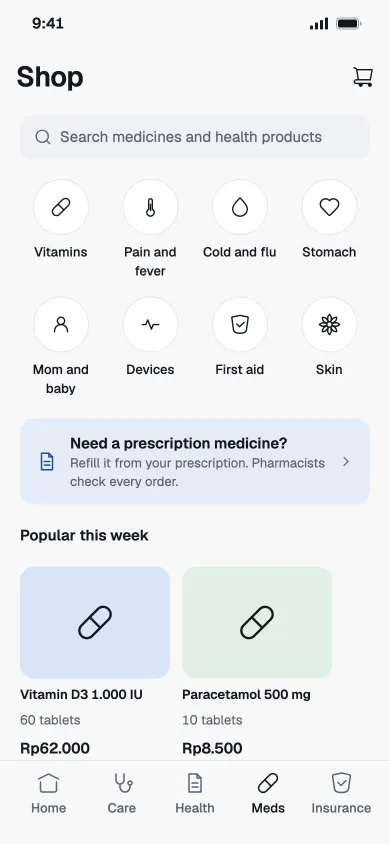
- Shop home
- Product detail with RxPro
- CartPro
- CheckoutPro
- OrdersPro
See all 5 screens, at mobile and desktop.Pro opens the whole flow in your Universe, with the prompt and code for each screen.
Upgrade to ProAlready Pro? Open in UniverseWhen to use it
USE WHEN
A patient buys over the counter products and devices from a partner pharmacy, and meets prescription medicine in the same catalogue without being able to buy it without a prescription.
AVOID WHEN
Fulfilling a prescribed order (use Medical › Prescriptions and refills) or buying vouchers and non health goods (use Commerce › Purchase and ordering).
Patterns and why they work
3 decisions this flow makes, and the clarity each one buys.
Rx badge on the product, not at checkout
The Rx badge is on the card and the detail
OTC browsing is a pharmacy shelf
Eight categories and popular items
Discretion is a feature
Orders show as Health products on WhatsApp and bank apps
Each pattern also has its psychology, the intuition behind it and what it rules out, plus layout notes for mobile and desktop.
Open in UniverseStates to cover
The screens people forget until a user hits them.
- Prescription required
- Out of stock with notify me
- Cancelled order refunded
- Address outside the delivery area
- Product recalled
- Cart over the limit for one product
- Offline
- Out of stock and cancelled are drawn
Pairs with
The flows this one hands off to or comes back from.
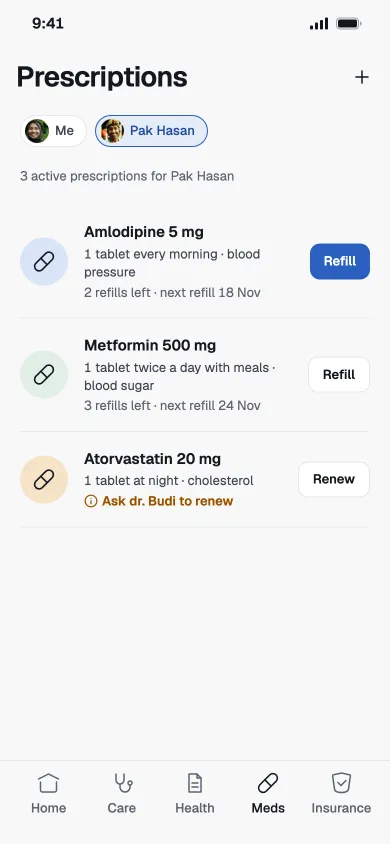
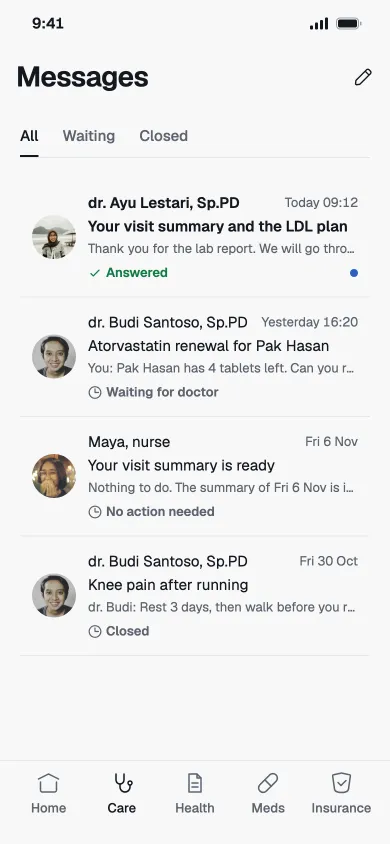
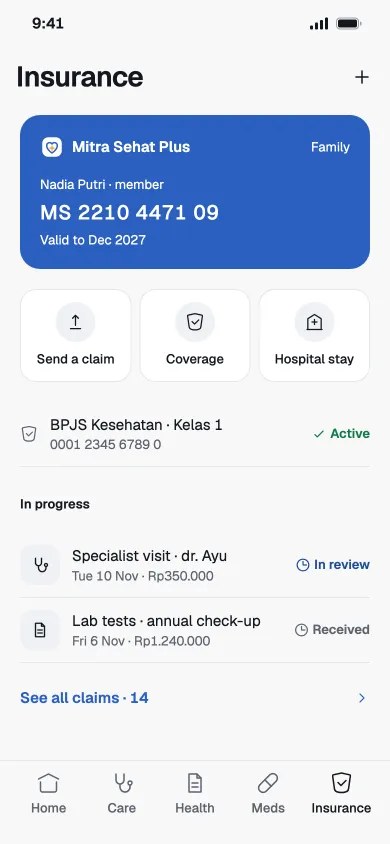
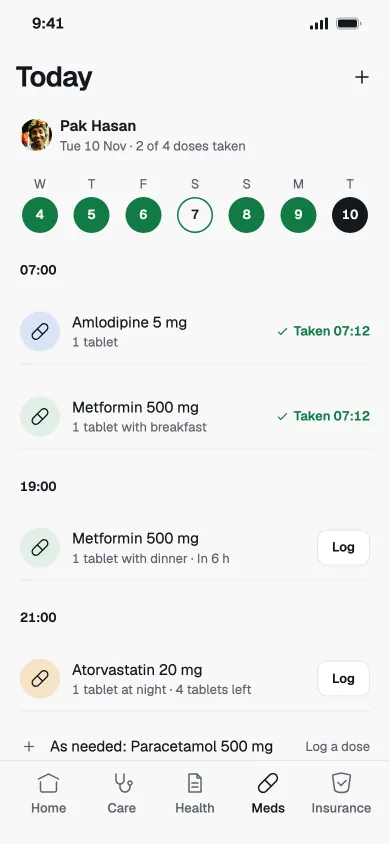
More Medical flows
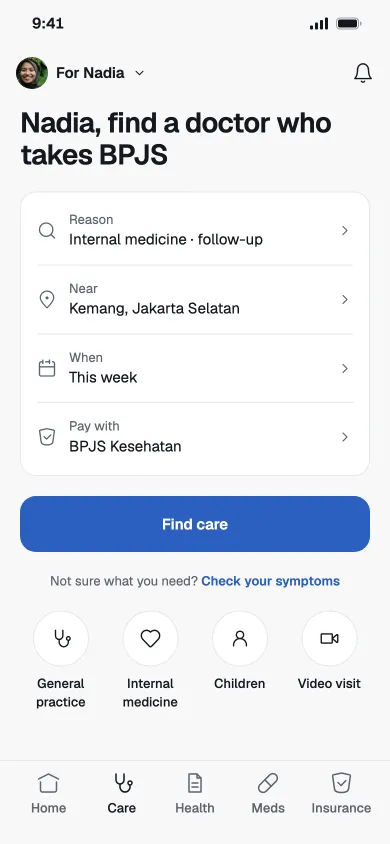
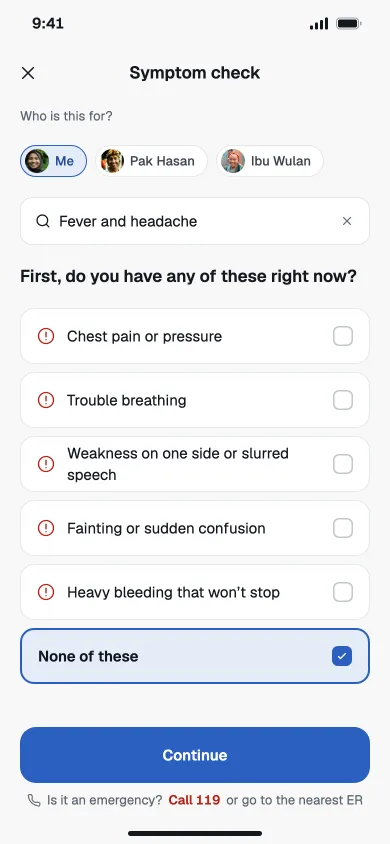
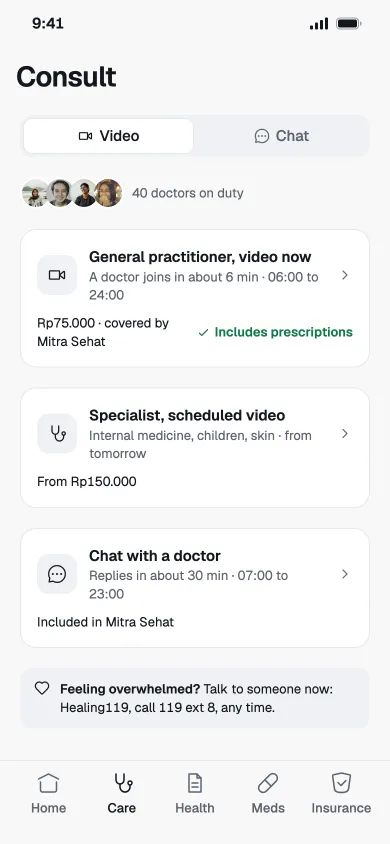
Drawn for the same brand, so they fit together.
Questions
- When should I use a shop health products flow?
- A patient buys over the counter products and devices from a partner pharmacy, and meets prescription medicine in the same catalogue without being able to buy it without a prescription. Use another pattern for fulfilling a prescribed order (use Medical › Prescriptions and refills) or buying vouchers and non health goods (use Commerce › Purchase and ordering).
- Which screens does it need?
- This pattern uses 5: Shop home, Product detail with Rx, Cart, Checkout and Orders. Plan for these states too: prescription required, out of stock with notify me, cancelled order refunded, address outside the delivery area.
- Is Sehati a real app?
- No. Sehati is a made-up family care app: find and book doctors, symptom check, chat and video consults, prescriptions and refills, results and records, medication reminders, insurance claims, so the screens show the pattern without copying anyone's brand. Your agent redraws the flow on your own tokens and components.
- How does my agent use this flow?
- Connect Claude Code, Codex or Claude Desktop to Wonderblok over MCP. The agent calls use_pattern for this flow, reads its screens, rules and states, and draws them in your file.
- Is it free?
- Browsing Universe is free. Full pattern notes and use with your agent are part of Pro, and the Free plan opens a few flows in full each month.