MEDICAL FLOW
Health profile and medical ID app flow
A medical flow in 4 screens, from medical id to empty profile and saved. Start your app from it, and your agent draws it on your own design system.
- 4 screens
- 5 patterns
- Mobile and desktop
- Brand: Sehati (made up)
The screens, in order
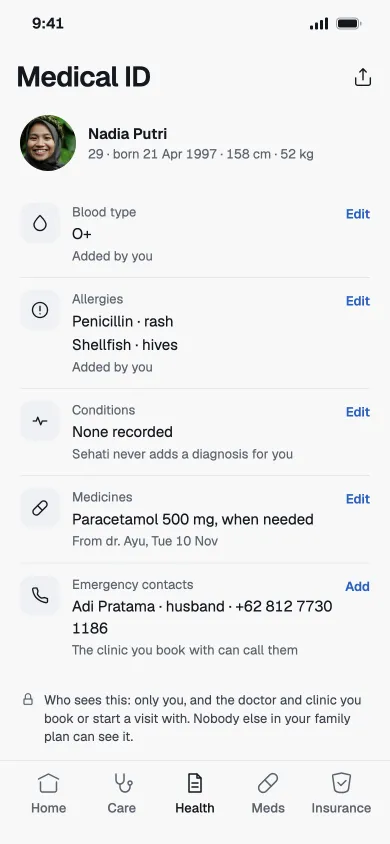
- Medical ID
- Edit allergiesPro
- Add emergency contactPro
- Empty profile and savedPro
See all 4 screens, at mobile and desktop.Pro opens the whole flow in your Universe, with the prompt and code for each screen.
Upgrade to ProAlready Pro? Open in UniverseWhen to use it
USE WHEN
Allergies, medicines and emergency contacts should be entered once and reused across booking, symptom check and prescriptions.
AVOID WHEN
The data is a test result or a document (use Test results and records) or the app would infer a condition (Sehati never adds a diagnosis).
Patterns and why they work
5 decisions this flow makes, and the clarity each one buys.
Every value shows its source
Where a fact came from
Who sees this, in one sentence, on the profile and the edit screens
Only you and the doctor and clinic you book with
Allergies as chips plus a reaction and severity per allergy
What happens and how bad
Emergency contact states who can call and what is not shared
The clinic can call her, she cannot see your records
Empty profile with a completion meter and a saved toast
What is missing
Each pattern also has its psychology, the intuition behind it and what it rules out, plus layout notes for mobile and desktop.
Open in UniverseStates to cover
The screens people forget until a user hits them.
- Complete profile
- Edit allergies
- No known allergies
- Add emergency contact
- Call order
- Empty profile with meter
- Saved toast with Undo
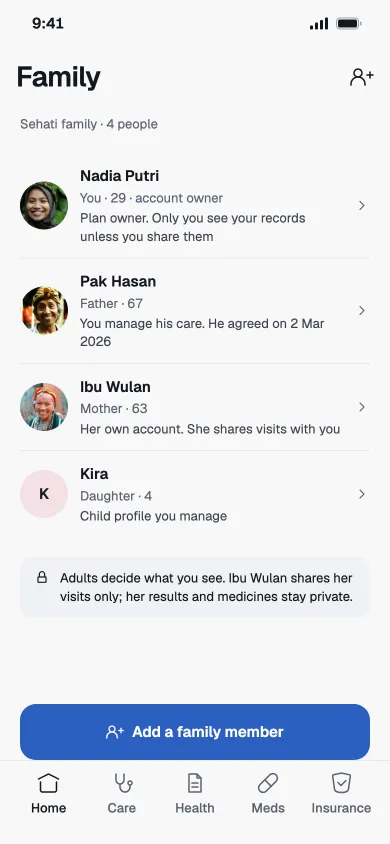
- Child profile managed by a parent
- Adult member's profile hidden
- Download PDF
Pairs with
The flows this one hands off to or comes back from.
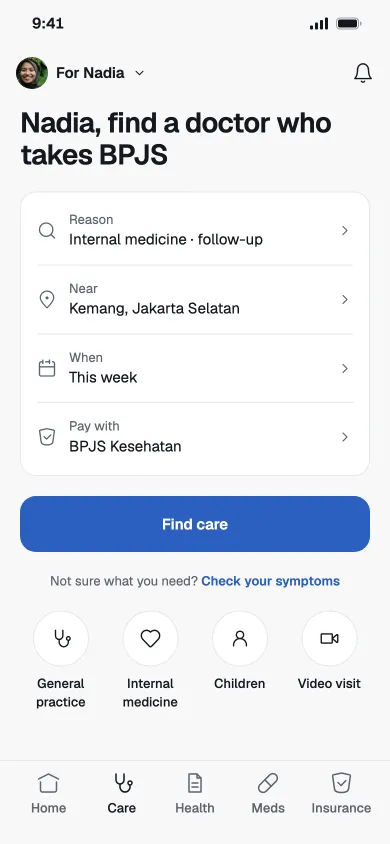
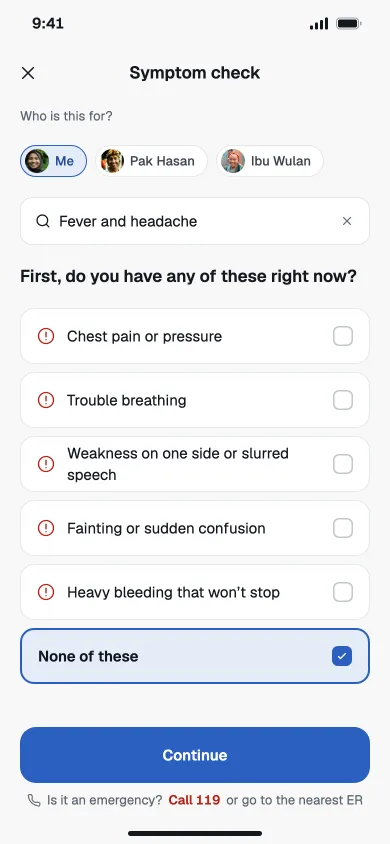
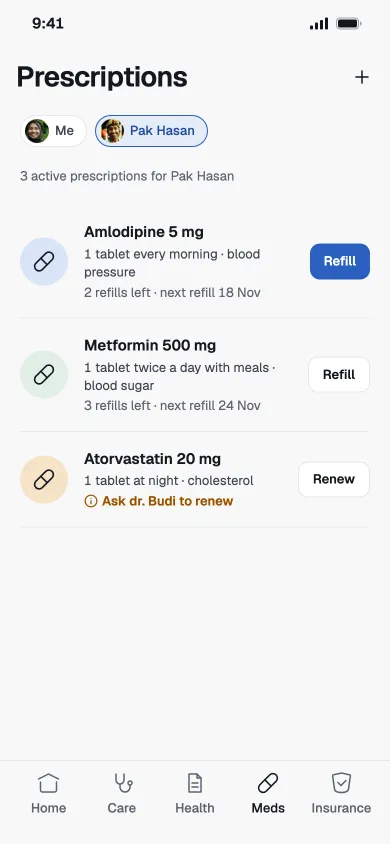
More Medical flows
Drawn for the same brand, so they fit together.
Questions
- When should I use a health profile and medical id flow?
- Allergies, medicines and emergency contacts should be entered once and reused across booking, symptom check and prescriptions. Use another pattern for the data is a test result or a document (use Test results and records) or the app would infer a condition (Sehati never adds a diagnosis).
- Which screens does it need?
- This pattern uses 4: Medical ID, Edit allergies, Add emergency contact and Empty profile and saved. Plan for these states too: complete profile, edit allergies, no known allergies, add emergency contact.
- Is Sehati a real app?
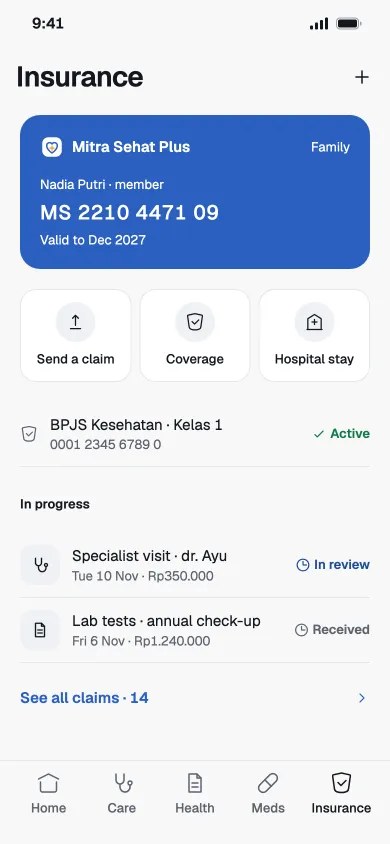
- No. Sehati is a made-up family care app: find and book doctors, symptom check, chat and video consults, prescriptions and refills, results and records, medication reminders, insurance claims, so the screens show the pattern without copying anyone's brand. Your agent redraws the flow on your own tokens and components.
- How does my agent use this flow?
- Connect Claude Code, Codex or Claude Desktop to Wonderblok over MCP. The agent calls use_pattern for this flow, reads its screens, rules and states, and draws them in your file.
- Is it free?
- Browsing Universe is free. Full pattern notes and use with your agent are part of Pro, and the Free plan opens a few flows in full each month.