TRAVEL AND TRANSPORTATION FLOW
Things to do and tickets app flow
A travel and transportation flow in 4 screens, from destination page to e-ticket. Start your app from it, and your agent draws it on your own design system.
- 4 screens
- 3 patterns
- Mobile and desktop
- Brand: Singgah (made up)
The screens, in order
- Destination page
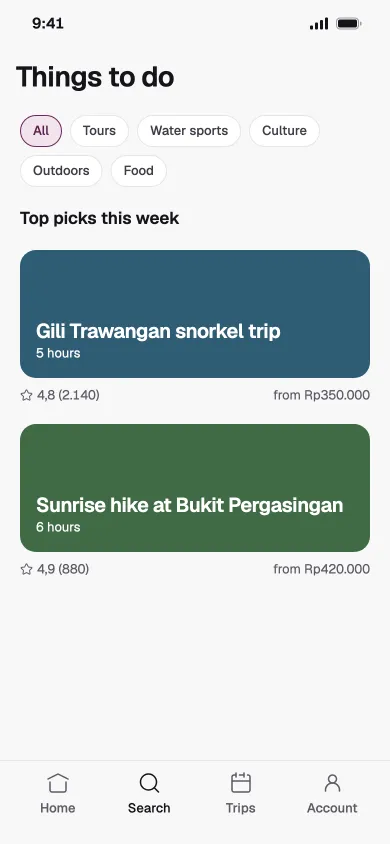
- Attraction listPro
- Ticket and datePro
- E-ticketPro
See all 4 screens, at mobile and desktop.Pro opens the whole flow in your Universe, with the prompt and code for each screen.
Upgrade to ProAlready Pro? Open in UniverseWhen to use it
USE WHEN
Selling attractions, tours and day trips at a destination: a destination page, a filtered list, a date and ticket step with free cancellation, and a QR e-ticket.
AVOID WHEN
Stays (use Travel › Hotel detail and reviews) or a rental that needs a licence and a pickup desk (use Travel › Car rental).
Patterns and why they work
3 decisions this flow makes, and the clarity each one buys.
Dates from the trip
The list is already filtered to 19 to 23 Dec
Free cancellation on the card and the booking panel
The badge and the exact deadline
A ticket that works offline
One QR, the booking number, the date and the pickup
Each pattern also has its psychology, the intuition behind it and what it rules out, plus layout notes for mobile and desktop.
Open in UniverseStates to cover
The screens people forget until a user hits them.
- Destination
- Category chip
- Dates from the trip
- List with free cancellation
- Pay at the venue
- Calendar with sold-out days
- Ticket counts
- Total with fees
- Free cancellation deadline
- E-ticket
- Add to Trips
- Sold-out date
- The sold-out dates are drawn on the calendar
Pairs with
The flows this one hands off to or comes back from.
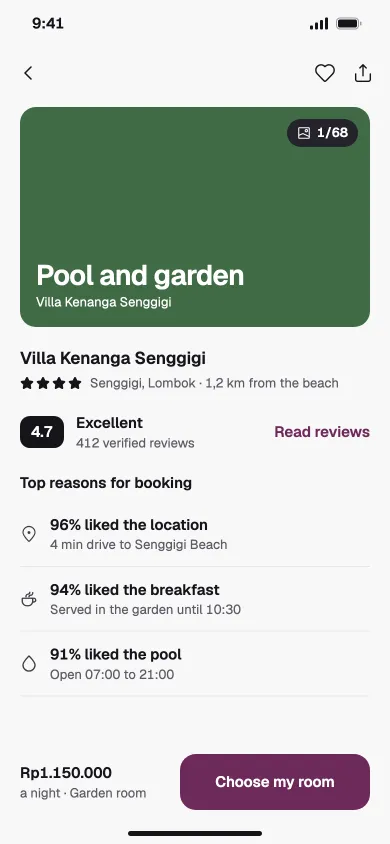
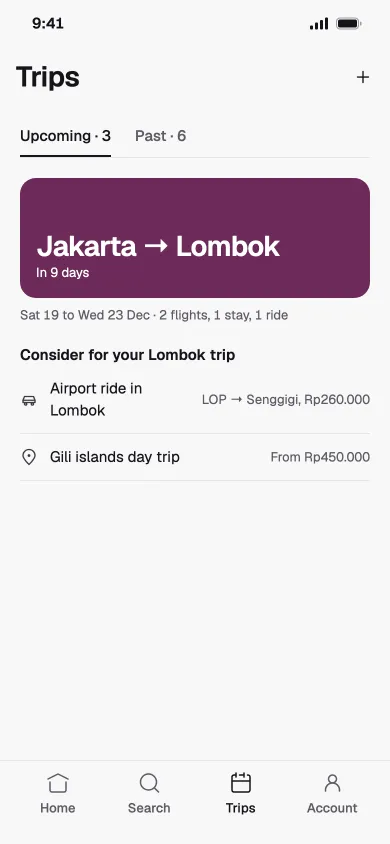
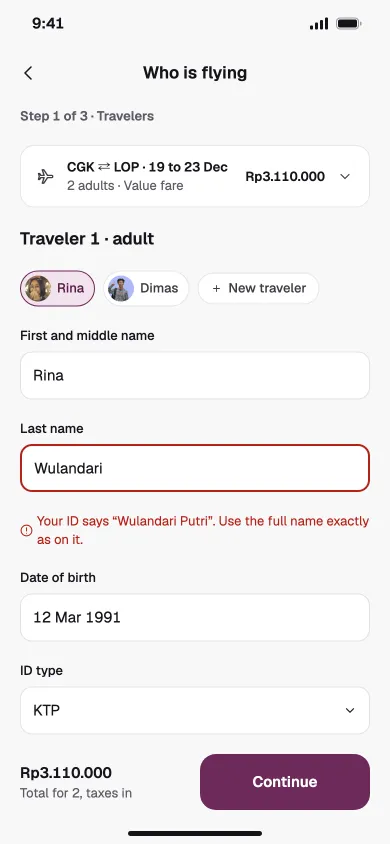
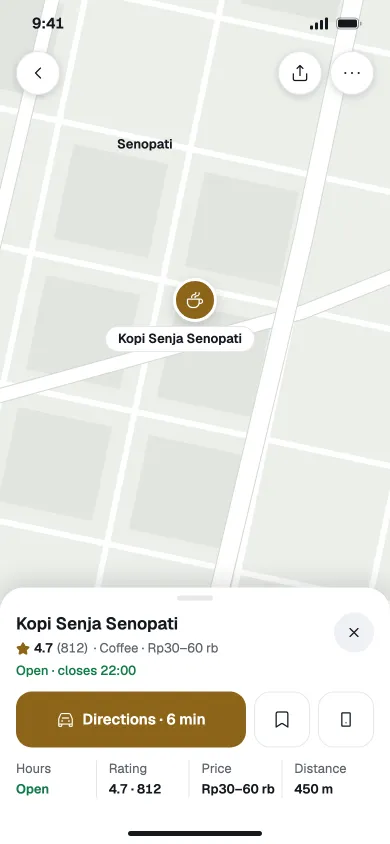
More Travel and Transportation flows
Drawn for the same brand, so they fit together.
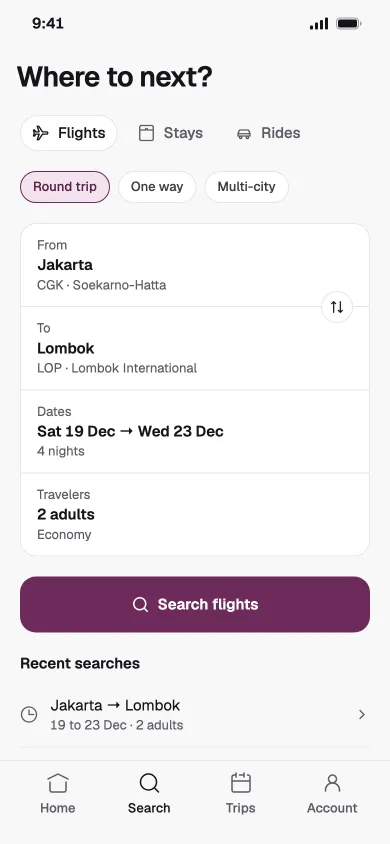
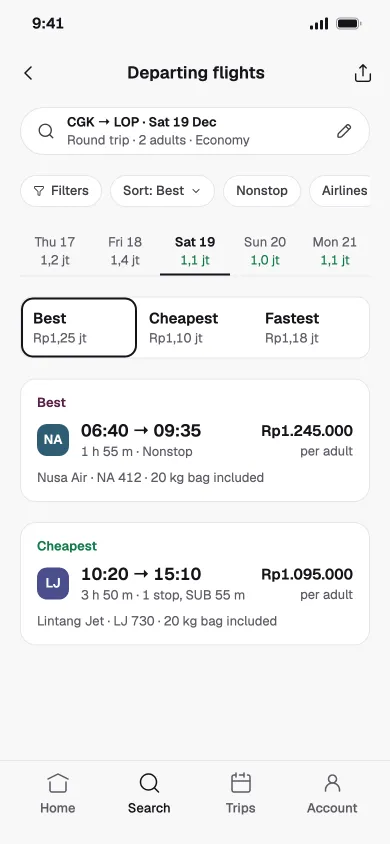
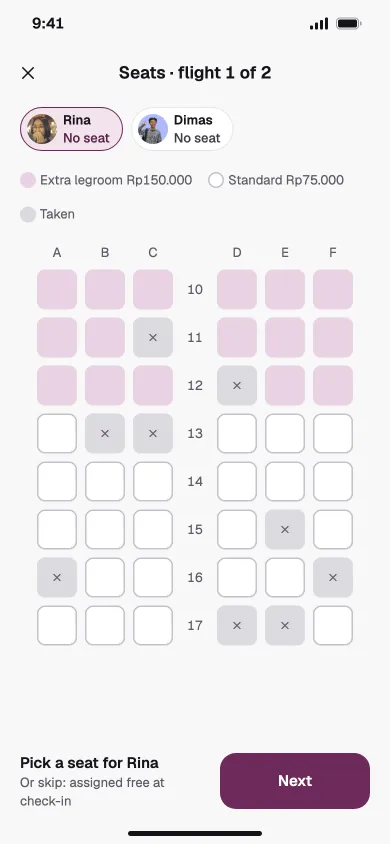
Questions
- When should I use a things to do and tickets flow?
- Selling attractions, tours and day trips at a destination: a destination page, a filtered list, a date and ticket step with free cancellation, and a QR e-ticket. Use another pattern for stays (use Travel › Hotel detail and reviews) or a rental that needs a licence and a pickup desk (use Travel › Car rental).
- Which screens does it need?
- This pattern uses 4: Destination page, Attraction list, Ticket and date and E-ticket. Plan for these states too: destination, category chip, dates from the trip, list with free cancellation.
- Is Singgah a real app?
- No. Singgah is a made-up travel app: book flights, stays and rides in one trip on Indonesian routes, so the screens show the pattern without copying anyone's brand. Your agent redraws the flow on your own tokens and components.
- How does my agent use this flow?
- Connect Claude Code, Codex or Claude Desktop to Wonderblok over MCP. The agent calls use_pattern for this flow, reads its screens, rules and states, and draws them in your file.
- Is it free?
- Browsing Universe is free. Full pattern notes and use with your agent are part of Pro, and the Free plan opens a few flows in full each month.