TRAVEL AND TRANSPORTATION FLOW
Ride safety and SOS app flow
A travel and transportation flow in 4 screens, from safety centre to report an issue. Start your app from it, and your agent draws it on your own design system.
- 4 screens
- 3 patterns
- Mobile and desktop
- Brand: Singgah (made up)
The screens, in order
- Safety centre
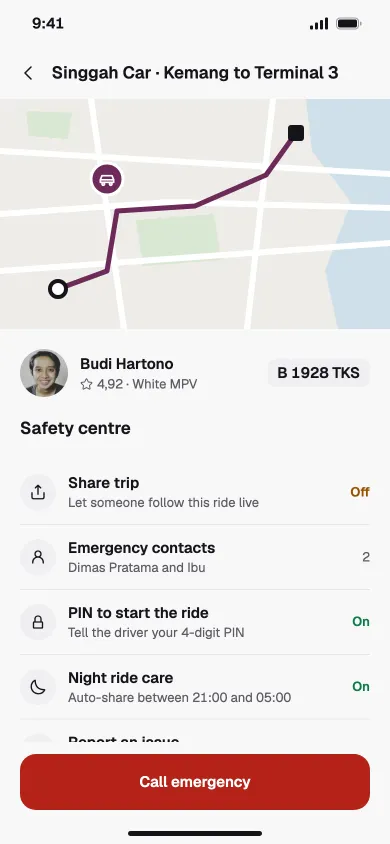
- Share tripPro
- Call emergencyPro
- Report an issuePro
See all 4 screens, at mobile and desktop.Pro opens the whole flow in your Universe, with the prompt and code for each screen.
Upgrade to ProAlready Pro? Open in UniverseWhen to use it
USE WHEN
A ride-hailing product that gives riders a safety centre, a live share link, an emergency call with the car and plate, and a way to report a problem.
AVOID WHEN
A ride that has not been requested yet (use Travel › Ride request and live tracking) or a general support question (use Travel › Help and refunds).
Patterns and why they work
3 decisions this flow makes, and the clarity each one buys.
Safety centre as a list of switches and states
Share trip Off, PIN On, Night ride care On
The emergency page reads the details out for you
Car, plate, driver and where, in one card
A report is not an emergency
Reasons are plain: unsafe driving, behaviour, car not as shown, fare, lost item
Each pattern also has its psychology, the intuition behind it and what it rules out, plus layout notes for mobile and desktop.
Open in UniverseStates to cover
The screens people forget until a user hits them.
- Safety centre
- Share off
- Share on
- Night ride care
- Emergency contacts
- SOS with the car and plate
- Location sent
- Report reasons
- Note
- Report received
- Ride ended
- Singgah cannot send help itself: the button opens the phone dialler for 112
- And the page says so
Pairs with
The flows this one hands off to or comes back from.
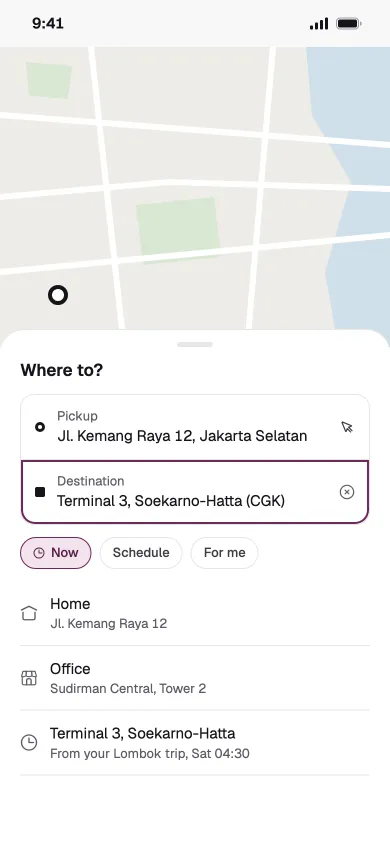
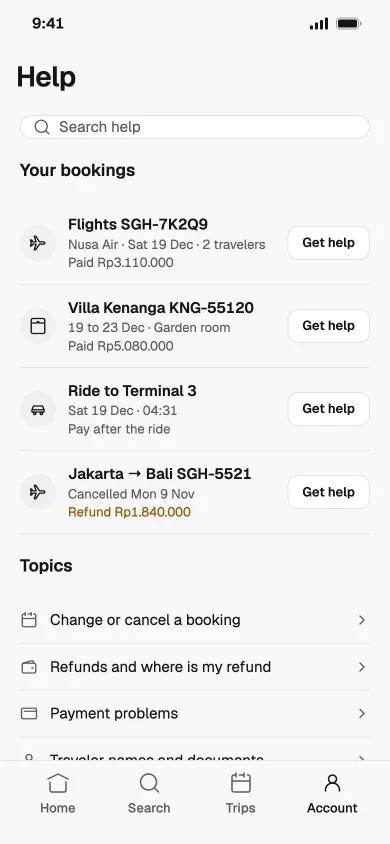
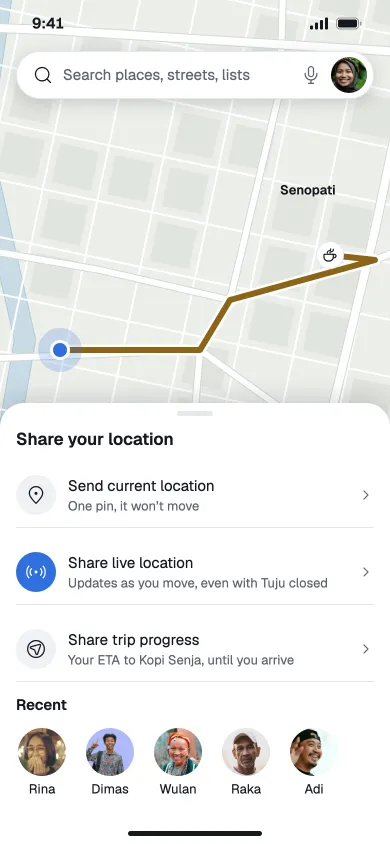
More Travel and Transportation flows
Drawn for the same brand, so they fit together.
Questions
- When should I use a ride safety and sos flow?
- A ride-hailing product that gives riders a safety centre, a live share link, an emergency call with the car and plate, and a way to report a problem. Use another pattern for a ride that has not been requested yet (use Travel › Ride request and live tracking) or a general support question (use Travel › Help and refunds).
- Which screens does it need?
- This pattern uses 4: Safety centre, Share trip, Call emergency and Report an issue. Plan for these states too: safety centre, share off, share on, night ride care.
- Is Singgah a real app?
- No. Singgah is a made-up travel app: book flights, stays and rides in one trip on Indonesian routes, so the screens show the pattern without copying anyone's brand. Your agent redraws the flow on your own tokens and components.
- How does my agent use this flow?
- Connect Claude Code, Codex or Claude Desktop to Wonderblok over MCP. The agent calls use_pattern for this flow, reads its screens, rules and states, and draws them in your file.
- Is it free?
- Browsing Universe is free. Full pattern notes and use with your agent are part of Pro, and the Free plan opens a few flows in full each month.